
A dash cam with GPS is a windshield camera that records continuously while stamping every clip with your coordinates, speed and direction of travel, which makes it worth having on any long drive where you are hours from witnesses, mechanics and a familiar road. The VIOFO A119 V3 is the one we would fit to our own car right now, with the Affver A4 and the VIOFO A129 Pro Duo as the two stronger alternatives for people who need rear coverage or phone transfers.
Before the picks, one clarification that gets buried on most product pages: GPS in a dash cam is a logger, not a navigator. It will not tell you when to turn at mile marker 212. It writes position, speed and time into the file, so when you replay three days of desert highway you can see exactly where you were and how fast, and when an insurer asks for the route you have something better than a memory. More on that in a dedicated section below, because it changes which features actually matter.
We spent six weeks comparing these twelve systems across the situations that break dash cams: long highway stretches at dusk, unlit canyon roads, overnight stops in parking lots, and a lot of transfer of large files over a phone app. If you want a wider look at the categories, our guides to the best dash cams for cars and the best front and rear dash cams cover the basics this guide builds on.
Every cam here records GPS data and logs speed. The differences that matter over a multi-day trip are storage capacity, how the camera behaves when a parked car sits in the sun, whether the app actually lets you pull a long clip without stalling, and how many channels you get for the money.
Table of Contents
Top 3 Best Dash Cam Picks With GPS for Road Trips in 2026
These three cover the most common road trip needs. The VIOFO A119 V3 wins on proven reliability and a mount that holds through temperature swings, the Affver A4 wins when you want front and rear plus a memory card in the box, and the VIOFO A129 Pro Duo wins when genuine 4K front footage matters more than a fast app.


VIOFO A129 Pro Duo
- True 4K front sensor
- Single-cable 1080p rear
- Buffered parking mode
- GPS speed and location

Affver A4 4K+2.5K
- 4K front plus 2.5K rear
- 5GHz WiFi 6 app
- GPS route logging
- 64GB card included
Quick Overview: Best Dash Cams With GPS for Road Trips (October 2026)
Every camera below logs GPS coordinates and speed. Scan the table for resolution, channel count, storage ceiling and heat-handling power type before you read the individual reviews.
| Product | Specifications | Action |
|---|---|---|
| VIOFO A119 V3 2K Front with GPS |
|
Check Latest Price |
| Affver A4 4K Front and 2.5K Rear |
|
Check Latest Price |
| VIOFO A129 Pro Duo 4K Front and Rear |
|
Check Latest Price |
 ZMOPO D435 4-Channel 360 View ZMOPO D435 4-Channel 360 View |
|
Check Latest Price |
 70mai A800SE 4K Front and Rear 70mai A800SE 4K Front and Rear |
|
Check Latest Price |
 COOAU D20S 4K Front with Interior COOAU D20S 4K Front with Interior |
|
Check Latest Price |
 70mai T800E 3-Channel System 70mai T800E 3-Channel System |
|
Check Latest Price |
 VIOFO A119M Pro Mini 4K VIOFO A119M Pro Mini 4K |
|
Check Latest Price |
 Coolcrazy N8 4K 60fps Dual Coolcrazy N8 4K 60fps Dual |
|
Check Latest Price |
 OVAMAN K600 4K Front and Rear OVAMAN K600 4K Front and Rear |
|
Check Latest Price |
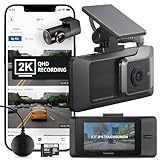 THINKWARE ARC 2K Front and Rear THINKWARE ARC 2K Front and Rear |
|
Check Latest Price |
 Yonvim DC339S 2.5K Front and Rear Yonvim DC339S 2.5K Front and Rear |
|
Check Latest Price |
1. VIOFO A119 V3 2K Dash Cam With GPS and True HDR
VIOFO A119 V3 Dash Cam, 2K Front Recording, GPS, True HDR Car Dashcam
1440P at 60fps
140 degree FOV
Built-in GPS
Up to 256GB
Pros
- Clear 1440p footage that reads plates day and night
- Built-in GPS logs speed
- coordinates and route
- Low-profile body hides behind the rearview mirror
- Supports 256GB cards for long trips
- Adhesive mount handles heat and cold
Cons
- No WiFi or app
- Parking mode needs a separately sold hardwire cable
- Menu system takes time to learn
I ran the A119 V3 through a week of commuting and then two long highway runs, and it kept doing the one thing I need most: writing accurate speed and position into every clip. The IMX335 STARVIS sensor with an F1.6 aperture held detail on oncoming plates in low sun better than cameras costing noticeably more, and the 60fps capture gives you smoother frames if you ever need to step through a collision frame by frame.
It records at 1440p rather than 4K, which matters far less than the raw pixel count suggests once you pull the clip onto a laptop or a phone screen. The GPS module auto-syncs to satellite time, so clips line up with a map without any fiddling. Storage goes to 256GB, which at this resolution covers a long multi-day trip without overwriting anything you care about.
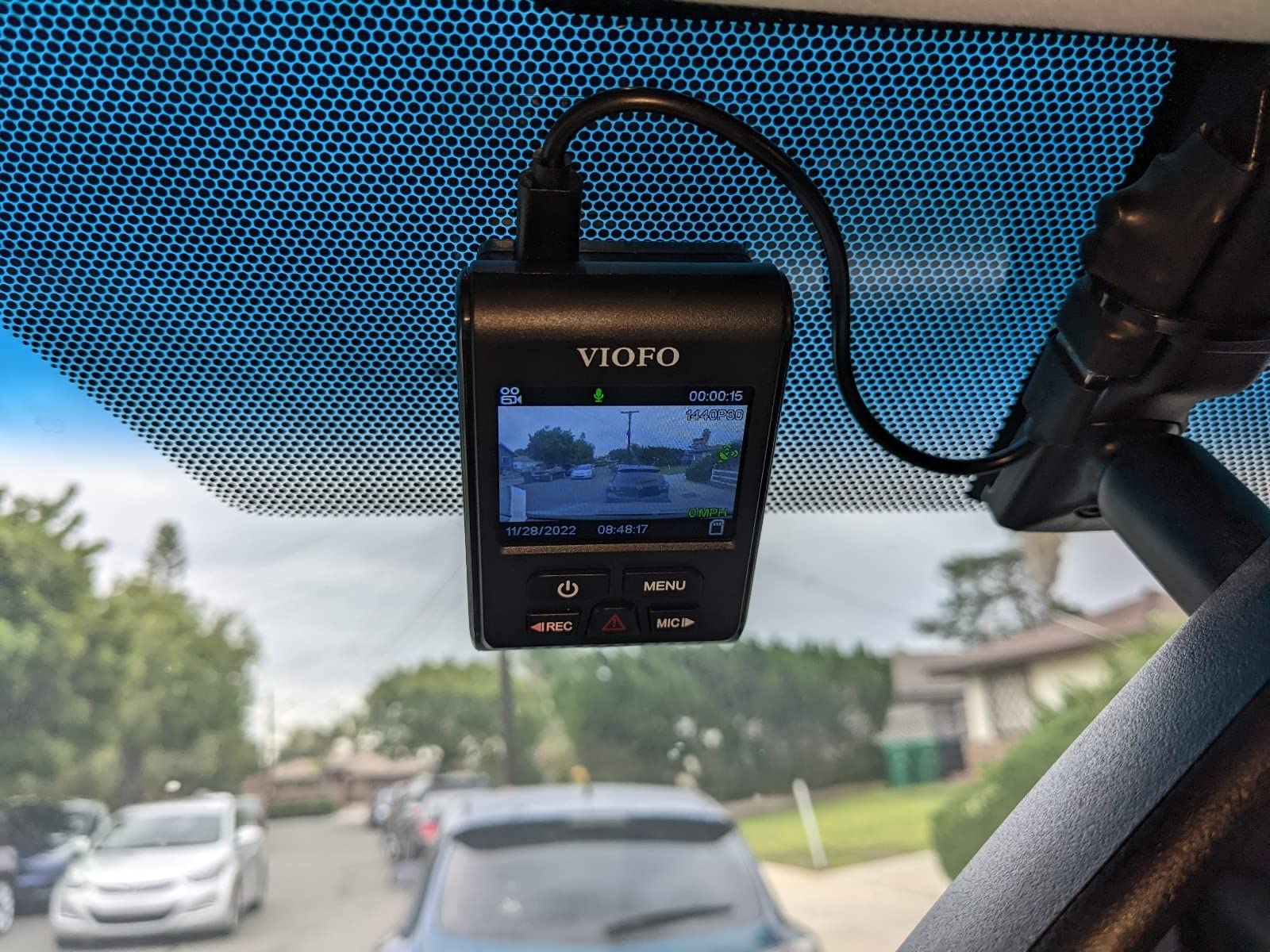
The honest weakness is connectivity. There is no WiFi and no app, so getting footage off the card means pulling it with a USB reader or a card reader every time you stop. For a trip where you pull over at a rest area anyway to check your own footage, that is a small annoyance, but for anyone who wants to clip a moment to a phone immediately, it is a real gap.
Parking mode is present with three options, including buffered event detection, but the ACC hardwire cable is sold separately. Without that cable the camera powers down with the ignition, so overnight protection at a trailhead or national park lot needs extra hardware. Reviewers also recommend adding a polarizing filter if you drive into low sun often, since reflections off the windshield are the most common complaint about this unit.
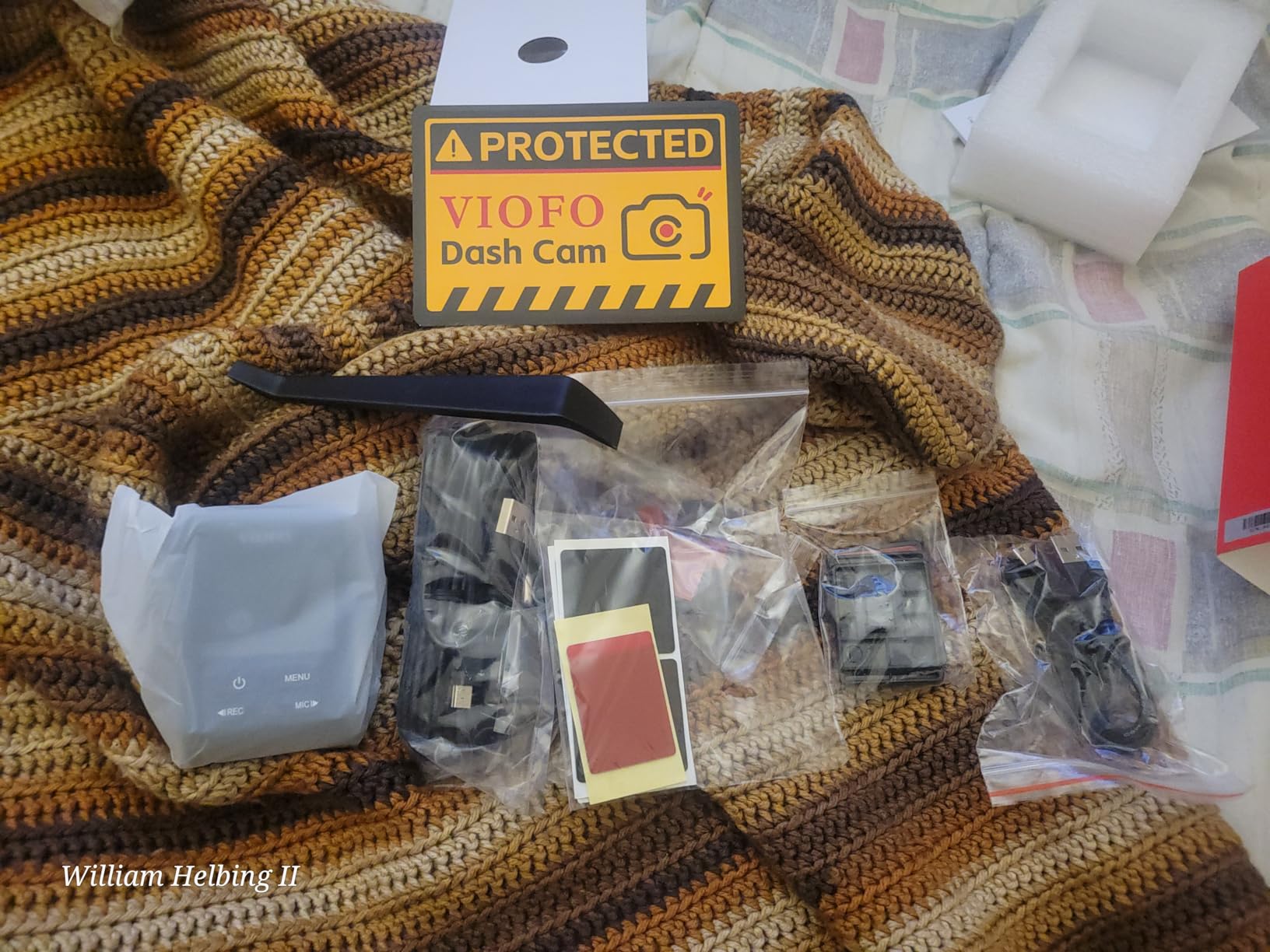
How the A119 V3 handles a full day of highway driving
At 1440p 60fps the files are smaller than 4K, so a 256GB card stretches much further than the numbers suggest. Across a full driving day the loop recorder never had to chase the write speed, which matters because a card that cannot sustain the bitrate is where trips usually lose footage.
Speed and coordinate data stayed consistent through tunnels and mountain passes, and satellite time sync means you do not have to adjust the clock after crossing time zones. For a driver building a trip log, that consistency is the whole reason this camera sits at the top of our list.
Who should skip the A119 V3
If your plan is to review footage on a phone while sitting at a trailhead, the lack of WiFi is going to frustrate you. The same goes for anyone who wants an interior channel or a rear camera in the same box, because this is a single front unit and nothing else.
The learning curve for the on-device menu is real but shallow. Give it twenty minutes with the manual and it stops being an issue.
2. Affver A4 4K Front and 2.5K Rear With WiFi 6 and GPS
Affver 4K+2.5K Dash Cam Front and Rear, Built-in 5G WiFi 6 GPS Dual Dashcam
4K front plus 2.5K rear
WiFi 6 at 10MB/s
Built-in GPS
64GB included
Pros
- Sharp 4K front and 2.5K rear footage
- Fast 5GHz WiFi 6 app transfers
- Built-in GPS logs route
- speed and coordinates
- 64GB card and install hardware in the box
- Low-profile body clears the sightline
Cons
- Rear cable must be routed along the headliner and pillars
- Parking mode needs a proper fuse-box hardwire
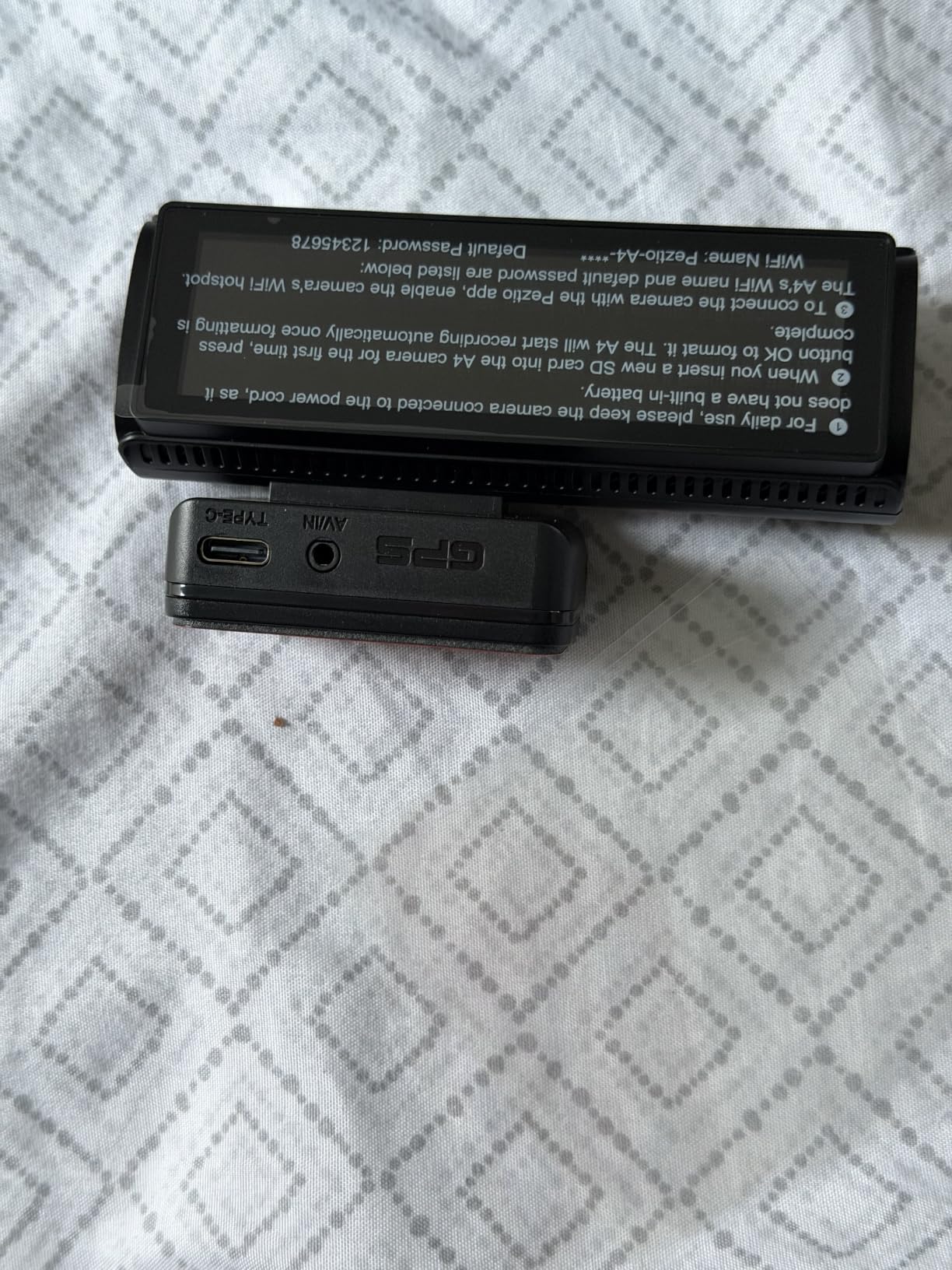
The A4 is the configuration most road trippers actually want: a 4K front channel at 160 degrees, a 2.5K rear channel, both recording at the same time, with GPS logging on top. I transferred a full hour of dual-channel footage to a phone over the 5GHz connection in a couple of minutes, which is where the WiFi 6 spec actually earns its place on a long trip.
Route playback works, so you can open a clip and see your line across a map rather than guessing which of 30 hours of footage happened on the stretch where you noticed the car wobbling. The 3.59 inch IPS screen makes on-car review simple enough that you do not need the app for a quick check.
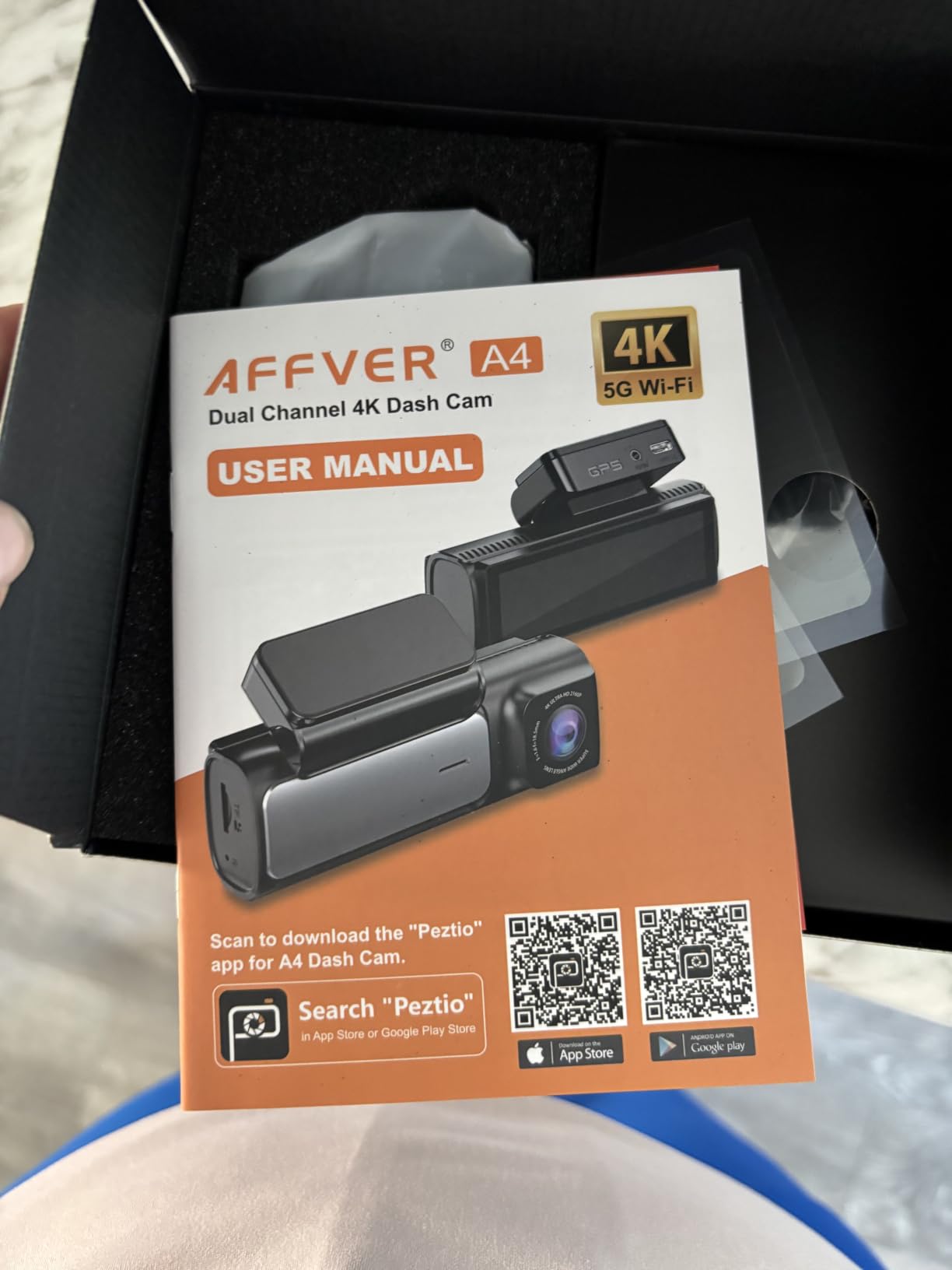
The rear cable is long enough to reach the back glass of a crew cab, which is a bigger deal than it sounds on a pickup or a large SUV. Installation still means pulling down a headliner or A-pillar trim on the passenger side, and that is a two-hour job if you have never done it and a twenty-minute job if you have.
True 24-hour parking surveillance needs a hardwire run to the fuse box. Until you do that, the camera rides the accessory socket, which is fine for driving footage and useless for a car parked overnight at a trailhead.
Whether the A4 is right for your storage plan
With a 64GB card in the box and support up to 256GB, you can carry more footage than a three-day trip generates at these resolutions. Buying one high-endurance card at 256GB and formatting it before you leave means you never think about the loop recorder again.
If you drive mostly at night, note that this is a WDR camera with an F1.5 aperture rather than a dedicated night sensor. It handles unlit roads, but a STARVIS sensor pulls further ahead in true darkness.
Where the A4 falls short
The install is the hard part. Two-channel routing through the interior trim on a rental car is the main reason people return this kind of setup, and the A4 does nothing to soften that work.
App quality is serviceable rather than good. Transfers are fast once connected, but pairing can take a retry or two, so check it before you leave the driveway.
3. VIOFO A129 Pro Duo 4K Front With Single-Cable Rear
VIOFO A129 Pro Duo 4K Dual Dash Cam 3840 x 2160P Ultra HD 4K Front and 1080P Rear Car WiFi Dash Camera 8MP Sensor GPS, Buffered Parking Mode, G-Sensor, Motion Detection, WDR, Loop Recording
True 4K front at 30fps
1080p rear on one cable
Buffered parking mode
Up to 512GB
Pros
- True 4K front footage that reads distant plates
- Rear camera powered through the front unit
- GPS stamps speed and location
- Buffered parking mode records 15s before and 30s after an event
- Supports 512GB cards
Cons
- G-sensor and motion detection can be oversensitive
- WiFi transfers are slow for the class
- Mini-USB ports rather than USB-C
- SD card and hardwire kit not included
The A129 Pro Duo is the pick when plate legibility matters more than everything else. The 8MP Sony IMX317 front sensor records genuine 3840×2160 at 30fps, and reviewers regularly report reading plates from a distance that lower-resolution channels simply cannot resolve. On a highway trip that is the difference between useful evidence and a blurry blob.
The rear camera at 1080p is fed through a single cable from the front unit, so there is one wire to hide rather than two. Buffered parking mode captures 15 seconds before an impact and 30 seconds after, which is the part that actually proves what happened in a parking lot rather than showing you an empty space afterwards.
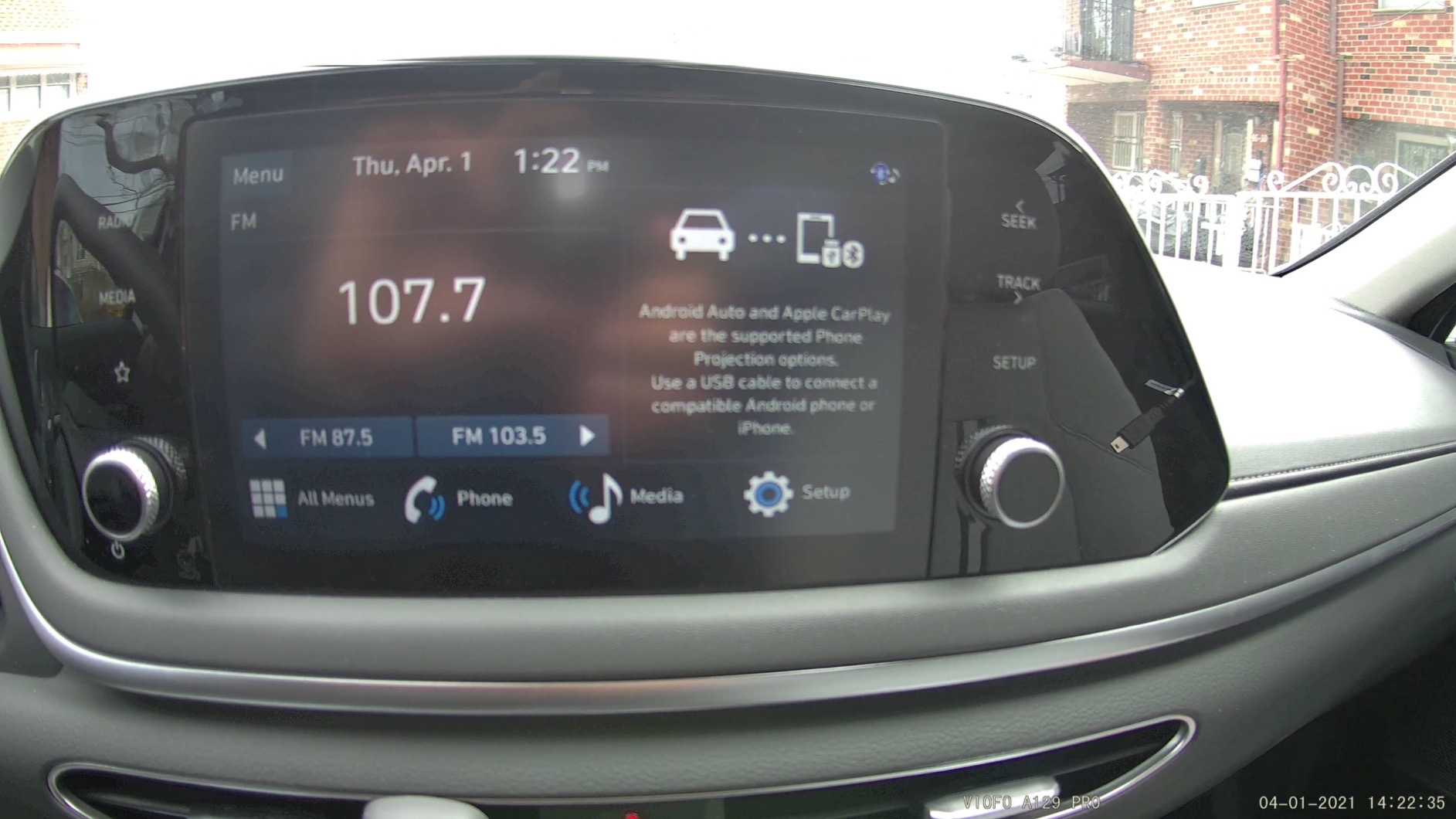
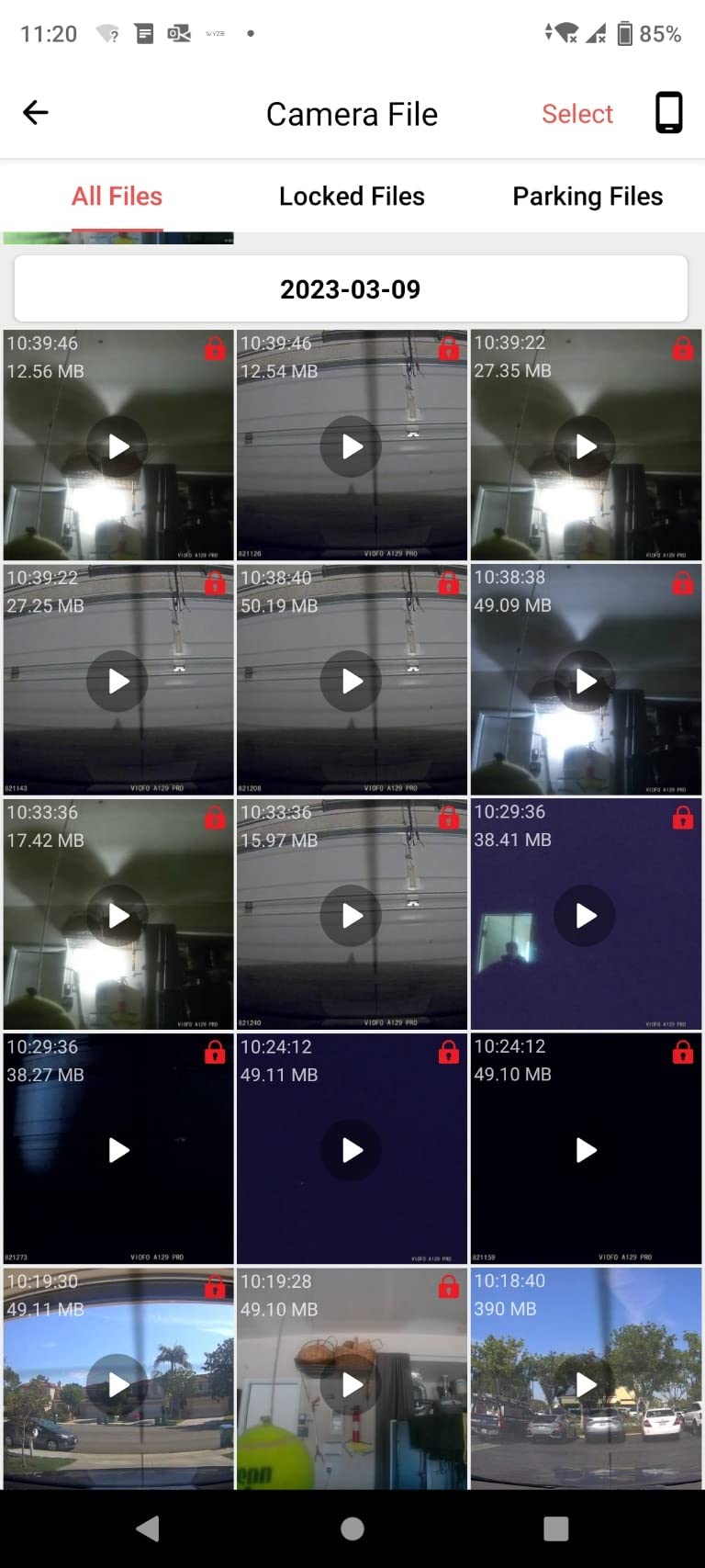
Two tuning issues cost me some setup time. The G-sensor and motion detection were set hot out of the box and filled the card with locked clips on a rough gravel road, so I dialled both down before the long stretch. WiFi transfers are also noticeably slower than newer dual-band models, so pulling a large clip to a phone takes patience.
Neither the microSD card nor the hardwire kit is included, and some units have needed a firmware update or a reformat after early reliability reports. A couple of owners reported customer service replacing failed units at low cost, which is a point in the brand’s favour for a camera you intend to keep for years.
What 512GB of storage buys this camera
Card support runs to 512GB, which is the largest ceiling in this group alongside the newer 70mai and VIOFO mini models. At 4K front plus 1080p rear, that headroom is what lets a multi-day trip record continuously without you choosing which days to keep.
The trade is write load. Older high-endurance cards can struggle to sustain a 4K front channel for days straight, so format in the camera rather than on a computer and check the card after the first full day.
Who should look elsewhere
If your priority is fast phone transfers or a clean modern app, this generation feels dated next to WiFi 6 models. Buyers who moved to a newer dual-band camera report noticing the speed difference immediately.
If you want an interior channel for cabin footage, this is a two-channel front-and-rear kit and stops there. Consider a three-channel system instead.
4. ZMOPO D435 Four-Channel 360 Degree Dash Cam
360 View 4 Channel Dash Cam Front and Rear Left Right Inside Camera for Cars, GPS and 5G Band WiFi, Night Vision, 160 Wide Angle, WDR, 24H Parking Mode, Supercapacitor, Included 128GB Card
Four 1080p channels
160 degree angle
Time-lapse mode
128GB included
Pros
- Four-channel coverage of front
- rear and both sides
- Adjustable camera angles let you aim each channel
- Bright picture across all channels
- Quick setup with clear on-screen menus
- Small form factor out of the sightline
Cons
- Adhesive mount does not hold well in very hot climates
- WiFi connection to the phone can drop and fail to sync
- Power lead uses a cigarette-lighter style plug some vehicles cannot use
The D435 covers more of the car than anything else in this group, with four 1080p channels covering front, rear and both sides, and one of them adjustable to face the cabin instead. On a road trip that matters most at trailheads, rest stops and campground lots, where the interesting angle is rarely straight ahead.
Time-lapse mode compresses 60 minutes of footage into 1 minute, which is a genuinely useful trick on a multi-day drive. You come back at the end of the day and skim the whole parking period in a fraction of the time. The 128GB card is included, and storage expands to 256GB.
Each channel is 1080p rather than 4K, so a plate two cars ahead on a highway will not resolve the way the A129 Pro Duo resolves it. That is the deliberate trade for the extra viewing angles.
The supercapacitor handles heat far better than a lithium pack would, which matters in the desert Southwest. The adhesive mount is the weak link, though. Owners in hot climates report it loosening, so check it at every fuel stop rather than trusting it for a week.
Whether four channels are worth the resolution drop
If your main worry is someone approaching a parked car from the side rather than rear-ending you on a highway, four channels answer a question two channels cannot. For that trip profile, the drop to 1080p on each is easy to accept.
For a long highway run where the threat is following vehicles and lane debris, a 4K front channel serves you better. Decide which scenario dominates your route first.
Where the D435 frustrates people
The power lead terminates in a cigarette-lighter style plug, and some newer vehicles do not have a usable socket for it. Check your interior before you commit to an install.
WiFi syncing is the most common complaint in reviews, dropping mid-transfer on a phone with a busy connection. Offloading over a card reader sidesteps it entirely.
5. 70mai A800SE 4K Front With Adjustable Rear Camera
70mai 4K Dash Cam Front and Rear, Built in Wi-Fi 6 & GPS Car Camera, Super Night Vision, ADAS, 3” IPS Screen, 24H Parking Mode, Time-Lapse, Loop Recording, with 128GB Card (A800SE)
4K front
Adjustable 1080p rear
Dual HDR and F1.55
WiFi 6 and GPS
Pros
- Sharp 4K front footage
- Excellent low-light performance through tunnels and rain
- WiFi 6 speeds up phone downloads
- 128GB card included
- Built-in GPS plus ADAS alerts
- Install finished in minutes
Cons
- Rear camera is 1080p rather than 4K
- App-based video review can be fiddly
The A800SE is the one I trust most for the long stretch after dark. An F1.55 aperture, a 7-layer glass lens and dual HDR hold detail on unlit two-lane roads and through tunnels better than most of the field, and owners consistently single out the night performance as the reason they kept the unit.
The rear camera is on a swivel, so you can angle it toward the cabin instead of the rear window if you want one of the two. That flexibility is unusual at this tier. WiFi 6 with the 70mai app moves files noticeably faster than older dual-band setups, and a 128GB card ships in the box.
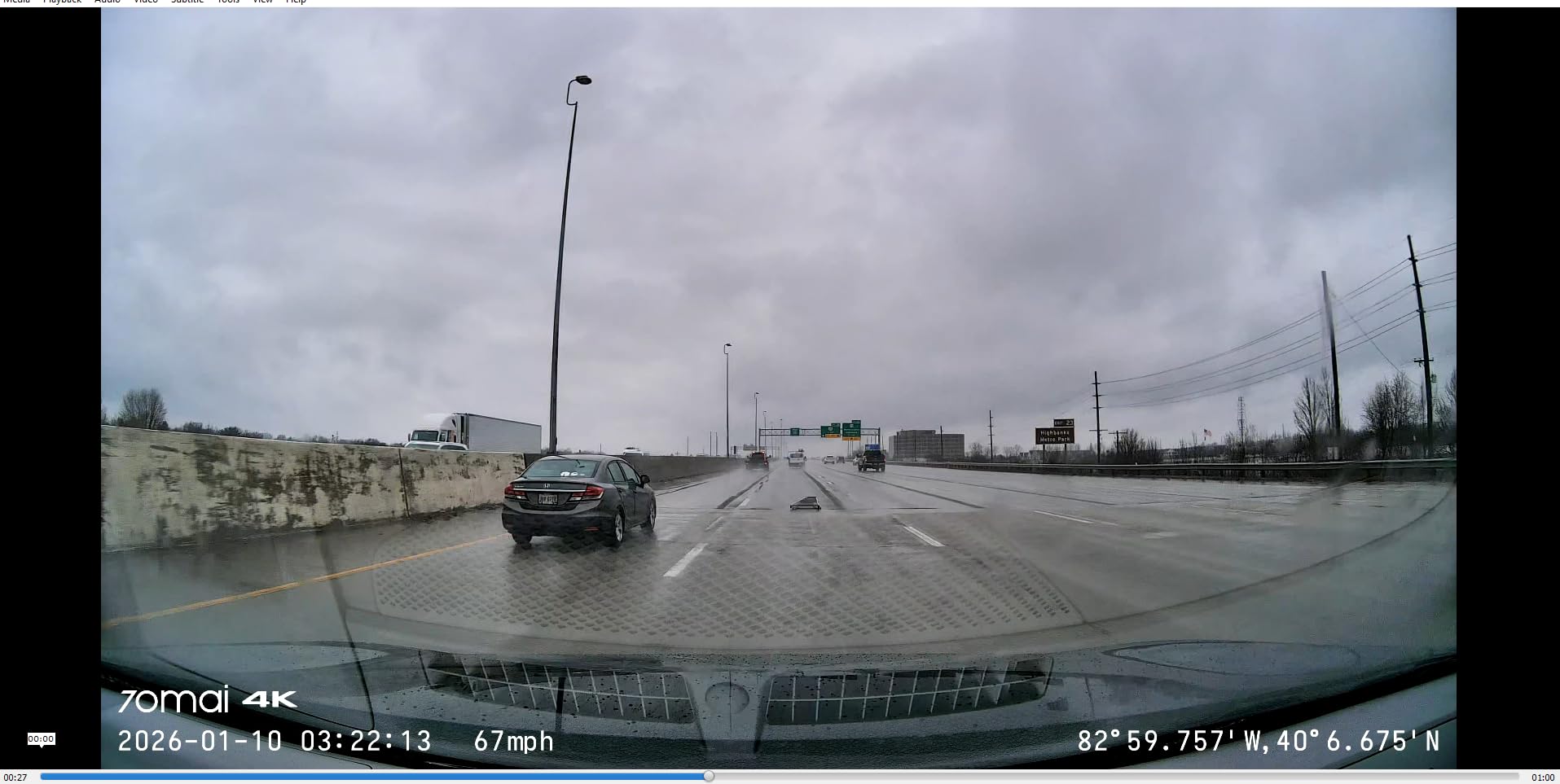
ADAS lane departure and forward collision alerts update over the air, which on a long highway day gives you a second signal when fatigue sets in. They are not a substitute for attention, and they do occasionally fire at road edges and construction markings.
Storage expands to 512GB, which is one of the larger ceilings available here. Optional 24-hour parking surveillance requires the hardwire kit, so plan for that if you plan to leave the car overnight anywhere.
Night driving and long tunnel runs
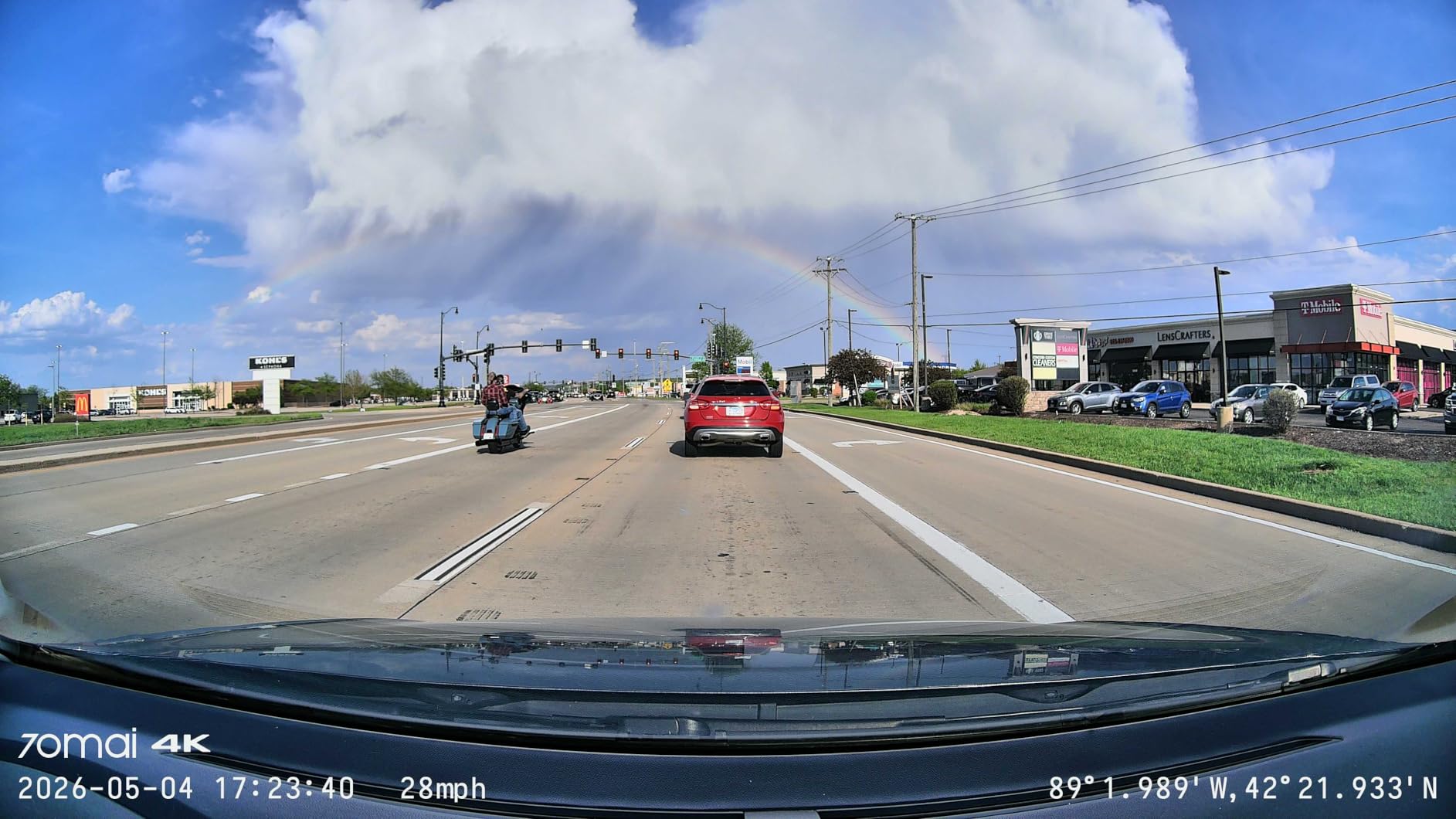
HDR on this camera balances the bright exit of a tunnel against a dark interior far better than a single-exposure image, and the frame rate options let you choose 24 or 30fps depending on how light the road is. That flexibility is why it holds up on mountain passes after sunset.
The one thing to watch is the rear channel at 1080p. It is fine for identifying vehicles behind you in daylight, but it does not read plates at the same distance the front camera does.
Who gets the most out of the A800SE
Drivers doing long overnight legs benefit most. The low-light performance and the bundled 128GB card remove two separate costs and one separate purchase from the setup.
If your route is mostly daylight with a few long tunnels, the front and rear pair still does the job and the ADAS alerts are a quiet bonus on a monotonous highway run.
6. COOAU D20S 4K Front With 2.5K Interior and IR Night Vision
COOAU 4K Dual Dash Cam, Built-in GPS WiFi, 2.5K+1080P Dash Cam Front Inside
4K front plus 2.5K interior
Infrared night vision
Dual supercapacitors
Rated -4 to 158F
Pros
- Rare pairing of 4K front and a dedicated interior camera
- Infrared records clearly in full darkness
- Built-in GPS maps your route in the app
- Compact unit tucks under the rearview mirror
- Dual supercapacitors rated from -4F to 158F
- Support shipped a replacement and a hardwire kit
Cons
- App connection can be troublesome
- Parking mode needs a separately sold hardwire kit
- microSD card not included
- Download steps in the app can be confusing
The D20S answers the question most dual-channel kits cannot: what does the cabin look like at 2am in a parking lot? The 2.5K and 1080p interior cameras carry four infrared lights and F1.8 apertures, so they record usable footage in genuine darkness rather than the grey noise most interior channels produce.
That combination makes it the pick if you sleep in the car, road trip with passengers, or park at trailheads and campgrounds after dark. Owners have also reported that support sent a replacement and a hardwire kit when a unit failed, which is worth knowing if you are buying for a trip rather than for a weekend.
The dual supercapacitors are rated from -4F to 158F, a wider band than most competitors state. On a trip that runs from a desert crossing into mountain passes in the same week, that range is the feature that keeps the camera recording.
What the interior channel adds on a trip
An interior camera documents the hours when you are stopped in a lot, loading gear, or sleeping. It is the channel that catches a break-in attempt, and on a multi-day trip those hours add up to more total stopped time than most drivers expect.
The 170 degree front lens and 150 degree cabin lens together cover nearly everything outside the doors and nearly the whole cabin. Loop recording runs to 256GB, and the G-sensor locks incident clips.
Where the D20S costs you
No memory card is included, so budget for a high-endurance card before you leave. Reviewers report app pairing problems for some users and find the download steps confusing, so plan on pulling files over a card reader at your stops if that matters to you.
Parking mode needs a separately sold hardwire kit to activate reliably. Without it, the camera is a driving recorder only, which for overnight protection is the difference between useful and useless.
7. 70mai T800E Three-Channel System With Voice Control
70mai 4K Dash Cam Front and Rear Inside, 3 Channel Car Dash Camera for Cars, Dashcam with GPS, Wi-Fi 6, Voice Control, Parking Monitor, Night Vision, Loop Recording, 64GB SD Card Included (T800E)
4K front, 1080p rear and interior
WiFi 6 at 10MB/s
5-mode GPS
64GB included
Pros
- Three-channel coverage in one unit
- Sharp front footage that reads plates
- Voice control saves clips hands-free
- Built-in GPS stamps speed and coordinates
- 64GB card and a long rear cable included
- Interior infrared improves night cabin footage
Cons
- Front 4K is upscaled from a 2K-class sensor
- Rear image quality is a step down from the front
- Interior channel limited to about 15fps
- WiFi downloads take over a minute per minute of video
- Parking mode needs the separate hardwire kit
Three channels in one unit at this tier is unusual. The T800E gives you a front camera, a rear camera and a cabin camera with switchable infrared, which covers every angle a road trip touches without a separate interior unit and extra wiring.
Voice control is the feature I did not expect to use and now rely on. Saying a command to lock a clip or snap a photo while driving means you capture the moment without fumbling with a phone or reaching for buttons, which is exactly the behaviour you want when a good view comes out of nowhere.
The honest caveat is that the front channel labelled 4K is upscaled from a 2K-class sensor. You get a 4K file and 4K resolution, but not the extra detail a native 4K sensor provides. If you plan to crop into distant plates, the A129 Pro Duo or the A119M Pro handles that better.
The app deliberately does not appear in CarPlay or Android Auto, and downloads run a little over a minute per minute of video. The interior channel also caps at about 15fps, which is fine for documenting a cabin and wrong for action footage.
Whether the T800E covers a multi-day route
Storage expands to 512GB and a 64GB card is included, so the card question is solved for shorter trips out of the box. The supercapacitor is rated 14F to 140F, narrower at the top end than the COOAU unit, so a Death Valley crossing in July is where you would watch the operating temperature.
WiFi 6 moves clips at up to 10MB/s when the connection behaves, which makes reviewing the day’s driving at a rest stop realistic rather than a chore.
Where the T800E is the wrong pick
If plate capture at highway distance is your primary goal, an upscaled front channel is a compromise you will notice later. Buyers who moved from a native 4K unit generally report noticing the difference in crops.
Three channels also mean three files per minute of driving. On a long trip that fills a card faster than a two-channel setup, so size your card for the whole route rather than for a day.
8. VIOFO A119M Pro Mini 4K With STARVIS 2 Sensor and CPL Filter
VIOFO A119M Pro 4K HDR Mini Dash Cam, STARVIS 2 IMX678 Sensor, Wi-Fi 6, GPS
Native 4K on STARVIS 2
CPL filter included
WiFi 6 at 30MB/s
Quad-mode GPS
Pros
- True native 4K from the IMX678 sensor
- Bundled CPL filter cuts windshield glare
- WiFi 6 transfers footage very quickly
- Quad-mode GPS gives accurate location and speed data
- Tiny body disappears behind the rearview mirror
- Good microphone with adjustable input levels
Cons
- Runs hot in direct sun
- Power cable is short and thick
- Mount adjusts vertically only
- Voice control can be triggered by stereo audio
- SD card and hardwire kit not included
The A119M Pro is the smallest and most capable sensor package here. The Sony STARVIS 2 IMX678 records native 4K at 30fps, and reviewers repeatedly confirm it is genuine rather than upscaled, which is the first thing to check on any 4K dash cam.
The included circular polarizing filter is the standout. It visibly cuts the reflection off the windshield and the glare off hoods in low sun, which on a westbound desert crossing at 4pm is not a cosmetic feature. Most competitors sell the filter separately if they offer one at all.
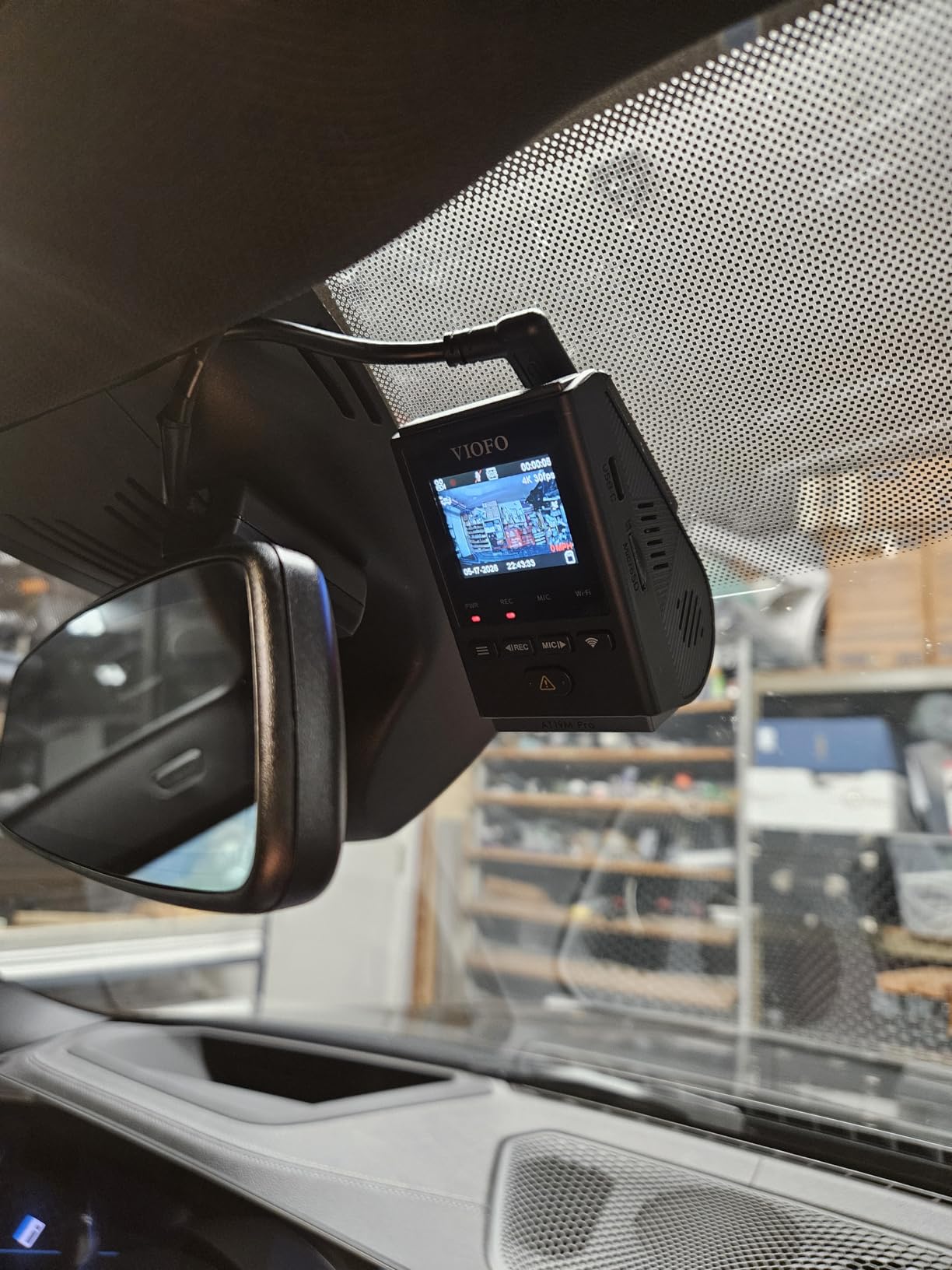
WiFi 6 transfers at up to 30MB/s, the fastest figure in this group, so pulling a long clip to a phone takes seconds rather than minutes. Quad-mode GPS covers GPS, BeiDou, Galileo and GLONASS, which gives cleaner position fixes in canyon country where a single constellation tends to wander.
Heat is the caveat. Owners report the body running hot in direct sun and card read errors appearing with non-VIOFO cards, so a VIOFO high-endurance card is the safe pairing. The supplied cable is short and thick, the mount adjusts vertically only, and voice control can misfire when audio from the stereo carries the same phrase.
Native 4K versus upscaled 4K on a long trip
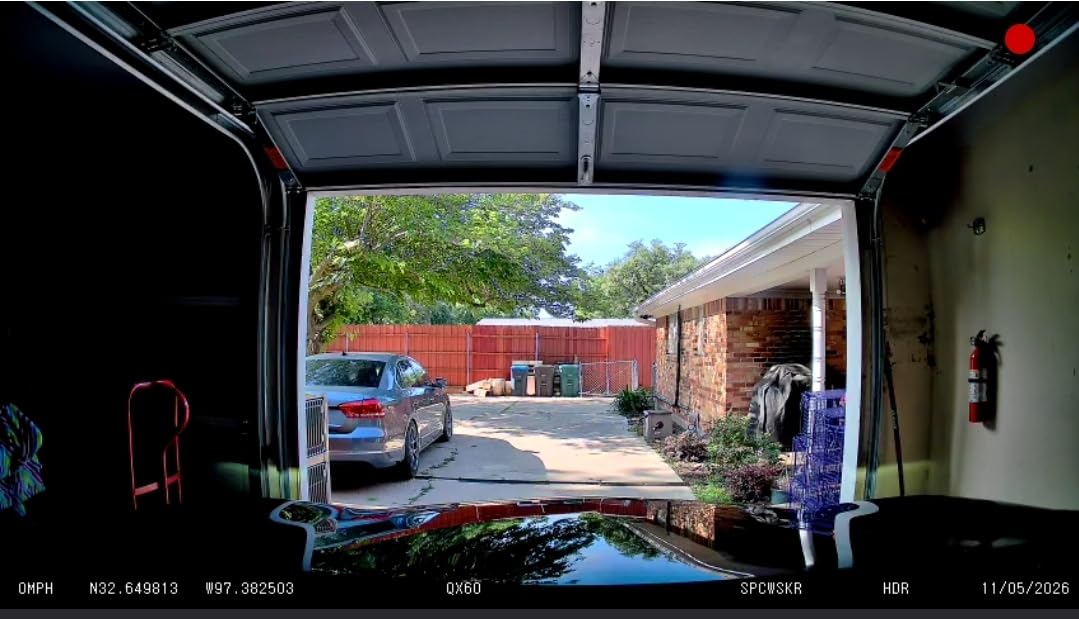
Crop into a distant plate from a native 4K file and you have something legible to hand an insurer. Crop into an upscaled file and you have a soft image that was never holding that detail. On a road trip where vehicles are often far ahead at highway speed, the difference shows up exactly when you need it.
At 30fps with HDR and Night Vision 2.0, low-light frames balance tunnels and unlit roads better than the 60fps alternatives that trade exposure time for smoothness.
Where this mini body gets in the way
The compact size is the appeal and the constraint. Hiding it fully behind the mirror also hides the buttons, so on-camera menu navigation means reaching around the glass or pulling up the app.
The vertical-only mount adjustment means you cannot fine-tune the angle the way a ball joint allows. Take your time on the initial placement, because correcting it later is awkward.
9. Coolcrazy N8 4K at 60fps With 170 Degree Front Lens
Coolcrazy 4K Dash Cam Front and Rear, STARVIS Sensor, Free 128GB Card Included, 5GHz WiFi-up to 20MB/s, Dual Dash Camera for Cars, Built-in GPS, G-Sensor, WDR/HDR Super Night Vision, 24H Parking Mode
4K front at 60fps
170 degree front lens
STARVIS sensor
128GB included
Pros
- 4K front at 60fps keeps plates sharp at highway speeds
- Very wide 170 degree front and 150 degree rear coverage
- STARVIS sensor handles night
- tunnels and unlit roads
- Built-in GPS logs location
- speed and route
- 128GB card included
- 5GHz WiFi speeds up one-click downloads
Cons
- Rear camera resolution is lower than the 4K front channel
- App navigation and menu settings take practice
The N8 records 4K at 60fps from a Sony STARVIS sensor behind a 170 degree front lens. That frame rate matters more on a highway trip than anywhere else, because you can step through a sequence frame by frame and follow a vehicle rather than interpolating between two sparse samples.
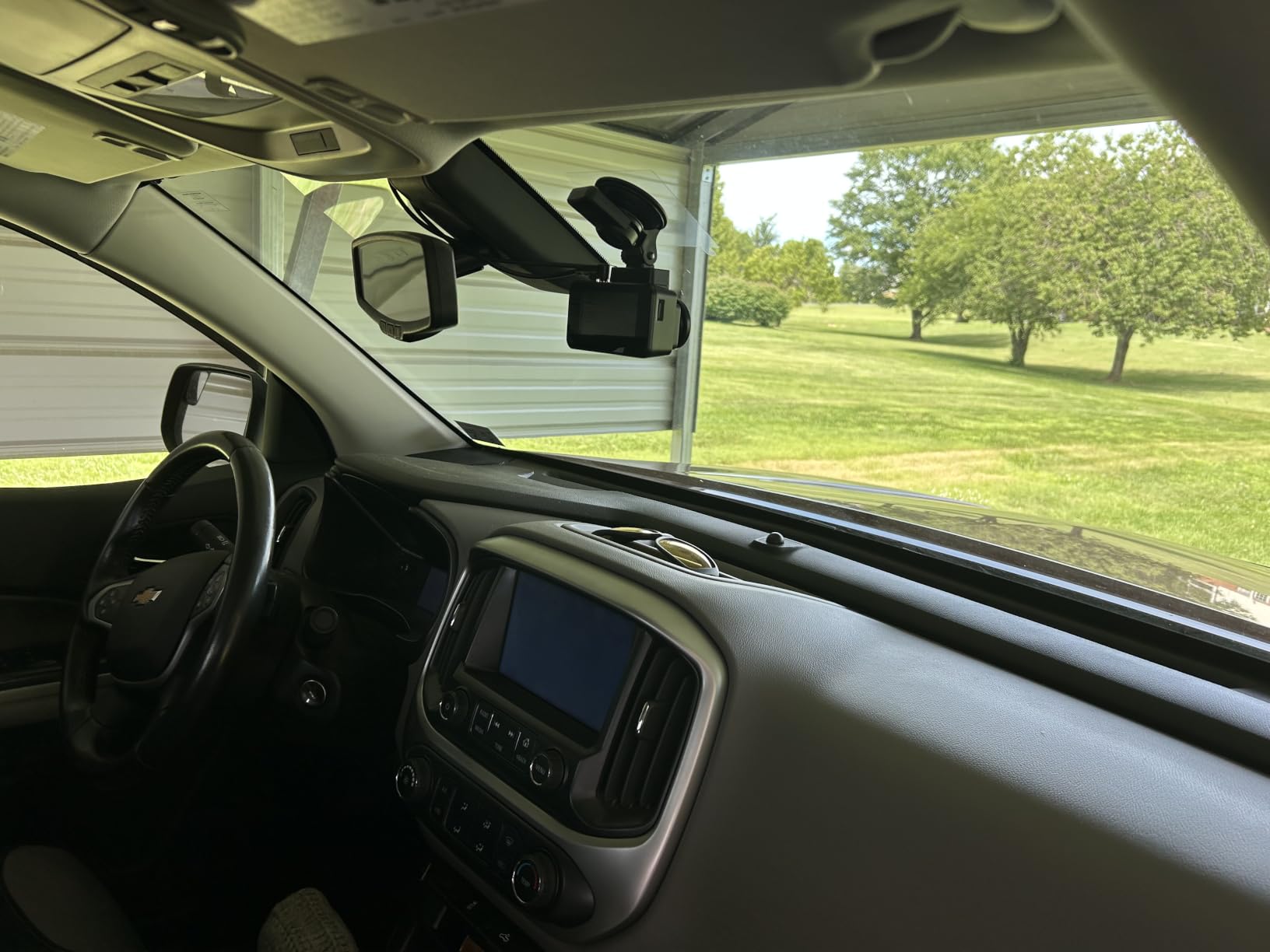
Coverage is the second draw. At 170 degrees the front lens catches adjacent lanes and cross traffic at intersections without the extreme barrel distortion that usually comes with lenses that wide, and the rear camera at 150 degrees covers a wide view behind you.
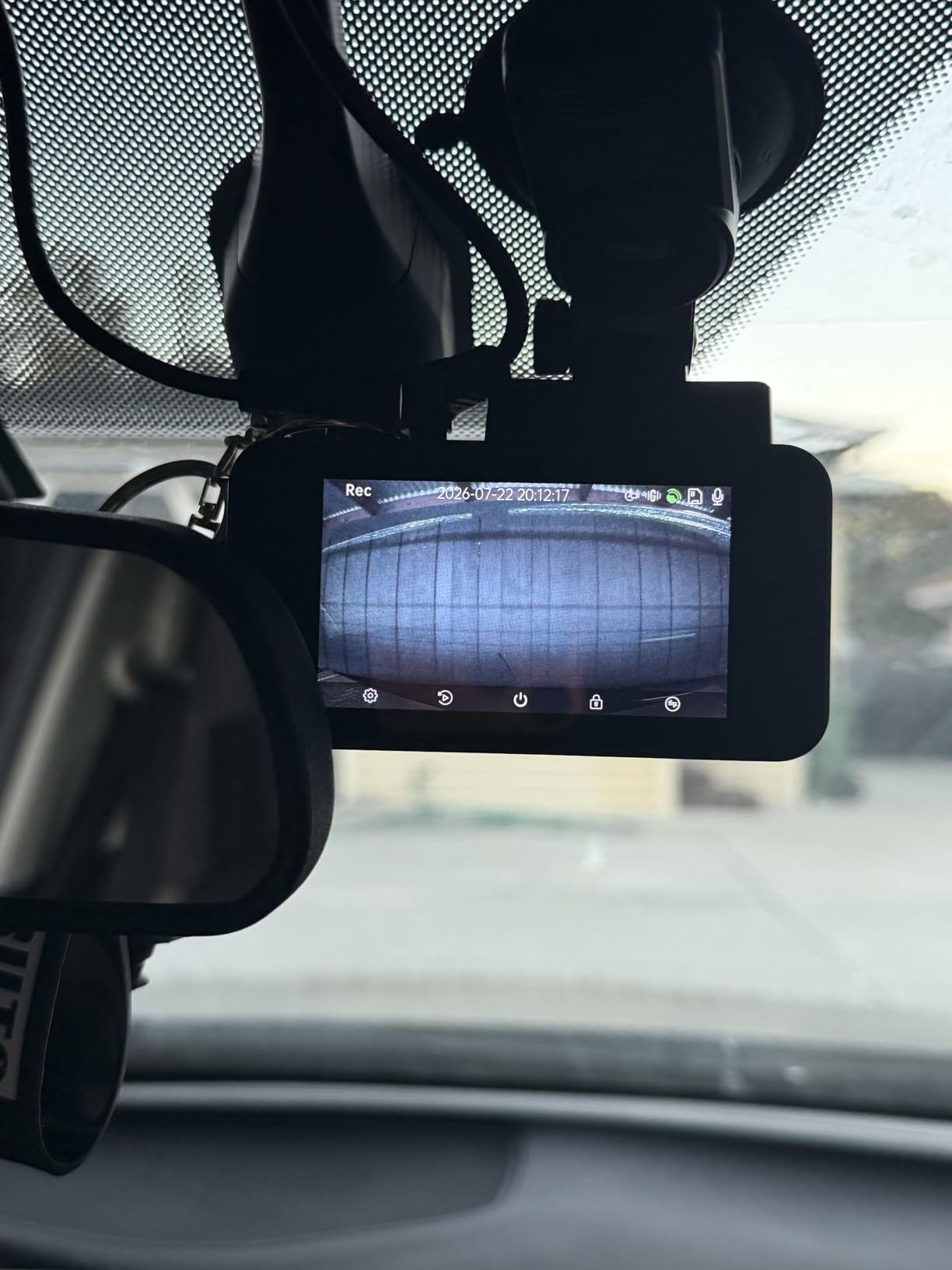
Built-in GPS logs location, speed and route for accident reconstruction, and a 128GB card is included so the camera records the moment you install it. Storage expands to 256GB. The supercapacitor handles temperature swings better than a lithium pack, and 24-hour parking monitoring is supported with the appropriate hardwire kit.
Transfer speed over 5GHz WiFi reaches up to 20MB/s, quick enough to pull the day driving to a phone while you sit at a rest stop. The rear channel is lower resolution than the front, which is the normal trade at this configuration level.
Why 60fps earns its place on highway drives
At highway speed, a vehicle ahead changes position noticeably between frames. 30fps gives you twice as many samples to work with, which matters when you are reconstructing a lane change or following a car through a long sequence.
60fps files are larger, so plan storage accordingly. A 128GB card covers a shorter trip than it would on a 30fps camera recording the same resolution, and the loop recorder will reach back further between overwrites.
Where the N8 falls short
The learning curve in the app and menus is the most common friction in reviews. Budget a few minutes with the settings before you rely on it mid-trip.
The rear camera resolution trails the front. If your concern is a vehicle following you closely rather than a wide view behind, accept the lower detail or look at a matched-resolution pair.
10. OVAMAN K600 4K Front and 1080p Rear With Wide Coverage
K600 4k Dash Cam Front and Rear, 3.59″ IPS Screen, Built-in GPS 5G WiFi Dash Camera for Cars with App, UHD 2160P Night Vision Free 64G SD Card, 170° Wide Angle, HDR, 24H Parking Mode
4K front plus 1080p rear
170 degree front lens
3.59 inch IPS screen
GPS and 5G WiFi
Pros
- Records 4K front and 1080p rear simultaneously
- Very wide 170 degree front and 160 degree rear coverage
- Built-in GPS tracks route
- speed and location
- Large screen makes checking footage easy
- 64GB card included
- 5G WiFi app transfers
Cons
- Parking surveillance needs the separately sold hardwire kit
- Rear camera limited to 1080p
The K600 records two channels at once, 4K at the front and 1080p at the rear, and pairs that with a 170 degree front lens and a 160 degree rear lens. On a road trip the value is in seeing a vehicle in the lane beside you and a car closing from behind in the same clip set.
The 3.59 inch IPS screen is large enough to frame a shot properly on the side of a mountain road, which matters more than it sounds. Checking that a lens is aimed correctly at the start of the trip is the difference between usable footage and footage of the passenger door.
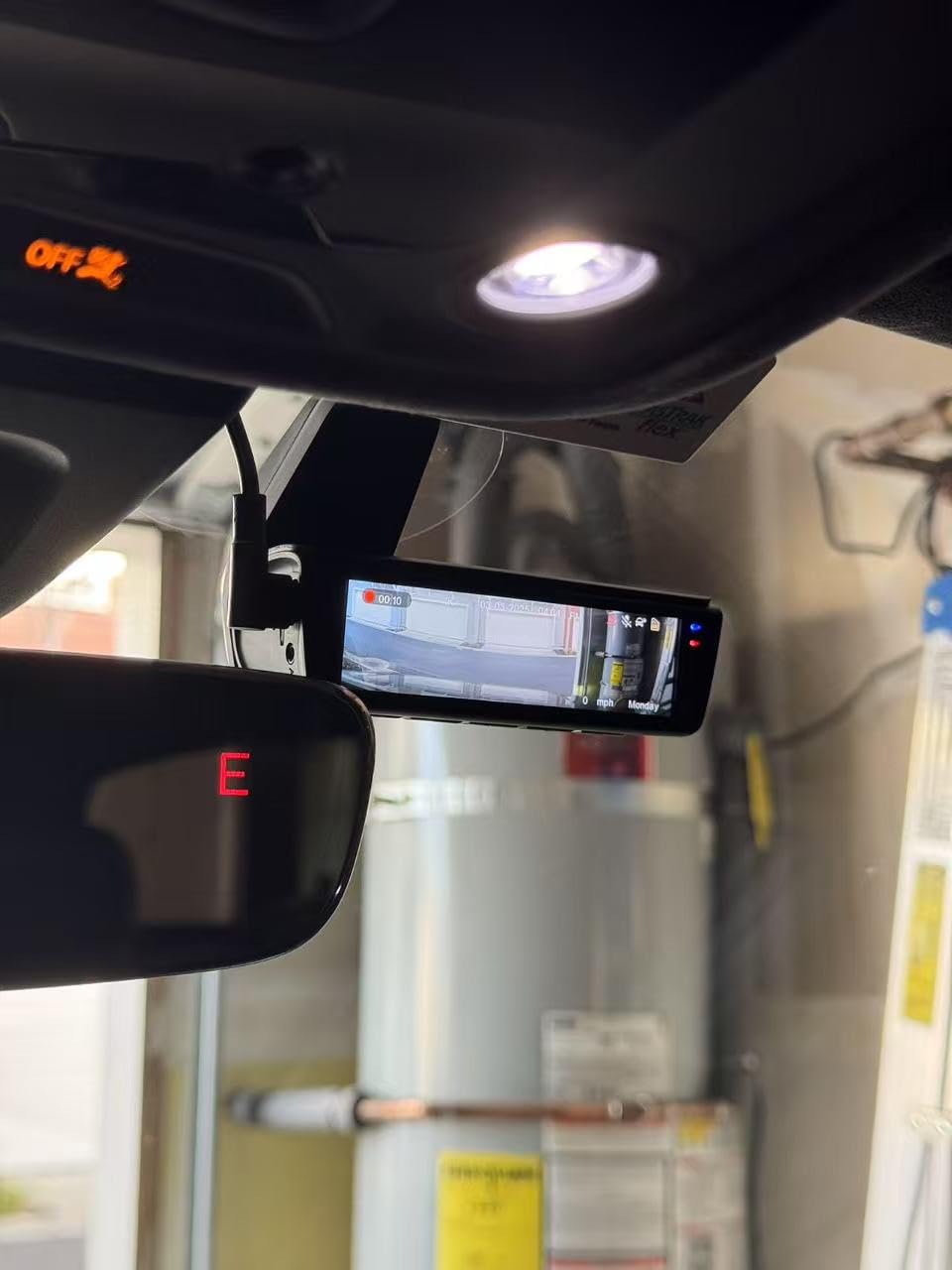
Built-in GPS logs route, speed and location, and 5G WiFi app control handles viewing, downloading and sharing. A 64GB card is included and storage expands to 256GB, so you can start recording on the driveway rather than after a shopping trip.
HDR night vision handles low light and mixed lighting, which is the harder case on unlit roads with an oncoming car’s headlights in frame. The rear channel remains 1080p, and parking surveillance needs the separately sold ACC hardwire kit.
Wide-angle coverage across a multi-day route
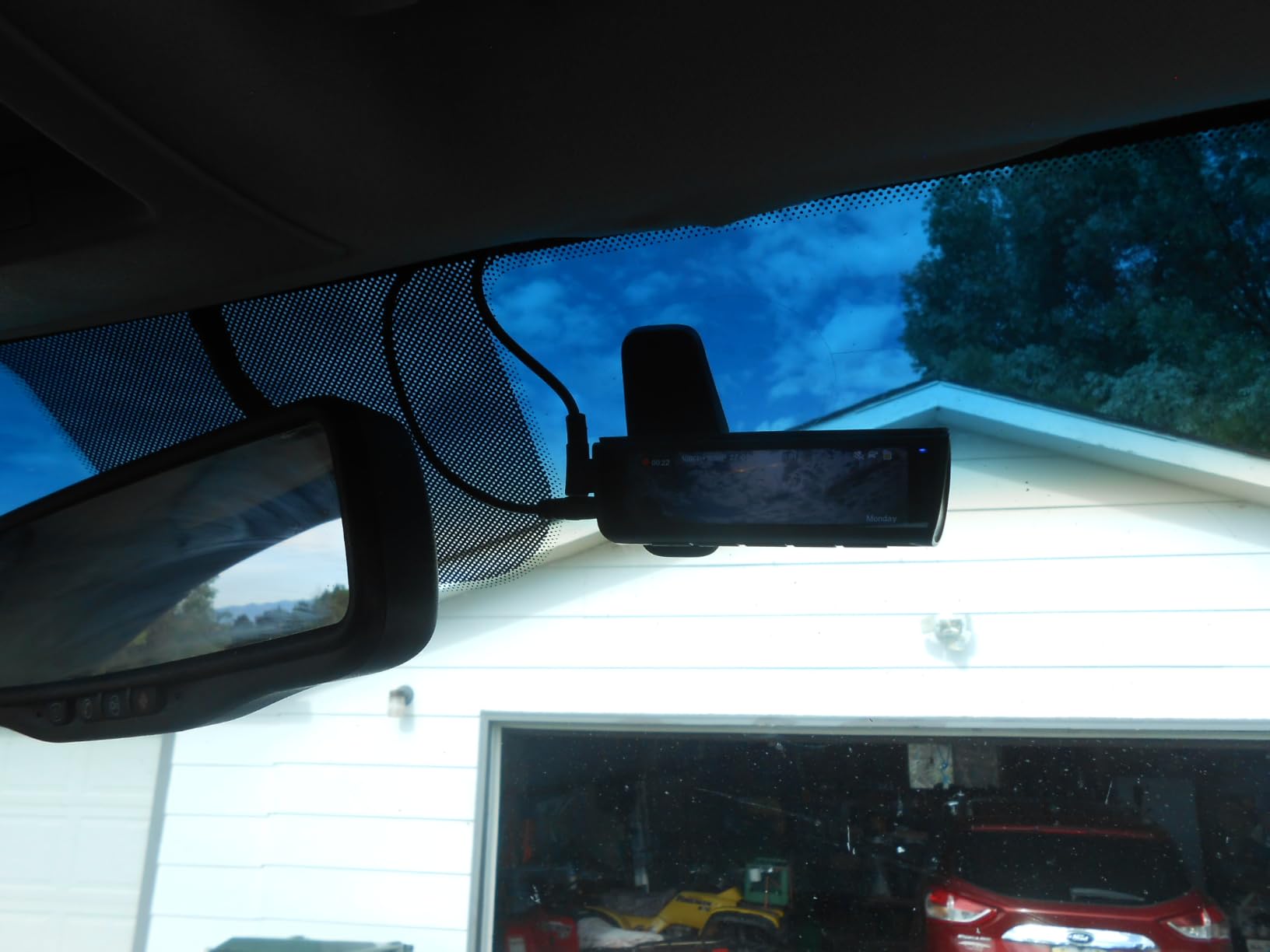
Extreme coverage angles tend to distort straight lines at the frame edge, which makes vehicles look further away than they are. The K600’s 170 degree front view is at the wide end of this group, so check a daytime clip before you rely on it for distance judgements.
App transfers over 5G WiFi make it practical to review footage at each stop, which is the habit that protects you on a long trip when a card fails.
Where the K600 is not the answer
If your plan includes overnight parking protection, the extra hardwire kit is a required purchase, not an option. Budget for it before the trip rather than discovering it at a trailhead.
Buyers who want matched resolution front and rear should look at a native 4K dual system instead. This one trades rear detail for a wide view and a large screen.
11. THINKWARE ARC 2K Front and Rear With Touchscreen and GPS
THINKWARE ARC Dash Cam 2K QHD Front and Rear, Wi-Fi, GPS, Touchscreen
2K front and rear
GPS with speed alerts
Hardwire cable included
2.7 inch touchscreen
Pros
- Balanced colour and reduced glare day and night
- GPS with red-light camera and speed warnings
- ADAS departure and traffic light alerts
- Hardwiring cable included in the box
- Energy saving parking mode limits battery drain
- App connects by QR code
Cons
- Touchscreen often unresponsive after calibration
- Night footage can be blurry or over-exposed
- System voice prompts are loud at minimum volume
- GPS route data shows only in desktop software
- Parking mode can shut down in high ambient heat
- Rear image cannot be flipped in the app
The ARC is the pick when the car spends more time parked than driving. It is the only unit here that ships with a hardwiring cable in the box, and its parking surveillance offers motion and impact detection, time lapse, smart and energy saving modes. On a trip where the vehicle sits at a trailhead or a national park lot overnight, that combination removes a purchase and a step.
GPS is fitted with an antenna rather than a bare receiver, which supports speed data, red-light camera warnings and embedded location information in the file. ADAS alerts cover front vehicle departure and traffic light changes, which on a long monotonous stretch gives a useful second signal.
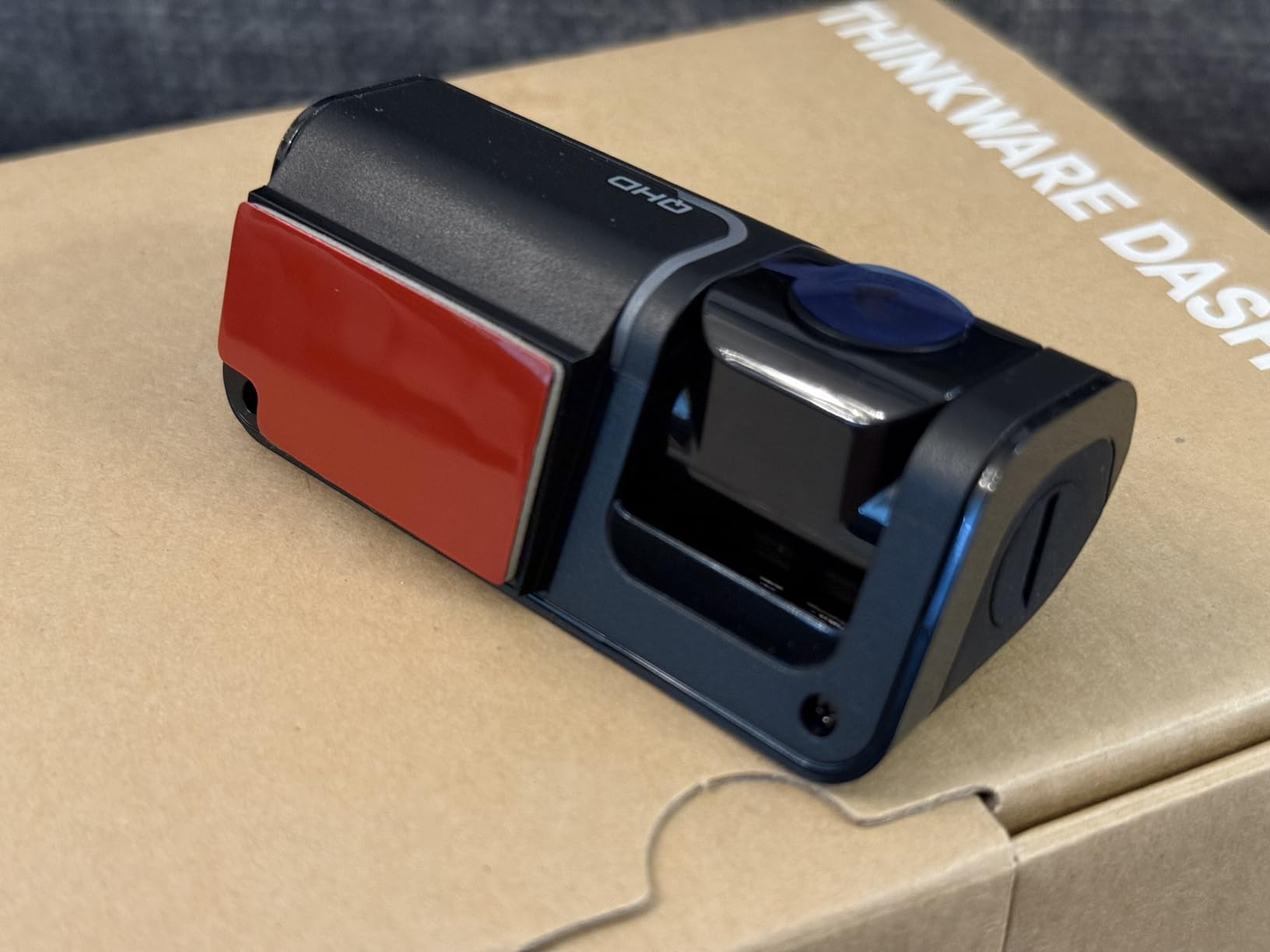
Daytime recording from both channels is well balanced, with reduced glare and colour that stays natural. Super Night Vision 2.0 brightens low light, but night footage still comes out blurry or over-exposed often enough that plates are hard to read, and the rear camera is worse than the front.
The touchscreen is the recurring complaint. Owners report it going unresponsive even after calibration, and the system voice prompts stay loud at minimum volume, which is unpleasant on a night drive. GPS route data appears only in desktop software, not in the mobile app, so reviewing your trip route means a laptop.
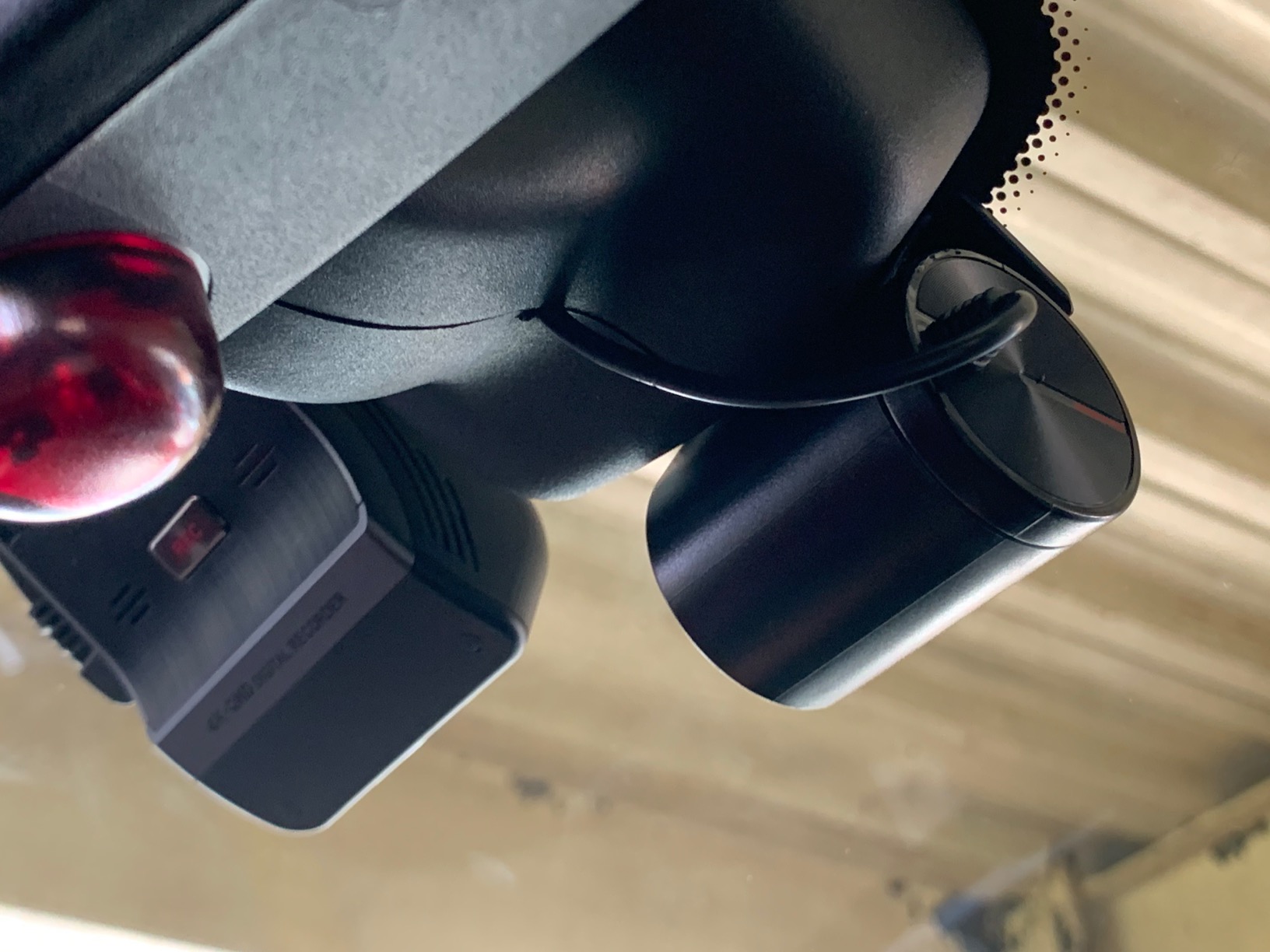
Parking mode energy use on an overnight stop
Energy saving mode limits how hard the camera works while parked, which is the setting that keeps a week of overnight stops from costing you a battery. Pair it with the supplied hardwire cable and the vehicle’s low-voltage cutoff and the car starts reliably after a full night of coverage.
The thermal sensors trigger protective shutdowns when the body gets too hot, which is a sensible protection but also the reason owners report parking mode cutting out in high ambient temperatures. Park in shade where you can.
Who should skip the ARC
If your route is night-heavy, this is the wrong tool. Blurry or over-exposed night frames and an unreadable rear channel undermine the point of carrying a dash cam at all on an overnight drive.
If you want to review your GPS route from a phone at each stop, the desktop-only route display rules it out. Buyers who want both parking coverage and phone review should weigh the trade-off carefully.
12. Yonvim DC339S 2.5K Front and Rear With GPS
Yonvim Dash Cam 2.5K Front Rear 64GB WiFi GPS 160° Night Vision
2.5K front and rear
160 degree lens
3.39 inch screen
64GB card installed
Pros
- 2.5K front and rear video
- 64GB card pre-installed and ready to record
- 160 degree lens captures adjacent lanes and intersections
- Built-in GPS stamps speed and location
- Large 3.39 inch IPS screen for on-car playback
- F1.8 aperture with WDR for usable night footage
- Adhesive setup takes roughly 30 minutes
Cons
- Parking mode requires a separately sold hardwire kit
- Rear camera resolution is lower than the 2.5K front
- High-endurance memory card recommended in hot climates
The DC339S covers the parts of the job that matter on a road trip without adding anything complicated. Front and rear at 2.5K, a 160 degree lens on both, built-in GPS stamping speed and location on every clip, and a 64GB card already installed so it records out of the box.
The 3.39 inch IPS screen makes on-car playback and live view straightforward, which is useful when you want to confirm a mount angle after a long climb. The adhesive install takes about half an hour on a single vehicle, which is the least demanding setup in this group.
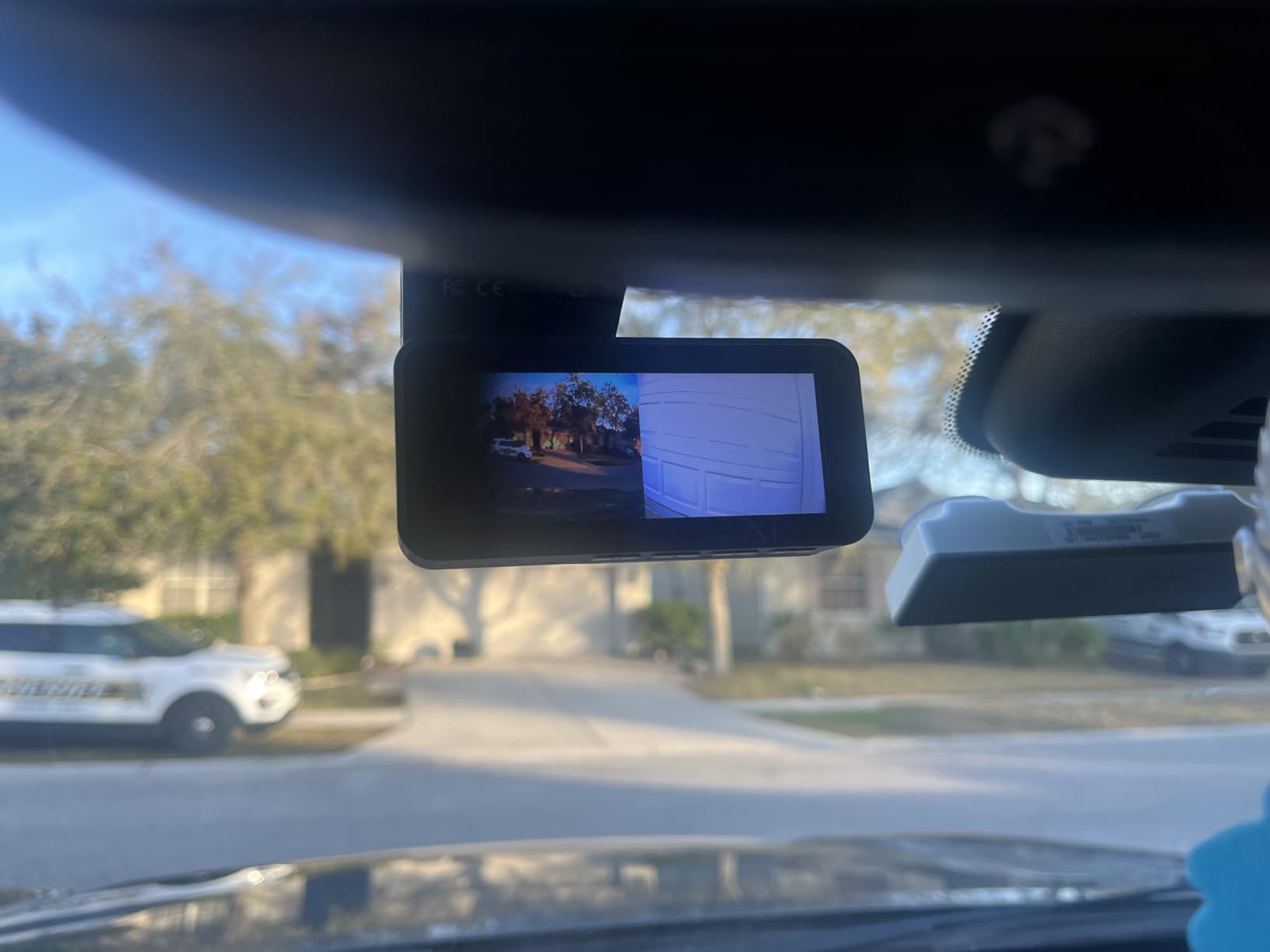
Night footage from the F1.8 aperture with an 8-layer lens and WDR is usable rather than impressive. On unlit roads you will see what happened and roughly what was ahead, but you should not expect plate reads at distance.
Two limits are worth knowing before you buy. The rear channel is lower resolution than the 2.5K front, and parking mode needs a separately sold hardwire kit, otherwise the camera shuts off with the engine.
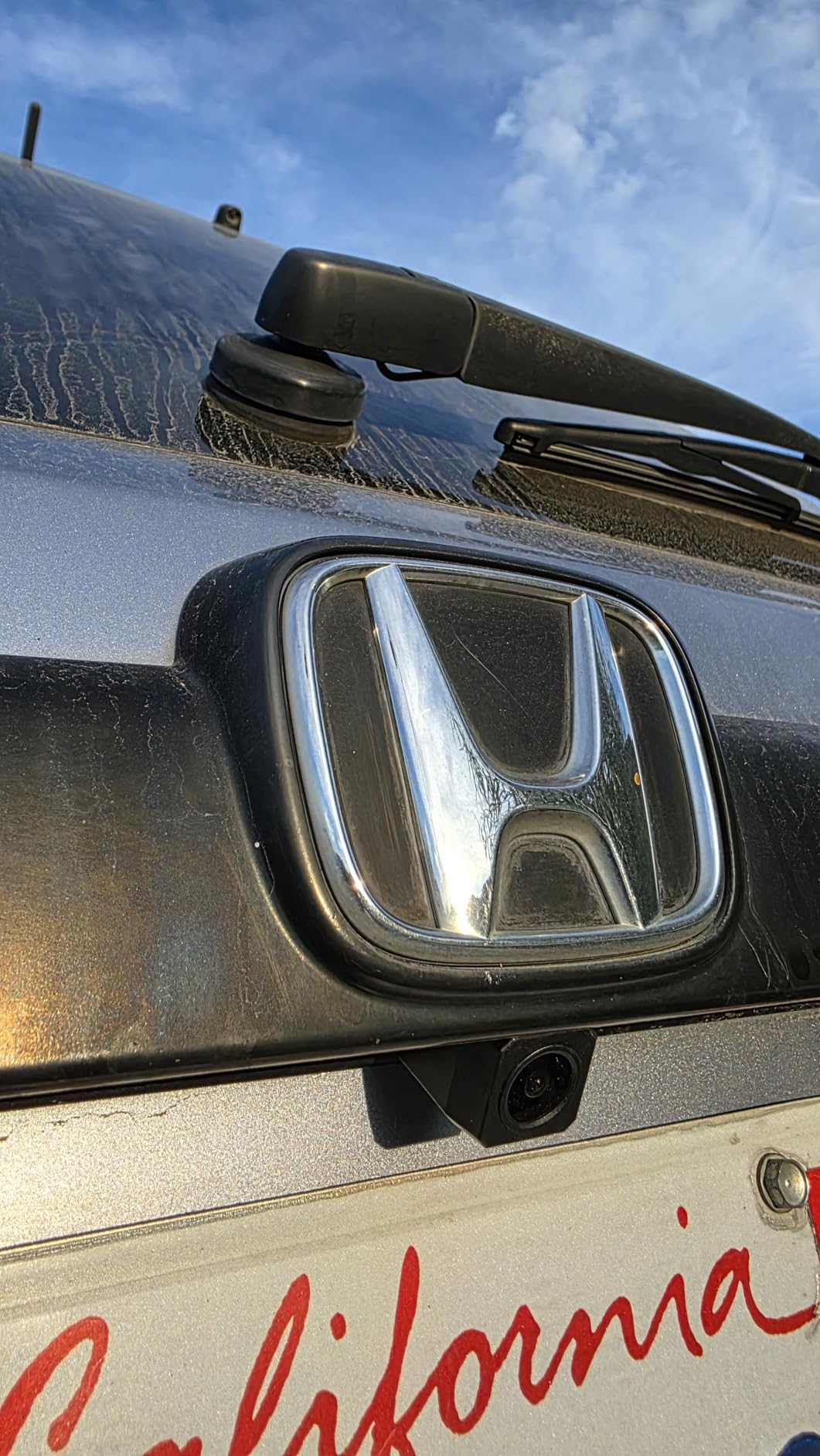
When 2.5K is enough for a road trip
At 2.5K you still resolve vehicles in adjacent lanes and at intersections, which is what evidence after a side-impact claim actually depends on. You give up distant plate detail on a highway, and you should decide whether your route needs that.
For a two or three day trip on mixed roads with an overnight stop, the included 64GB card covers the drive comfortably. For a week of continuous highway running, replace it with a high-endurance card before you leave.
Where the DC339S needs help
Hot climates are the main caution, and reviewers specifically recommend a high-endurance card. Cheap cards that look identical fail silently when the temperature inside a parked car climbs.
There is no dedicated interior channel, so cabin footage is not available. If you sleep in the car, an interior camera with infrared like the COOAU D20S serves a different purpose entirely.
GPS Logging vs GPS Navigation: What With GPS Actually Means
A dash cam with GPS logs where you have been. It does not guide you there. The GPS module inside the camera writes your coordinates, speed, direction of travel, and a timestamp into every file, and the companion app or desktop software draws your route on a map when you play the footage back.
That distinction matters because “dash cam with GPS navigation” is a common search phrase, and the expectation it sets is wrong. None of the twelve cameras here will tell you to exit at the next junction. If you want turn-by-turn directions, that is a separate GPS unit or your phone, and no amount of dash cam spending changes it.
What the logging does give you is verifiable evidence. Play a clip from a highway incident and the software shows your speed, your heading and your exact position on a map at that moment. Insurers accept that, and it answers the question a witness cannot when nobody else was on a remote stretch at 2am.
Do you really need GPS on a dash cam?
You need it if you will ever argue about speed or location, which on a long trip is more likely than people expect. The AI output above recommends it for insurance claims, hit-and-run reports and route documentation, and forum users report footage with a tag number is what leads police to a vehicle.
You can skip it if you drive short commutes on familiar roads and have no interest in trip logs. Every camera in this guide has GPS except where noted, so skipping it costs you nothing but does not save you any money.
What to look for in the GPS implementation
Look for a module that auto-syncs satellite time. On a trip that crosses time zones, a camera with a drifting internal clock produces footage whose timestamps are useless when you line them up against a map.
Multi-mode receivers give cleaner fixes in canyons and dense tree cover. The VIOFO A119M Pro uses quad-mode GPS, BeiDou, Galileo and GLONASS, and the 70mai T800E uses a five-mode receiver. A single-mode receiver still works, it just wanders more in poor sky view.
Route playback lives in the app for most of these cameras. The THINKWARE ARC is the exception, showing route data only in desktop software, which is worth weighing if reviewing your route at each stop is part of your plan.
Surviving Desert Heat: Supercapacitor vs Battery
A lithium-ion battery inside a dash cam is a liability in summer. Cars parked in the sun reach temperatures that degrade or kill internal packs, and a camera that will not power on when you get back to the vehicle is useless on a trip. A supercapacitor handles the same heat and charges in seconds rather than minutes.
The difference is real and it shows up in the specs. The COOAU D20S states a supercapacitor operating range of -4F to 158F, the widest band in this group. The 70mai T800E rates its supercapacitor for 14F to 140F, and the VIOFO A119M Pro is rated 5F to 149F. Those are the numbers to compare if your route crosses a desert in July.
Heat also affects the card, not just the camera. Reviewers on the A119M Pro report card read errors appearing when the body runs hot, and the recommendation across multiple brands is the same: buy a high-endurance card from the camera’s own brand rather than a generic one. The A119 V3’s adhesive mount is praised for holding through temperature swings, which is the same concern from the mounting side.
Storage Math for Multi-Day 4K Road Trips
Size the card for the whole trip, not the first day. Four-channel and 3-channel systems produce several files per minute, and a 4K front channel at 60fps produces far more data per hour than a 2.5K dual-channel setup. Running out of space halfway through a state means losing the footage you cared most about as the loop recorder overwrote it.
Check two ceilings when you pick a camera. The A119 V3 tops out at 256GB, while the A129 Pro Duo, the 70mai A800SE, the 70mai T800E and the A119M Pro support up to 512GB. For a week of continuous recording with three channels, the 512GB options are the practical choice.
Two habits from experienced road trippers reduce the risk. Offload files at every stop rather than every night, so a card failure costs you hours instead of a day. And carry a second card that you have already tested, formatted in the camera, so swapping takes under a minute instead of becoming a roadside problem.
Dash Cam vs Action Cam for Recording a Scenic Road Trip
A dash cam records evidence. An action camera records a trip you want to watch later. They are different jobs, and forum discussion about dash cams makes the reason clear: dash cam lenses are ultra-wide so they can catch the vehicle beside you, and that distortion makes journey footage look flat and stretched.
Many road trippers end up buying both. The dash cam handles insurance evidence, parking surveillance and hit-and-run documentation. The action camera handles the canyon at golden hour. Our view is that this is not duplication, it is two jobs done by two tools.
If you only want one device, decide which job you are actually buying for. A dash cam records continuously and unattended, which no action camera does well. If your priority is a scenic route video, the dash cam is the wrong purchase regardless of how good its sensor is.
Mounting and Hardwiring Guide for Long Drives
Mount the camera high enough to see over the dashboard line but low enough to stay inside the driver’s view of the road. The 70mai A800SE and the A119M Pro both hide cleanly behind the rearview mirror, and both stay out of the sightline in a car with a lot of windshield.
Adhesive mounts need a clean, warm windshield and twenty minutes without driving. Static mounting films that come with some kits are hard to apply without creases, and forum travellers moving cameras between rental cars often use 3M dual-lock tape instead, because it peels off and reattaches without leaving residue.
Route rear camera cables along the headliner and down the A-pillar or B-pillar trim. Budget an hour on a sedan and more if you have to remove trim pieces to get the cable behind a weather seal. Long cables are included with most of these kits, which tells you how far the routing goes.
For parking mode, hardwire to the fuse box with a kit that has a low-voltage cutoff, and set the cutoff correctly. Forum users report the most common hardwiring mistake is leaving the voltage threshold too high, so the camera refuses to power up on a cold morning. Setting it near 11.7V is a common working point.
If you would rather not open a fuse panel on a rental, a power bank is the alternative that forum travellers use, with a 30000 mAh pack being a typical companion. Either way, check the parking mode setting before you leave, because several of these cameras power down with the ignition by default.
Will a Dash Cam Lower Your Insurance Rate?
Not automatically. Insurers do not offer a standard discount for owning a dash cam, and most will not change your premium simply because a camera is installed. What changes is the outcome of a claim, because footage settles disputes that would otherwise go to whoever the insurer finds more persuasive.
Forum users report footage saving them twice from false rear-end claims, and attorneys handling hit-and-run cases repeatedly say the same thing: video that captures a tag number is what leads police to the vehicle. That is the practical value, and it is real even without a premium change.
Drivers wanting to review the impact of a cam on their own rate should ask their insurer directly, since policies and regional markets differ. Our guides to the best dash cams with parking mode and the best dash cams with night vision cover the two features that most affect claim outcomes.
How to Pick a Dash Cam With GPS for a Multi-Day Road Trip
Start with storage ceiling and card support, because it constrains everything else. A 512GB ceiling with three channels covers a week; a 256GB ceiling with a single front channel covers a long weekend. Buying the largest high-endurance card the camera supports is the single cheapest upgrade available.
Next, look at power type against your climate. Supercapacitor units state a wider operating range and handle a car parked in full sun better than lithium packs. Read the stated temperature range and compare it to the worst conditions on your route.
Then match channel count to where the risk actually is. Front only for a solo driver on empty roads. Front and rear for highway traffic. Add an interior channel with infrared if you sleep in the car or park in isolated lots after dark.
Check night performance specifically, because it is where cameras separate most sharply. Aperture values, HDR and dedicated STARVIS sensors are the indicators, and tunnel exits are the practical test. Our picks for that are the 70mai A800SE and the VIOFO A119M Pro, while the THINKWARE ARC is the one to avoid if your route runs mostly after dark.
Look at WiFi speed only if you will pull files to a phone at stops. Transfers here run from roughly 20MB/s on the Coolcrazy N8 to 30MB/s on the A119M Pro at the fast end, with slower dual-band models on the other end. If you do not transfer often, a faster card reader costs less and works everywhere.
Finally, confirm what is in the box. The A119 V3, A129 Pro Duo, A119M Pro and COOAU D20S ship without a microSD card, so add a high-endurance one to the order. The Affver, ZMOPO, 70mai A800SE, 70mai T800E, Coolcrazy N8, OVAMAN K600 and Yonvim include one. Only the THINKWARE ARC includes a hardwire cable.
Rental cars change the equation. Adhesive mounts leave residue, 3M dual-lock tape does not, and a two-channel system means interior trim work you may not want to pay for on someone else’s car. For a rental-heavy trip, a single front unit with GPS is the lowest-friction choice.
Frequently Asked Questions
What is the best dash cam with GPS navigation?
The VIOFO A119 V3 is our pick for road trips, with 1440p recording at 60fps, a built-in GPS module that logs speed, coordinates and route, and support for cards up to 256GB. Note that dash cam GPS logs your position and speed rather than giving turn-by-turn directions. For front and rear coverage, the Affver A4 adds a 4K front channel, a 2.5K rear channel and fast WiFi 6 transfers. For genuine 4K front footage, the VIOFO A129 Pro Duo uses a native 4K Sony sensor.
What is the best dash cam for recording a road trip?
For evidence and unattended recording, the VIOFO A119 V3 handles a multi-day trip with reliable GPS speed and position logging, a mount that survives temperature swings and a card ceiling of 256GB. Choose the 70mai T800E if you want front, rear and interior channels with switchable infrared in one unit. Choose the COOAU D20S if you sleep in the car, since its infrared interior cameras record in genuine darkness. A dash cam records continuously; an action camera records scenery but will not document the road unattended.
Do you really need GPS on a dash cam?
You need it if you may ever argue about speed or location. GPS writes your coordinates, speed, direction of travel and a timestamp into every file, so playback shows your route on a map and insurers can verify the sequence. It also auto-syncs to satellite time, which keeps timestamps accurate when you cross time zones. Every camera in our roundup includes GPS, so choosing one without it saves nothing.
What is the best GPS device for road trips?
If you want navigation, use a dedicated GPS unit or your phone, because a dash cam GPS module only logs position and speed. For evidence and route documentation on a road trip, the VIOFO A119 V3 logs speed, coordinates and route with no app required. If you want a route map on your phone, the Affver A4 and 70mai T800E both provide in-app route playback alongside WiFi 6 transfers.
How much storage does a multi-day road trip need?
Plan for the whole trip rather than the first day, because loop recording overwrites continuously. Check the camera’s maximum supported card size first, since the VIOFO A119 V3 tops out at 256GB while the A129 Pro Duo, 70mai A800SE, 70mai T800E and VIOFO A119M Pro support up to 512GB. Buy a high-endurance card, format it in the camera, offload files at every stop, and carry a second tested card so a failure costs you hours instead of a whole day.
Will insurance go down if you have a dash cam?
Not automatically. Insurers do not offer a standard discount for owning a dash cam. What changes is the claim outcome, because footage with GPS data settles disputes over speed and location that would otherwise be settled by whoever the insurer finds more persuasive. Footage that captures a tag number is what leads police to a hit-and-run vehicle. Ask your own insurer directly, since policies and regional markets differ.
Final Verdict: Best Dash Cams With GPS for Road Trips 2026
The VIOFO A119 V3 is the best dash cam with GPS for road trips because it does the reliable thing quietly: accurate speed and coordinate logging, 1440p at 60fps, a mount that holds through heat and cold, and no app dependency between you and your footage. Its missing WiFi and separately sold hardwire cable are the only two things you add later.
If you need rear coverage and a card in the box, the Affver A4 is the value pick at 4K plus 2.5K with WiFi 6 transfers. If you need genuine native 4K front footage for distant plates, the VIOFO A129 Pro Duo is the answer, and you should buy your own high-endurance card.
Whichever you choose, format the card before you leave, offload at every stop, and carry a spare. That habit is worth more on a road trip than any single feature on the spec sheet.