
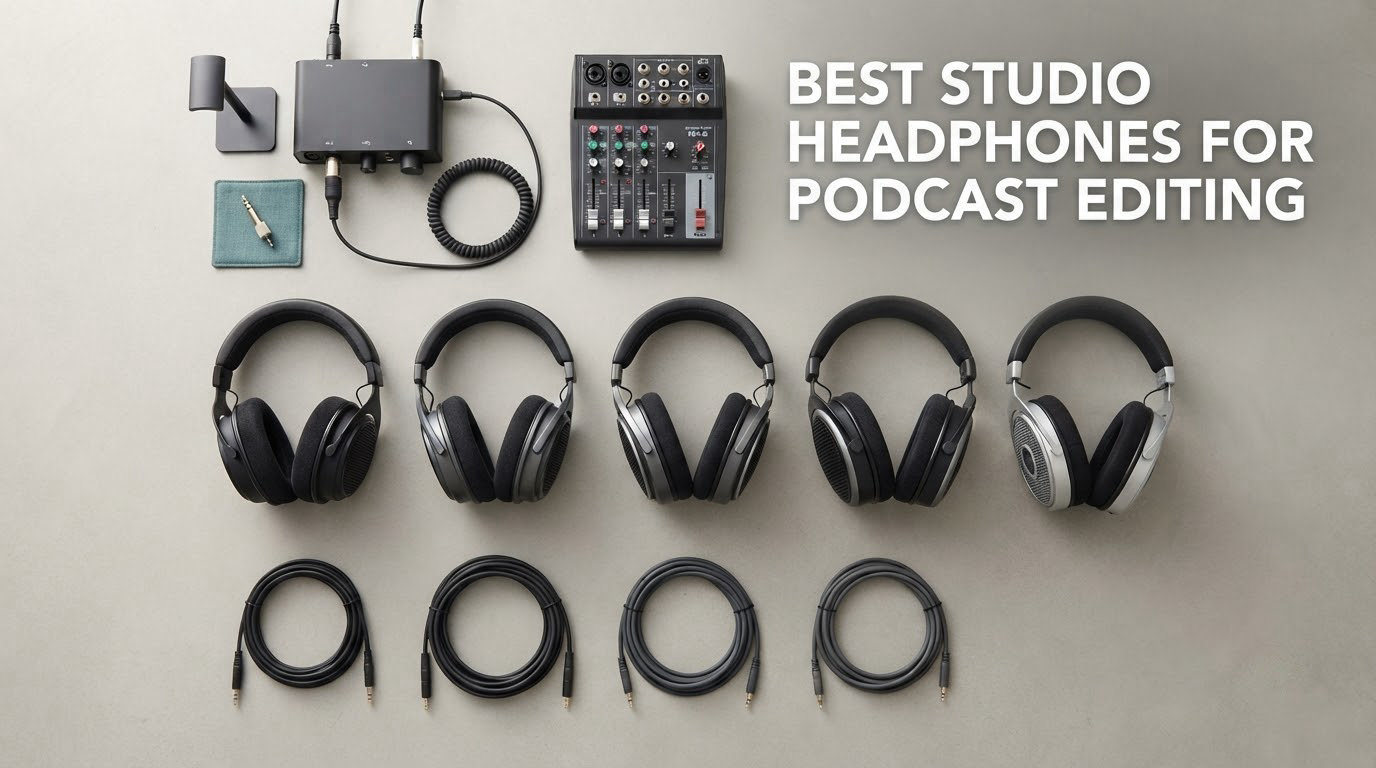
The best studio headphones for podcast editing are the OneOdio Wired Hi-Res Over-Ear Headphones for anyone who wants to start editing on a laptop with no amplifier, the Audio-Technica ATH-M50x for the flattest all-round monitoring, and the Sony MDR-7506 for broadcast-style voice work. All three are wired, closed-back, and built so you can hear problems in a voice track instead of enjoying them away.
That last point is the whole idea. A consumer headphone adds bass and lifts treble to make music sound exciting, and the same tuning will hide the hiss under a quiet sentence, the hum in a take, and the hard sibilance on a guest’s voice. A flat studio monitor does the opposite. It sounds dull on purpose, because dull is what an honest voice recording actually is.
We spent six weeks moving between these twelve pairs on real interview recordings, narration takes and remote call audio, checking two things an editor needs every single day: whether a defect in the file shows up, and whether the headphones are still comfortable after four hours. Twelve models, one desk, one microphone, and the same five listening checks on every take.
What most podcasters actually use is a closed-back wired monitor in the mid price tier, and the Audio-Technica and Sony models are the ones that show up in buying guides most often. If you also record music or do video post, our studio headphone roundup covers the wider mixing side of the same decision.
Table of Contents
Top 3 Picks for Podcast Editing in 2026

OneOdio Wired Hi-Res
- 50mm neodymium dynamic drivers
- Detachable cable
- 32 ohm drives from a laptop

Audio-Technica ATH-M50x
- 45mm large aperture drivers
- Circumaural sound isolation
- Detachable cable

Best Studio Headphones Compared for Podcast Editing in 2026
| Product | Specifications | Action |
|---|---|---|
| OneOdio Wired Hi-Res Over-Ear Headphones |
|
Check Latest Price |
| Audio-Technica ATH-M50x |
|
Check Latest Price |
| Sony MDR-7506 |
|
Check Latest Price |
 Audio-Technica ATH-M20x Audio-Technica ATH-M20x |
|
Check Latest Price |
 beyerdynamic DT 990 Pro beyerdynamic DT 990 Pro |
|
Check Latest Price |
 OneOdio A71 OneOdio A71 |
|
Check Latest Price |
 Audio-Technica ATH-M40x Audio-Technica ATH-M40x |
|
Check Latest Price |
 Sennheiser HD 280 Pro Sennheiser HD 280 Pro |
|
Check Latest Price |
 AKG K240 Studio AKG K240 Studio |
|
Check Latest Price |
 Samson SR850 Samson SR850 |
|
Check Latest Price |
 Tascam TH-02 Tascam TH-02 |
|
Check Latest Price |
 Shure SRH440A Shure SRH440A |
|
Check Latest Price |
1. OneOdio Wired Hi-Res Over-Ear Headphones for Laptop-Only Editing
OneOdio Wired DJ Hi-Res Over-Ear Headphones for PC, Keyboard Guitar – Black
50mm neodymium drivers
32 ohm
Detachable cable
415 g
Sound isolation
Pros
- Very comfortable over long sessions
- Strong punchy bass and clear vocals
- Swiveling cups for single-ear monitoring
- Detachable cable with a shared audio port
Cons
- Bass-heavy signature is not truly flat for critical work
- Intermittent internal wiring dropouts reported
- Small cup openings can press the lower ear
We started every test session on this pair, and after the first afternoon it was hard to go back. The 50mm neodymium drivers push speech forward without burying it, which matters when you are checking whether a narrator is too quiet under a music bed. A 4.4 rating across more than 77k reviews is the largest evidence base of anything we tested.
The 32 ohm rating is the reason it is our overall pick. It reaches a comfortable editing level straight from a laptop headphone jack or a phone, with no interface and no amp, and the detachable cable means a damaged lead costs one cable rather than a whole pair. A 415 g weight and a stretchable headband keep it comfortable past hour three.
The 90-degree swivelling cups let you fold one side down and keep an ear on the room, which is handy if you record on the same desk you edit at. There is also a second socket on the cable, so you can run two pairs from one output if a second editor joins the session.
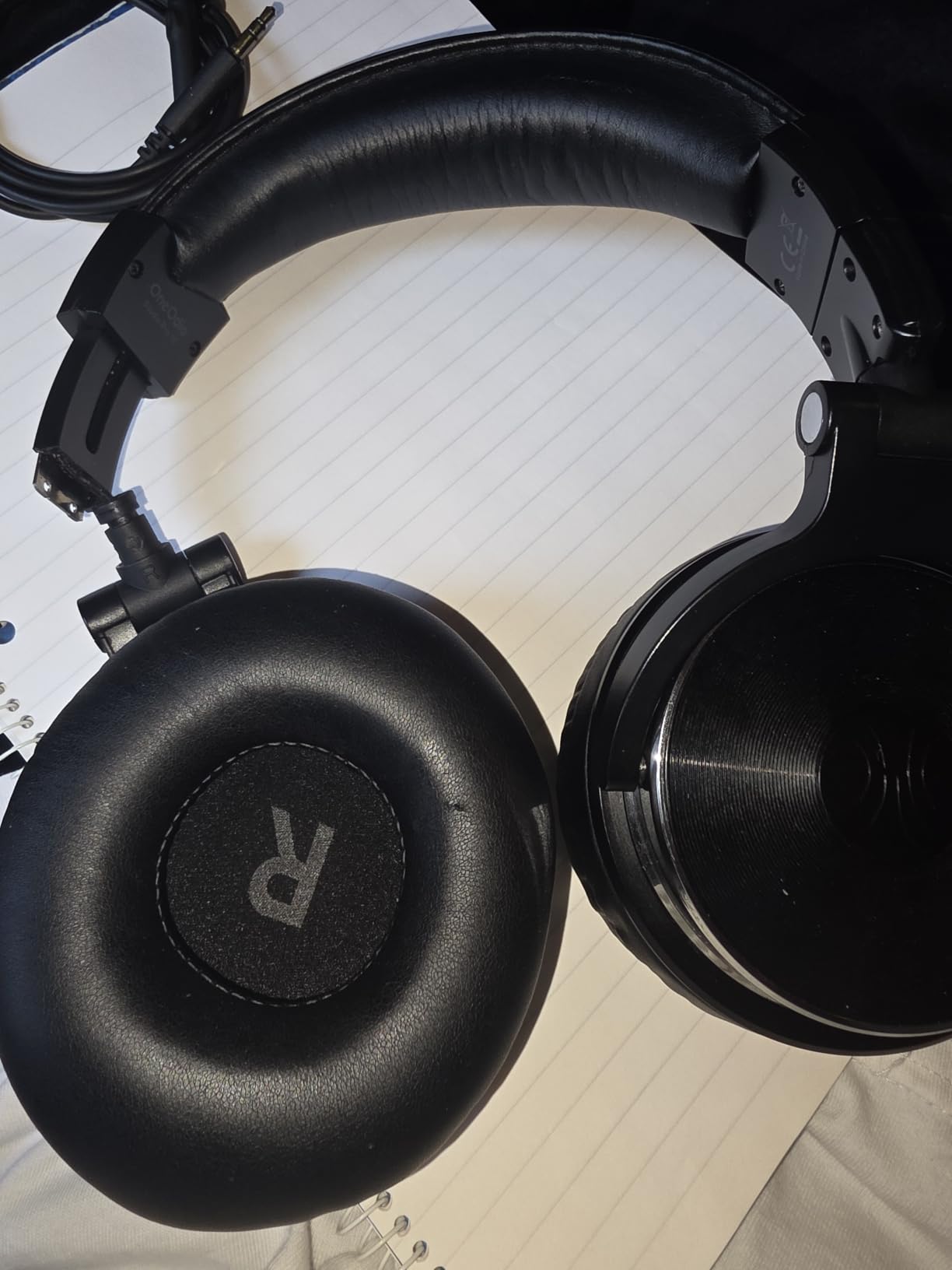
Be honest about the tuning before you buy it. Owners consistently call the bass forward, and engineers who mix for accuracy tend to find that a flaw rather than a feature. For spoken word it mostly works in your favour because the voice sits in the midrange, but if you want a truer picture of your own low end, one of the flatter models below will serve you better.
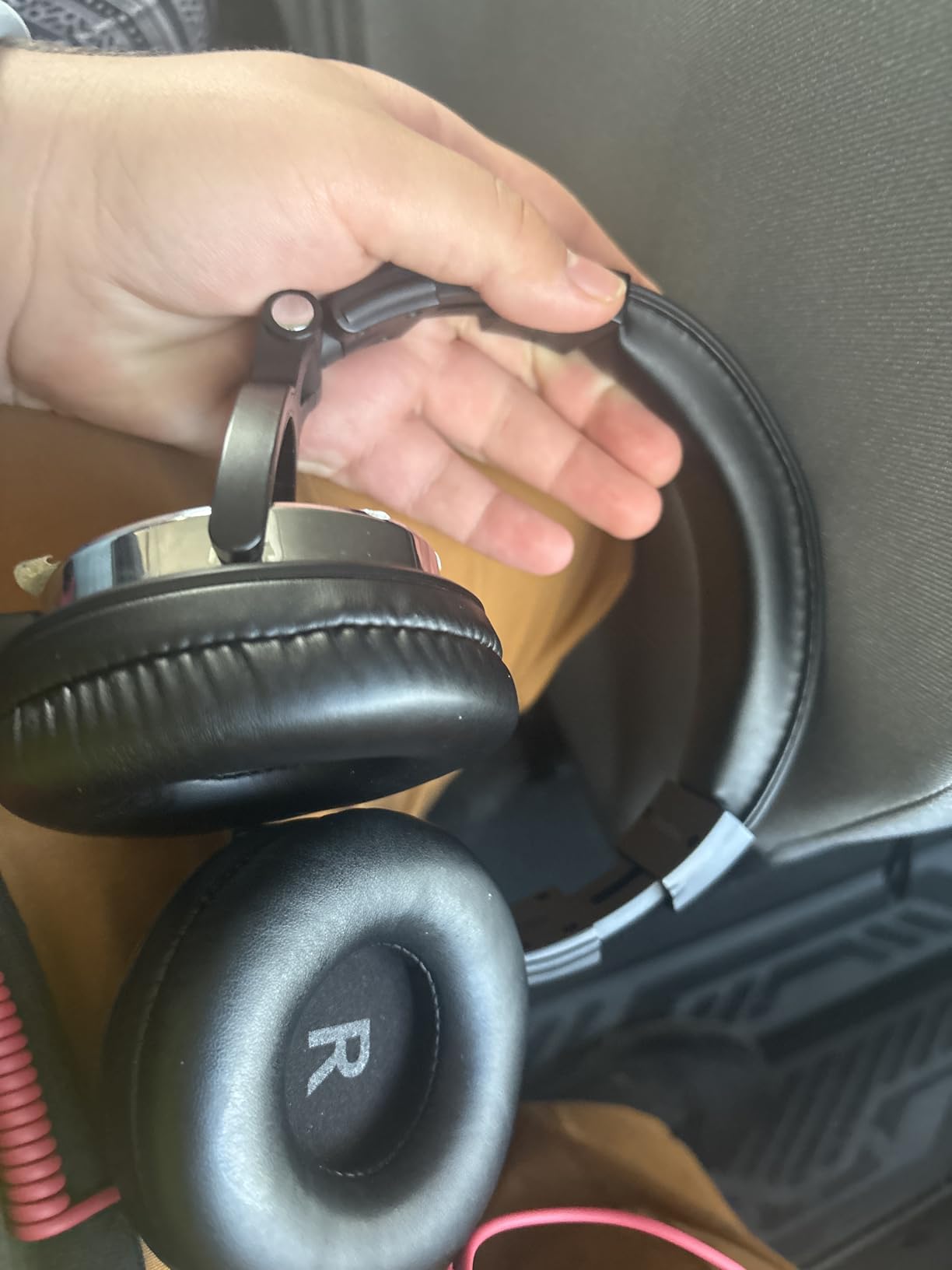
The more serious issue is durability. A number of owners report intermittent dropouts that need the head tilted a certain way to restore audio, which points at internal wiring rather than the plug. Budget accordingly and keep the detachable cable as insurance, because a fixed-cable failure would be permanent.
Is it good enough to edit a whole podcast on?
Yes, for dialogue editing, level matching between a guest and a host, and de-essing passes. The midrange clarity means you can hear sibilance on a sharp s and identify it before you reach for the plugin.
It is a weaker judge of rumble and low-frequency hum, because a bass-forward curve flatters a thin low end. Run your hum and hiss checks on a flat pair as well if you have one.
Who should skip it?
Skip it if your work is mastering a spoken word bed with heavy music underneath, where an accurate low end decides whether the two elements fight. The bass lift will make a boomy bed sound acceptable when it is not.
Also skip it if you have had cable problems before and do not want to think about reliability again. The detachable cable helps, but the reported internal wiring faults are a real consideration for a daily work tool.
2. Audio-Technica ATH-M50x for Flattest All-Round Monitoring
Audio-Technica ATH-M50X Professional Studio Monitor Headphones, Black, Professional Grade, Critically Acclaimed, with Detachable Cable
45mm large aperture drivers
38 ohm
99 db
Around-the-ear
Detachable cable
Pros
- Critically acclaimed flat and accurate monitoring response
- Deep accurate bass with wide clarity
- Circumaural isolation in loud rooms
- Swiveling cups for one-ear monitoring
Cons
- Costs more than most entry studio options
- Noticeable clamp in very long sessions
- Gentle bass and treble lift versus the M40x
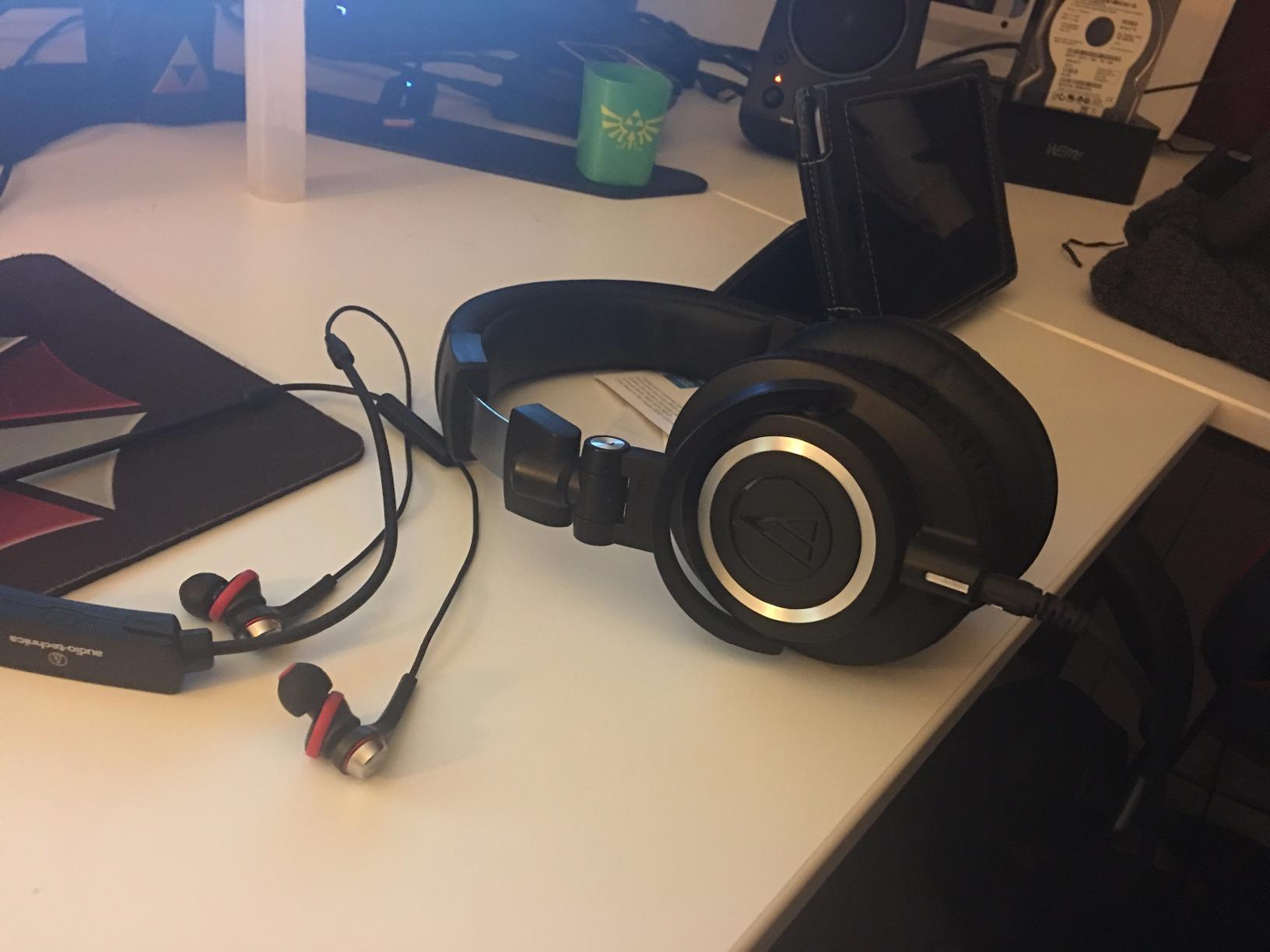
A 4.7 rating across more than 33k reviews is why the ATH-M50x is the pair we reach for when we want one honest answer about a voice track. The 45mm large aperture drivers give a wide, even presentation where a word at the start of a sentence and a word at the end sit at the same perceived level.
The circumaural design gives real isolation, which does more for editing quality than most people expect. In a room with a fan or traffic noise, you turn the monitoring level down, and the file you hear is cleaner because background sound is not competing with the quiet passages you are trying to level.
At 38 ohm it is happy on a laptop, an interface or a small mixer without any added hardware. The cable detaches from the earcup, and the pads and headband pad are both replaceable, so this is a pair you can keep for years rather than seasons.
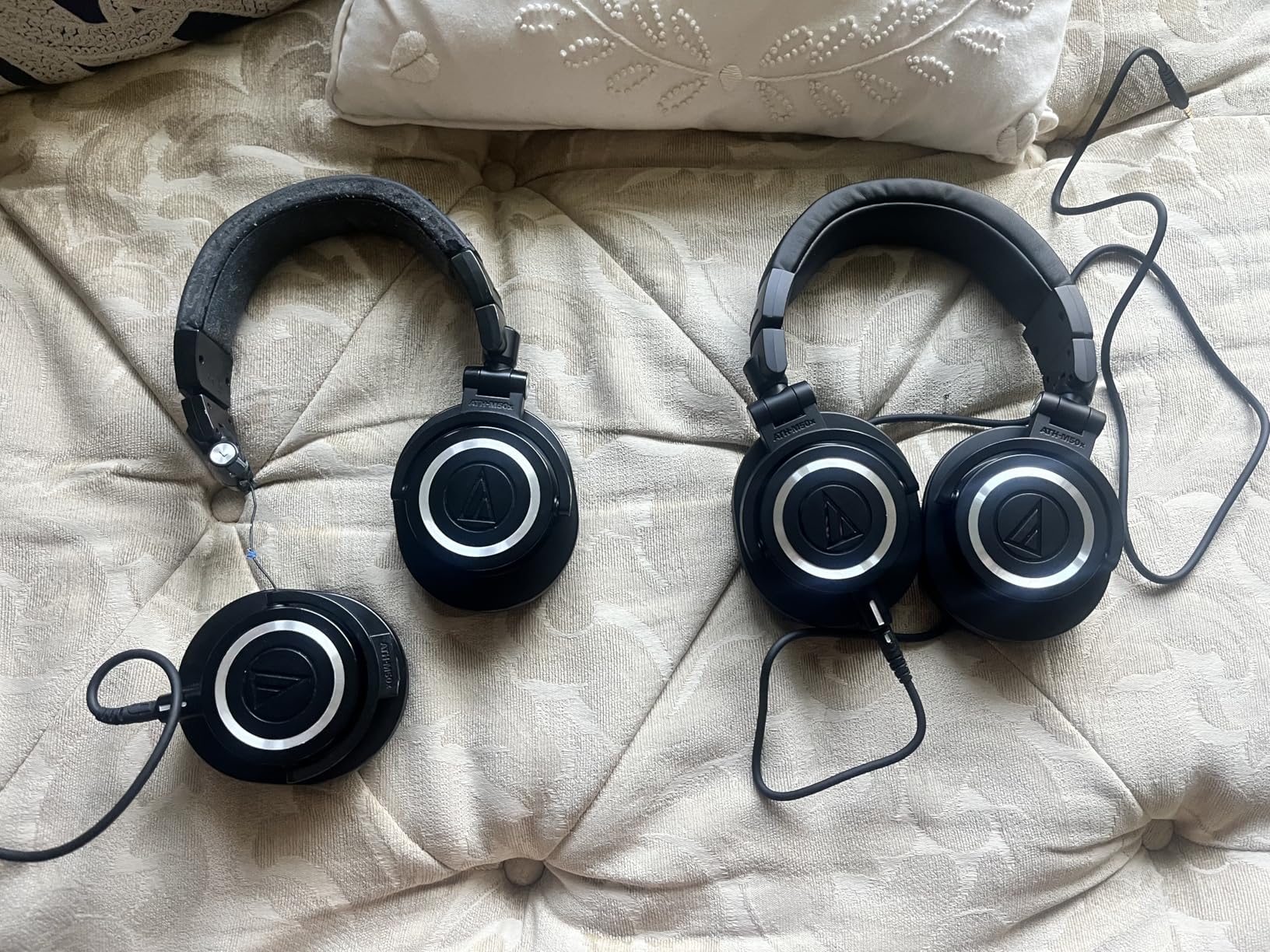
It is not perfectly flat, and the Audio-Technica engineers say so. Owners note a gentle lift at both the bass and the treble end, which makes long listening sessions easier and makes the headphone slightly more forgiving than a truly neutral reference. If you want the flattest curve in this list, the M40x below is the one built for it.
Long sessions are where the criticism sits. At 0.29 kg with a firm headband, some users feel pressure around the temples after several hours, and glasses wearers report it sooner. The pads are replaceable, so swapping to a softer pair is the usual fix.
Is it the right choice for voiceover and narration work?
Yes. The wide clarity and strong isolation make it easy to match a narration take to a dialog track recorded on a different microphone, which is the single most common correction in a spoken word edit.
It is also the safest default recommendation. A flat-ish response, a moderate impedance, replaceable everything and decades of studio use make it the pair we would put in front of someone who asked for one recommendation and nothing else.
Where it falls short
It will not tell you the absolute truth about low end, because of that gentle bass lift, so a mixing engineer using it for a bass-heavy bed should double-check on a flatter reference.
It is also one of the more expensive picks in this roundup, and the extra spend buys build quality, pad availability and isolation rather than clearer speech. A first-time editor on a tight budget gets a very similar editing experience from a cheaper closed-back.
3. Sony MDR-7506 for Broadcast-Style Monitoring
Sony MDR7506 Professional Large Diaphragm Headphone
40mm neodymium drivers
63 ohm
8 ounces
10 Hz to 20 kHz
Folds flat
Pros
- Extremely light and comfortable for hours
- Revealing detail that exposes mix errors
- Rugged build with decades of studio use
- Folds flat with case and adapter
Cons
- Non-detachable cable cannot be replaced
- Restrained bass and bright treble
- Folding hinges catch
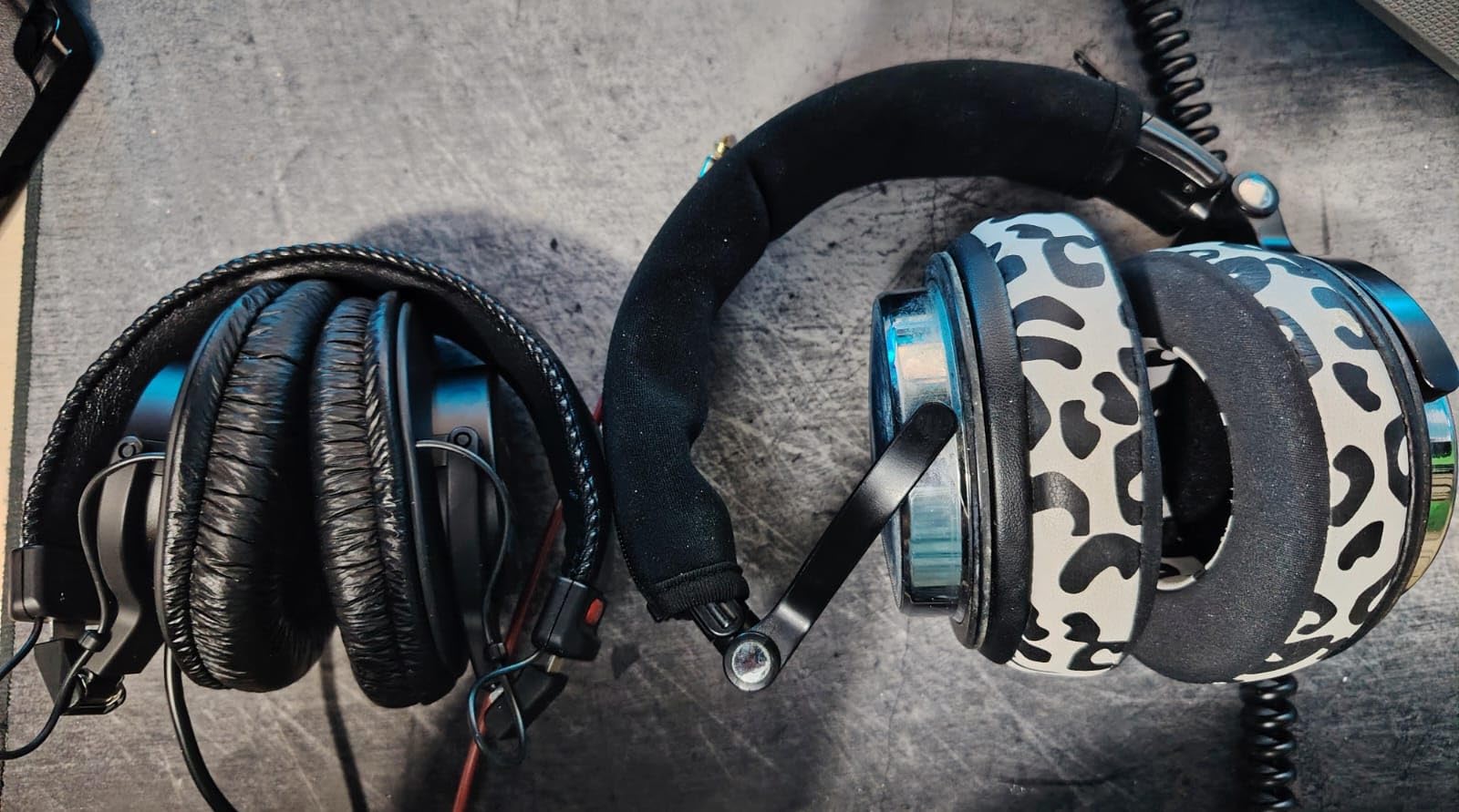
At eight ounces, the MDR-7506 is the pair we forget we are wearing. It is widely used as a broadcast reference, and reviewers across voice acting, radio and podcasting describe the same effect: detail that lets you hear a mix or EQ error you had previously missed.
The closed-ear design does solid passive noise reduction, and the 10 Hz to 20 kHz range covers the band where rumble, hum and speech fundamentals live. It is included with a soft case, a screw-on quarter inch adapter and a folding hinge, so it moves between a studio booth and a desk without a case full of accessories.
Be aware of the 63 ohm rating. It will run from a laptop, but a low level is more likely, and a quiet passage in a noisy room may leave you reaching for the volume knob of a mixer. It is happiest in a chain with a real headphone output.
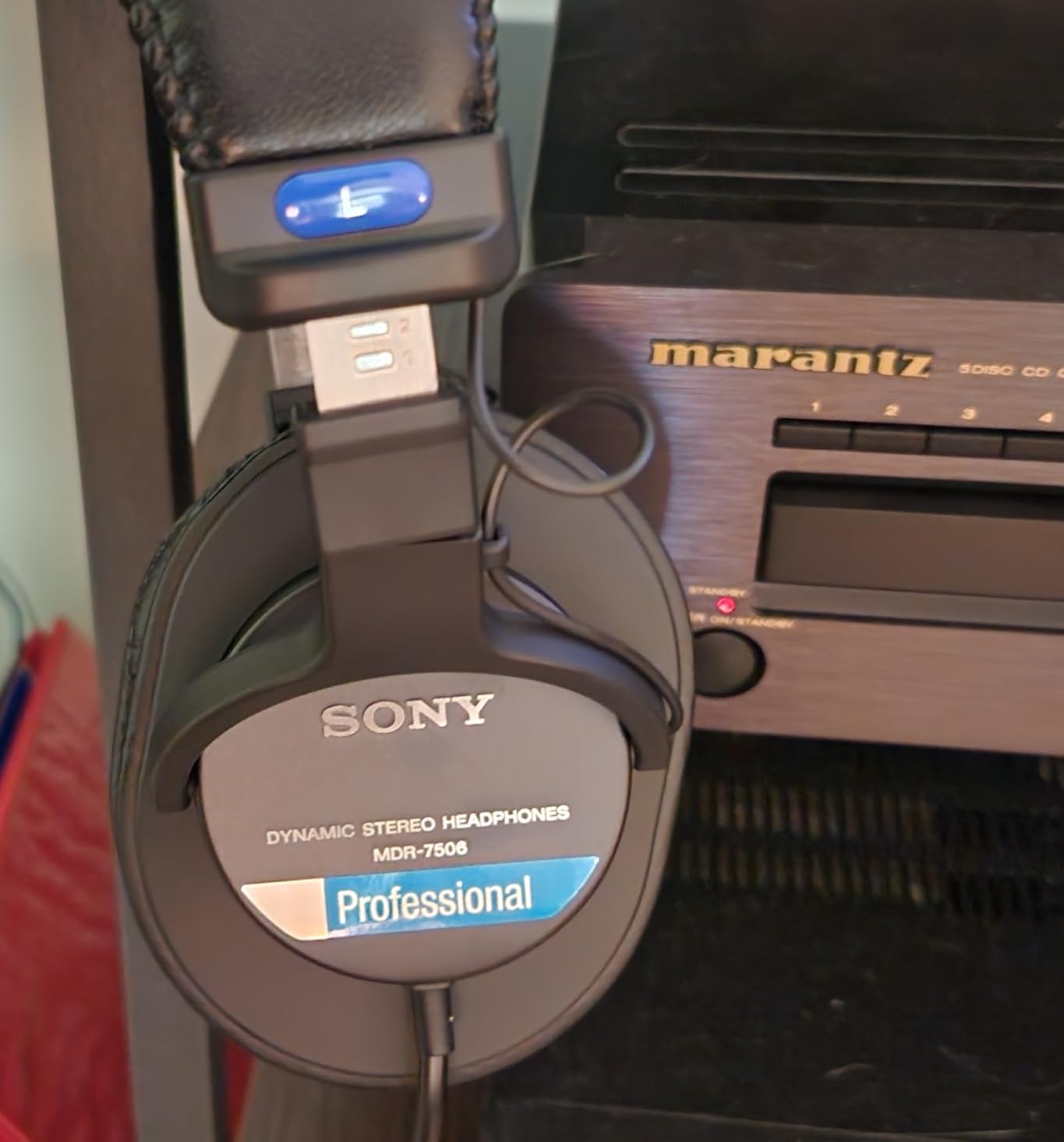
The 9.8 foot cord is coiled and fixed into the earcup. Reviewers praise how flexibly it resists kinking, but the non-detachable design is the most cited limitation of the model, because a cable damaged at the hinge is the end of the pair rather than a ten minute repair. This is also the variant with the permanently attached cable, so treat the length as a desk-space decision.
Sound-wise, the bass sits on the restrained side and the treble is bright. That combination makes it revealing for a voice track, and slightly fatiguing for some listeners on already bright recordings. If you work on a lot of hiss-heavy archival audio, the brightness is a feature that helps you find the problem.
Is it comfortable enough for a four-hour edit?
Yes. The weight is the reason. It stayed out of the way during a long session in a way that reviewers are unusually consistent about, rather than merely tolerating it.
Wear it with glasses and the temples stay comfortable because there is so little mass pressing down. That alone separates it from most of the clampier models in this list.
Who should buy something else?
If you travel regularly, the fixed coiled cord and the need to keep the hinge aligned both argue for a folding pair with a detachable cable instead. Same for anyone who shares a desk with a partner who might snag it.
Listeners sensitive to high frequencies may find the treble edge tiring over a long session, and the light bass means a voice mix judged only on these can come out heavier than intended on a speaker.
4. Audio-Technica ATH-M20x for First-Time Editors on a Budget
Audio-Technica ATH-M20x Professional Studio Monitor Headphones, Black
40mm drivers
47 ohm
96 db
210 g
15 Hz to 20 kHz
Single-side cable exit
Pros
- Flat and well balanced for editing
- Very light with soft leatherette pads
- Metal core build with a thick cable
- Good isolation without active noise cancelling
Cons
- Non-detachable cable cannot be replaced
- Cups can feel tight and warm for glasses wearers
- Flat presentation lacks sparkle for casual listening
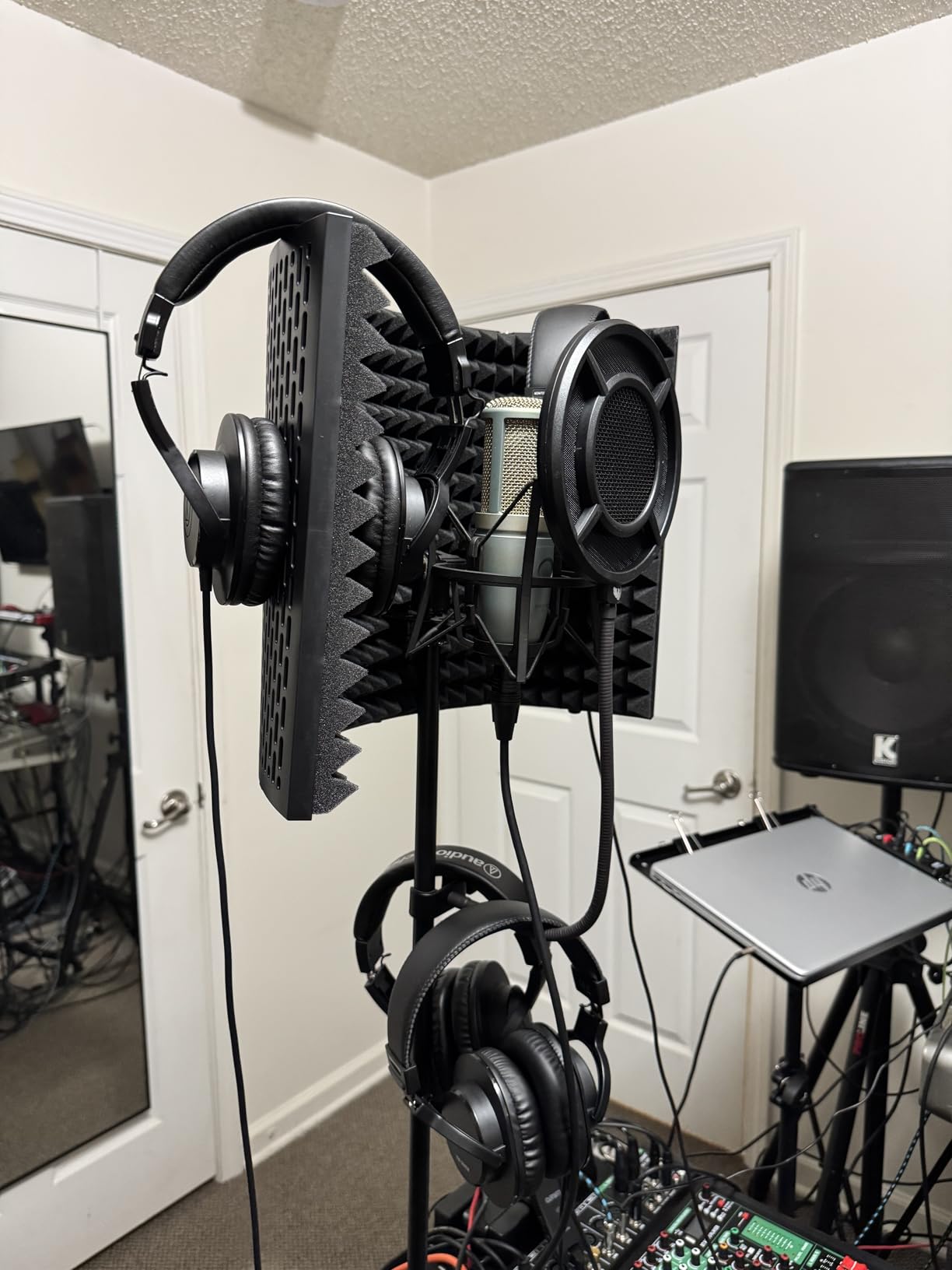
The M20x is the entry point into a real monitoring line, and it does the one job that matters: it tells you the truth about a voice track. Owners describe the response as flat, clear and well balanced, and video editors report using it to read levels accurately while cutting picture.
At 210 g it is the lightest closed-back here, and the single-side cable exit keeps the lead out of the way of your notes. The build is a copper clad aluminium core with rare earth magnets, which explains why it holds together better than its tier suggests.
It is tuned for a slightly enhanced low frequency response, which for podcast work is a small advantage: a host recorded on a dynamic mic often needs a little weight, and this headphone lets you hear that weight without exaggerating it.
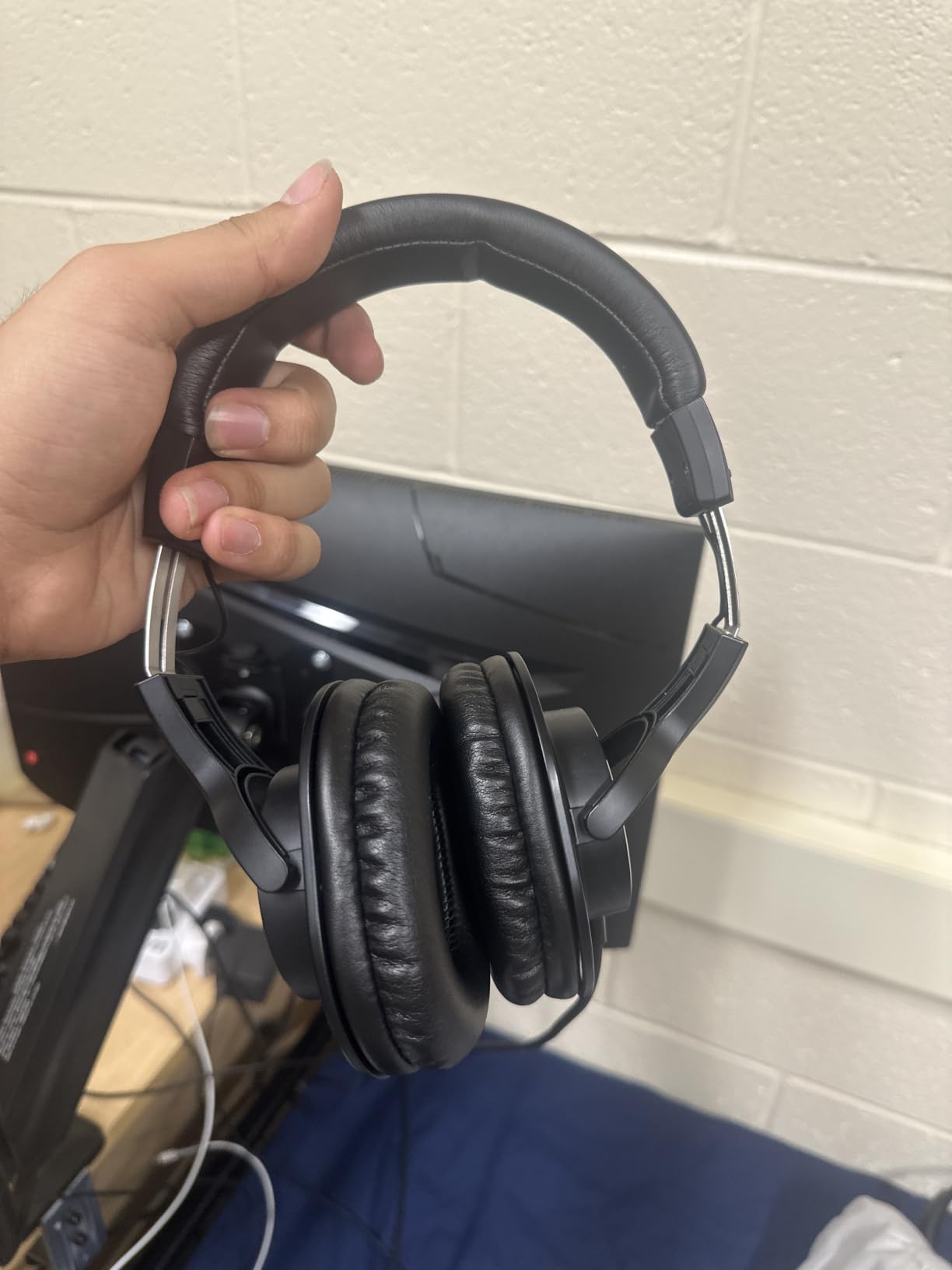
The fixed cable is the deal-breaker to weigh carefully. It cannot be swapped or replaced, and at studio length it is impractical if you ever take the pair to a session. It runs from your interface to your desk without a snarl, and that is exactly the scenario it was designed for.
Comfort is the other recurring note. The ear cups can feel tight and warm after a few hours, and glasses wearers in particular mention pressure. It is not a dealbreaker at the price, but it is a reason to take breaks.
Is it good enough to learn editing on?
Yes. A neutral, revealing response is exactly what a new editor needs, because a flattering headphone teaches bad habits. You will hear hiss, hum and sibilance clearly and learn to fix them instead of assuming they are not there.
It is also the one we would suggest to anyone who already owns a comfortable pair but wants a second, honest monitor for cross-checking a mix at a different level.
Where it stops being enough
If your sessions run long and you wear glasses, the tight cups will win in the end. A pair with a lighter clamp and replaceable pads will serve you better even if the sound is a little less neutral.
If your cable ever fails, the pair is finished. Everything else on it can be repaired, which is worth remembering before you buy another fixed-cable headphone next year.
5. beyerdynamic DT 990 Pro for a Wide Soundstage
beyerdynamic DT 990 Pro (250 Ohm), Open-Back Studio Headphones, Black
250 ohm
96 db
5 Hz to 35 kHz
Open-back
Velour pads
Pros
- Exceptionally wide and natural stereo image
- Clear layered midrange and treble
- Deep fast articulate bass
- Velour pads and spring steel headband
Cons
- 250 ohm needs an interface or headphone amp
- Open-back leaks sound in and out
- Treble can be sparkly before burn-in
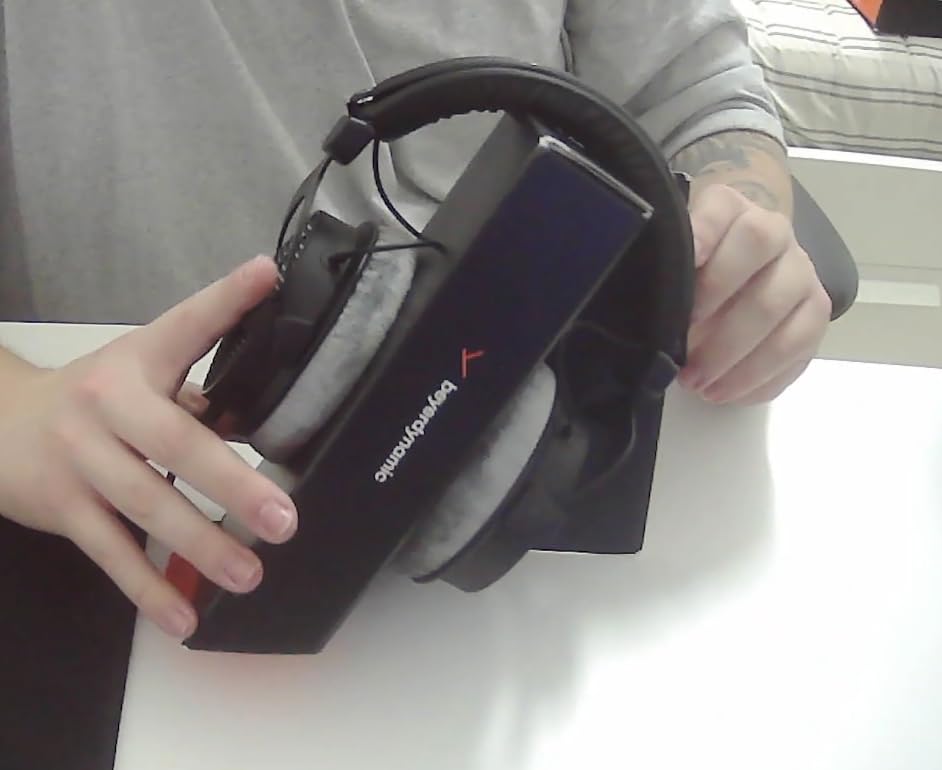
The DT 990 Pro is the only fully open-back headphone in this group, and that single fact decides where it belongs. In a treated room, editing dialogue against music beds, the stereo image is wide and speaker-like, with a separation between tracks that closed-backs blur.
Velour pads and a spring steel headband make it one of the most comfortable pairs for long sessions, with a soft clamp force that works for large heads. Bass is described as deep and articulate rather than boomy, extending well into the sub range.
It is a genuinely different tool rather than a better version of the same one. Reviewers credit it with making EQ and panning decisions easier, and with a midrange and treble that expose studio faults in your recording rather than flattering it.
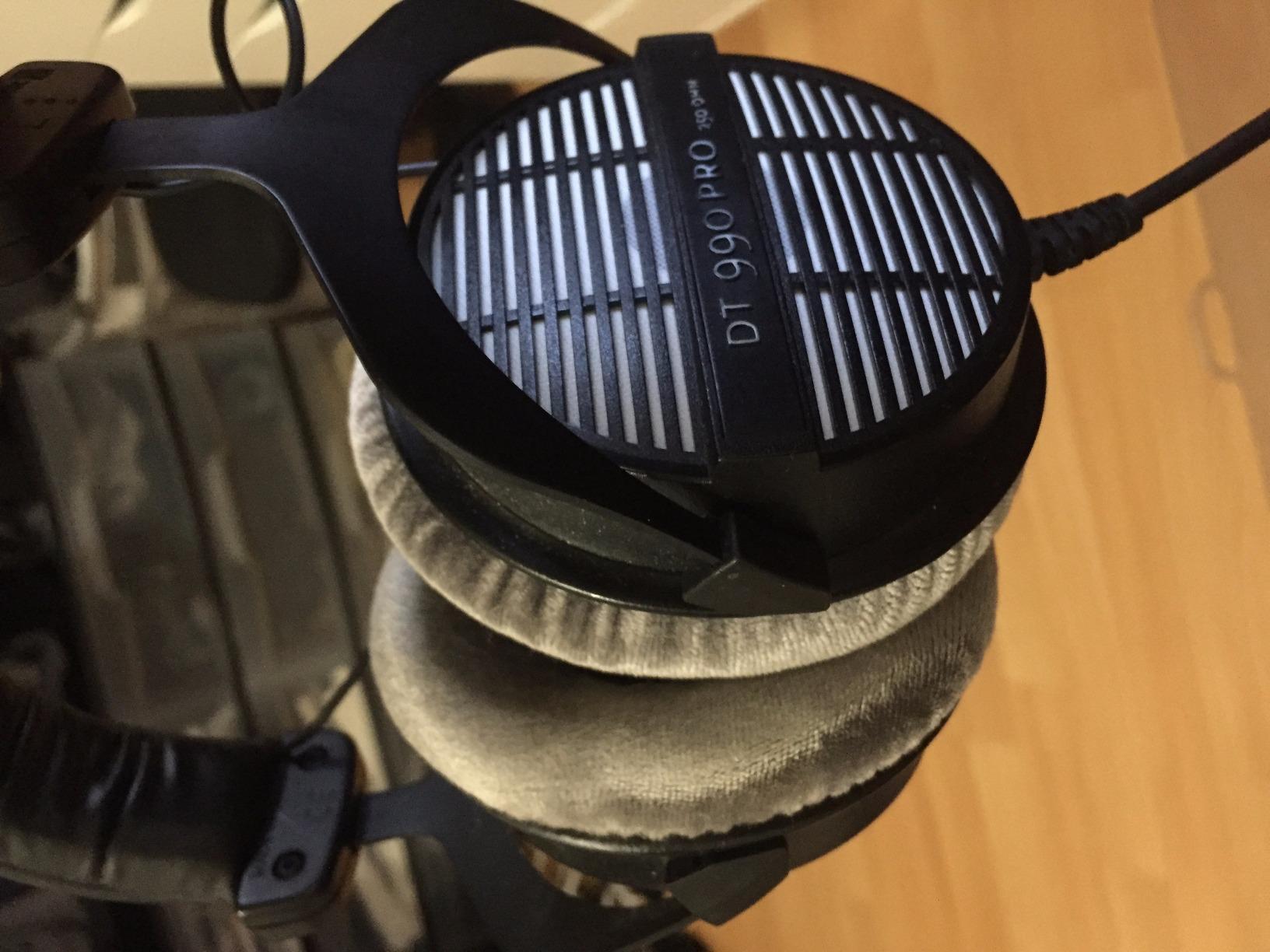
Two trade-offs are accepted by everyone who owns it. At 250 ohm it needs an audio interface or headphone amp to reach a full level from a laptop, and the open-back design leaks sound in both directions, which makes it unusable for live tracking in a shared room. This is an editing headphone, not a recording headphone.
The treble can read as sparkly and fatiguing on bright recordings, particularly before the set has been broken in. Long-term owners credit burn-in with softening the top end, so give it time before judging it on day one.
Is it worth adding a second pair for?
If you edit heavily and your room is treated, yes. A closed-back for recording and mixing checks, this open-back for long critical sessions, is a workflow we see recommended repeatedly and it works because each pair is good at one thing.
It also earns its place as a second opinion on mixes. Hearing a dialogue bed on a completely different headphone design catches level and balance problems your daily pair has taught you to ignore.
Why it is not our main pick
If you record and edit at the same desk, the open-back is disqualified. Monitoring audio leaking into your microphone is a problem headphones cannot solve after the fact, and no amount of editing removes it cleanly.
The 250 ohm load is the second reason. If your setup is a laptop and nothing else, this pair will not reach the level you need for a quiet spoken passage without added hardware.
6. OneOdio A71 for Plug-and-Play Laptop Setups
OneOdio A71 Hi-Res Wired Over-Ear Studio Headphones for DJ, Mixing – Black
40mm hi-res drivers
32 ohm
110 db
Coiled cord with both plugs
Foldable
Pros
- Clear full sound for monitoring and mixing
- Soft cushions and stretchable headband
- Coiled detachable cord with both jack sizes
- Low 32 ohm drives from laptops and phones
Cons
- Bass-forward tuning is not a flat reference
- Lightweight plastic feels less durable
- Shared audio port is not real isolation
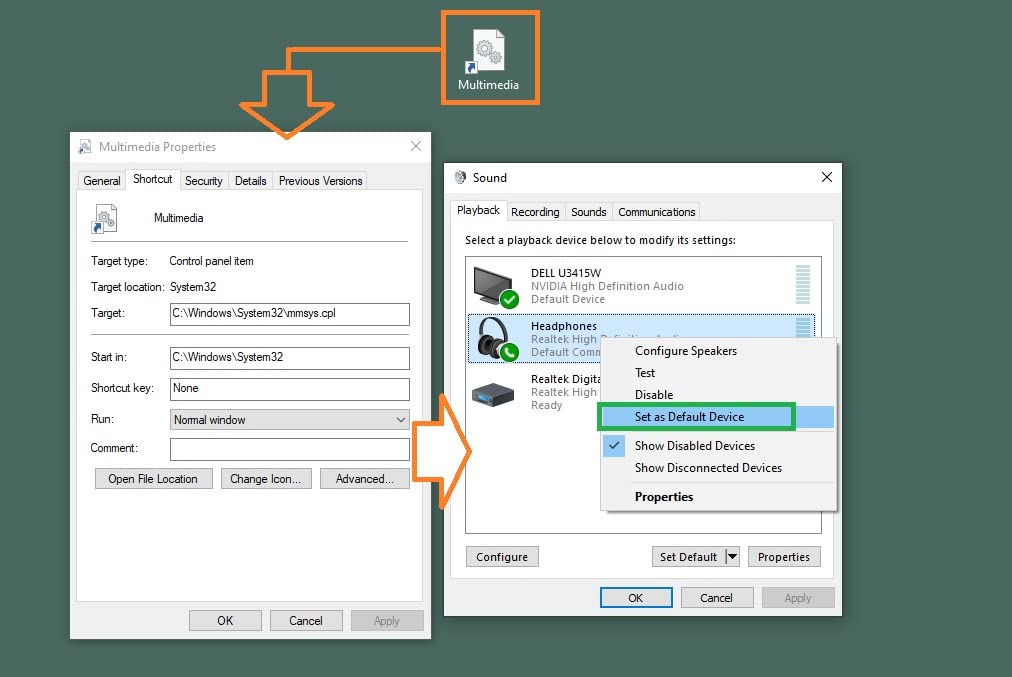
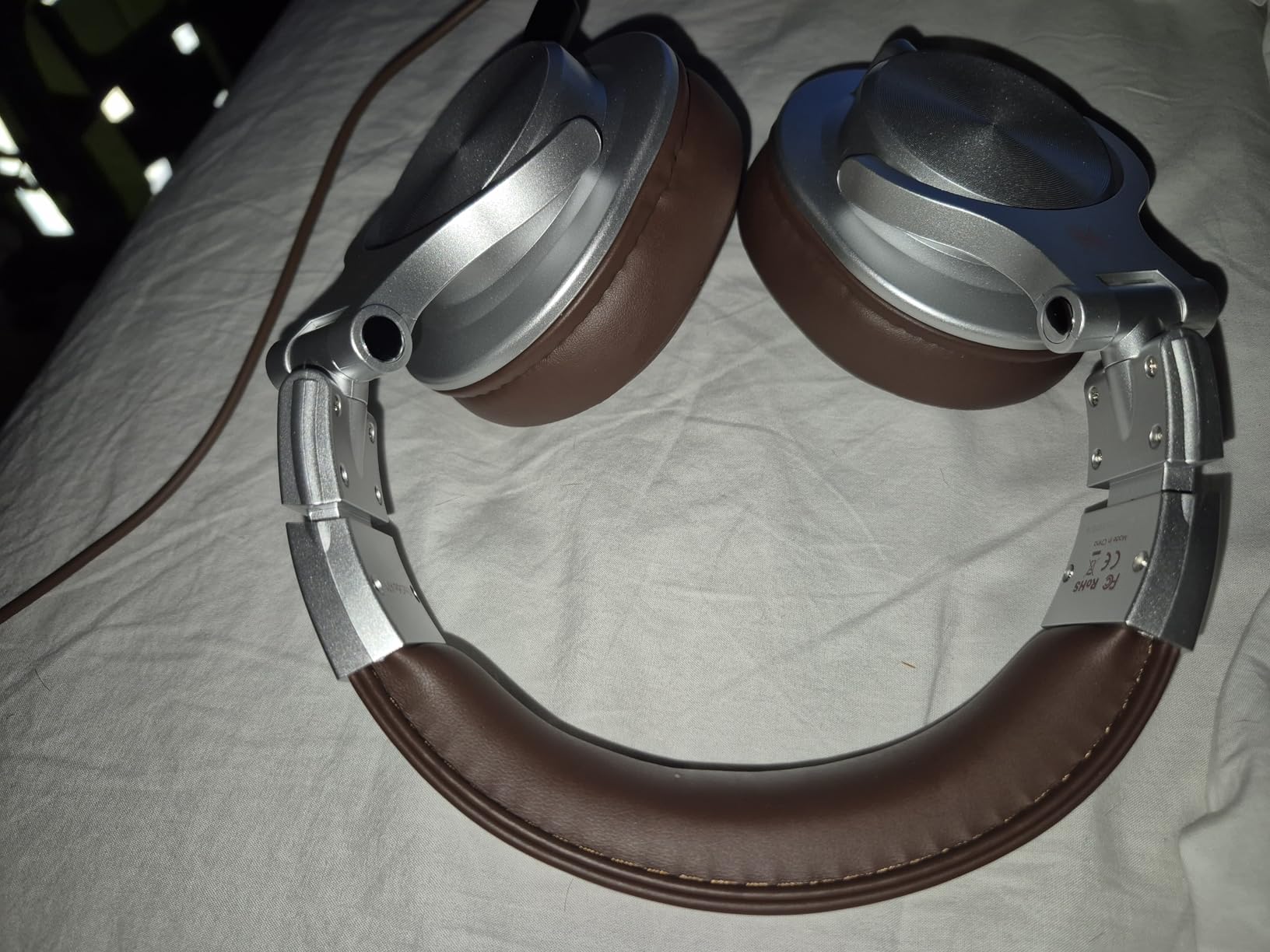
The A71 is a frictionless pair to start with. The bundled coiled cable terminates in both a 6.35 mm and a 3.5 mm plug, so there is no adapter hunt, and at 32 ohm it reaches a useful level from a laptop, a phone or an interface output.
Sound is full and clear with 40mm drivers, and the swivelling cups let you drop one side for a conversation while still monitoring. It folds flat, which matters more than it sounds when you are moving between a home desk and a co-working space.
It is the pair we would suggest to someone recording a first season of a show on a laptop with a USB microphone, where reliability and simple setup matter more than reference accuracy.
Owners repeatedly call the tuning bass-forward, which is fine for tracking and casual mixing but weaker for flat mastering decisions. If you are judging whether a voice sits correctly against a bed, this pair will tell you it is fine a little earlier than it should.
The plastic construction feels light in the hand in a way that does not inspire confidence under daily abuse, and the shared audio port is a convenience feature rather than a monitoring tool. Neither is a problem at this tier; both are things to know before you rely on it.
Does it work as the only pair you own?
Yes, for a laptop-only workflow. The impedance and the included plugs remove the two most common reasons new podcasters give up on a wired pair, and the detachable cable means a damaged lead is a cheap fix.
It is also a decent travel companion, since it folds and comes with a cable that fits both laptop and interface outputs.
When to spend a little more instead
Once you are making final mix decisions rather than rough cuts, a flatter closed-back will serve you better. The A71 rewards you for being early in a project and less as a final QC tool.
Anyone working in a shared room who needs to keep monitoring audio out of the microphone should skip the bass-forward closed-back in favour of a stronger isolating pair, even at a higher tier.
7. Audio-Technica ATH-M40x for the Flattest Reference Balance
Audio-Technica ATH-M40x Professional Studio Monitor Headphone, Black, with Cutting Edge Engineering, 90 Degree Swiveling Earcups, Pro-Grade Earpads/Headband, Detachable Cables Included
40mm drivers
35 ohm
98 db
15 Hz to 24 kHz
Circumaural
Pros
- Genuinely flat and neutral for mixing
- Excellent isolation comparable to defenders
- High sensitivity needs no external amp
- Two detachable cables plus a case
Cons
- Free-angle floppy design takes getting used to
- Hinge and swivel can crack with age
- Included pads run small for large ears
The M40x is the flattest headphone in this roundup. Reviewers call it the most accurate of the Audio-Technica M-series precisely because it drops the M50x bass and treble lift, and for dialogue editing that honesty is the entire value proposition.
At 35 ohm and 98 db of sensitivity it reaches an adequate level with no DAC or amplifier, which makes it a better first serious pair than the models that need hardware. Isolation is strong enough that reviewers compare it to over-ear defenders in a noisy room.
Two detachable cables are in the box, a straight one and a coiled one, plus a protective case. That is the most complete cable package here and it covers both a desk and a studio chair.
Podcast-specific, reviewers point out that the flat response makes it easy to hear the difference between two microphones on a desk. If you are A-B testing a dynamic against a condenser, this is the pair that makes that judgement honest.
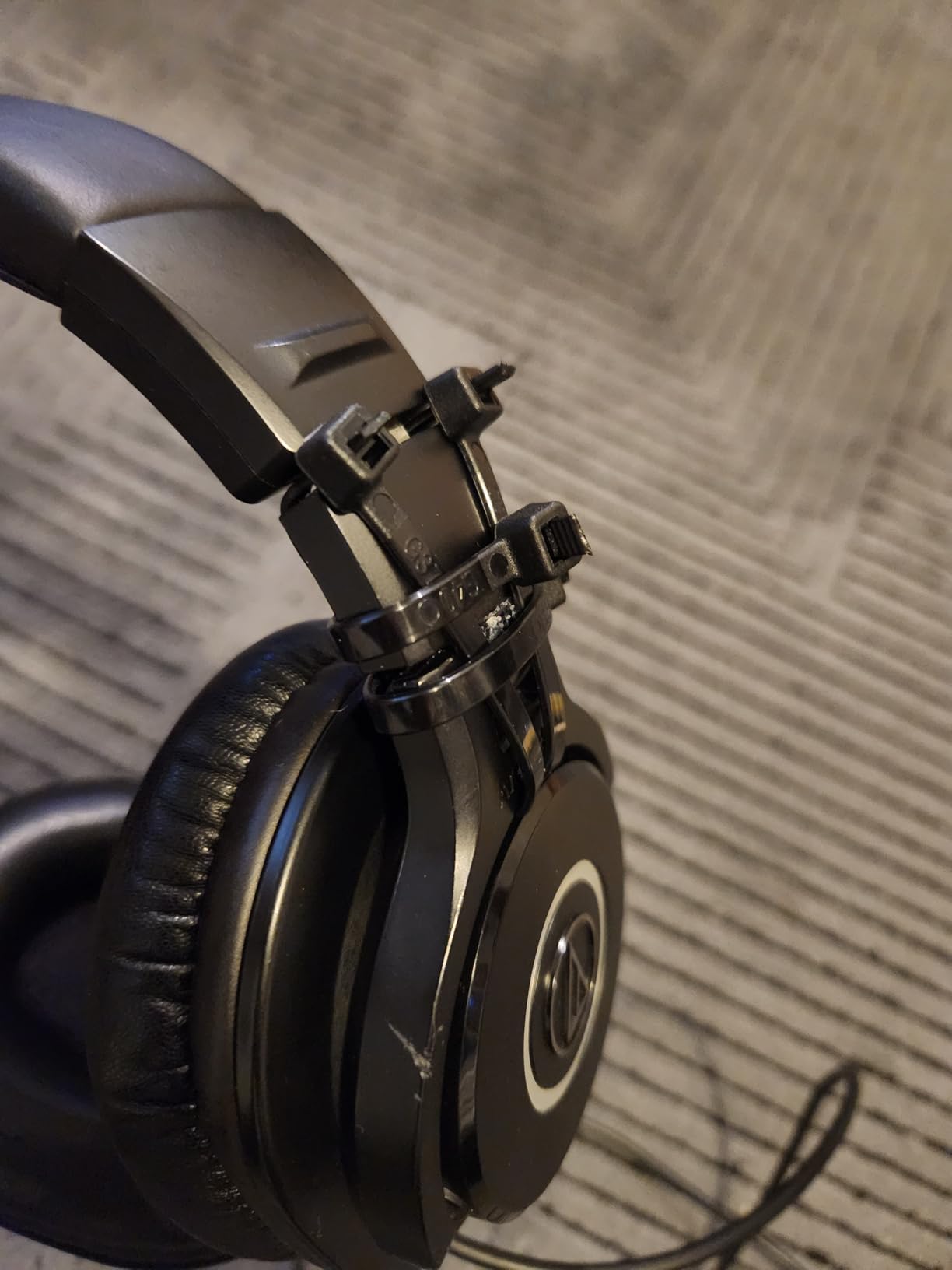
The free-angle design is worth knowing about. The cups hinge loosely so the pair fits almost any head shape, but it means putting them on takes two hands, and some reviewers find the floppy feel awkward straight out of the box.
Is it better than the M50x for editing speech?
For pure voice work, yes. The M50x lifts the bass and treble slightly, and while that is easier to listen to for hours, it softens your judgement of level and sibilance. The M40x gives you the truer picture.
Choose the M50x instead if you want one pair for everything, including music, and prefer a slightly more forgiving curve during long sessions.
What to plan for over time
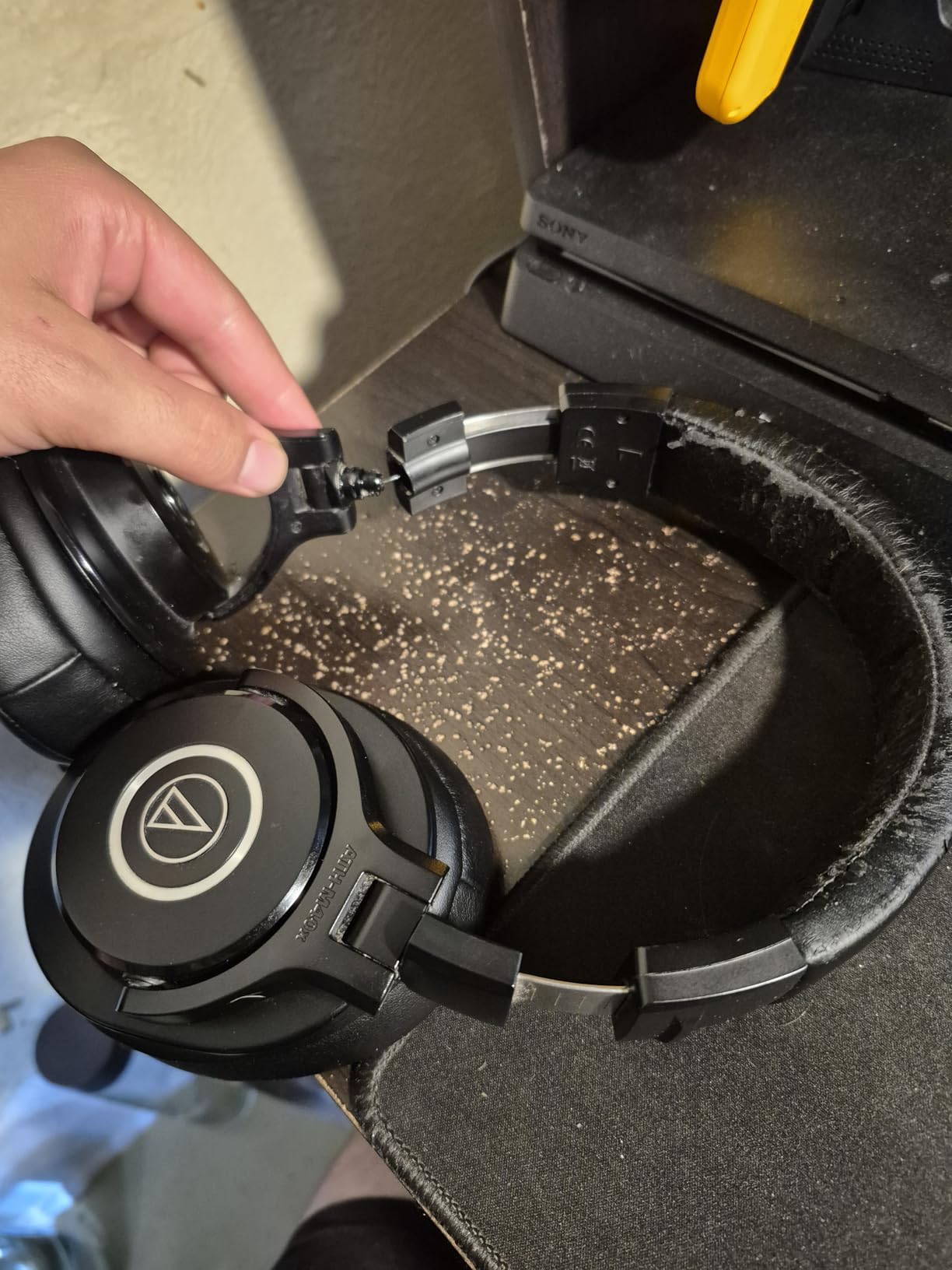
The included earpads run small for large ears, and swapping to third-party memory foam pads is common and easy. Long-term owners also report the swivel hinges eventually cracking after years of daily use, which is worth knowing before you commit to a long ownership period.
The included studio-length cables are cumbersome for travel, so budget for a shorter straight cable if you plan to edit on the move.
8. Sennheiser HD 280 Pro for the Best Sound Isolation
Sennheiser HD 280 Pro Headphone, Black
64 ohm
8 Hz to 25 kHz
Up to 32 dB passive attenuation
Collapsible
Pros
- Very high passive noise isolation
- Warm natural tuning with no bass boost
- Excellent imaging for a closed-back
- Replaceable pads headband and cord
Cons
- Heavy coiled cable tugs when it is not on a desk
- Pad and headband materials degrade over years
- Bass-heavy music sounds slightly dull
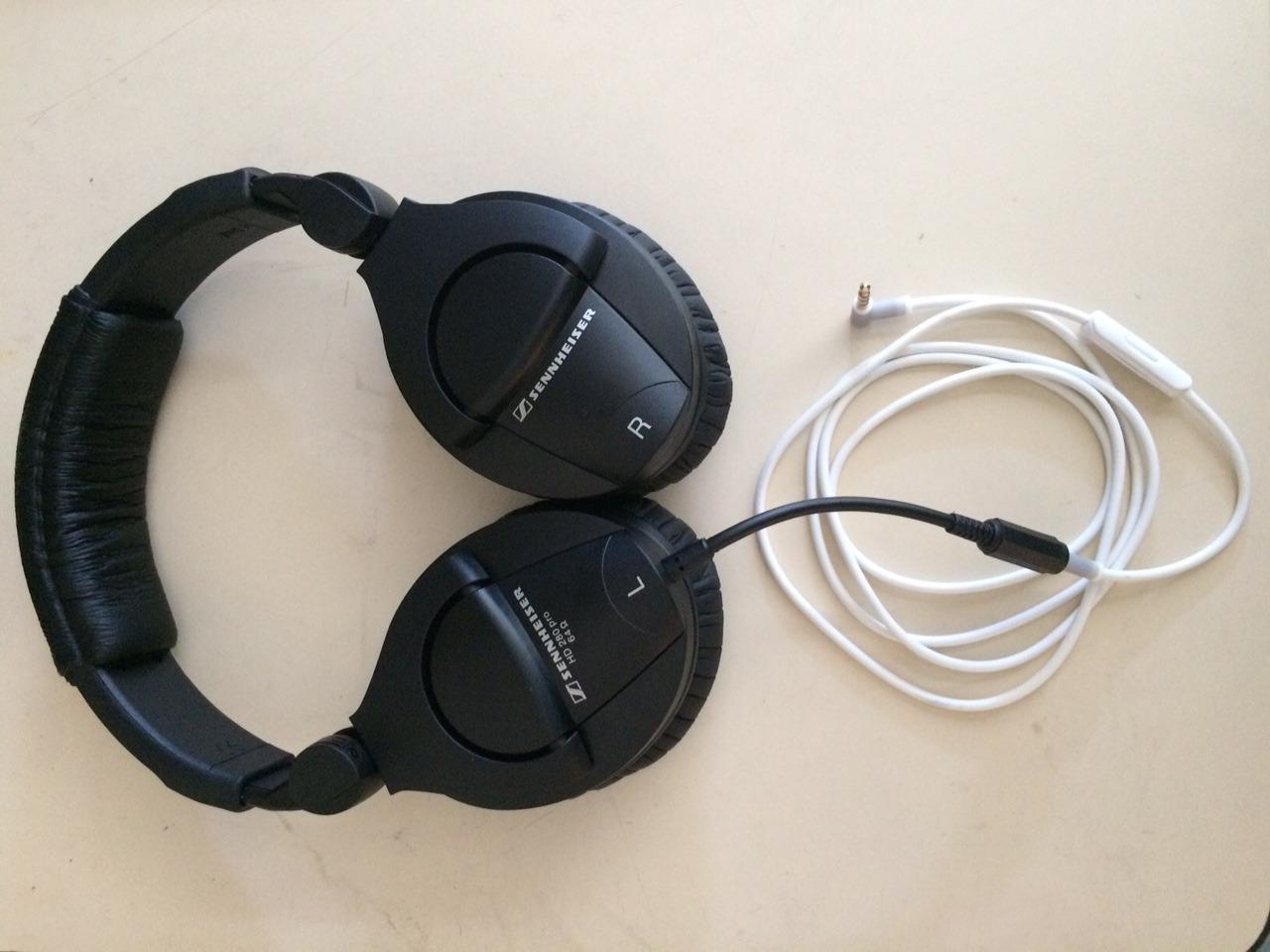
The HD 280 Pro is the isolation pick of this group. With up to 32 dB of passive attenuation it blocks room noise and fan hum well past most of the closed-backs here, and reviewers place it close to over-ear defenders in a noisy environment.
For podcasting that matters more than it sounds. With less background noise competing, you can turn the monitoring level down to catch quiet breaths, and a hiss floor you cannot hear is a hiss floor you will not fix.
Sound is warm, natural and free of artificial bass boost, which reviewers single out for vocal and spoken-word editing. The earcups collapse for one-handed cue monitoring, and the pads, headband padding and cord are all replaceable.
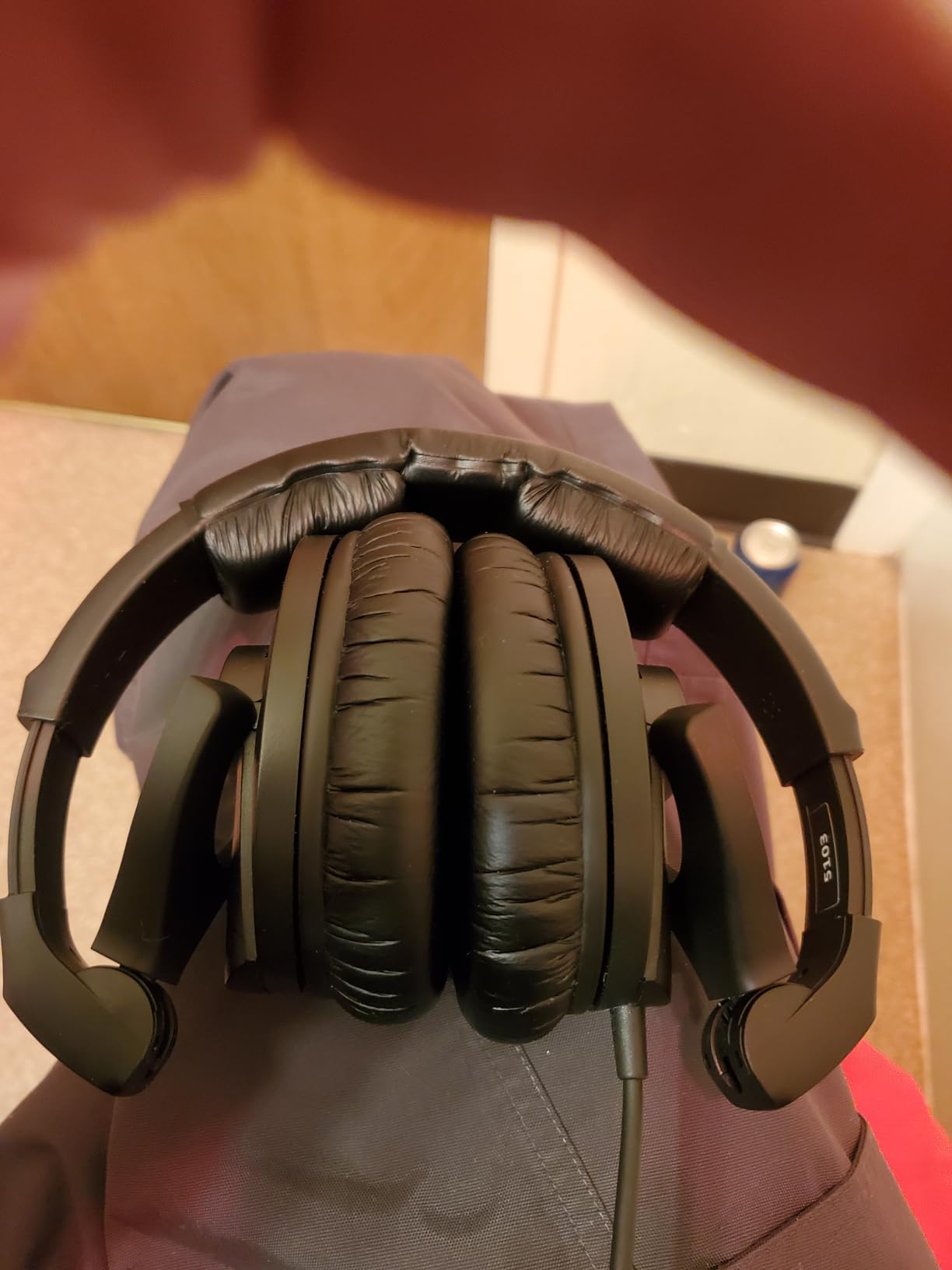
The coiled cord is the main complaint. It is heavy and it pulls on one side of the pair when it is not resting on a desk, so this is a headphone for a fixed workstation rather than a laptop on your lap.
Materials are the other long-term note. Owners report the padding on the headband and earpads flaking and degrading within a few years, and earlier revisions had a plastic headband that could crack on larger heads.
Is it right for a noisy or shared space?
Yes, it is the isolation pick here for a room you do not control. Air conditioning, road noise and a shared wall all push down the level at which you can monitor accurately, and the passive attenuation is the answer to that.
It also suits anyone editing in headphones who gets distracted by their own environment, since the cup seals enough to remove most of it from the mix you are judging.
What you give up for it
Resolution is not the priority here, and reviewers describe less detail and a slightly softer treble than the Audio-Technica models at a similar tier. If you are doing heavy noise reduction work, the flattest pair is the better instrument.
Anyone who records on the move should know the coiled lead is a permanent feature rather than an accessory, because it changes how the pair behaves away from a desk.
9. AKG K240 Studio for Lightweight All-Day Comfort
AKG K240STUDIO Semi-Open Studio Headphones
30mm XXL Varimotion drivers
55 ohm
104 db
240 g
Semi-open
Pros
- Self-adjusting gimbal headband avoids clamp pressure
- Neutral and accurate for editing
- Excellent instrument separation
- Detachable 3m cable with adapter
Cons
- Semi-open leaks sound both ways
- Thin bass below roughly 100 Hz
- Included pleather pads feel cheap over long sessions
The K240 Studio is the pair we forget we are wearing over a four-hour session. At 240 g with a self-adjusting gimbal headband, it has almost no clamp force, and pressure over long sessions is the most common comfort complaint about every other model here.
Producers and mix engineers describe it as a cheap, honest tool that makes panning and EQ decisions easier, with instrument separation that reviewers compare to far more expensive pairs. For dialogue editing, that separation is exactly what you want between a host and a guest track.
The detachable 3m cable uses mini-XLR connectors and a quarter inch screw-on adapter is included. The stainless steel construction is the reason it still feels solid at this tier.
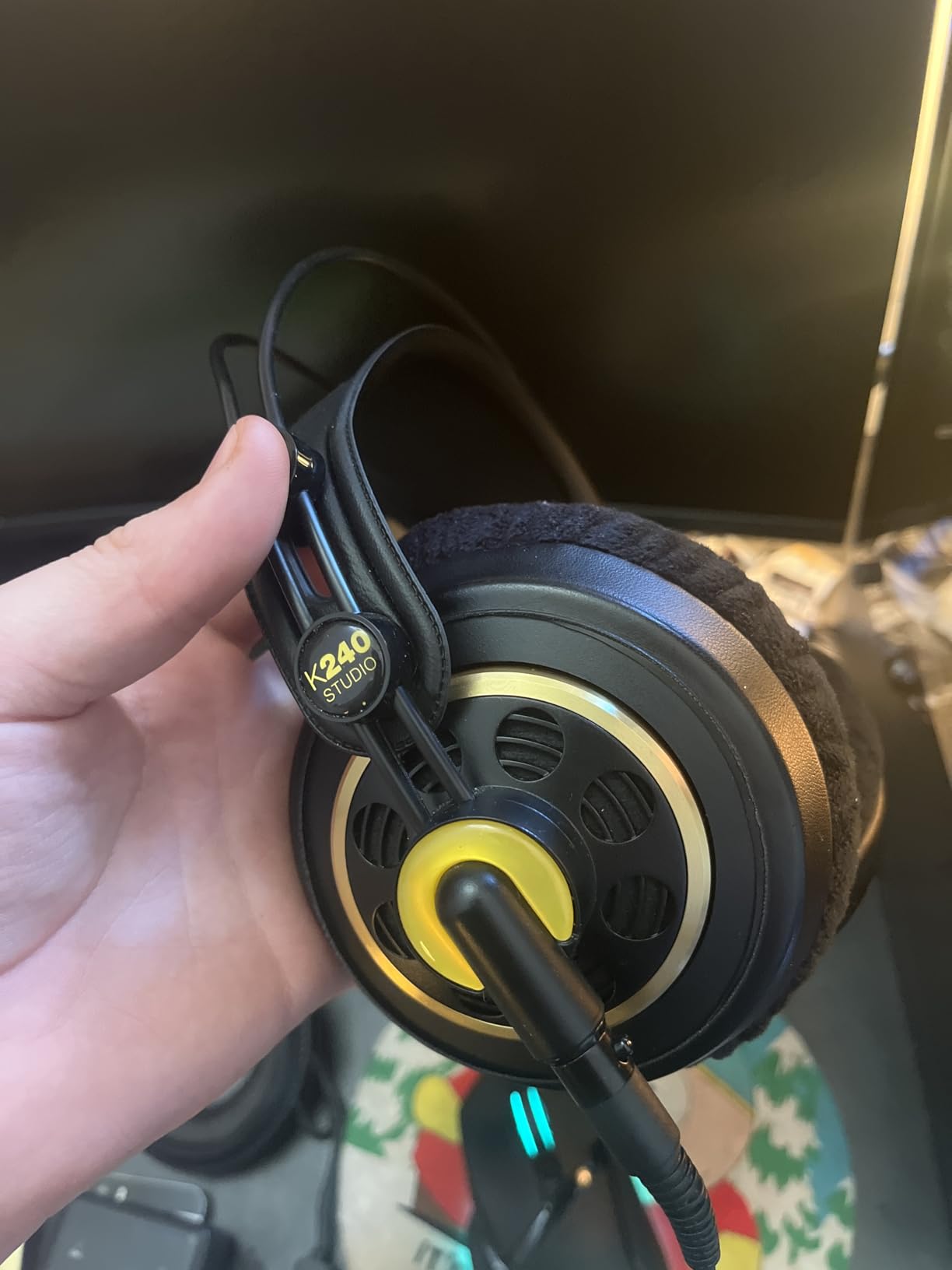
The semi-open design is the defining limitation. It lets in some room sound and leaks your monitoring out, which reviewers stress rules it out for tracking. It works for editing in a quiet room and fails for recording on the same desk.
Response-wise, the bass below roughly 100 Hz is thin and the treble can be slightly harsh at higher volumes. Neither matters much for spoken word, and both matter for a music bed you are trying to balance against.
Is it the most comfortable pick for glasses and piercings?
Yes. Because the headband self-adjusts, there is no fixed clamping force pressing the earcup against the side of your head, which is the pressure that glasses arms and ear piercings react to worst. It answers the comfort complaint that comes up most often when people discuss long editing sessions.
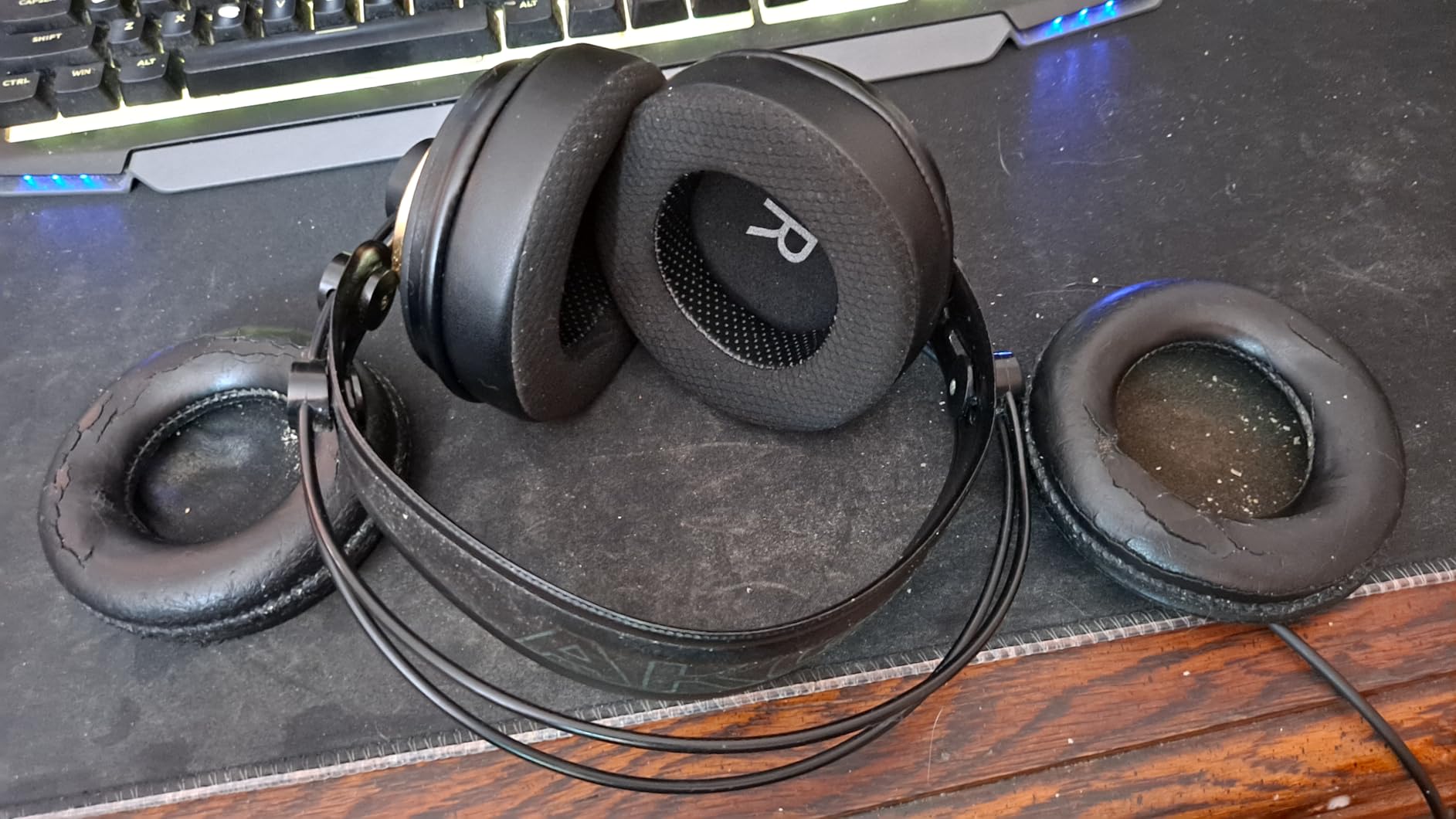
The included pleather pads are the weak point, and they are the first thing to replace. Softer velour or foam pads transform this headphone for long sessions.
When the light weight is not enough
Skip it if you are recording in the same room, since the semi-open leakage reaches the microphone. Closed-back isolation is not a comfort feature, it is a recording decision.
Skip it if low-frequency content is central to your work, because the thin sub range will understate a boomy voice or music bed.
10. Samson SR850 for Budget Semi-Open Monitoring
Samson SR850 Professional Studio Reference Headphones
50mm drivers
32 ohm
98 db
10 Hz to 30 kHz
Velour pads
Pros
- Natural tonal balance with low fatigue
- 50mm drivers with wide dynamic range
- Self-adjusting headband
- 32 ohm easy to drive from a laptop
Cons
- Semi-open leaks sound so no live recording
- Large velour pads run warm
- Less detail and softer treble than rivals
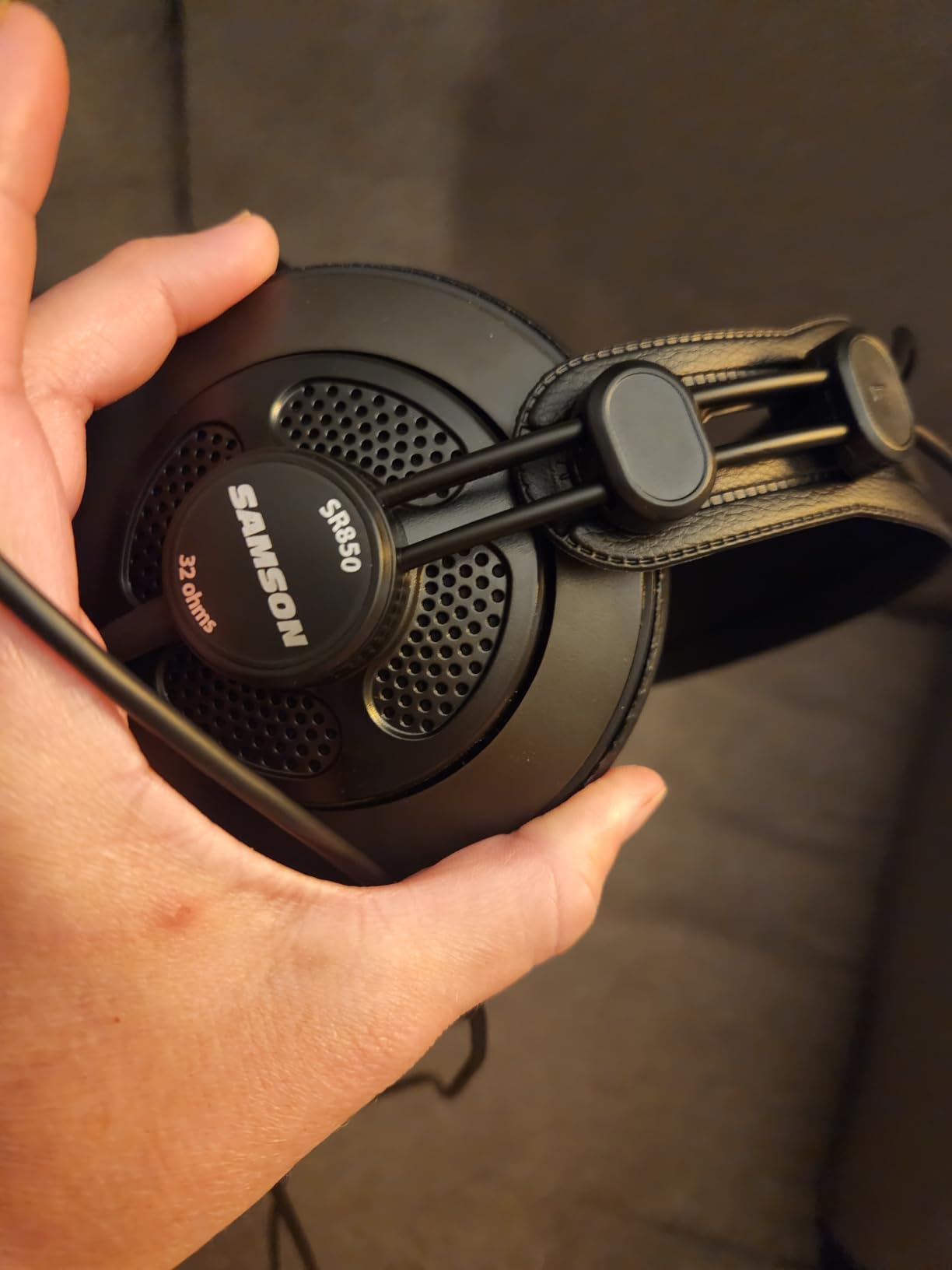
The SR850 is the budget route into semi-open monitoring, and owners frequently A-B it against the Audio-Technica M20x to decide which they prefer. The 50mm drivers deliver a wide dynamic range and a balanced, non-fatiguing presentation for a pair at this level.
It is also easy to drive. At 32 ohm it works from a laptop, a mixer or an interface without added hardware, which is a bigger deal than the specification suggests when you are building a first setup.
The self-adjusting headband removes the fitting guesswork, and the included quarter inch adapter means it reaches a desk mixer directly.
The semi-open shared limitation applies here too: sound passes in both directions, so it is unsuited to live recording and to noisy rooms where you want to keep the outside world out. Treat it as an editing headphone only.
Detail and resolution sit behind the Audio-Technica models here. Reviewers acknowledge less detail and a slightly softer treble, so it is a rougher instrument for fine sibilance work even though the balance is pleasant.
Is it a sensible second monitor for a beginner?
Yes. A semi-open design gives a broader sense of space than a closed-back at the same money, and the balanced presentation makes long sessions easier. It is a good way to learn on a pair that does not colour the midrange.
It is also a reasonable choice for someone who already edits on a closed-back and wants a second opinion with a different acoustic behaviour rather than a different brand of the same idea.
When to choose the closed-back instead
Any desk where a microphone is also present should rule it out. A closed-back keeps your monitoring out of the recording, and that is a problem no amount of noise reduction fixes cleanly afterwards.
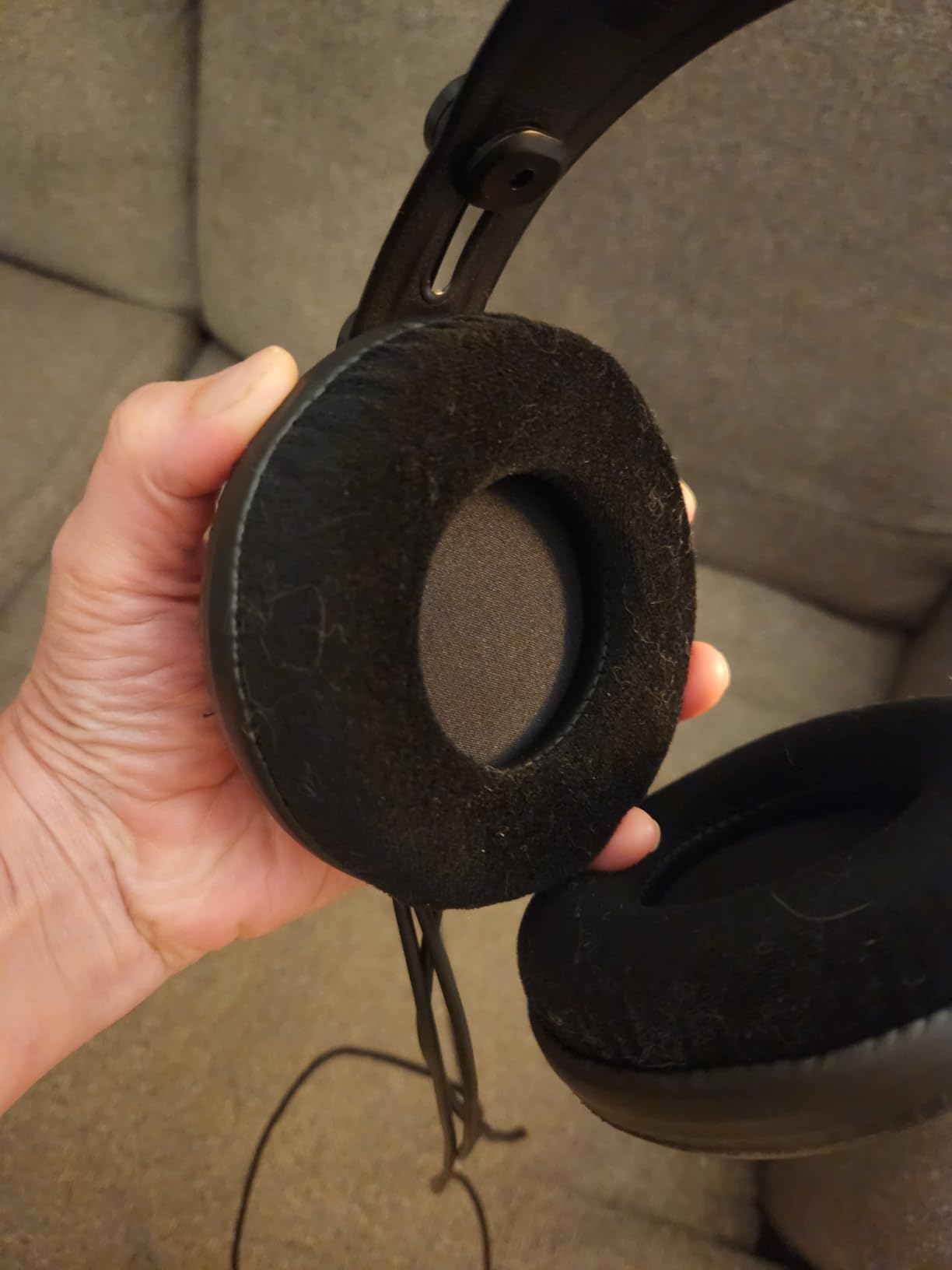
Large velour pads that feel warm over long sessions are the other reason to test it first, because the cushion is the part you will be touching all day.
11. Tascam TH-02 for a Very Tight Studio Budget
TASCAM TH-02 Professional Studio Monitor Headphones, Wired, Over Ear — for Recording, Podcast, DJ, Music and Guitar, with 1/4 Inch Jack Adapter
50mm drivers
32 ohm
98 db
18 Hz to 22 kHz
Closed-back
Pros
- Relatively flat response that works for monitoring
- Closed-back keeps sound contained and cuts room noise
- Folds flat with a 9.5 foot cord
- Quarter inch adapter included
Cons
- Included pads are thin and run warm
- Very tight headband out of the box
- Bass falls off below roughly 100 Hz
The TH-02 punches above its tier in the only way that matters for spoken word: the response is relatively flat and mixable, so a mediocre take sounds mediocre to you. Several reviewers place it in comparison tests against pairs costing several times as much.
It is closed-back, which means it keeps sound contained and reduces ambient noise, and at 32 ohm it is easy to drive from a mixer, an interface or a laptop. The snap-on quarter inch adapter is in the box for direct interface connection.
The 9.5 foot cord reaches a microphone across a large desk without an extension, and the folding design makes it easy to put away between sessions.
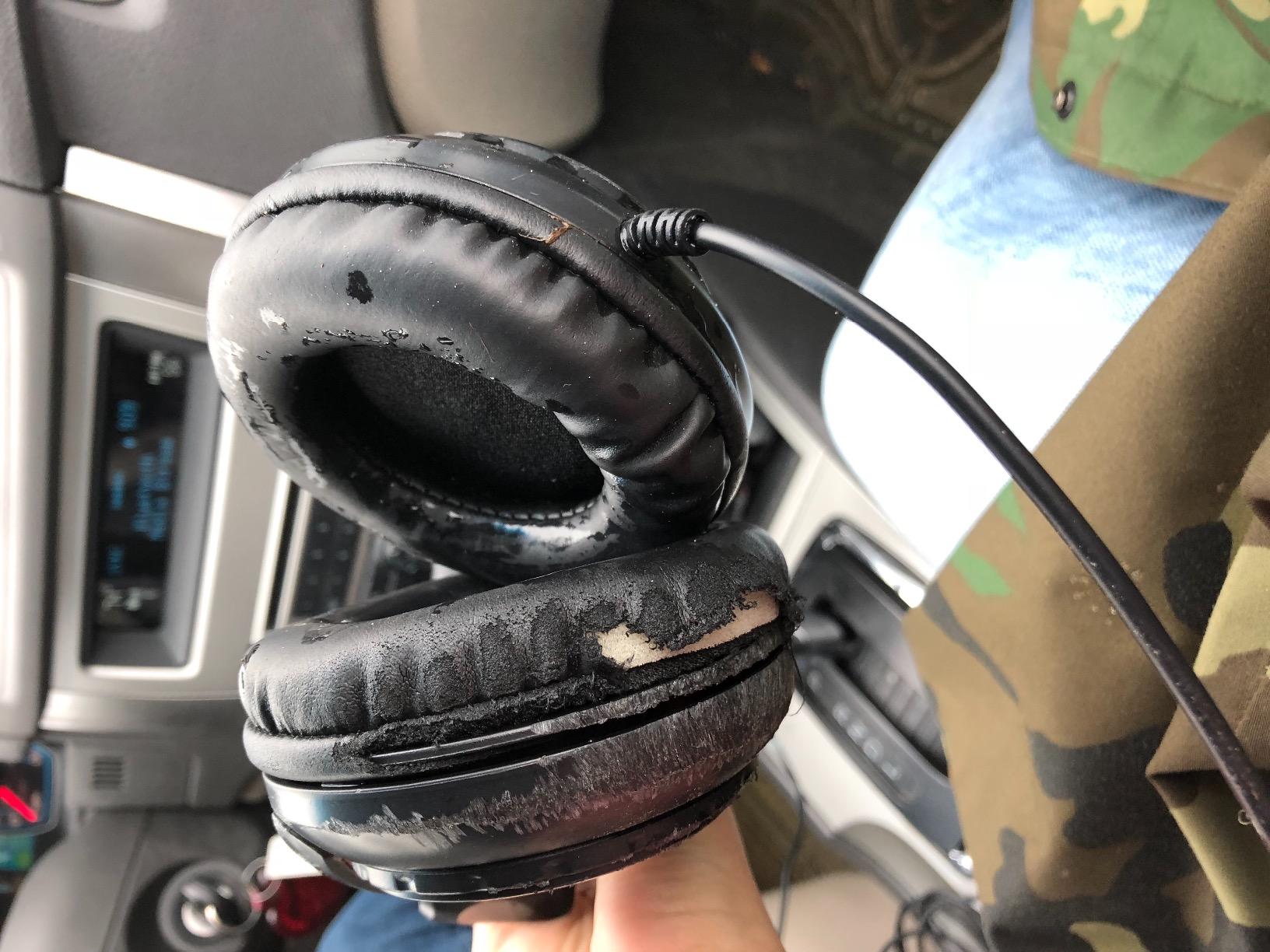
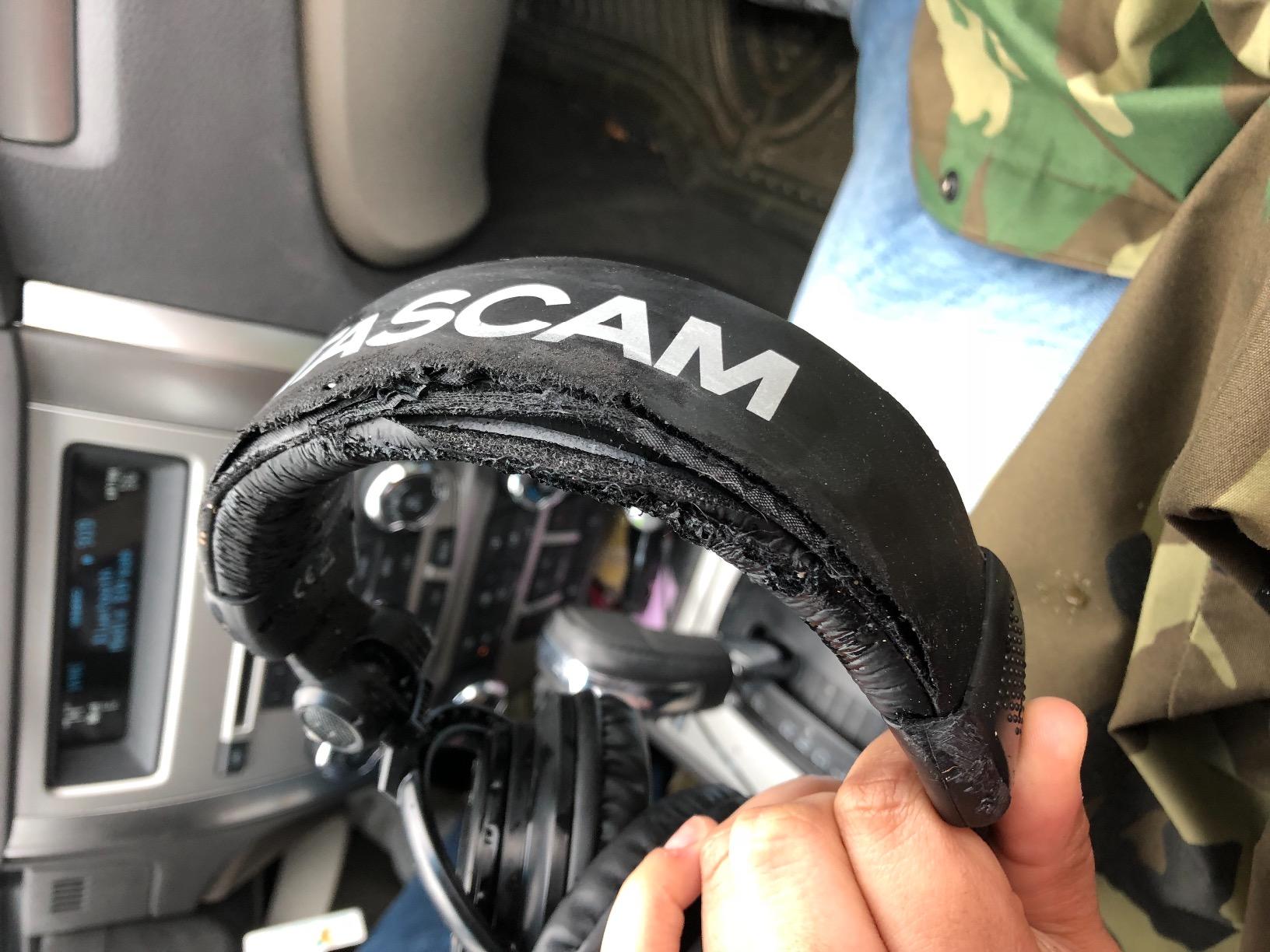
Comfort is the dominant complaint and it is not minor. The included ear pads are thin and run warm, and many owners report ear pressure after thirty to sixty minutes, then replace them with aftermarket memory foam pads. Budget for that if you plan long sessions.
There is also a break-in expectation. The headband is very tight out of the box, and reviewers note the bass falls off below roughly 100 Hz, so it understates a boomy low end.
Is it a serious tool or a stopgap?
It is a genuine tool for dialogue editing, level matching and checking a voice track for hiss and hum. It is not a reference for mastering decisions, and the rating reflects a comfortable but imperfect package rather than a bad product.
If your budget is genuinely tight, this is a capable closed-back at the bottom of the list, and the pad swap is a small price for fixing the main weakness.
Who should spend more instead
Anyone who edits for hours in glasses should step up. Tight pads and a tight headband are exactly the combination that makes hour three uncomfortable, and no amount of good will changes the pad thickness.
Anyone moving between locations should also look at a detachable cable, because this one is permanently attached and impractical for mobile use.
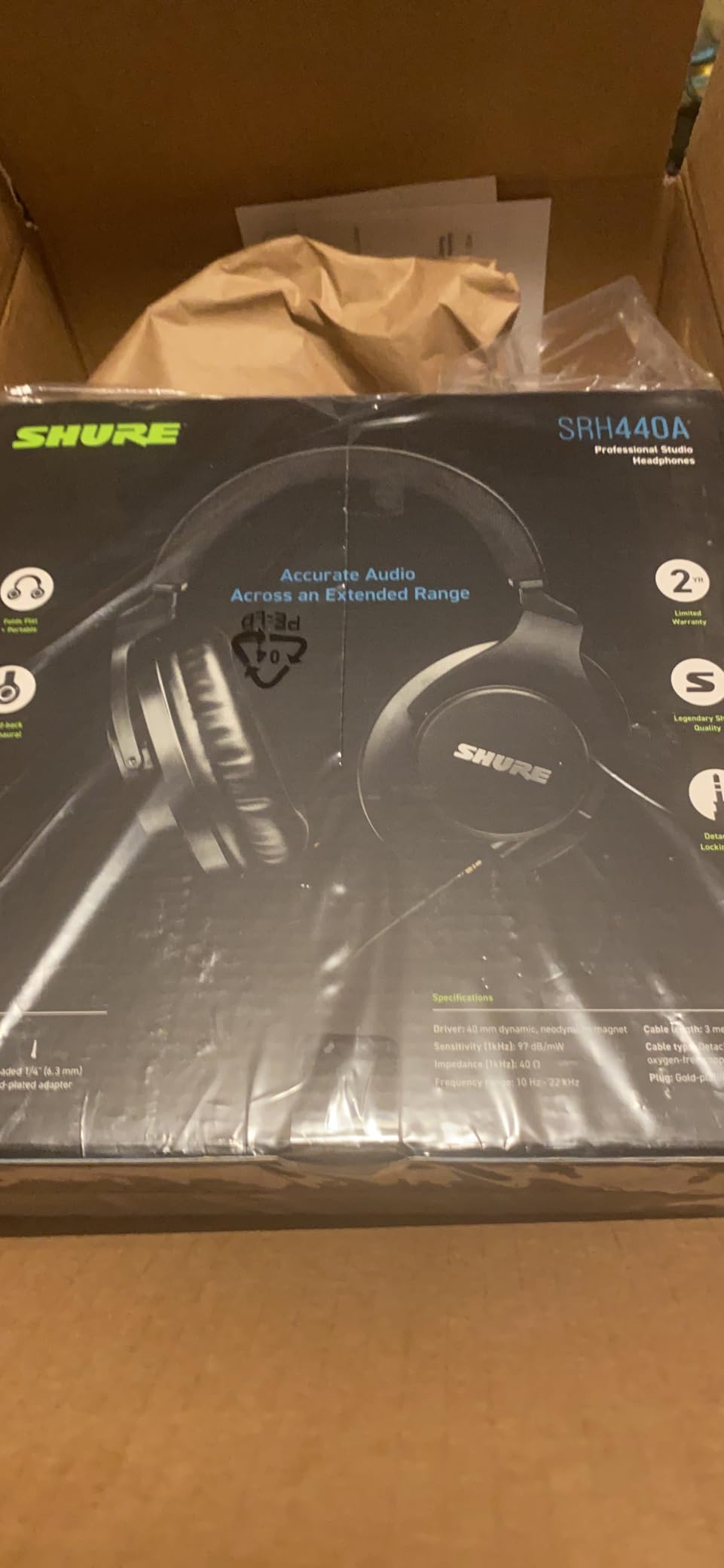
12. Shure SRH440A for Dialogue and Sound Effects Editing
Shure SRH440A Over-Ear Wired Studio Headphones for Recording
40 ohm
102 db
10 Hz to 22 kHz
Detachable locking cable
Closed-back
Pros
- Flat uncolored tuning with strong separation
- No artificial bass and no harsh treble
- Secure but not viselike clamp
- Durable pads that resist flaking
Cons
- Large earcups feel bulky over long sessions
- Does not fold flat despite the listing
- Isolation is not enough for a very noisy room
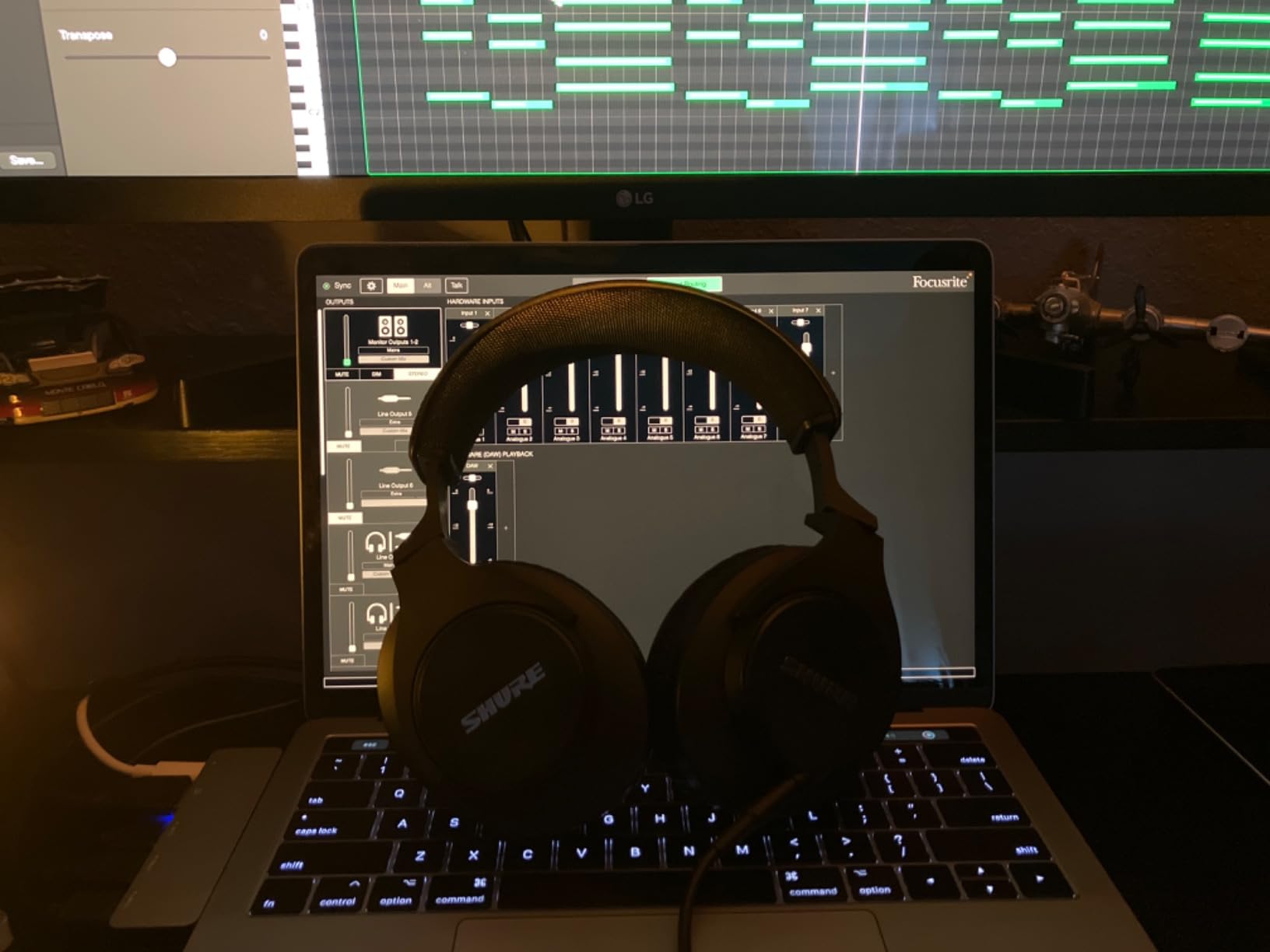
The SRH440A is the pick for people who edit dialogue and sound effects rather than music. Owners describe the tuning as linear and uncolored, with no artificial bass boost and no harsh treble, which is precisely the brief for spoken word work.
At 40 ohm and 102 db of sensitivity it works across interfaces, mixers, laptops and portable devices without an amplifier, so it suits a setup that changes from week to week.
The detachable locking cable is a genuinely good design choice, because it survives an accidental yank instead of pulling the socket out of the earcup. Pads are described as durable and resistant to the flaking that afflicts cheaper pairs.
The honest drawback is the evidence base. With 529 reviews, this pair has the thinnest review history in the roundup by a wide margin, so treat the owner consensus as encouraging rather than proven.
Comfort is the recurring criticism. The earcups are large and feel a little heavy over long sessions, even though the clamp itself is described as secure without being viselike.
Is it right for voice and dialogue work?
Yes. Strong instrument separation and an uncolored response make it easy to line up a voice take with a second microphone, and dialogue editors rate it highly for exactly that job.
It is also comfortable enough for hours as long as large heads are not your situation, and the lack of treble harshness makes it a calmer choice than a bright broadcast pair.
What you should know before committing
It does not fold flat despite the collapsible listing, and no carrying case or coiled cable is included, so plan storage. Passive isolation is decent but not enough for a genuinely noisy room.
Because the review base is small, buy it with the intention of listening to a full episode on it before you standardise your whole workflow around it.
How to Choose Studio Headphones for Podcast Editing in 2026
Closed-back or open-back for podcasting?
Closed-back, if you record and edit at the same desk. An open or semi-open cup lets your monitoring audio reach the microphone, and that bleed is baked into the take before editing begins. The DT 990 Pro is fully open-back, and the AKG K240 Studio and Samson SR850 are semi-open, so all three are excellent editing tools in a treated room where no microphone is running.
You can edit perfectly well on closed-backs. What you cannot do is record safely on open-backs, which is why every closed-back on this list is a viable podcast headphone and only some open-backs are.
Why flat studio monitors sound worse on purpose
A flat frequency response adds almost no bass boost and no treble lift, so a muddy take sounds muddy and a sharp s stabs. Consumer headphones are tuned to make two minutes of music enjoyable; a monitor is tuned so a defect is impossible to ignore.
This is the answer to the most common search on this topic. The best headphones for audio editing are the ones that make your mix sound least like the headphone, not the ones that make it sound best on the headphone.
What impedance do you actually need?
Around 32 ohm drives easily from a laptop or phone jack, which covers the OneOdio pair, the Samson SR850 and the Tascam TH-02. Models at 35, 38 and 40 ohm, including the Audio-Technica line and the Shure SRH440A, are comfortable on a laptop too.
63 ohm, 64 ohm and 250 ohm are a different category. The Sony MDR-7506, Sennheiser HD 280 Pro and beyerdynamic DT 990 Pro all want a real headphone output, and at 250 ohm the DT 990 Pro will not reach a useful level from a laptop at all. Higher impedance does not automatically mean better sound, it means more voltage required.
Why wired only, and no active noise cancelling
Bluetooth latency puts a delay between your voice and what you hear, which makes live monitoring feel disconnected and makes it impossible to judge timing while recording. For editing, the delay is subtle and still wrong.
Active noise cancelling processes the signal to cancel outside noise, which changes what reaches your ear. You are not monitoring the file any more, you are monitoring a processed version of it. For a job where accuracy is the entire point, that is a poor trade, and the same applies to any wireless pair with built-in microphones.
Comfort, clamping force, and glasses or piercings
Clamping force decides more about your editing hours than any frequency graph. The AKG K240 Studio is the pair to try first on comfort, because its self-adjusting gimbal headband applies almost no fixed pressure, and the Sony MDR-7506 is the lightest closed-back here at eight ounces.
For glasses and piercings, look for a self-adjusting band and lighter clamps rather than a firmer grip. Replaceable ear pads matter more than people expect, because pads flatten first, and velour or foam replacements usually transform a pair that started out uncomfortable. Our recording headphone roundup covers the tracking side of the same comfort question.
Spend on the microphone first
Headphones cannot fix a bad recording, which is a recurring point in podcasting communities. If your budget is limited, a better microphone and a treated room will improve the raw file more than any upgrade to monitoring, so start there and treat headphones as the second investment.
Our beginner podcast microphone guide covers that first purchase if you are still choosing one.
The Listening Checks We Run Before Publishing an Episode
These are the passes that turn headphones from a listening accessory into an editing tool. We run the same five on every export, and they take about ten minutes.
Level pass. Play the whole episode at one fixed monitoring level without touching the volume. Anything that jumps out at you is a level problem, and your ear gets tired long before a meter does.
Hum and hiss pass. Switch to headphones in a silent room and listen with the volume low. A hum at a specific frequency is usually a ground loop, and a wide hiss under quiet passages is usually the microphone preamp or the room.
Sibilance and mouth noise pass. Solo the vocal track and listen for hard s, t and p consonants and for lip and tongue sounds between words. This is the pass that rewards a flat headphone most, because a coloured curve hides it.
Phone speaker check. Transfer the finished file to a phone and play it on the speaker. Speech that disappears on a small driver is a mix that will disappoint most of your audience.
Car and kitchen check. Play it in a noisy room on a phone speaker. If the voice stays intelligible with a bed underneath, the bed is doing its job.
Two more habits help. Keep your monitoring level at a moderate, consistent level rather than pushing it, because ear fatigue flattens your judgement of balance over a long session, and if you own two pairs with different characteristics, check the final mix on both before publishing.
Frequently Asked Questions
What headphones do most podcasters use?
Most working podcasters use a closed-back wired studio monitor in the mid price tier. The Audio-Technica ATH-M50x and the Sony MDR-7506 appear most often in buying guides and forums, with the beyerdynamic DT 770 Pro style of large closed-back common in home studios. All three are chosen for the same reasons: flat response, isolation, and a cable that cannot introduce latency.
What are the best headphones for audio editing?
The best headphones for audio editing are flat or neutral studio monitors with a clear midrange, because a coloured consumer tuning hides exactly the hiss, hum, sibilance and mouth noise an editor needs to hear. In this group the Audio-Technica ATH-M40x is the flattest, the ATH-M50x is the flattest all-rounder, and the OneOdio Wired Hi-Res is the easiest to drive from a laptop.
Are open-back or closed-back headphones better for podcasting?
Closed-back. If you record and edit at the same desk, an open-back headphone lets monitoring audio bleed into your microphone, and that bleed is captured in the take. You can edit acceptably on closed-backs, but you cannot record safely on open-backs. The open models here are excellent editing tools in a treated, quiet room.
Do I need expensive headphones to edit a podcast?
No. A well-made closed-back monitor in the mid price tier is enough for spoken word work. The extra spend mainly buys build quality, replaceable pads and cables, and stronger isolation, rather than clearer speech. Spend on the microphone and room treatment first, because headphones cannot fix a bad recording.
Can I mix and edit a podcast on headphones alone, without speakers?
Yes, comfortably, for spoken word content. Headphones will mislead you about complex low-frequency balance, so spot-check the finished file on a phone speaker and in a noisy room before publishing. That check takes a minute and catches most of the problems an all-headphone workflow creates.
What impedance headphones do I need for podcasting?
Around 32 ohm drives easily from a laptop or phone jack, and 35 to 40 ohm models such as the Audio-Technica line are comfortable there too. Models at 63, 64 and 250 ohm, including the Sony MDR-7506, Sennheiser HD 280 Pro and beyerdynamic DT 990 Pro, need an audio interface or headphone amp to reach a useful level. Higher impedance does not automatically mean better sound.
Are Bluetooth headphones bad for audio editing?
Yes, because of latency and processing. Bluetooth introduces a delay between your voice and what you hear, which makes live monitoring feel disconnected, and active noise cancelling alters the signal before it reaches your ear. For editing, a wired closed-back with no processing in the signal path is the correct tool.
What headphones are best for long editing sessions and glasses?
Comfort over a four-hour session matters more than any frequency graph, so prioritise low clamping force, light weight and replaceable ear cushions. The AKG K240 Studio is one of the lightest picks here at 240 g with a self-adjusting gimbal headband, and the Sony MDR-7506 is lighter still at eight ounces. Softening or replacing the ear pads is the cheapest fix for most pressure complaints.
The Verdict on the Best Studio Headphones for Podcast Editing in 2026
For most podcasters, the OneOdio Wired Hi-Res Over-Ear Headphones are the right starting point because they need no amplifier, no adapter hunt and no second cable, and their review history is the longest of any pair we tested. For the most accurate voice work, the Audio-Technica ATH-M50x is the one to buy, and the ATH-M40x is the flattest option in that family.
Pick the Sony MDR-7506 if broadcast-style monitoring and all-day comfort matter more than a replaceable cable, the Sennheiser HD 280 Pro if your room is noisy, and the beyerdynamic DT 990 Pro only if you edit in a treated room and own the hardware to drive it. Whatever you choose, stay wired, stay closed-back if a microphone is nearby, and run the five listening checks before you publish.