
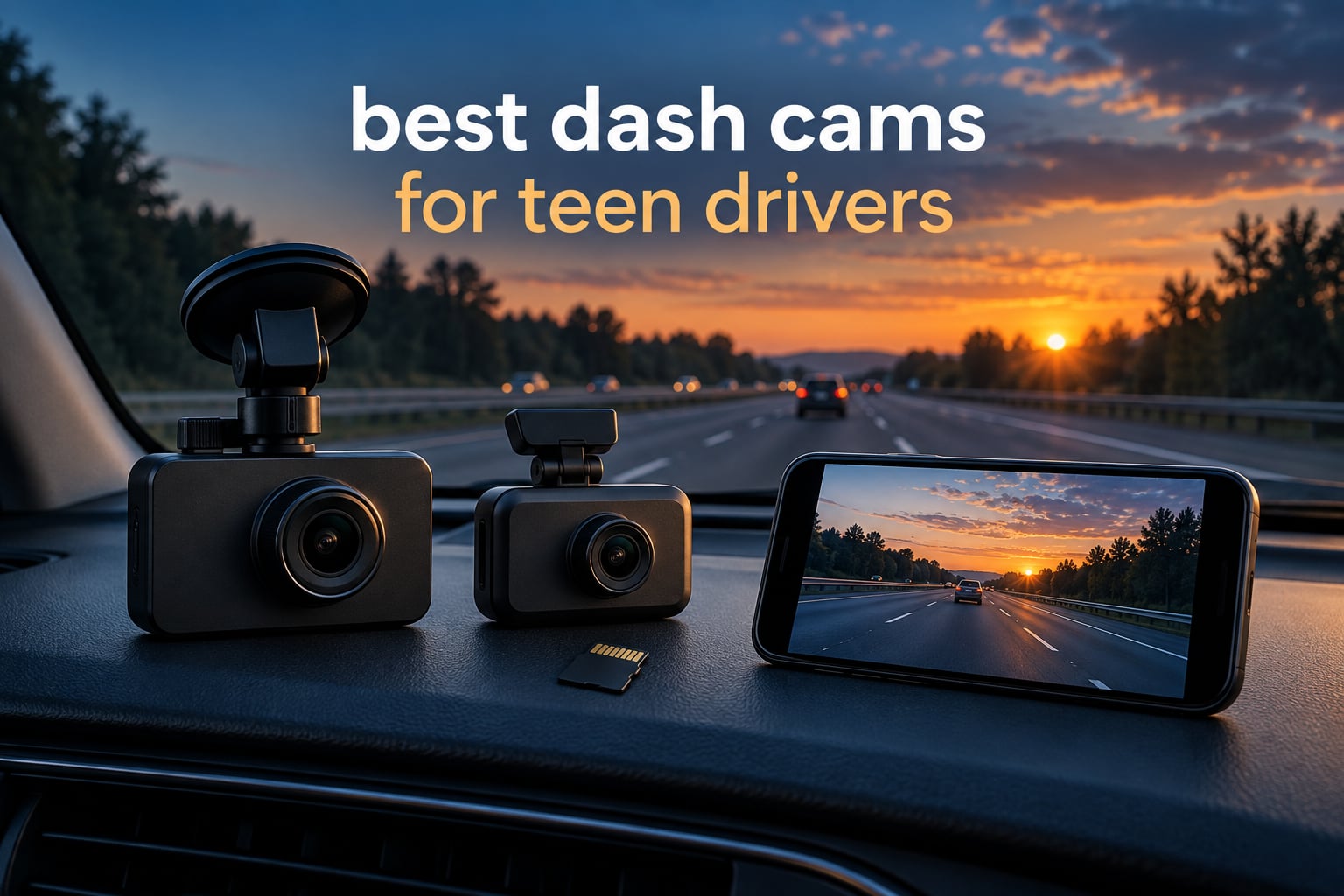
If you are shopping for the best dash cams for teen drivers, the short answer is this: a front and rear dual-channel camera with a STARVIS 2 sensor, a supercapacitor instead of a lithium battery, and a G-sensor that locks incident clips. Add built-in GPS so every recording carries speed and route data, and you have a setup that works for a newly licensed driver who is still learning the road.
Teen drivers are a specific case, and most dash cam buying guides miss that. A new driver does not need a camera mounted where it blocks the windshield or one that fills the screen with warnings. What they need is footage good enough to settle an insurance claim, quiet enough that nobody thinks they are being watched every mile, and simple enough that plugging in a cable is the only maintenance task. Our front and rear dash cam guide covers the hardware side in more detail, and this list narrows it to twelve cameras worth putting in a teenager’s car.
We spent the last several weeks comparing all twelve units below on the things that actually break in daily use: night footage quality, whether the G-sensor fires on potholes instead of crashes, whether the included memory card is genuinely high endurance, and whether a teen can unplug the camera without noticing. Twelve cameras, more than 80,000 combined customer reviews, and a lot of cable routing through headliners.
One thing we will say up front. A dash cam is a documentation tool, not a monitoring tool. The cameras that come with an interior channel can show what happened, but they can also wreck the trust you are trying to build with a teenager. We explain how to use the footage well, and when to step back, further down.
Table of Contents
Top 3 Best Dash Cams for Teen Drivers in 2026

REDTIGER F7NP 4K Front Rear
- 4K front and 1080P rear
- STARVIS 2 sensor
- Built-in GPS
- 128GB card included

ROVE R2-4K Dual
- Sony STARVIS 2 IMX675
- Dual-band 5.8GHz WiFi
- GPS with live speed
- 128GB card included

70mai M310 Plus 4K
- True 4K UHD front
- 140-degree wide angle
- Voice control
- Compact mirror-hiding body
All 12 Dash Cams for Teen Drivers Compared (October 2026)
| Product | Specifications | Action |
|---|---|---|
| REDTIGER F7NP 4K Front Rear |
|
Check Latest Price |
| ROVE R2-4K Dual |
|
Check Latest Price |
| 70mai M310 Plus 4K |
|
Check Latest Price |
 Biuone Front and Rear 1080P Biuone Front and Rear 1080P |
|
Check Latest Price |
 SUVCON 3-Channel System SUVCON 3-Channel System |
|
Check Latest Price |
 PRUVEEO 360 4-Channel PRUVEEO 360 4-Channel |
|
Check Latest Price |
 E-YEEGER 2.5K Dual E-YEEGER 2.5K Dual |
|
Check Latest Price |
 REDTIGER F17 3-Channel REDTIGER F17 3-Channel |
|
Check Latest Price |
 IIWEY N5 4-Channel IIWEY N5 4-Channel |
|
Check Latest Price |
 REDTIGER F9 4K Dual REDTIGER F9 4K Dual |
|
Check Latest Price |
 Navycrest 4K Dual Navycrest 4K Dual |
|
Check Latest Price |
 BOTSLAB G300H Plus 4K BOTSLAB G300H Plus 4K |
|
Check Latest Price |
1. REDTIGER F7NP 4K: Best Overall Dash Cam for Teen Drivers
REDTIGER F7NP 4K Dash Cam Front Rear, STARVIS 2 Sensor, Free Card Included
4K front plus 1080P rear
STARVIS 2 sensor, F1.5
5.8GHz WiFi
Built-in GPS
128GB card
Pros
- 4K front and 1080P rear recording
- STARVIS 2 low-light sensor
- 5.8GHz WiFi transfers up to 20MB/s
- 128GB memory card included
- Supercapacitor handles heat and long parking
Cons
- Hardwire kit sold separately for parking mode
- App-based setup takes practice
- Rear cable routing needs care
The F7NP is the camera we keep coming back to, and the reason is the review volume. More than 25,000 owners have rated it, which means the failure modes are already documented rather than theoretical. For a first car, knowing exactly how a unit behaves after a year of daily recording is worth more than a spec sheet line we cannot verify.
Footage quality is genuinely good where it matters. The STARVIS 2 sensor with an F1.5 aperture handles the two scenarios a teen driver hits most: dusk on a suburban road and unlit stretches after a school letout. The 170-degree front lens and 140-degree rear lens cut down the corner blind spots that a driver checking mirrors will otherwise never see.
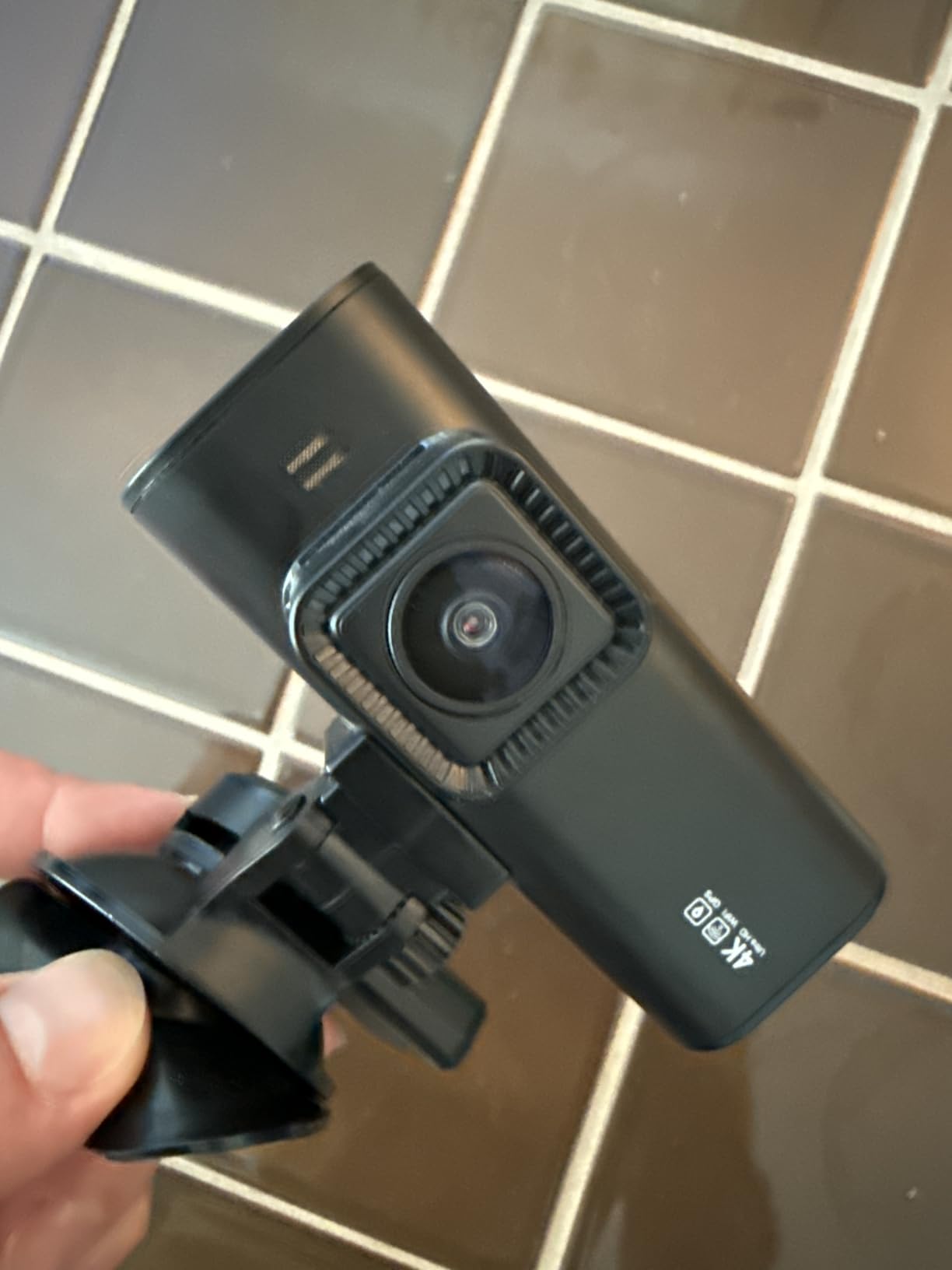
Two details set this model apart from most of the field. A 128GB card is in the box, which removes the single most common support complaint we see, someone buying a cheap card that fails under constant writing. And the built-in GPS stamps route, speed and location onto every clip, so a speed argument with an insurance adjuster becomes a data argument instead of a memory contest.
The supercapacitor matters more than most buyers realise. It replaces the lithium battery found in cheaper cameras, and it means the unit powers on instantly in deep cold or after sitting in a hot parking lot all afternoon. A teenager’s car sits in a school lot for hours. That is exactly the scenario where battery-powered dash cams fail.
What to check before you buy the F7NP
Parking mode is off by default and needs a hardwire kit, which is not in the box. If your goal is overnight protection in the school lot, budget for that kit at the same time. The 24/7 mode supports both time-lapse and G-sensor triggered recording.
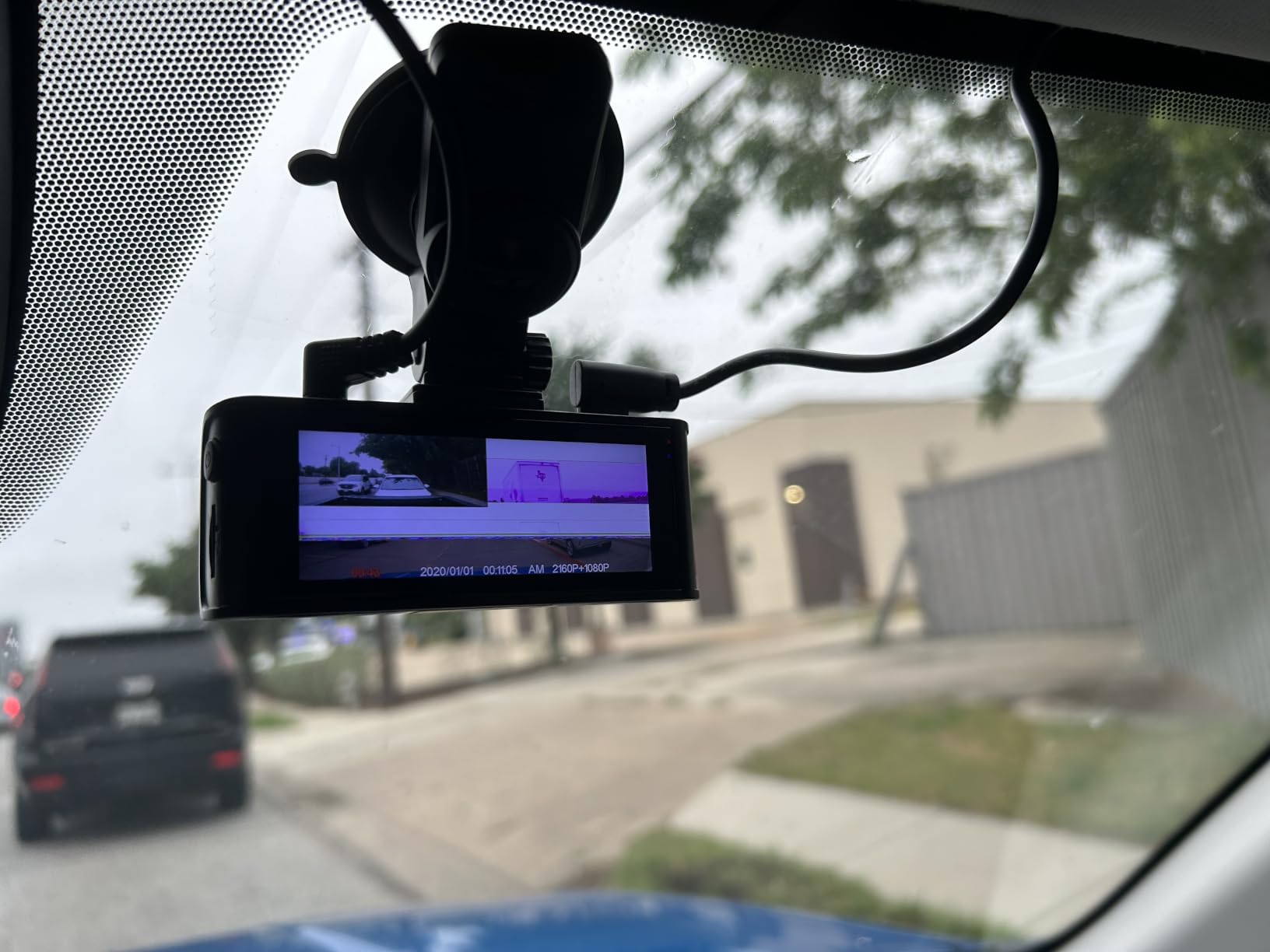
There is no built-in screen, so every playback happens through the Redtiger Cam app over 5.8GHz WiFi. That is fast, up to 20MB/s, but it means your teen needs a phone to review anything. If you plan to do monthly clip reviews together, that is a feature. If you want them to check a clip independently without borrowing your phone, look at a model with a screen.
Where the F7NP falls short
The app workflow draws the most criticism in reviews, particularly for a first-time owner. It is not broken, but the learning curve is steeper than a camera with physical buttons and a small display. Budget thirty minutes with it before you hand it over.
Rear camera cable routing is the other sticking point. The cable has to travel from the front mount, along the headliner edge, down the pillar, and across the trunk or under the rear glass. If your teen drives a sedan with a lined headliner, plan an hour and a set of plastic pry tools. Our parking mode dash cam guide walks through the routing in more detail.
2. ROVE R2-4K Dual: Highest Rated Dash Cam in the Round-up
ROVE R2-4K Dual Dash Cam Front and Rear, STARVIS 2 Sensor, Free 128GB Card
2.5K native front, upscaled 4K
IMX675 STARVIS 2
3-inch IPS screen
GPS
128GB card
Pros
- Highest rating in the list at 4.5 stars
- GPS with live speed and compass on screen
- Dual-band 5.8GHz and 2.4GHz WiFi
- Supports cards up to 1TB
- Built-in supercapacitor
Cons
- 4K mode is upscaled from 2.5K
- Hardwire kit not included for parking mode
- Settings mostly require a phone
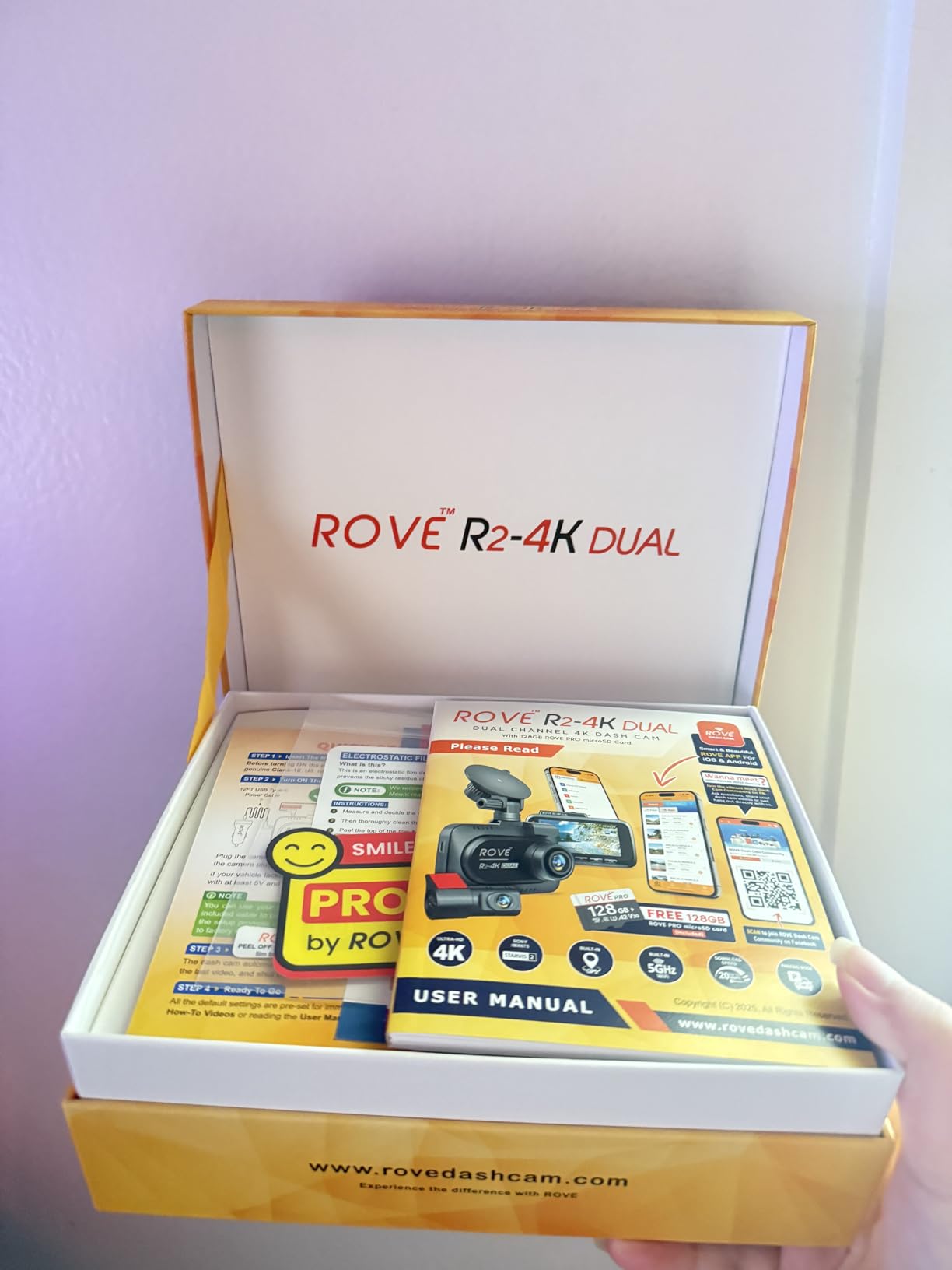
The ROVE R2-4K Dual carries the highest star rating of any camera here, 4.5 across more than 14,000 reviews, and it is the model most often recommended on the parent-focused dash cam forums we reviewed. R2-4K owners there single out the same things: fast transfers, dependable night capture, and a card in the box.
Here is the nuance that marketing pages skip. The front camera records natively at 2.5K QHD and upscales to 4K. If you pull a clip into an editor and zoom in, the upscaling shows. In day-to-day use, viewing on a phone or laptop, you will not notice. But if you plan to submit footage to an insurance company and want maximum detail, know that the native resolution is 2560 by 1440.
The 3-inch IPS screen is the practical differentiator against most competitors in this range. GPS speed and compass data render directly on the display, which means a driver can confirm the camera is live and check their own speed without opening an app. For a teenager, visible proof that the camera is running changes behaviour in a way no parent lecture manages.
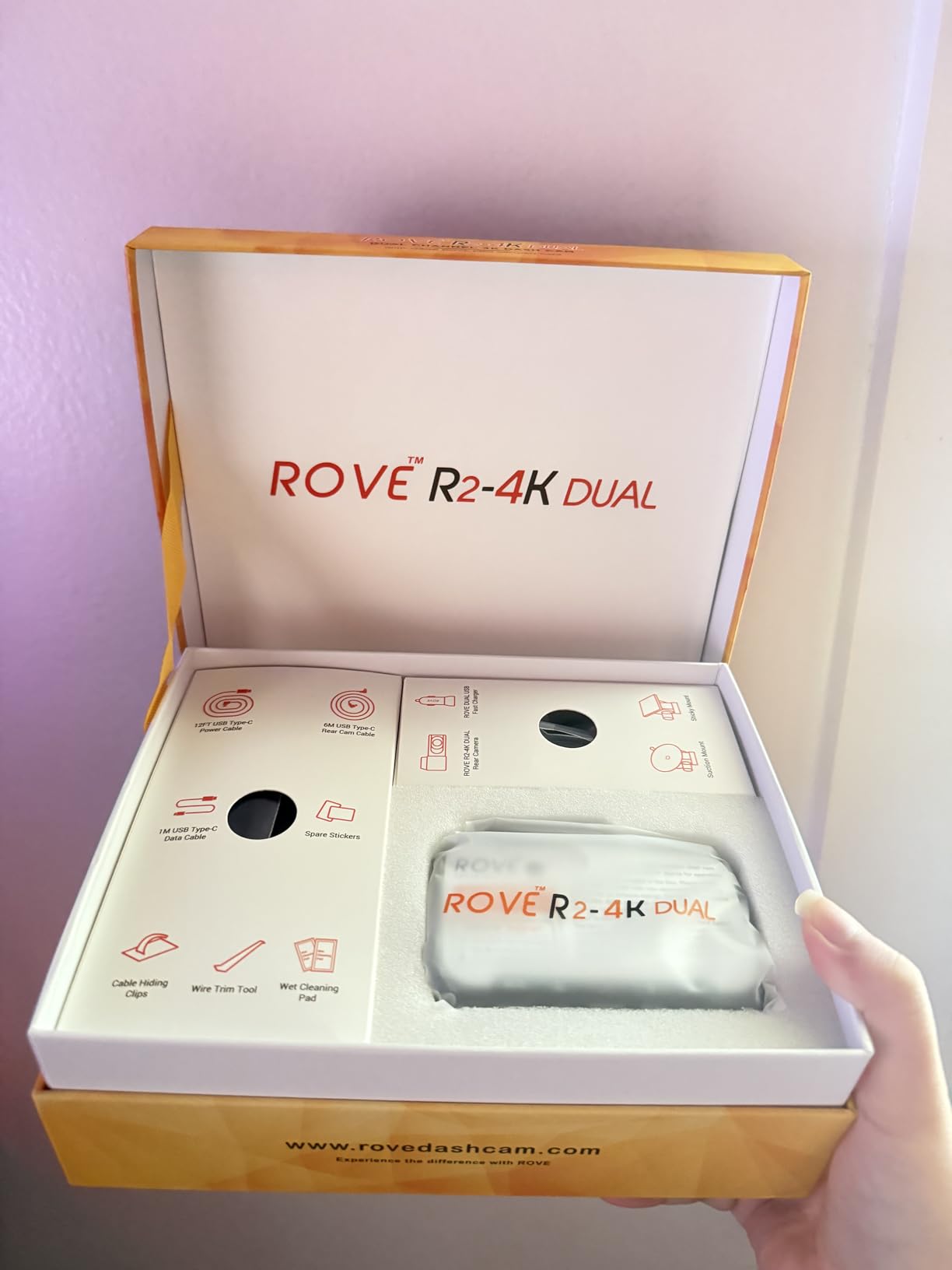
Capacity is the quiet win. This is one of the few cameras here that accepts microSD cards up to 1TB, and the supplied 128GB ROVE PRO card is a genuine high endurance part rather than a generic bundle. Dual-band WiFi at up to 20MB/s means a full day of footage downloads in minutes.
Why this is the pick for teen drivers specifically
The screen plus GPS combination makes it the least intrusive monitoring option in the list. You are not demanding that your teen pull out a phone and connect to a hotspot. You are handing them a camera that shows its own speed and heading, and asking them to drive to it.
Thermal protection is built in alongside the supercapacitor. A car parked in direct summer sun in a state with hot afternoons will cook a camera without it, and the failure usually shows up as a unit that will not record the next morning.
Where the ROVE R2 falls short
Parking mode needs a hardwire kit sold separately, and the three-mode monitor, time-lapse, motion detection and collision detection, is only reachable once that kit is installed. If you are buying for overnight school-lot protection, order both on the same day.
Almost all configuration happens in the app. The screen handles playback and basic display, not deep settings. For a parent helping a teenager set this up, expect an afternoon with the phone, and a second afternoon when the teenager changes the sensitivity settings without telling you.
3. 70mai M310 Plus 4K: Best Budget Pick for a First Camera
70mai M310 Plus 4K Dash Cam Front with Night Vision, 140° Wide Angle Dash Camera for Cars, WiFi Dashcam with App, Parking Mode, G-Sensor, Loop Recording, Voice Control, Easy Install Car Camera
True 4K UHD front
140-degree wide angle
F1.55 aperture with WDR
Voice control
No screen
Pros
- True native 4K front recording
- Tiny body hides behind the rearview mirror
- Voice control for hands-free clip locking
- No paid subscription for viewing
- Quick adhesive mount
Cons
- No built-in screen
- Three-minute clip cap
- Over-sensitive G-sensor
- No memory card included
Not every teenager needs a three-camera array. Some families drive a first car that is not going to be worth a full install weekend, and the 70mai M310 Plus is the honest answer for that situation. It is a single front camera, it records true 4K, and it disappears behind the rearview mirror.
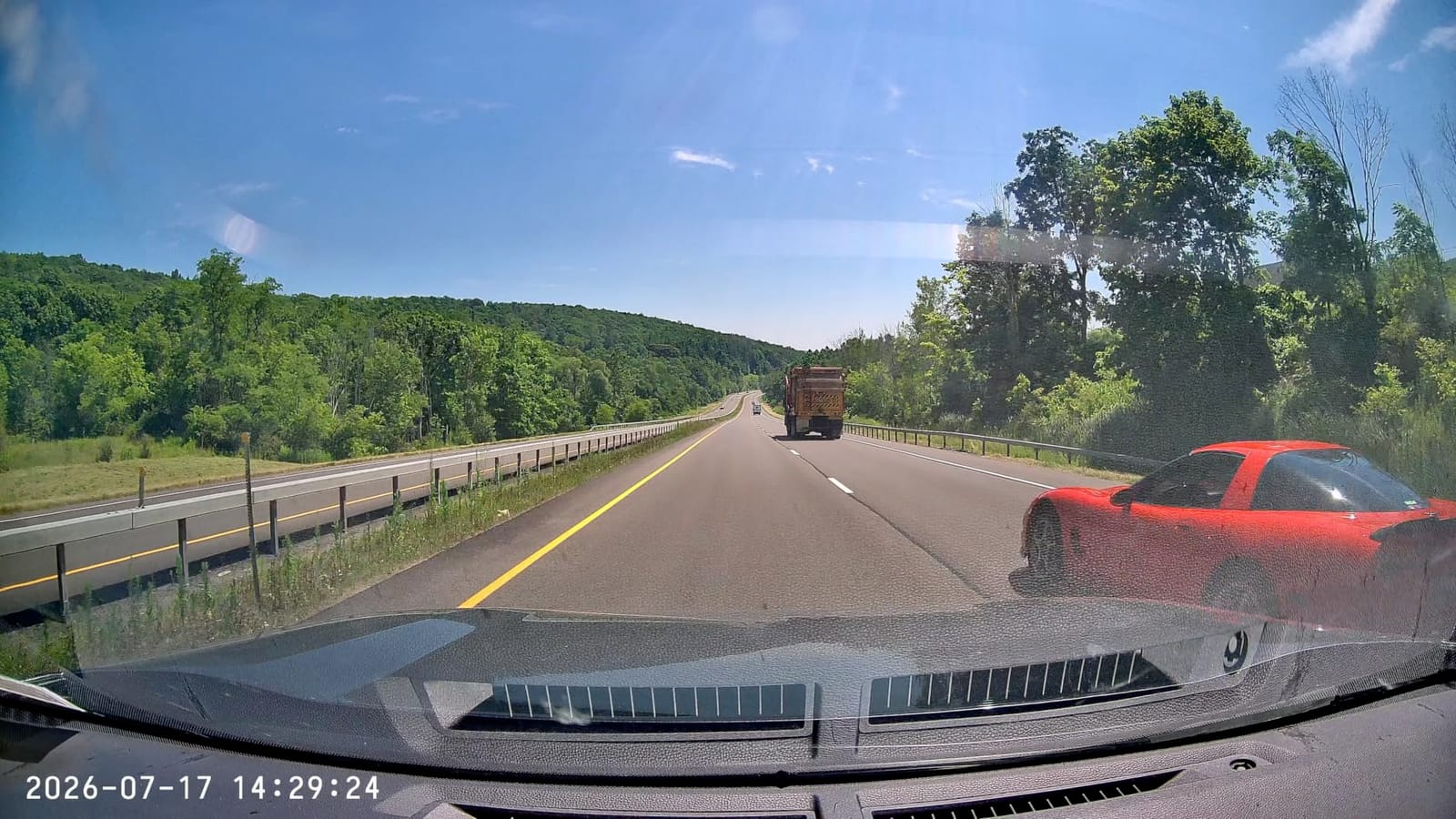
Reviewers describe it as the best value discreet front-only camera, and the figure supports that. It carries a 4.0 rating across more than 10,000 reviews, and the daytime footage reads licence plates at a distance that most 1080p rivals cannot manage. The F1.55 aperture with wide dynamic range and 3D noise reduction does more work at dusk than the sensor size alone would suggest.
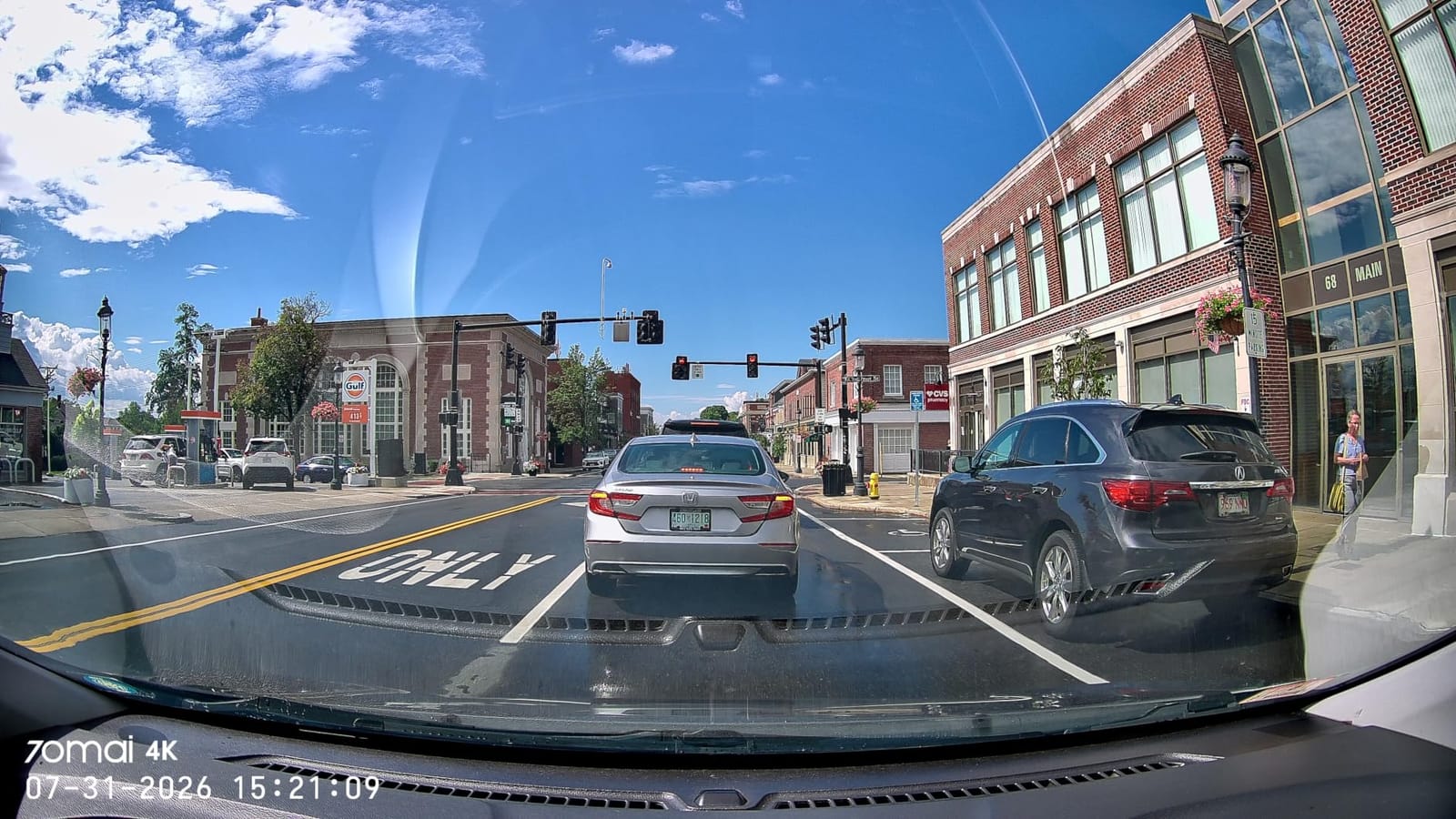
Voice control is the sleeper feature. Saying a command to lock a clip or snap a photo means your teen can mark an incident without touching anything while the car is moving. The 70mai app connects over WiFi for viewing and downloading, and no subscription is required to look at footage, which matters when the camera lives in someone else’s car.
Installation takes about five minutes with the adhesive mount. That speed is the real argument for this camera. A hardwired three-channel system installed properly is a weekend project. The M310 Plus is a Friday evening job, and a camera that is already installed is a camera that stays installed.
What works about the single-camera approach
A front-only camera avoids the trust problem entirely. It cannot see the back seat, which means it is not watching who is in the car, and a teenager will accept it far faster than a cabin channel. For a first six months of solo driving, the front view is where nearly all useful evidence lives anyway.
The parking mode here includes low-voltage protection that cuts recording at 11.8 volts, so leaving it installed overnight will not strand a teenager before a morning exam. That cutoff is a genuine safety feature that many competing budget units skip.
Where the M310 Plus falls short
Three complaints come up repeatedly. The G-sensor is described as over-sensitive, triggering emergency clips from loud road noise and closing doors rather than actual impacts, and the three-minute clip cap means you get less pre-event buffer than a competitor that records longer segments. There is also no built-in screen and no memory card in the package, so budget for a high endurance card on day one.
A smaller stumbling block: some owners report WiFi pairing difficulties in vehicles with CarPlay or OnStar WiFi active. If the car has either, test the connection before you hand the keys over.
4. Biuone Front and Rear 1080P: Best Set-and-Forget Kit
Dash Cam Front and Rear, 1080P Dash Camera for Cars with 32G Card
Front and rear 1080P at 30fps
170-degree front lens
32GB card pre-installed
No app or WiFi
Pros
- Front and rear coverage in one kit
- 32GB card already installed
- Suction cup install in minutes
- Screen auto-off while recording
- Works with many car brands
Cons
- No WiFi
- app or GPS
- 6m rear cable is short on larger vehicles
- 1080p only on both channels
- Instructions are not obvious
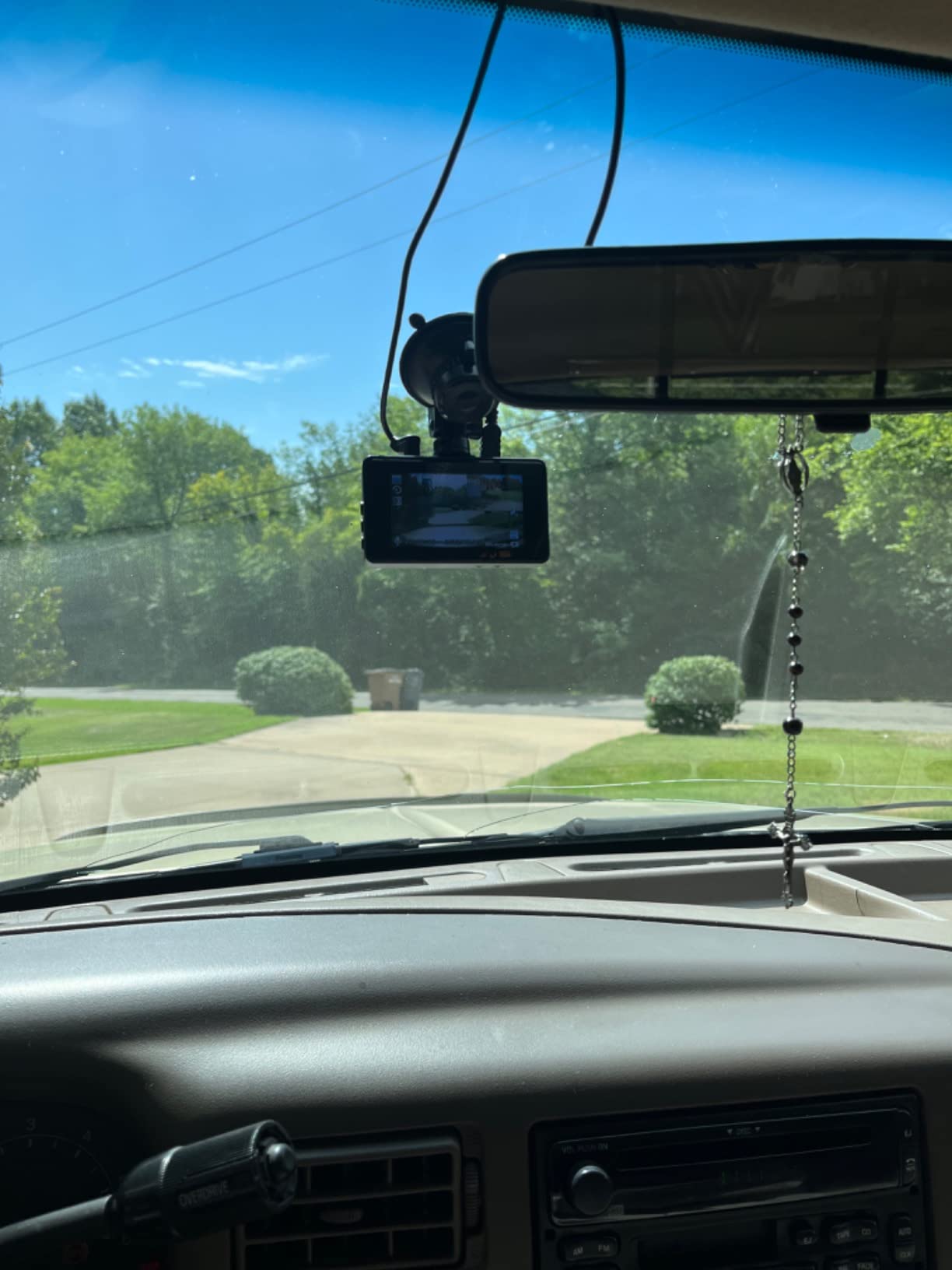
The Biuone is the camera for parents who do not want to become a dash cam hobbyist. It records front and rear at 1080p, it comes with a 32GB card already installed, and it needs nothing but power and a suction cup to run. No app, no WiFi, no account, no subscription, no firmware updates to think about.
That simplicity is a real feature with teenagers in mind. There is no phone app for your teen to fiddle with, and no way for the settings to be changed accidentally on a drive home from a party. The 170-degree front and 140-degree rear lenses reduce blind spots, and the G-sensor locks incident clips automatically.
Compatibility is broad. The listing lists fitment across Ford, Lincoln, Chevrolet, Buick, Cadillac, Chrysler, Hummer, Dodge, Tesla, Jeep and GMC, which covers most of the first cars on a teenager’s shopping list. The screen switches off while recording so the glow does not distract at night, and playback works on the front unit or on a computer from the MOV files.
There is a small extra here that experienced installers appreciate. Wire the reverse-light trigger and the camera switches into reversing mode, giving you rear coverage that only runs when you are actually backing up. It uses the rear camera’s idle time for something useful instead of just recording.
When this is the right call for a teen
Choose this camera when the priority is that the footage exists and nobody has to manage anything. It also suits a family sharing one car across two teenagers, since there is no login and no profile to argue about. Read our general dash cam guide if you want to see how it compares with app-based models.
Insurance evidence is the other reason to like it. A 1080p clip with a locked incident file and clear timestamps is exactly what an adjuster asks for. The simpler the chain from event to file, the fewer arguments you have later.
Where the Biuone falls short
No WiFi means no app means no remote review. Retrieving footage requires pulling the memory card or reading it off the front screen, which is fine once a month and painful in an emergency. The 6m rear cable is also the most common install complaint, because it runs out on larger sedans and SUVs.
Resolution is the last limitation. 1080p on both channels is the lowest ceiling in this group, and a plate at distance in low light will be harder to read than on any of the 2.5K or 4K models. If you live somewhere with heavy pedestrian or bike traffic at night, the extra detail matters.
5. SUVCON 3-Channel: Cheapest Way to Get Cabin Coverage
Dash Cam Front and Rear, 1296P Dash Camera for Cars, 3 Channel Car Camera Front Rear and Inside with 32GB Card, Loop Recording, Night Vision, HDR, 24Hr Parking, G-Sensor
Front, cabin and rear cameras
3.47-inch IPS display
Four infrared LEDs
32GB card included
Pros
- Three cameras in one affordable kit
- Infrared cabin camera records in low light
- 32GB card in the box
- Plug-and-play installation
- Useful deterrent value
Cons
- App and WiFi frequently reported as absent
- Loop recording can stall when the card fills
- 1296p front resolution is low
- Rear and cabin quality criticised
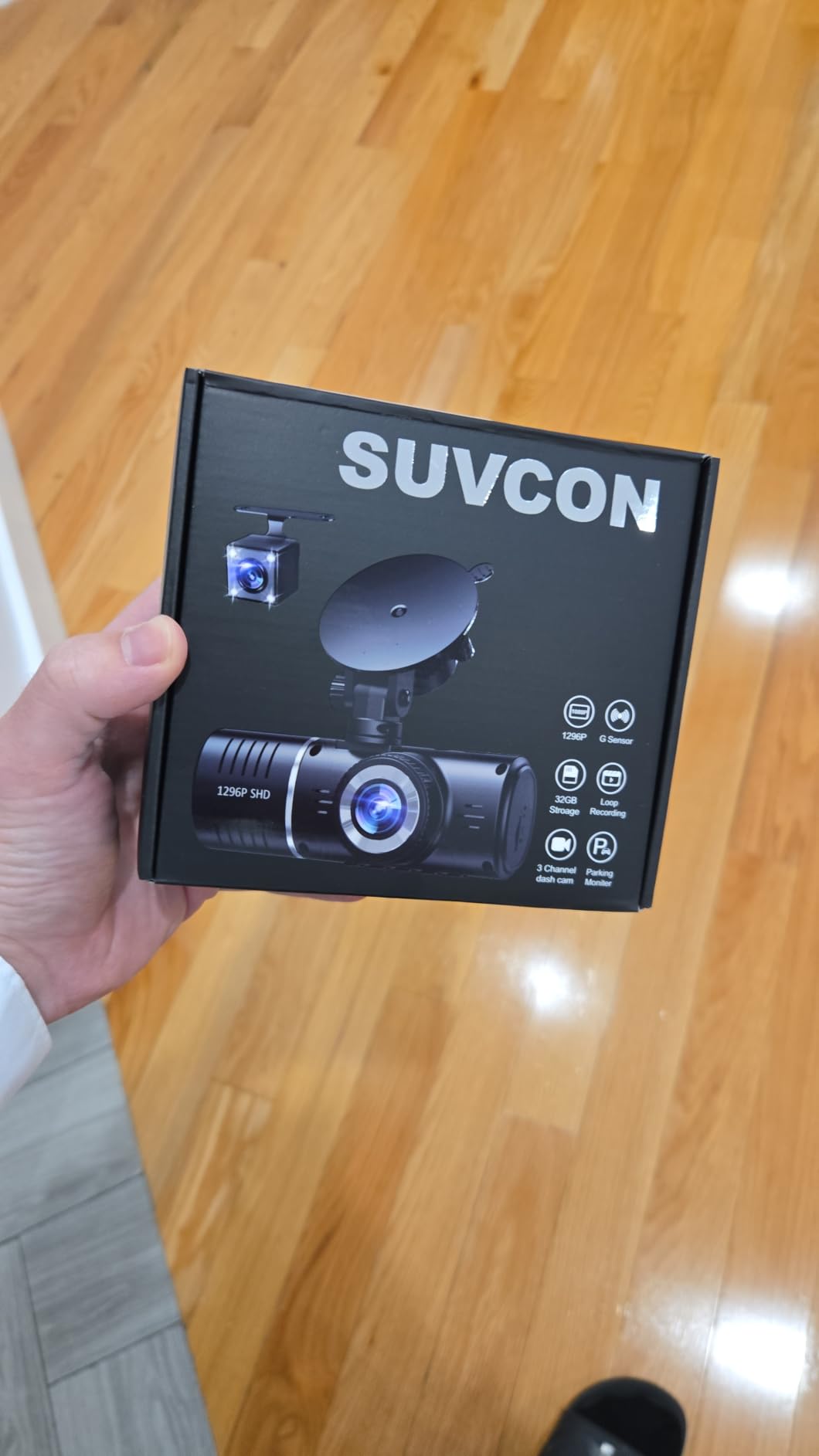
We are including this one with a clear warning, because the feature list is genuinely appealing and the user feedback is genuinely mixed. The SUVCON gives you three cameras, front, rear and cabin, with a 3.47-inch IPS display and four infrared LEDs on the cabin channel, all in a single kit with a 32GB card included.
The appeal for a parent is obvious. An infrared cabin camera records usable footage after dark, and it is a real deterrent against break-ins in a school parking lot. Several buyers in the reviews mention exactly that use case, particularly those running a teen who parks on a street overnight.
Where it falls down is software and file handling. Multiple reviews report that the app and WiFi advertised in the listing are not actually present on the unit they received. Others describe loop recording stalling once the 32GB card fills, forcing manual reformatting rather than overwriting automatically. That behaviour is a problem for a teen who is not in the habit of checking.
Reviewers wanting insurance-grade evidence are explicitly cautioned against this model. That is the honest read: it is a deterrent and a backup camera, not a primary evidence recorder.
When three channels still make sense
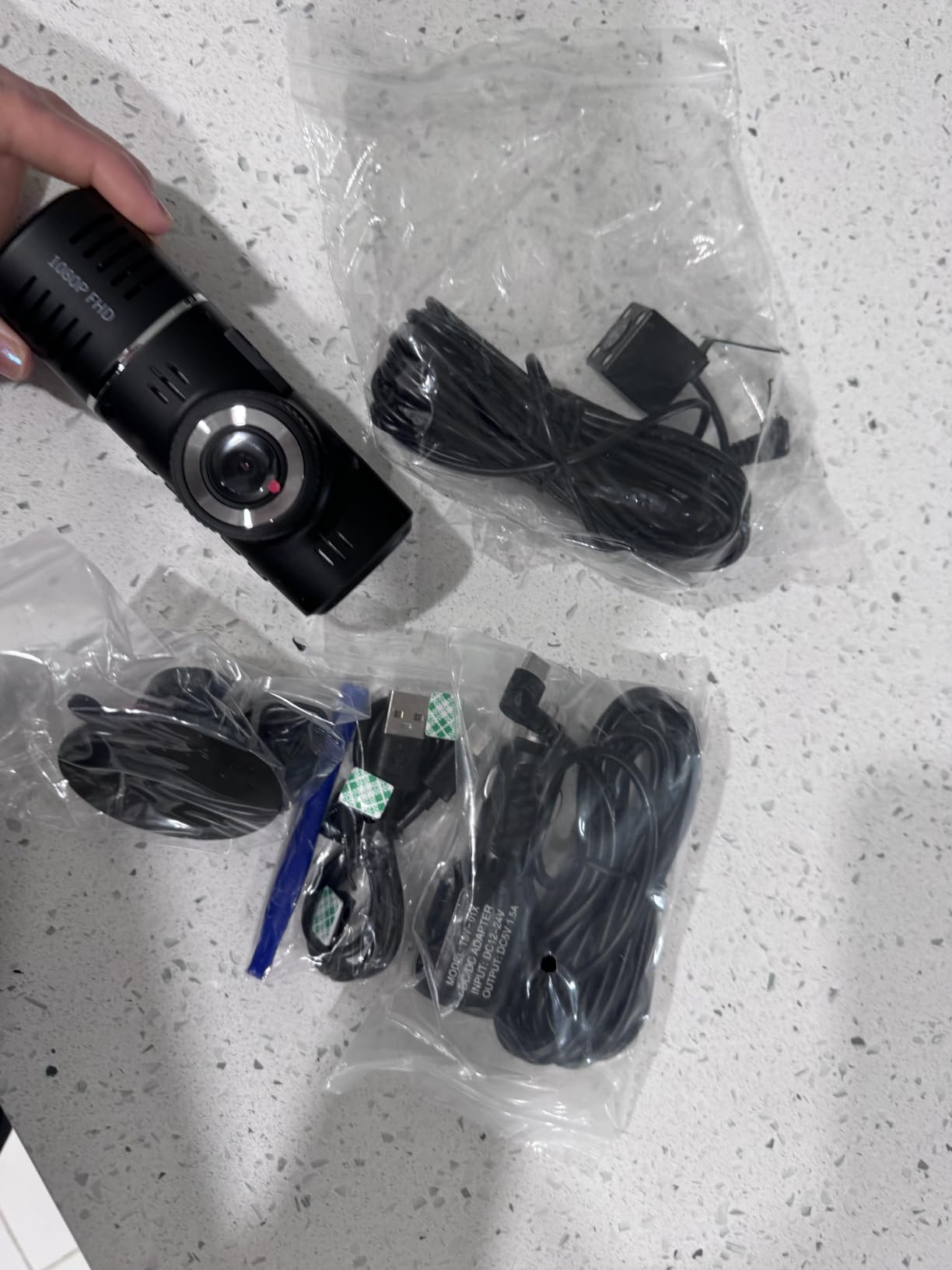
If your teen regularly has passengers, or you want the cabin view only for a fixed period while they are new to solo driving, the hardware value here is real. The 19.68ft rear cable is longer than most competing kits, which means fewer extensions on a larger vehicle, and the plug-and-play installation needs no tools beyond the included trim tool.
The rear camera is rated waterproof, which matters if it is mounted on a trunk lid or external bracket rather than behind the rear glass. The 150-degree cabin and rear lenses give broad coverage of everything outside the front view.
Where the SUVCON falls short
Front resolution is 1296p, below the 2.5K and 4K norm at this feature level, and reviewers report the rear and cabin channels as low quality, with the cabin camera sometimes rendering in black and white. Buyers also report the included card is sometimes missing or of poor quality, so check it on arrival and replace it if needed.
Given the app complaints, verify connectivity before you rely on it. Our dash cams with parking mode picks are better choices if overnight coverage is the goal.
6. PRUVEEO 360 4-Channel: Best Full 360-Degree Coverage
PRUVEEO 360° 4 Channel Dash Cam Front and Rear Inside Left Right, Dash Camera for Cars, Built-in GPS WiFi Night Vision, 24/7 Recording Parking Mode Monitor, 128G Card Included
Four 1080P cameras
Built-in GPS
128GB card included
No internal battery
Time-lapse parking
Pros
- Four cameras covering front
- rear and both sides
- Built-in GPS logs speed
- route and location
- 128GB card in the box
- No internal battery reduces heat risk
- Infrared cabin lens for night use
Cons
- Companion app unreliable for some buyers
- App only works within about 10 feet
- Bulky windshield footprint
- Suction mount can fail in heat
The PRUVEEO records four 1080p channels at once, front, rear and both sides, and the side cameras are adjustable. That flexibility is the point: you can aim one of them at the blind spot your mirrors never cover, or swing it inward toward the cabin when you want to see who is in the back seat.
Unlike the other four-channel unit in this list, this one records GPS. Speed, location and route are logged onto the footage, and a 128GB card is included in the box. There is no internal battery, which reviewers correctly treat as a plus because it removes the most common cause of dash cam damage in parked vehicles.
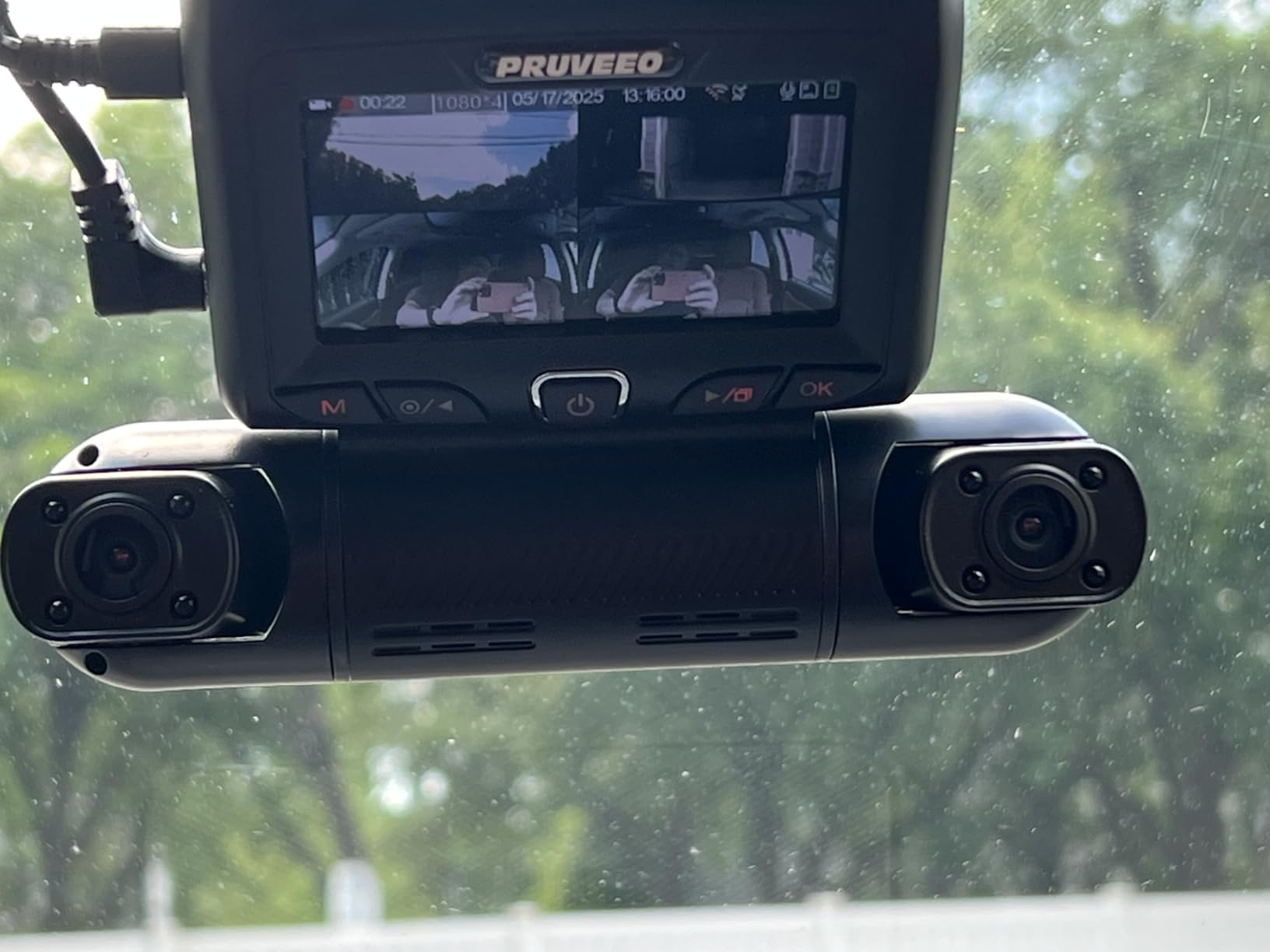
Time-lapse parking mode compresses an hour of parking into a minute of footage, and the built-in WiFi handles downloads through a smartphone app. The F1.8 cabin lens with four infrared lights produces usable night footage, and the two-year warranty is the longest in this group.
Customer service is repeatedly praised for responsiveness and for offering replacement parts, including replacement hardware rather than simply refunding.
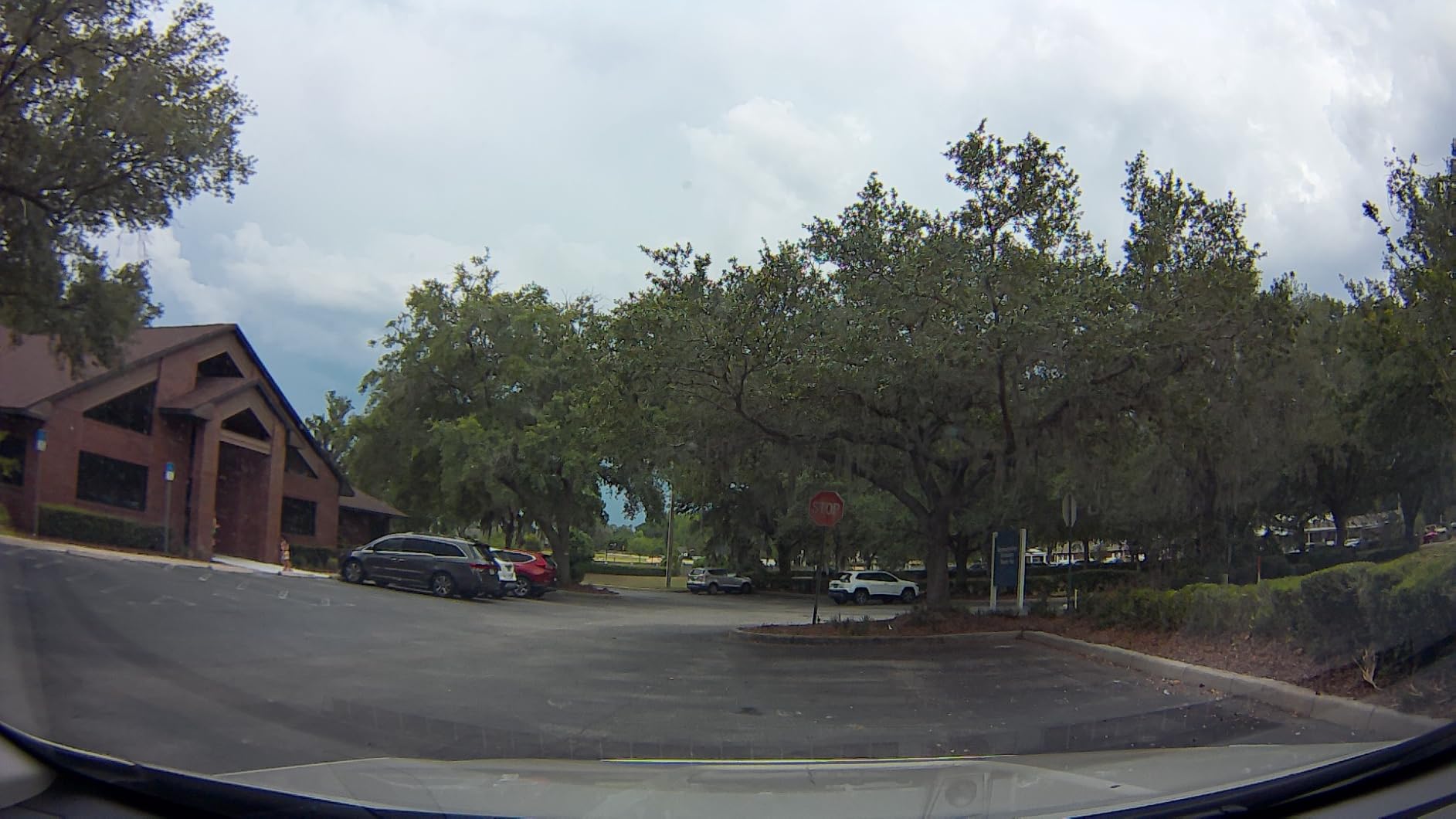
What 360 coverage actually buys you
For a teenager, side coverage answers the question a front camera cannot. Someone merging from a driveway on the right, a cyclist on the passenger side, a car running a stop sign perpendicular to your path. A front and rear setup simply does not see those events, and they are exactly the situations where a family argues about what happened.
The adjustable side cameras are what separate this from a fixed four-channel design. Swivel one toward the cabin during a first few months, then re-aim it out the window. That single feature lets one camera serve two purposes as your teen’s driving experience grows.
Where the PRUVEEO falls short
The app is the recurring complaint. Reviewers describe repeated reconnects, manual reconnection each session, and having to download the full card rather than select clips. The app also only works within roughly 10 feet of the vehicle, so this is not a remote monitoring solution. If you want to check in from work, this is the wrong tool.
Size is the practical issue. The body is noticeably bulky on the windshield and reviewers warn about obstruction of the driver’s view. The suction mount can also degrade in extreme heat, so if your teenager’s car lives in a hot climate, think about whether the adhesive-mounted alternatives serve better.
7. E-YEEGER 2.5K Dual: Best for 60fps Smooth Footage
Dash Cam Front and Rear for Cars, 2.5K+1080P Dual Camera with 2″ Screen
2560x1440P front plus 1080P rear
30 or 60fps
2-inch IPS screen
Starlight night vision
Pros
- 2.5K front footage reads licence plates
- Records at 30 or 60fps
- 2-inch screen does not block the view
- 360-degree suction mount holds in heat
- Free app with no subscription
Cons
- SD card not included
- Suction mount can detach in hard braking
- Rear camera hard to position on sloped glass
- No rear playback on the unit
Frame rate is the quiet difference in this camera, and it is the one specification that matters most on fast roads. The E-YEEGER records 2560 by 1440 at the front and 1080p at the rear, and it can capture at 60fps where most competitors in its class are locked to 30.
Why that matters for a teen: at 60fps, a car crossing your path at speed produces distinct frames rather than a smear. When the clip is the only proof of what happened, that difference can be the difference between a claim that resolves and one that becomes a he-said-she-said argument. Our night vision dash cam picks go deeper on the sensor side of this trade-off.
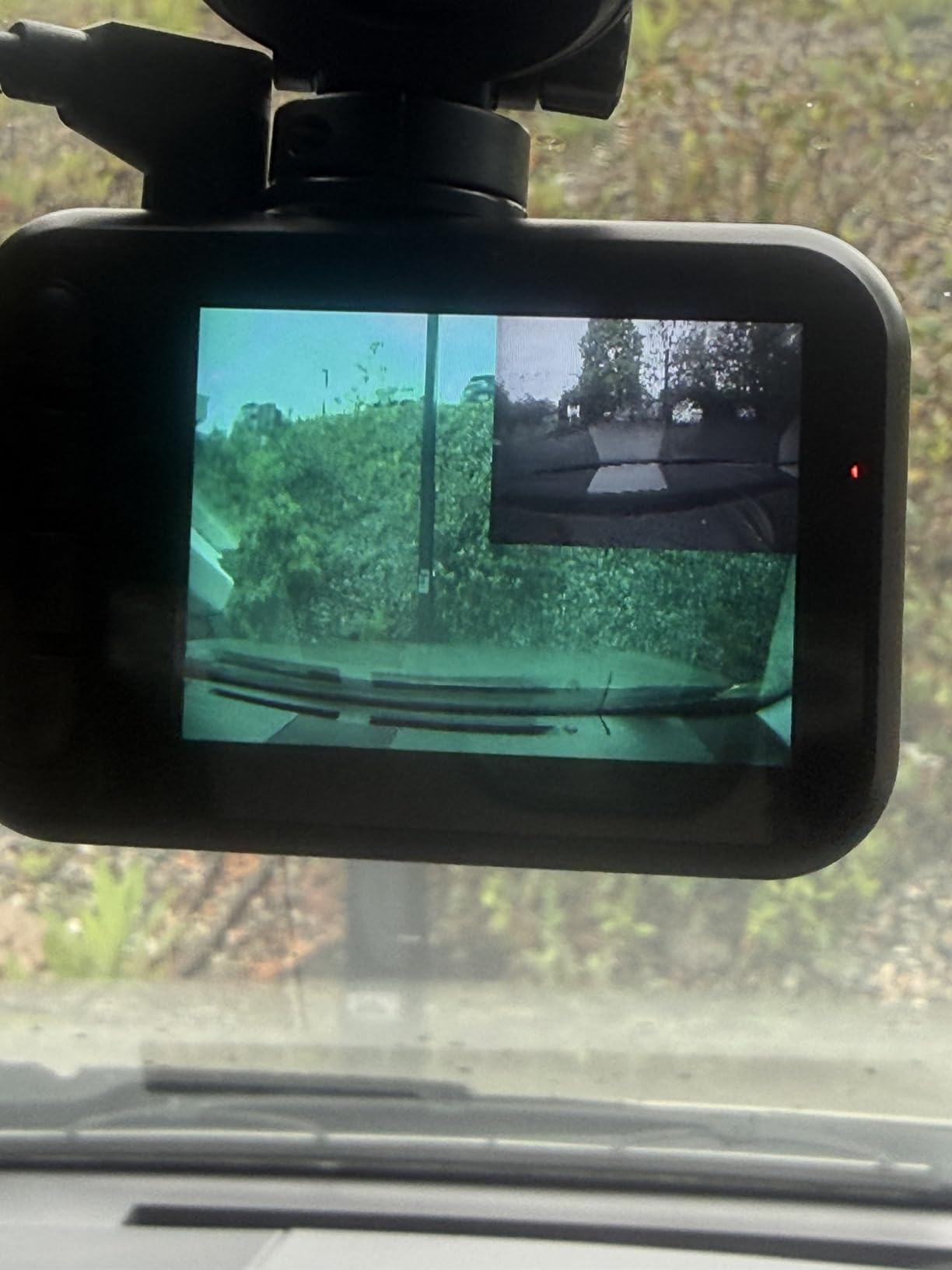
The starlight night vision sensor uses a six-layer glass lens with wide dynamic range, and reviewers specifically praise how it holds up under streetlights and low light. The 2-inch IPS screen is small enough to stay out of the sightline but big enough to confirm the camera is recording and to make a quick judgement call on a clip.
Installation is straightforward with the 360-degree suction mount, USB-C power means you can often reuse an existing cable, and the app is free with no subscription attached.
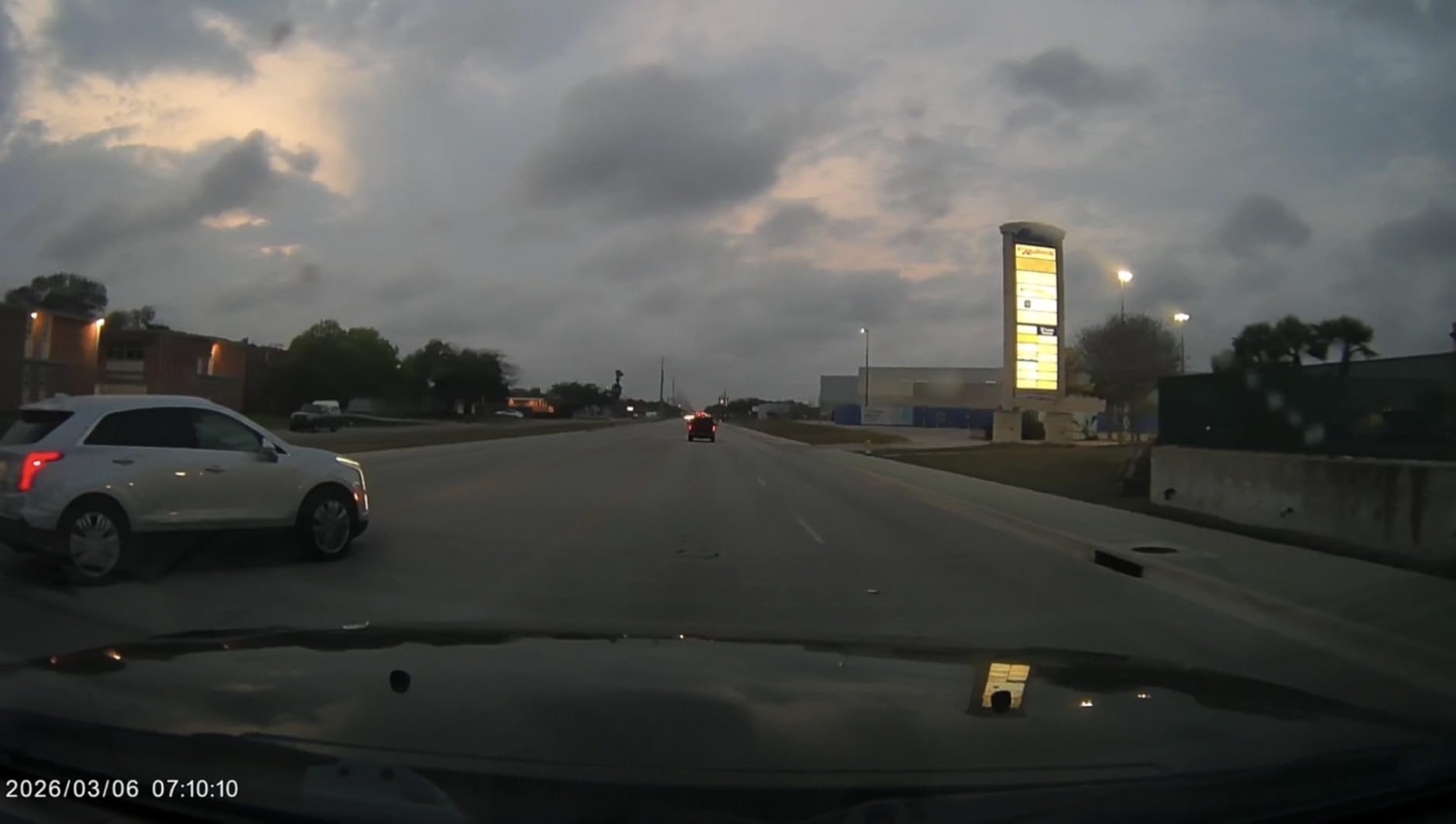
Who should choose 60fps footage
If your teen drives a road with a posted speed above city limits, on-ramps, or school zones with heavy pickup traffic, 60fps footage is worth the choice. It also makes the file sizes larger, so pair it with a 128GB or larger high endurance card rather than the smallest card that fits.
The 2-inch screen strikes a good balance for a first-time installer. A teen can check the last clip, confirm the timestamp and the G-sensor did its job, without borrowing a phone and without a screen large enough to become a distraction.
Where the E-YEEGER falls short
The suction mount is the risk worth calling out. Reviewers report footage lost when the mount lets go during sudden hard braking, which is unfortunate because hard braking is exactly when you most want the recording. This is the same class of problem that ends most suction-mounted cameras eventually.
No memory card is included in the base package, and there is no rear-camera playback on the unit itself. Some buyers also report battery drain when hardwiring directly without a proper low-voltage harness, so use the correct kit if you go that route.
8. REDTIGER F17: Best for Night Driving and Cabin Coverage
REDTIGER F17 4K 3CH Dash Cam, STARVIS 2 Sensor HDR, 64GB Card, 5.8GHz WiFi
4K front plus 1080P cabin and rear
IMX675 STARVIS 2
Four infrared lights
64GB card
Pros
- True three-channel coverage
- STARVIS 2 IMX675 handles dim roads well
- Adjustable G-sensor avoids false locks
- Screen saver prevents night glare
- 64GB card included
Cons
- WiFi defaults off and must be re-enabled each power-up
- App needs a direct link with phone Bluetooth off
- GPS logs data but is not a live tracker
- Parking mode needs a hardwire kit
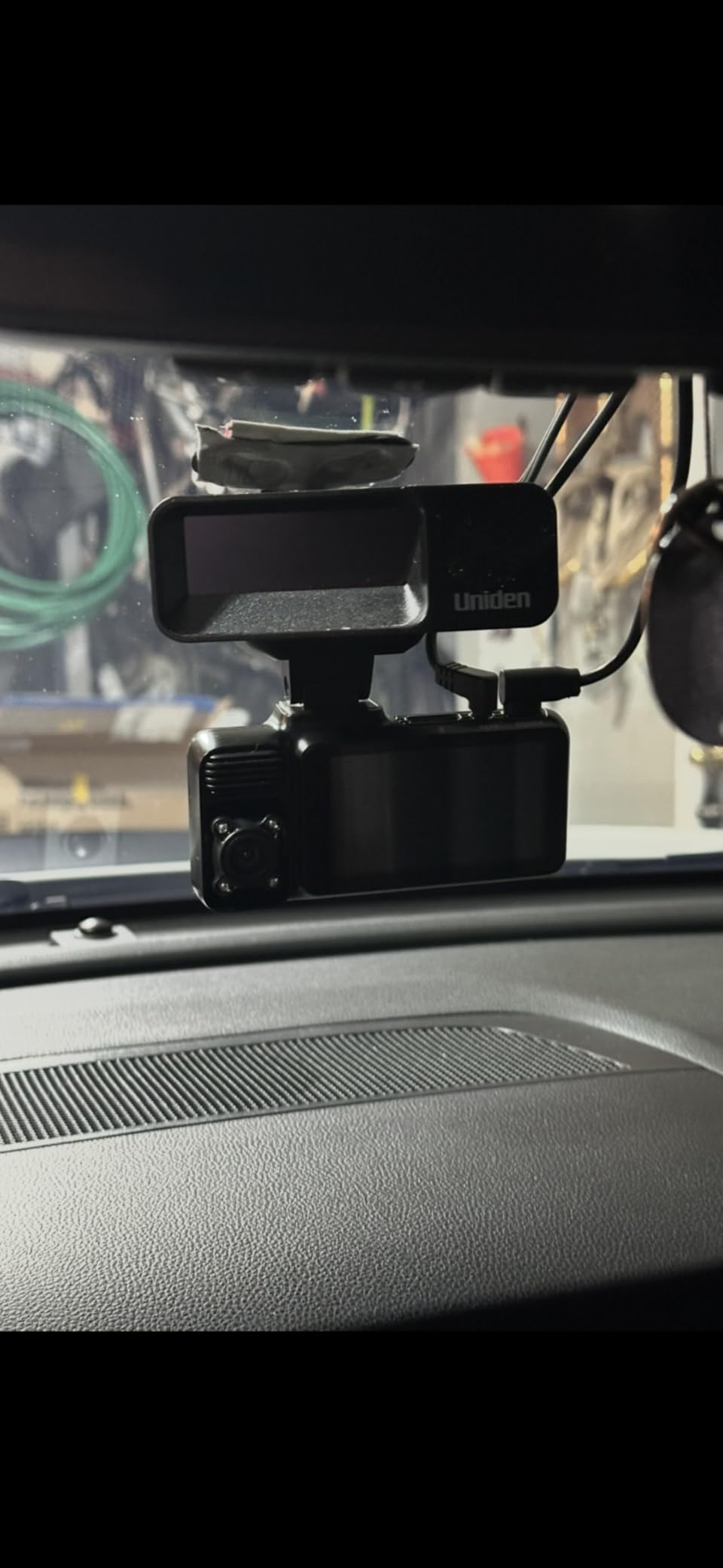
The F17 is the most complete night-driving package in this roundup, and the 4.4 rating across nearly 3,000 reviews is among the strongest here. The front camera uses the Sony STARVIS 2 IMX675, and the 1080p cabin and rear channels add four infrared lights so the interior view still records after dark.
That combination handles the specific problem new drivers have at night: reading the road, reading a sign, and seeing a person stepping out of a parked car. A front-only camera sees the first two. The cabin channel with infrared helps with the third.
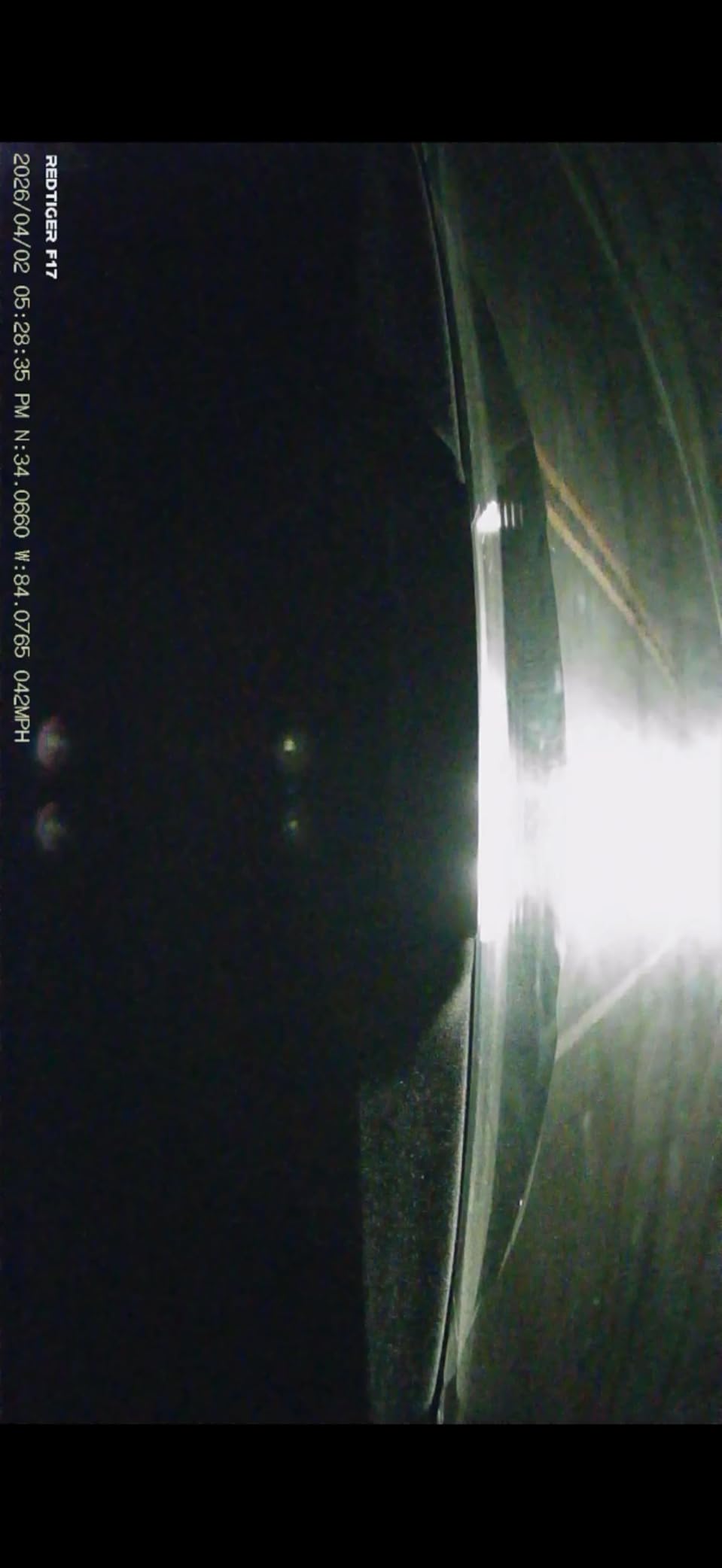
Two details stand out in the user feedback. The G-sensor sensitivity is adjustable, which matters more than it sounds, because rail tracks, expansion joints and rough roads will otherwise bury your real incident clips under a folder of false locks. And the screen saver turns the display off at night, so the unit does not become a glowing rectangle in the driver’s peripheral vision.
It records in two modes, 2160p front plus 1080p on both other channels, or 2.5K dual channel. The 21.3ft rear cables are the longest we saw in this group, which means fewer extension problems on a large sedan. A supercapacitor handles extreme temperatures, and 5GHz WiFi transfers run faster than 2.4GHz.
How to use the cabin channel without breaking trust
Tell your teen the camera is there and say plainly what it covers. The parents who get the best results on parent forums describe the cabin camera as a safety feature for passenger accountability, not as surveillance. That framing, plus agreeing in advance on how often you will look, does more for cooperation than hiding the camera.
If your teenager is newly licensed, you can treat the cabin channel as temporary. Run it for the first few months, then remove the cabin module and keep the front and rear. Several parents in those discussions say the camera works better once the teenager knows the footage is not being used as evidence against them in ordinary arguments.
Where the F17 falls short
The WiFi workflow is the biggest complaint. It defaults to off and must be switched on with a button press after every power-up, and the app requires a direct short-range connection with Bluetooth disabled on the phone. That is a recurring minor friction that adds up.
Be clear with buyers about the GPS: it logs route, speed and time onto clips, but it is a data logger, not a live tracker. If you expect to see where your teen is right now, this is not the product. Parking mode also needs the extra hardwire kit.
9. IIWEY N5: Best Four-Channel Coverage for Side Blind Spots
IIWEY N5 4 Channel Dash Cam for Cars, 360° View 2K Front 1080P Rear Inside
Four-channel 360 degree view
2.5K front mode
128GB card pre-installed
Supercapacitor
Pros
- Four cameras give true 360 degree coverage
- Rotating side cameras cover mirror blind spots
- 128GB card included
- Free app with no subscription
- Supercapacitor rated to 167F
Cons
- No GPS and no Bluetooth
- Rear camera must be wired to the front unit
- WiFi must be re-enabled before each transfer
- Bulkier body
- No motion-only mode
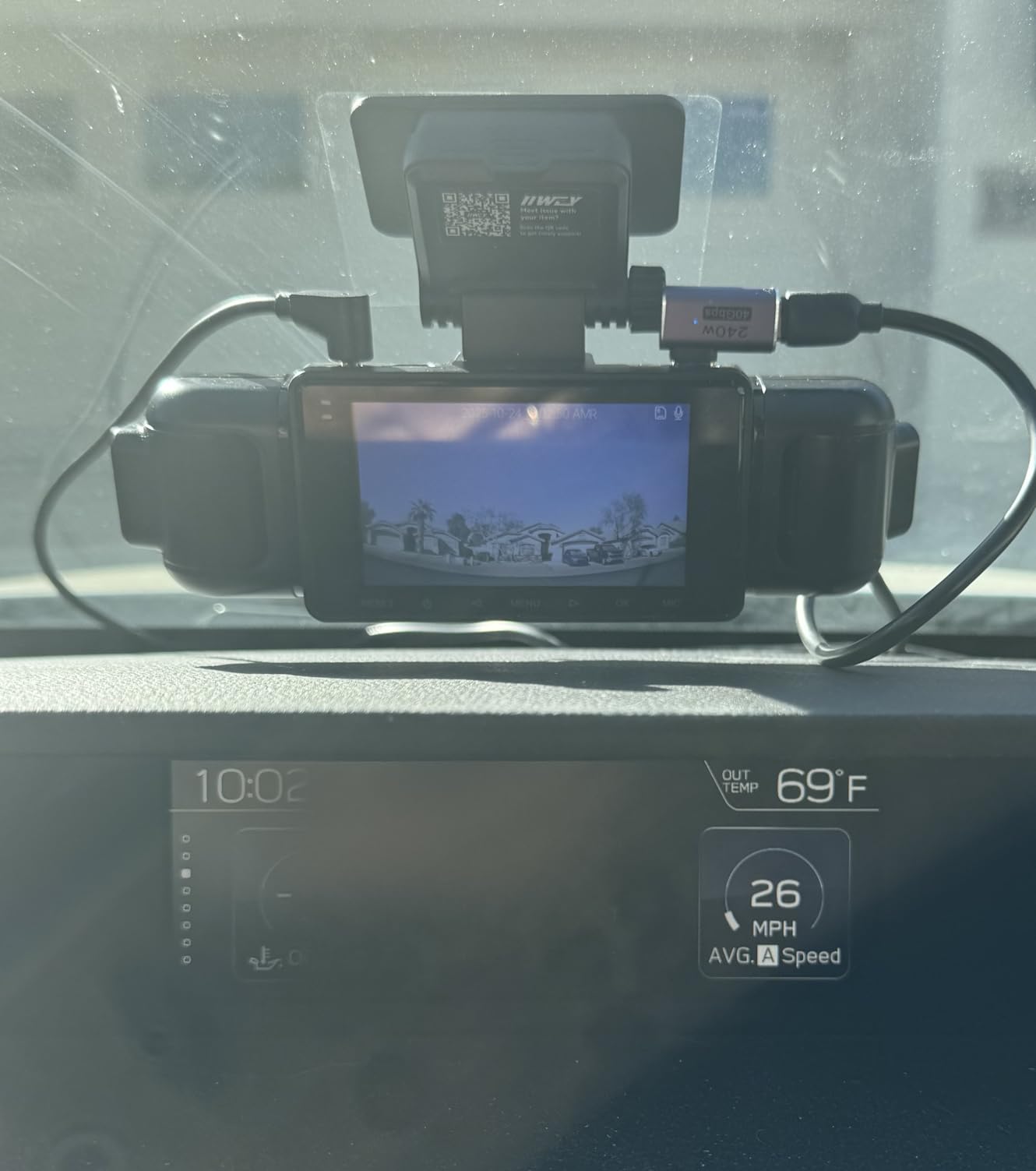
The IIWEY N5 records four channels covering the front, rear, both sides and the interior, and the side cameras rotate. That adjustability is what earns its place: the blind spot a side mirror leaves open is exactly where a new driver is most likely to be surprised, and you can physically aim a camera at it.
It also runs a 2.5K plus 1080p plus 1080p plus 1080p mode alongside a full 1080p four-channel mode, giving you the choice between maximum detail on the front and maximum coverage everywhere. The 170-degree front and rear lenses and 150-degree side lenses are among the widest here.
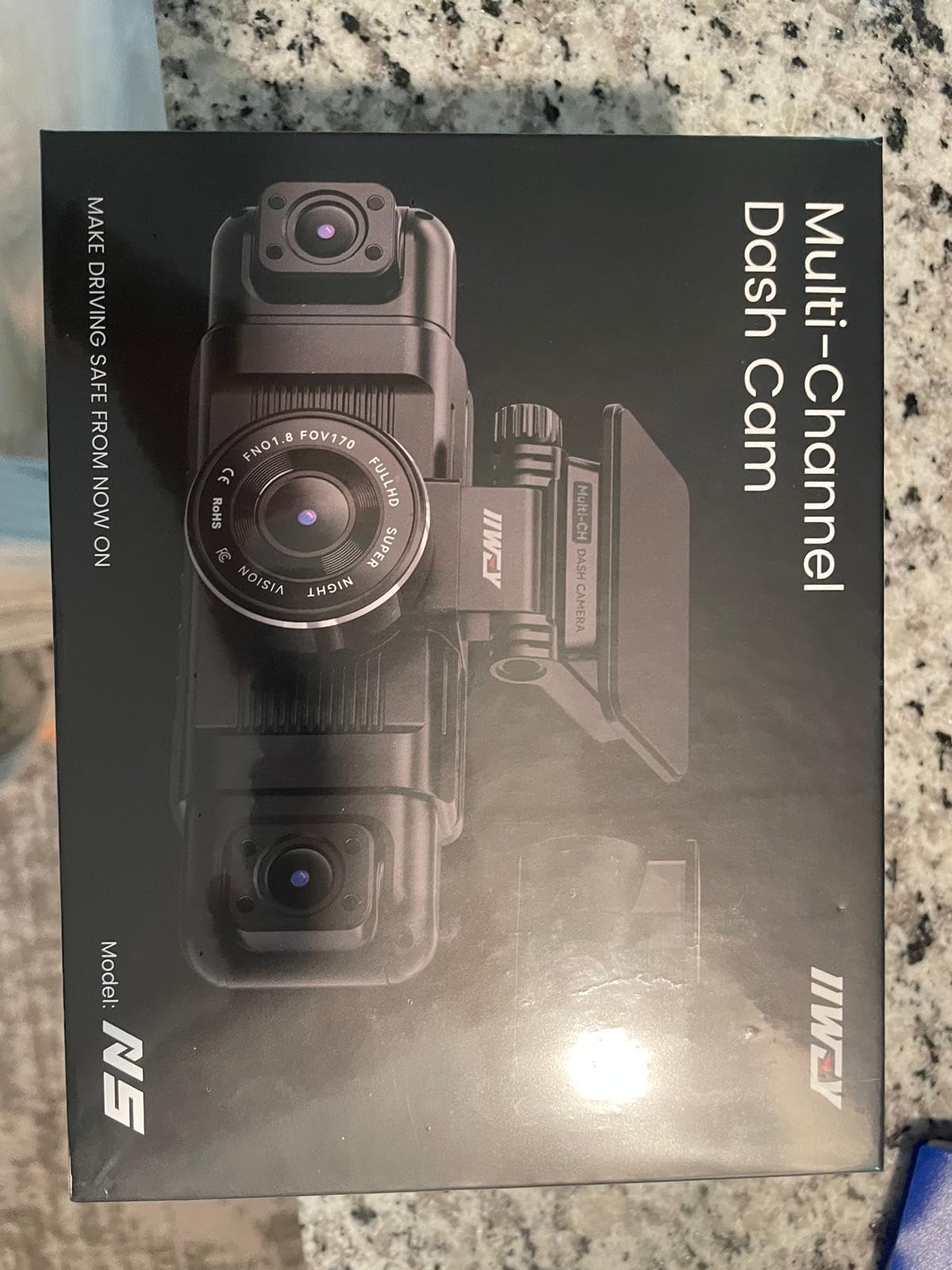
The supercapacitor is rated from -4F to 167F, which covers the full range of a car parked outdoors in any season. The 128GB card is pre-installed, so it works out of the box, and the free app carries no subscription. Reviewers consistently praise the app reliability compared with other four-channel kits.
Emergency recording locks crash clips automatically through the G-sensor, and the bracket adjusts 90 degrees with a 360-degree adjustable rear camera, which makes aiming the side cameras a one-time job rather than a recurring frustration.
What rotating side cameras change
A fixed four-channel design films the doors. A rotating one lets you film what matters in your particular car. On a wide pickup, angle the side cameras down to catch a cyclist alongside. On a small hatchback, angle one inward toward the rear seat for the first year of solo driving, then re-aim it out again.
That flexibility makes this a good pick for a family with more than one teen in different vehicles, since the same hardware adapts to a sedan, an SUV and a truck. If the vehicle is a truck specifically, our dash cams for trucks guide covers the mounting differences.
Where the IIWEY N5 falls short
No GPS and no Bluetooth. Some buyers assume every four-channel unit includes GPS, and this one does not. The rear camera is wired to the front unit and cannot run standalone, and every transfer goes over 5GHz WiFi, which must be re-enabled by holding the back button after it auto-disables following five minutes of inactivity.
Two more limitations. There is no motion-detection-only mode, so continuous capture draws more power than necessary, and the body is bulky enough that reviewers warn about windshield obstruction. Wide-angle channels can look grainy at 1080p, and some international buyers report poor plate legibility.
10. REDTIGER F9: Best Discreet Front and Rear Setup
REDTIGER F9 4K Dash Cam Front and Rear 1080P, 5.8GHz WiFi & Smart App
4K front plus 1080P rear
F1.5 aperture, 170-degree lens
5.8GHz WiFi
GPS with privacy mode
Pros
- Compact screen-free body hides out of sight
- 4K front reads licence plates
- GPS stamps speed
- time and route
- Electrostatic mount can be repositioned
- Adjustable G-sensor sensitivity
Cons
- No built-in screen
- WiFi transfers sluggish on some phones
- Parking mode needs a hardwire kit
- Instructions are poorly written
- 18-month warranty is short
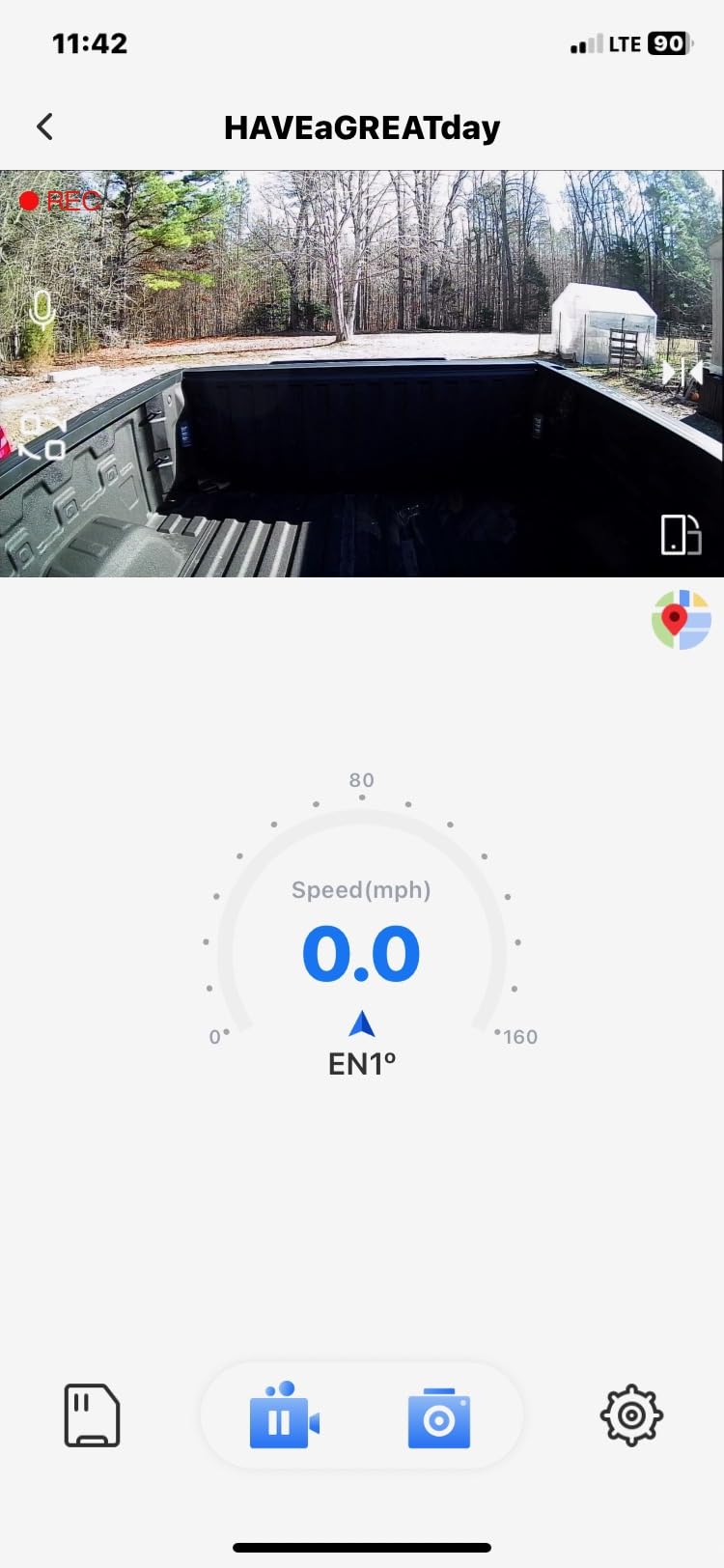
The F9 solves a problem the rest of this list barely addresses: visibility. It is a compact, screen-free body that tucks behind the rearview mirror, and the adhesive-style electrostatic film mount lets you reposition it without destroying the adhesive or leaving a mark on the glass.
For a teenager who finds a visible camera embarrassing, a low-profile unit that looks like a sensor rather than a device is a meaningful difference. Nobody in the school car park is going to ask about it.
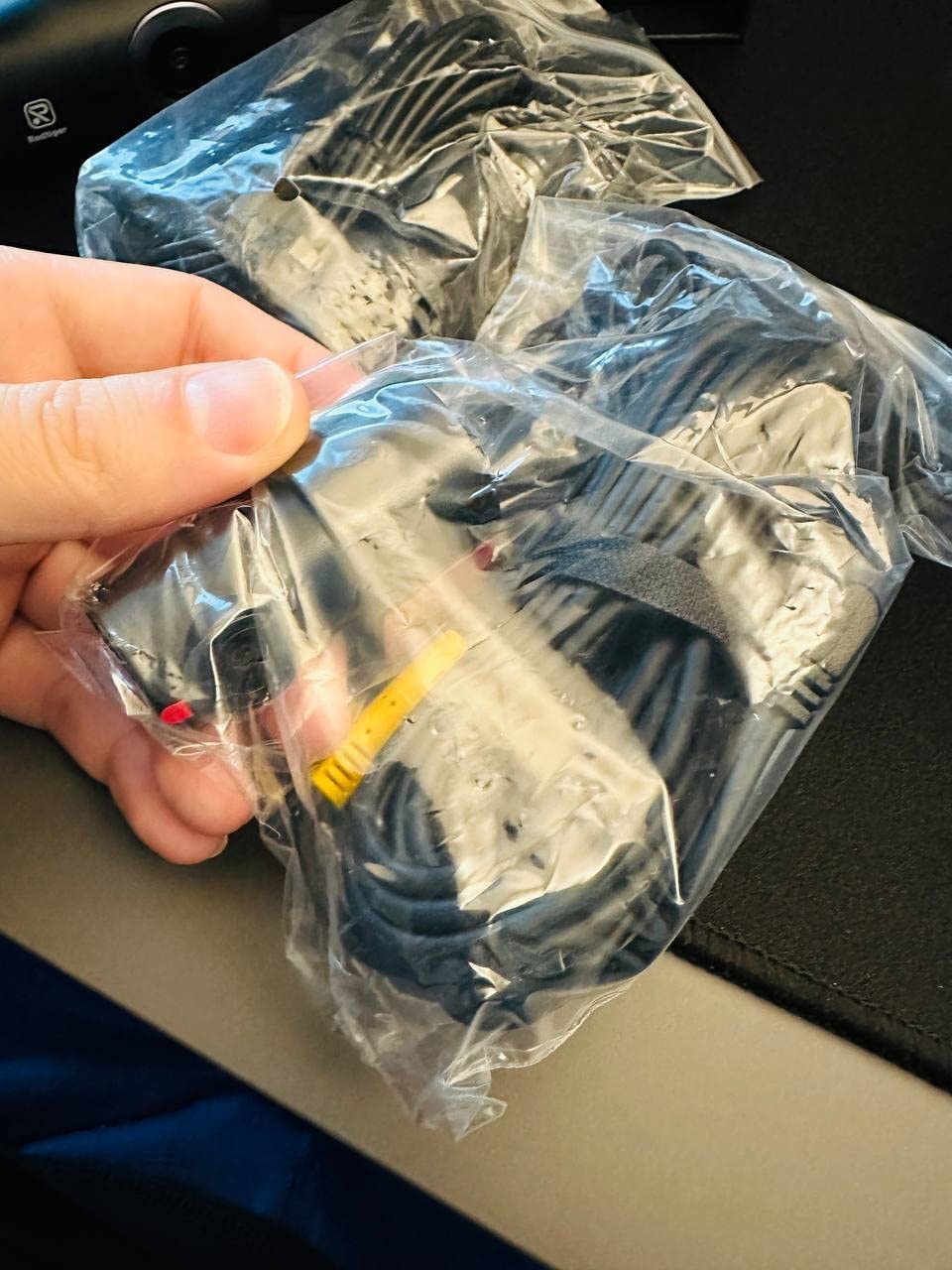
Footage is the 4K front plus 1080p rear combination with an F1.5 aperture and a 170-degree lens, and long-term owners in the reviews report it reads plates well. GPS logs speed, time, latitude, longitude and route through the app, and it includes a privacy mode that blanks the location data if you ever need to hand footage to someone else.
Several owners report REDTIGER support replacing a failed cable at no cost, which tells you something about how the brand handles the kind of hardware problem that eventually shows up on every installed camera.
When a hidden camera is the priority
If your teen has already objected to a visible dashboard camera, the F9 is the compromise that keeps the front and rear coverage. Low profile, no screen glare, no app icon on the home screen, and the location data stays on the card unless you actively share it.
It is also a good second car camera. The loop recording and lock function with adjustable G-sensor sensitivity means you can raise or lower the threshold to suit a car with a rough ride, which matters on older vehicles with worn suspension.
Where the F9 falls short
Software friction is the theme in the reviews. WiFi transfers can be sluggish, particularly on iPhones, and on some phones the app only connects after mobile data is switched off. Instructions are written in poor English and need care to follow, so budget time for setup.
Two reviewers describe the camera missing the critical moment during an actual incident, and the 18-month warranty expires well before most units fail. If you keep a car for a long time, that is a fair criticism to weigh.
11. Navycrest 4K Dual: Best Budget 4K Front and Rear
Navycrest 4K Dash Cam Front and Rear, Built-in 5G WiFi, Dash Camera for Cars 4K Front and 1080P Rear, Dashcams for Cars Loop Recording, Gravity Sensor, 24-Hours Parking Mode, SD Card NOT Included
4K front plus 1080P rear
SONY IMX sensor
5G WiFi app control
Card not included
Pros
- Sharp 4K front from a Sony IMX sensor
- 5G WiFi transfers up to 8MB per second
- Compact body avoids blocking the view
- Storage expandable to 256GB
- One-year guarantee
Cons
- SD card not included with the package
- Hardwire kit sold separately for parking mode
- 1.5-inch screen is small for menus
- One-year quality guarantee
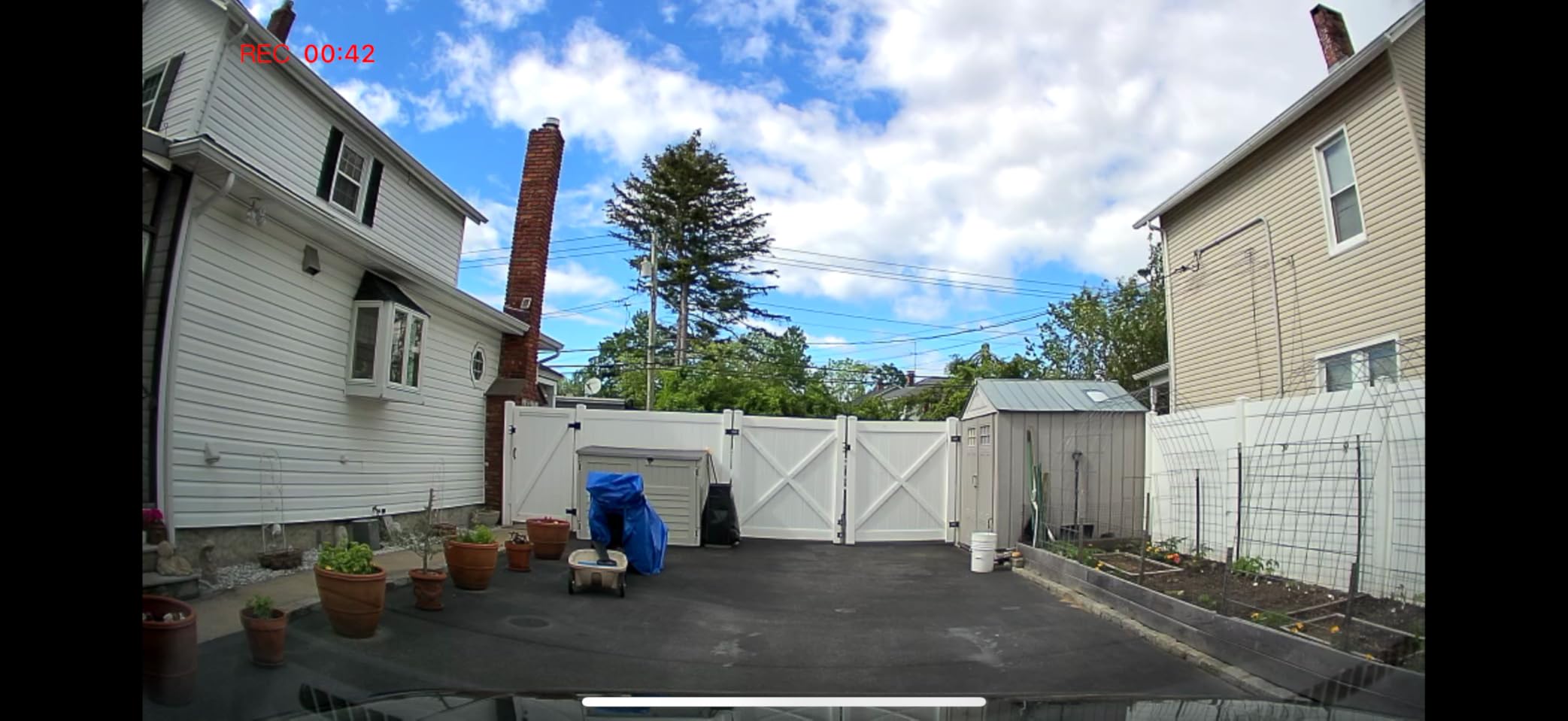
The Navycrest gets 4K front and 1080p rear recording with a Sony IMX sensor at a price point where most dual cameras stop at 1080p. If your teen’s first car is a budget sedan and you want plate-level detail on the front without a three-camera install, this is a straightforward answer.
The 5G WiFi module handles live view, playback, editing and sharing through an app, with download speeds up to 8MB per second. That is fast enough to pull an evening’s worth of clips over while your teenager eats dinner, which is the realistic use of the feature.
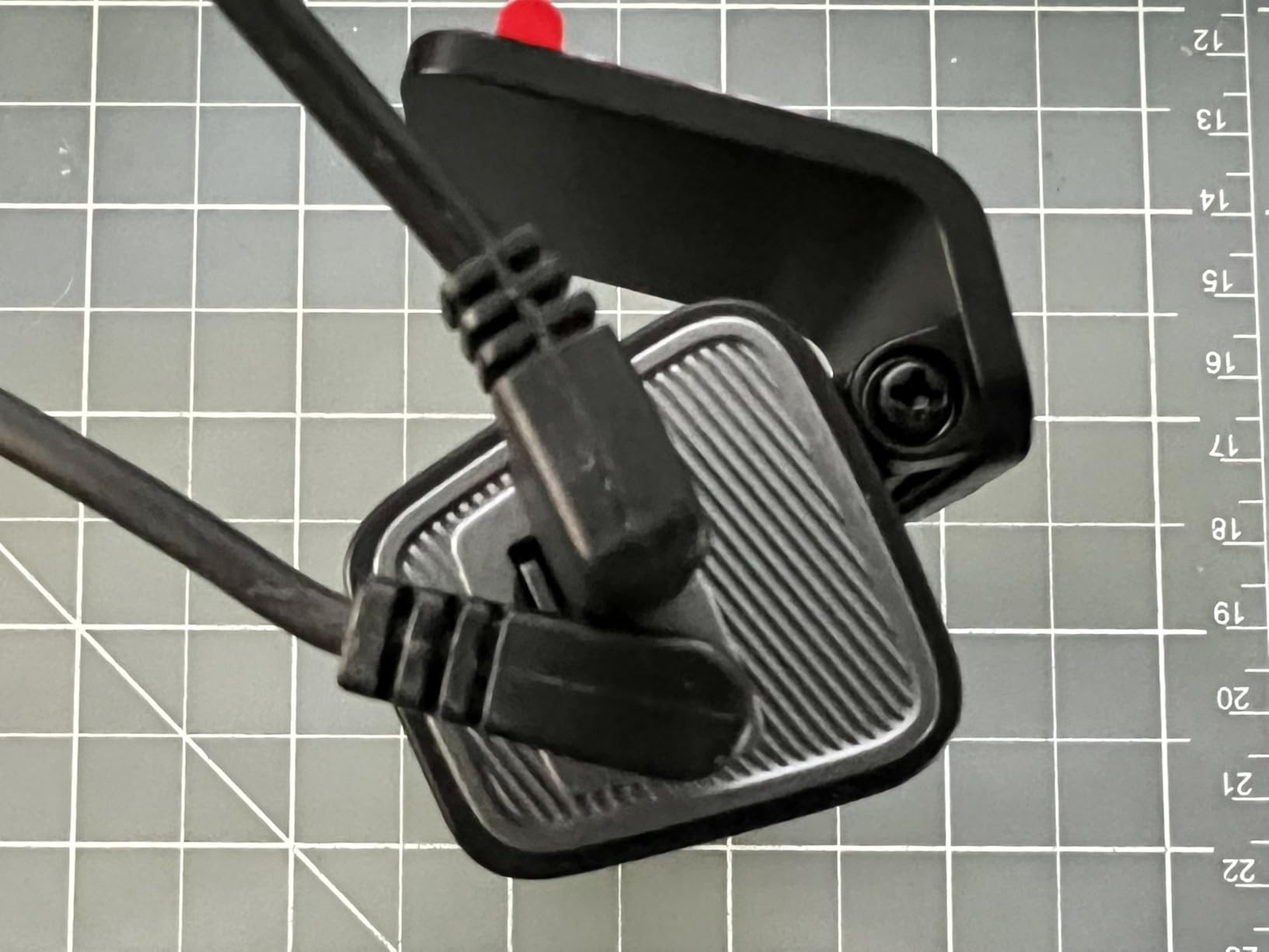
A three-axis gravity sensor locks incident footage so it cannot be deleted, and loop recording overwrites the oldest files when storage fills. The sensor uses a six-element glass lens with WDR software for day and night handling, and the compact body is designed to stay out of the driver’s line of sight.
Storage expands to 256GB, and the kit includes a wiring tool plus the car charger. Reviews note the wiring is simple enough for a first-timer, which matters if you are doing this on a Sunday rather than booking an installer.
What you get and what you add
This is a base-plus kit, and the difference matters for budgeting. The memory card is not included, and the hardwire kit for parking mode is a separate purchase. Both are things most families should buy anyway, a high endurance card and a proper low-voltage hardwire kit, so the total cost of a complete setup is predictable once you know it.
At roughly a 4.1 rating with close to 2,400 reviews, the feedback is positive on image quality and transfer speed, with a minority reporting reliability and setup issues reflected in an 11 percent one-star share. Check the unit works before you commit to a long install.
Where the Navycrest falls short
The 1.5-inch screen is small for navigating menus, so expect to use the app for anything beyond a quick playback check. Parking mode, including both collision-triggered and time-lapse modes, needs the optional hardwire kit.
The missing card is not a quality complaint so much as a planning one, but it does catch people out. The manufacturer states the card was removed from the box because of memory chip cost increases, and compatible cards are sold separately. Buy a genuine high endurance card rather than the cheapest one you find.
12. BOTSLAB G300H Plus: Best for Voice Control in a Teen’s Car
BOTSLAB G300H Plus 4K STARVIS 2 Dual Dash Cam Front and Rear
4K front plus 1080P rear
STARVIS 2 sensor
Hands-free voice control
GPS and 5.8GHz WiFi
Pros
- STARVIS 2 sensor for low-light capture
- 170-degree front and 150-degree rear lenses
- Hands-free voice control commands
- 64GB card included
- Supercapacitor rated -20C to 70C
Cons
- Bulkier body than compact dash cams
- App-based setup and WiFi transfer for full features
- Nine percent of reviews are one-star
- 12-month guarantee
The BOTSLAB G300H Plus pairs a STARVIS 2 sensor with hands-free voice control, and that combination makes it the least distracting option in this list. Commands like take photo and video start let a driver mark a moment without touching anything, which is the same argument that makes voice control attractive in any car.
The sensor work is the more important part. An F1.5 aperture on the front and F2.0 on the rear, with 170-degree and 150-degree lenses respectively, is a genuinely wide net that reduces the corner blind spots new drivers struggle with. GPS and 5.8GHz WiFi handle route logging and app transfers, and a 64GB card is in the box.
![BOTSLAB G300H Plus 4K STARVIS 2 Dual Dash Cam Front and Rear[2026 Upgraded] customer photo 1](https://www.exponation.net/wp-content/uploads/2026/09/B0GSDTJQK8_customer_1.jpg)
The supercapacitor is rated for an operating range of -20C to 70C and removes the lithium battery entirely, so the unit starts reliably in a cold morning or after a summer afternoon in a full car park. Peel-and-stick installation is straightforward, and the pack includes the dash cam, a USB-C cable, the card and the car charger.
Reviewers highlight three things consistently: image quality in low light, the width of the viewing angle, and the convenience of voice control. The supercapacitor build gets called out as a durability plus in hot and cold climates.
![BOTSLAB G300H Plus 4K STARVIS 2 Dual Dash Cam Front and Rear[2026 Upgraded] customer photo 2](https://www.exponation.net/wp-content/uploads/2026/09/B0GSDTJQK8_customer_2.jpg)
When voice control earns its place
Anything that lets a driver keep hands on the wheel and eyes on the road is a safety feature, not a gimmick. For a teenager who will be irritated by anything that interrupts the drive, voice control removes the main friction point of using a dash cam at all.
It also solves a small but real problem. Asking the camera to save a clip means the recording is marked as intentional, so a useful moment like a near miss at an intersection is not overwritten six minutes later by ordinary driving. Parents running monthly reviews get a folder of deliberate clips rather than a full card of loop footage.
Where the BOTSLAB falls short
Size is the main drawback. The body is bulkier than the compact units in this roundup, so it is less discreet on the windshield. Full feature access also runs through the app over WiFi, which some buyers find adds setup friction, and a nine percent one-star share points to some installation and firmware complaints worth weighing.
The 12-month guarantee is also the shortest offered here. If the camera is going into a car that stays in the family for a decade, that is worth factoring in against a model with an 18-month warranty.
What Actually Matters in a Dash Cam for Teen Drivers
Star over features. The sensor determines whether you can read a plate or read a face, and a Sony STARVIS 2 sensor is the current benchmark. It is genuinely backlit, which is why it holds colour and detail at dusk and after dark rather than turning to grey mush. Four of the twelve cameras here carry one.
Supercapacitor over battery. A teen’s car sits unattended in a school lot for hours in all weather. Lithium-ion batteries swell in heat, and a swollen battery can take the camera with it. A supercapacitor tolerates the temperature range without degrading, and six of the units here use one.
G-sensor with adjustable sensitivity. The sensor locks a clip when it detects an impact. If it is too sensitive, a pothole locks a file and your real incident gets overwritten a week later. Adjustable sensitivity, found on the REDTIGER F17 and F9, lets you tune it to the car.
GPS for proof, not for tracking. Route, speed and time stamped onto the clip turns a dispute into a data point. Remember that a logger is not a live tracker: none of the twelve here provides real-time location or an LTE connection for remote viewing. If you want to see where your teen is right now, you need a phone tracking app instead.
Hardwired versus cigarette lighter. A 12V plug camera is unpluggable, and teenagers unplug things. Hardwiring through the fuse box makes the camera a permanent part of the car, and enables parking mode. Do it, but use a kit with a voltage cutoff so the camera cannot flatten the battery over a long winter break.
Channels: two is the sweet spot. Front plus rear covers the situations that produce claims. A cabin channel adds an interior view, but it is the feature most likely to damage trust, and interior cameras are the ones families regret adding first. Our night vision roundup breaks down what a cabin channel actually adds after dark.
How to Install a Dash Cam in a Teen’s Car
Mount the front camera high on the windshield, just behind or to the side of the rearview mirror, so it sits inside the wiper arc. That keeps the lens clear of rain and washer fluid, which is the difference between readable footage and a smeared grey rectangle on a rainy night.
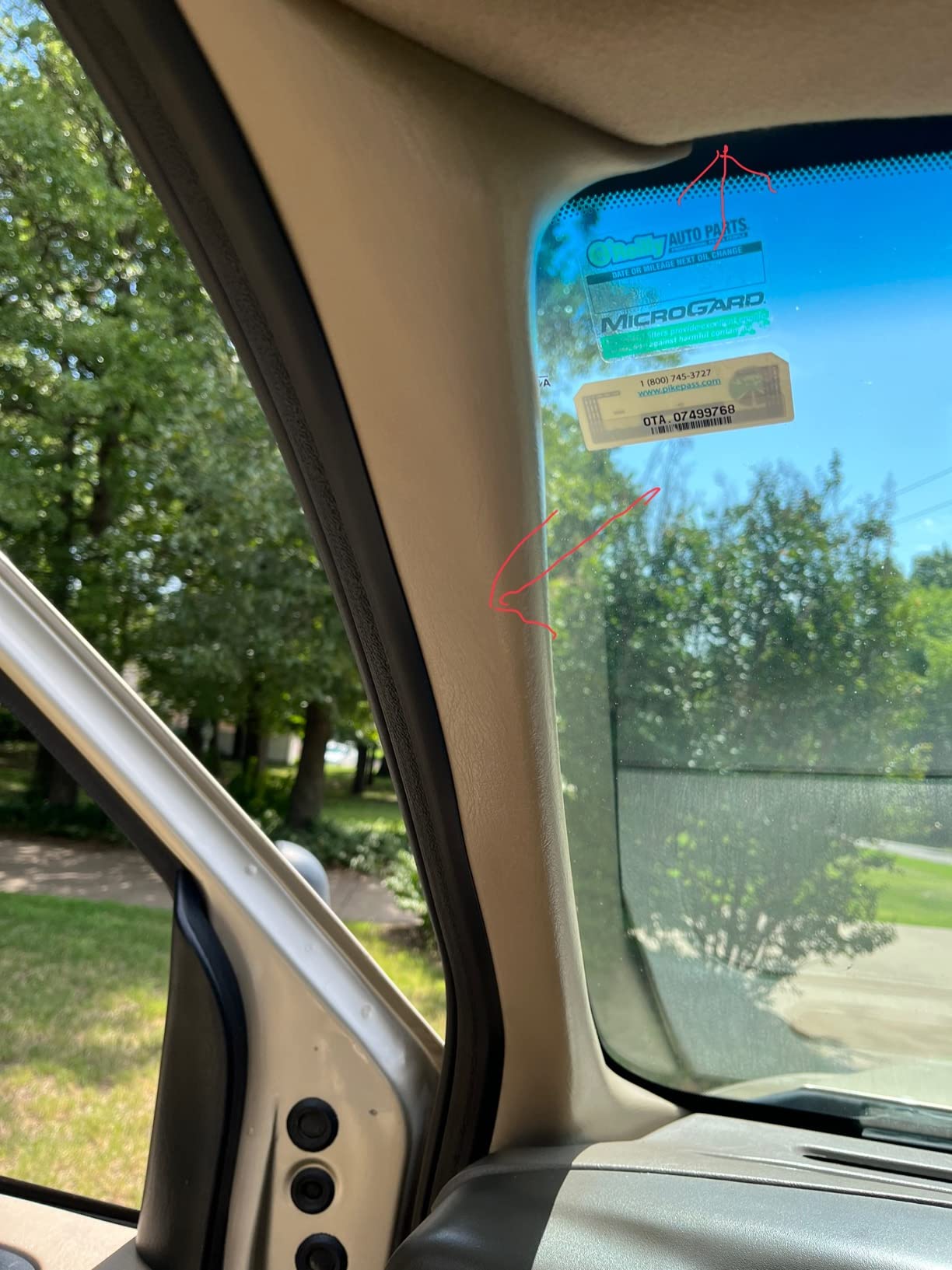
Take the rear camera seriously. Route the cable up the A-pillar, along the headliner edge, down the C-pillar, and into the trunk. Tuck it under the rubber weather seal at every step so it does not hang into the driver’s view. Plastic pry tools matter here, and a bungee cord at the trunk hinge keeps the cable from creaking.
Hardwire through the fuse box, never directly to the battery. Choose an ACC or switched fuse so the camera sleeps with the ignition, and confirm the voltage cutoff setting before you close the panel. This is the single step most likely to cause a dead battery, and it is the step most beginners skip.
Set the G-sensor sensitivity on day one, before you forget. Drive over a speed bump at normal speed, then drive over rough patched road, and check that only real impacts are locking files. Two minutes of testing now prevents weeks of buried footage later.
Finally, tell your teen how to check that it is working. A red or green recording light, a quick tap on the screen, or a two-second clip pull. Parents report that a teenager who knows how to verify the camera is running behaves differently than one who suspects it is.
Documentation, Not Surveillance: How to Use Footage Well
The parents who get the best results with dash cams treat them as an evidence record, not a monitoring system. The distinction is not subtle to a teenager, and it determines whether the camera stays installed or disappears within a month.
Have the conversation before the install, not after. Say what it records, what it does not record, and how often you will look. Parents on the parent forums we reviewed make one point repeatedly: acknowledge that you were once a new driver too. It costs nothing and it changes the tone of everything that follows.
Agree on a review rhythm and keep it. Monthly, fifteen minutes, calm tone, focus on trends rather than incidents. Look at patterns, not individual trips. A dashboard that shows speeding events falling month over month does more for a young driver’s driving than a single uncomfortable conversation ever will.
Reinforce the good, not just the correction. Parents who describe positive reinforcement as the thing that actually works report improvement where punishment produced resistance. If the footage shows a full stop at a red light three times in one week, say so. Acknowledged behaviour changes faster than criticised behaviour.
Plan the reduction from the start. Year one, front and rear with hardwiring. Year two, drop the cabin channel and keep the front and rear. Year three, keep the front camera running and stop the monthly reviews unless something prompted them. Tell your teen about the timeline when you install it. A camera with a defined end date is far easier to accept than an open-ended one.
And if your teen is at fault, use the footage the way an insurer would, not the way an argument would. Hand over the clip, let the consequences be ordinary ones, and keep the camera in the car. A camera that only ever appears to build a case stops being trusted, and a camera nobody trusts protects nobody.
Memory Cards, Insurance and Legal Questions Parents Ask
Buy a high endurance microSD card, not the cheapest one in the shop. Dash cams write continuously, and ordinary cards fail under that load within months. A card that dies quietly is worse than no card, because the recording looks fine right up until the day you need it. Check the card is rated for continuous recording, and format it in the camera every month or two rather than deleting files by hand.
Match capacity to recording time. A 128GB card holds roughly a day or two of multi-channel footage before loop recording overwrites it, which is why the units that ship with a card, the F7NP, the ROVE R2-4K, the PRUVEEO and the IIWEY, are easier to live with. If you want longer retention, size up and check the maximum supported capacity, which ranges from 64GB on one budget kit here to 1TB on the ROVE.
On insurance, be accurate with your family. A dash cam does not automatically reduce your premium, but it provides evidence that can affect how a claim is settled, and some insurers offer a discount for a forward-facing camera. Ask your specific insurer, in writing, before you assume either outcome.
On audio recording, the law varies by state and it is not worth guessing. In many states a conversation you are not part of may not be recorded without consent, and the penalties are not trivial. If you are uncertain, disable audio. The video evidence is almost always what settles a claim anyway, and the record stays cleaner without it.
On police access, treat your dash cam the same as your phone. Footage on your card is yours, and a request is handled the same way a request for your phone records is handled. What matters is that your teen is the one who hands it over, which is another reason to keep the camera accessible rather than hidden in a glovebox. Our dash cam guide covers the storage and access details in more depth.
Frequently Asked Questions
What is the best dash cam for a teenage driver?
The best dash cam for a teenage driver is a front and rear dual-channel camera with a STARVIS 2 sensor, a supercapacitor, a G-sensor with adjustable sensitivity and built-in GPS. In our testing the REDTIGER F7NP led on review volume and included storage, while the ROVE R2-4K Dual led on rating and its on-screen GPS readout.
Do all dash cams have to be hard wired in?
No. Most dash cams run from the 12V cigarette lighter socket with a few minutes of installation. Hardwiring through the fuse box is only required for parking mode and for making the camera permanent, but it does stop a teenager unplugging it. Always use a kit with a voltage cutoff so the camera cannot drain the battery.
Is there a downside to having a dash cam?
The main downsides are trust, privacy and maintenance. An interior or cabin camera can damage the relationship with a teenager if it arrives without explanation, several units need a phone app or a short-range WiFi link to reach the footage, and cheap memory cards fail under constant writing. None of the twelve cameras here caused a dead battery when installed correctly.
Should I tell my teen there is a dash cam in the car?
Yes, and tell them before you install it. Parents who explain the purpose, state that the camera records evidence rather than monitoring them, and agree on how often the footage will be reviewed get far better cooperation. A camera discovered later is treated as a betrayal, and a camera with a stated end date is much easier to accept.
Will a dash cam lower my insurance?
Not automatically. Some insurers offer a discount for a forward-facing camera, and a dash cam makes it far easier to prove what happened in a claim, which can matter more than the premium. Ask your insurer directly and in writing before you buy, rather than assuming either a saving or a rejection.
Our Recommendation for Teen Drivers in 2026
The REDTIGER F7NP is our pick for the best dash cams for teen drivers in 2026. More than 25,000 reviews, a 4K front and 1080p rear pair, a STARVIS 2 sensor, built-in GPS and a 128GB card already in the box cover everything a family actually needs, and the supercapacitor handles a car parked in the sun all afternoon.
If your teen objects to a visible camera, the ROVE R2-4K Dual is the close second, with the clearest on-screen GPS readout of the group. If you want the smallest possible commitment, the 70mai M310 Plus installs in five minutes and disappears behind the mirror.
Whatever you choose, tell your teen it is there, agree how often you will look, and set a date to step back. The best dash cam for teen drivers is the one that is still installed a year from now and still trusted by the person driving.