
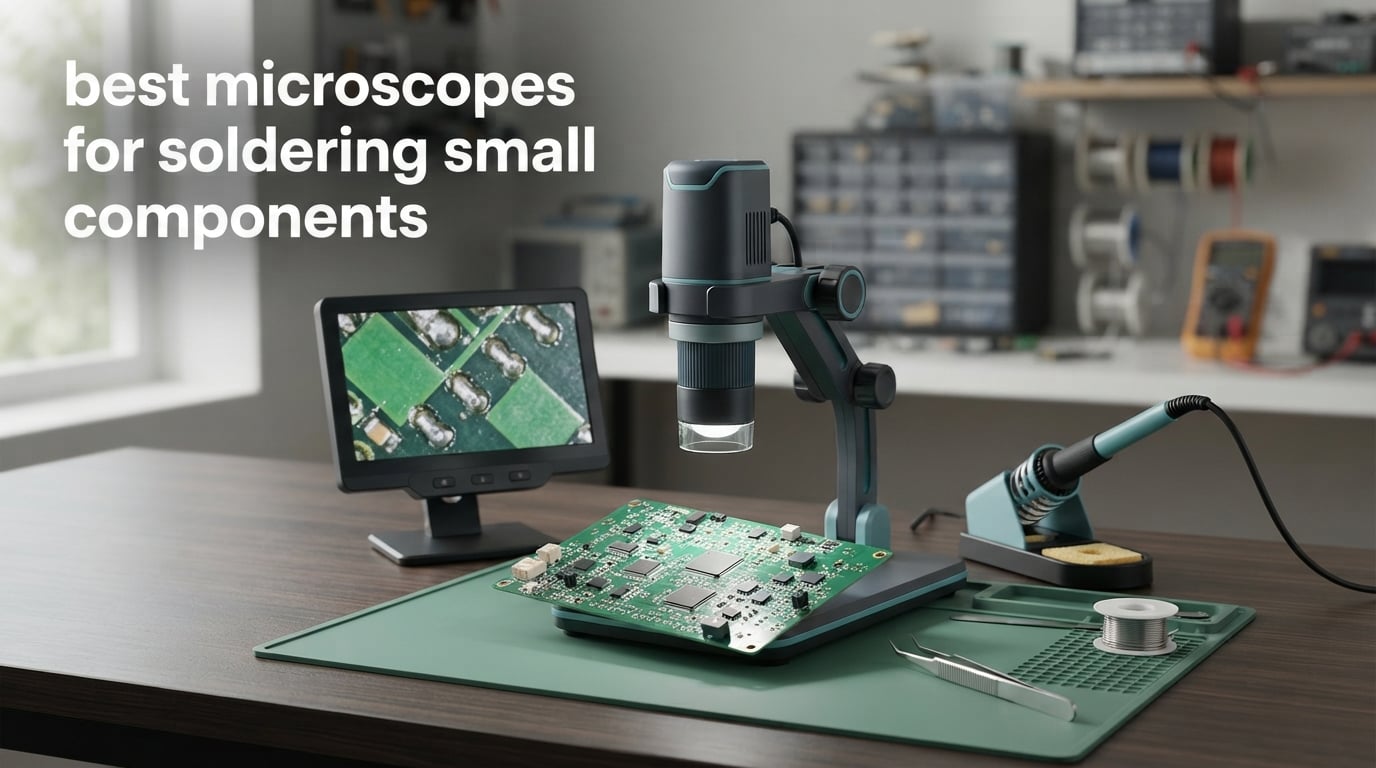
Short answer: a digital LCD scope with an arm stand is the best fit for most people soldering small components, a stereo binocular scope wins when you want your hands to work while your eyes stay inside the picture, and a trinocular scope only makes sense if you need to record video of the joint while you watch it through both eyes. The scope type matters less than two numbers nobody puts on the box: usable magnification and working distance.
My bench has seen a lot of boards go through it over the years, and the failure mode is always the same. A 0402 resistor is roughly a third the width of a grain of rice, and a QFN chip has pads you can barely see with good lighting. Without magnification you drift into a solder bridge, lift a pad, or leave a cold joint you never notice, because the mistake happens in a place you cannot resolve. That is the whole argument for a soldering microscope in one sentence.
We compared 12 scopes for this guide, from handheld entry models to a steel-based trinocular that would anchor a bench for a decade. The picks below cover the three scope types, and every one of them gets an honest list of what it does badly. I also mapped each one to the component sizes it can actually handle, because that is the number that decides whether a scope suits you, not the headline magnification figure.
If you are still building out your bench, our soldering iron roundup covers the iron side of the same workflow, and our digital microscope guide goes deeper on general inspection gear.
Table of Contents
Top 3 Picks for the Best Microscopes for Soldering Small Components (October 2026)

TOMLOV DM9 7 inch LCD
- 7 inch LCD screen
- 1200X via adjustable stand height
- 8 built-in LEDs plus 2 gooseneck lights
- 12MP stills and 1080P video

Andonstar AD246S-M 3 Lens
- 3 interchangeable lenses
- 2160P UHD with HDMI output
- Adjustable pro boom arm stand
- Measurement software for Windows
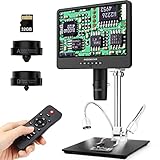
Andonstar AD249S-M Plus
- 10.1 inch LCD with HDMI
- 2160P video to a 28 inch monitor
- Three lenses from 15X to 510X
- Pro boom arm in metal
Best Microscopes for Soldering Small Components in October
| Product | Specifications | Action |
|---|---|---|
| TOMLOV DM9 7 inch LCD Digital Microscope |
|
Check Latest Price |
| Andonstar AD246S-M 3 Lens 2160P HDMI Microscope |
|
Check Latest Price |
 Andonstar AD210 10.1 Inch LCD Digital Microscope Andonstar AD210 10.1 Inch LCD Digital Microscope |
|
Check Latest Price |
| Andonstar AD249S-M 3 Lens 2160P 10.1 Inch HDMI Microscope |
|
Check Latest Price |
 TOMLOV Autofocus 4K Digital Microscope TM4K-AF Flex Arm TOMLOV Autofocus 4K Digital Microscope TM4K-AF Flex Arm |
|
Check Latest Price |
 TOMLOV DM602 Flex 3 Lens HDMI Digital Soldering Microscope TOMLOV DM602 Flex 3 Lens HDMI Digital Soldering Microscope |
|
Check Latest Price |
 Aikokkl 5 inch LCD Digital Soldering Microscope C-Clamp Aikokkl 5 inch LCD Digital Soldering Microscope C-Clamp |
|
Check Latest Price |
 Elikliv Autofocus 4K Digital Microscope EM4K-AF Elikliv Autofocus 4K Digital Microscope EM4K-AF |
|
Check Latest Price |
 Swift S41-20 Binocular Stereo Microscope Boom Arm Swift S41-20 Binocular Stereo Microscope Boom Arm |
|
Check Latest Price |
 Leanking 7 inch Screen Digital Microscope MK7 Leanking 7 inch Screen Digital Microscope MK7 |
|
Check Latest Price |
 Elikliv EDM4 4.3 Inch LCD Digital Coin Microscope Elikliv EDM4 4.3 Inch LCD Digital Coin Microscope |
|
Check Latest Price |
 ZTEEERS Trinocular Stereo Zoom Microscope with Boom Stand ZTEEERS Trinocular Stereo Zoom Microscope with Boom Stand |
|
Check Latest Price |
1. TOMLOV DM9 7 inch LCD Digital Microscope: The One I Keep Reaching For
TOMLOV DM9 7″ Digital Microscope: 1080P 1200X Coin Microscope Magnifier, 12MP Ultra-Precise Focusing LCD Soldering Microscopes for Adults, PC View, 16GB
7 inch LCD
1200X by stand height
8.5 inch metal stand
8 built-in LEDs plus 2 gooseneck
12MP and 1080P capture
Pros
- Large 7 inch LCD is comfortable for long sessions
- Metal base and 8.5 inch stand cut shake during hands-on work
- 8 built-in LEDs plus 2 gooseneck lights let you kill shadows
- 12MP stills and 1080P video with a 16GB card included
- USB connection gives a larger live view on a computer
Cons
- Magnification comes from raising and lowering the stand rather than a zoom lens
- Fixed base is awkward over very large workpieces
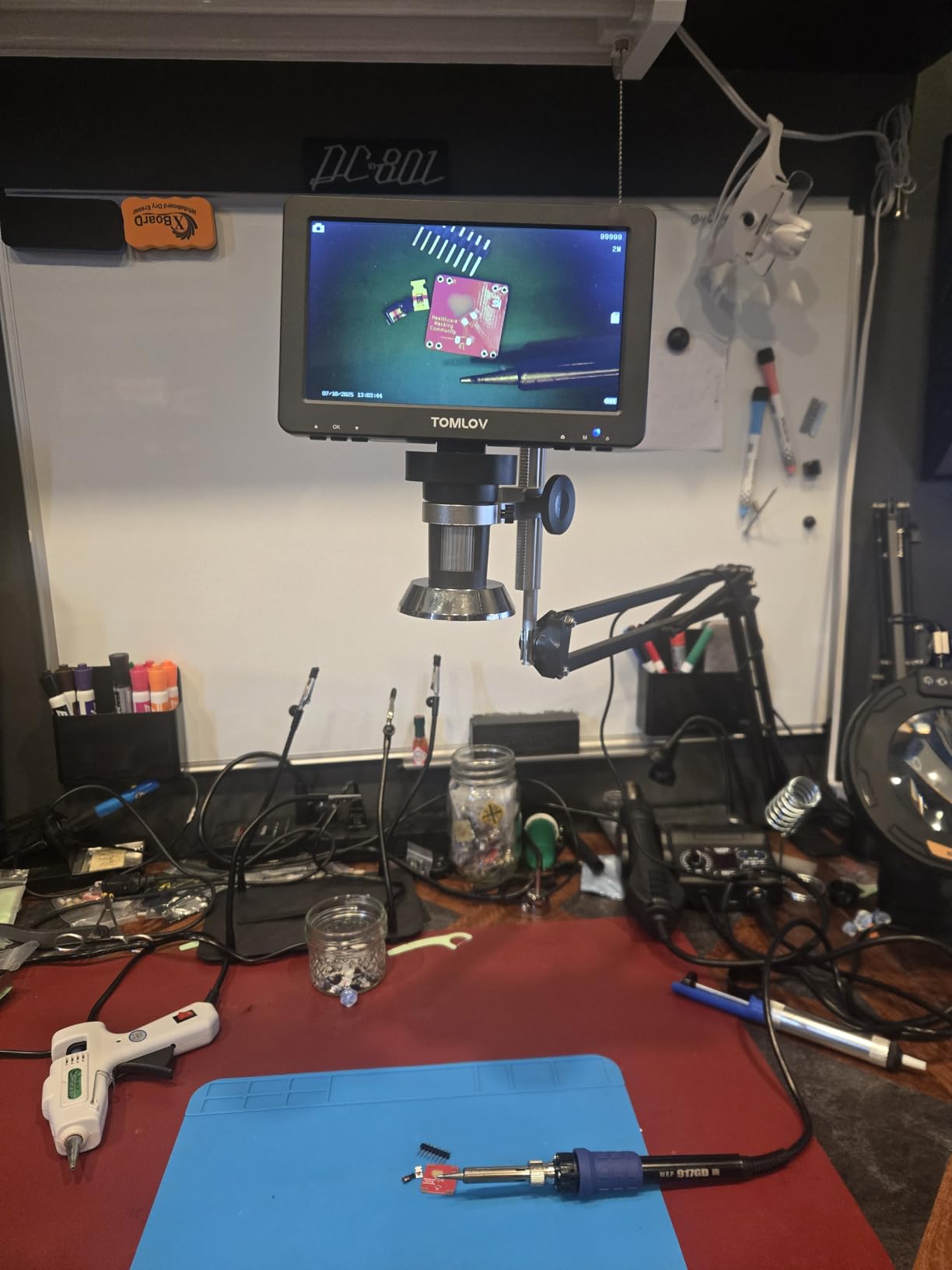
The DM9 has been on my bench the longest of anything in this list, and it is still the one I hand to someone starting out. The 7 inch LCD sits at a height where you can glance down rather than hunch over, and 3360 ratings averaging 4.4 tell you the recipe has survived a lot of use.
What I like most is the lighting. Eight built-in LEDs handle general fill, and the two flexible gooseneck arms are what actually let me shape the light around a tall component or a shielded QFN. When a joint is in shadow, I move a gooseneck rather than leaning in and losing my focus.

Be clear about how the 1200X happens. There is no zoom lens inside this head. You get magnification by changing the distance between the objective and the board, which means a stiffer stand matters far more here than on a scope with a real optical zoom. The 8.5 inch metal stand and solid base handle that well.
The 12MP stills and 1080P video write to the included 16GB card, and the USB connection opens a larger real-time view on a laptop or monitor. That is how I photograph before-and-after joint shots for repair logs, and the wired remote lets me capture without touching the bench.
The trade-off is the pillar format itself. The fixed base is compact and stable, but on a full-size laptop motherboard or a console board I have to shuffle the whole unit rather than swing a head over the work. If your work regularly exceeds about 6 inches across, a boom arm model will save you time every session.
What component sizes it handles well
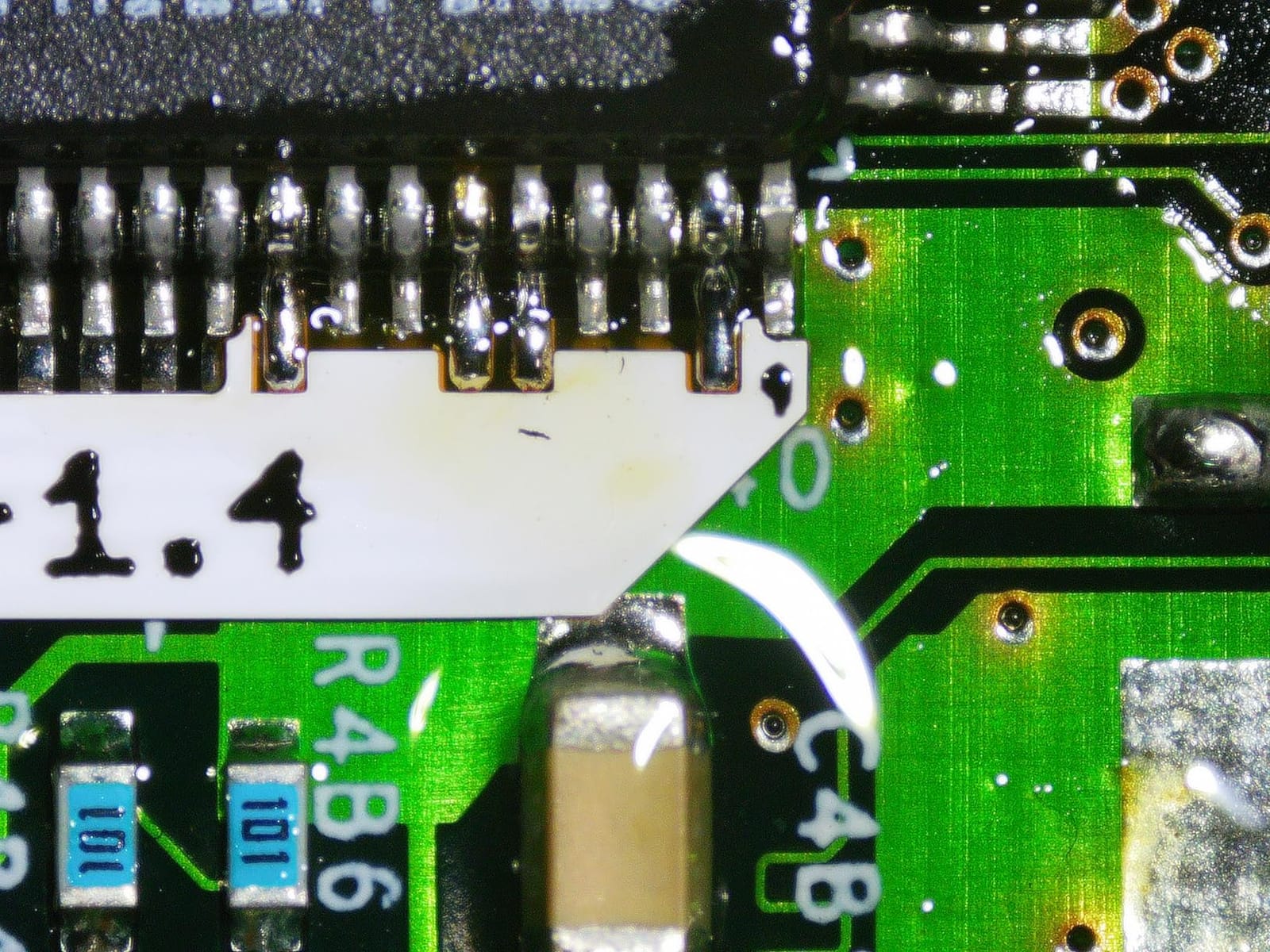
With the lens close and the screen filling, this is comfortable on 0805 and 0603 parts and reliable on 0402 passives. The 12MP stills hold detail well enough to photograph a joint on 0402 for a documentation record.
For 0201 and finer, the limits are the screen and the pillar stand rather than the optics. You can inspect those parts, but moving the camera height to change focus is tedious when the entire board is in view.
When to pick something else
Skip it if your boards are large or if you want stereo depth. A flat two-dimensional image makes judging iron height harder, and users on r/soldering consistently point to depth perception as the reason optical scopes feel easier for real rework.
Skip it too if you want true optical zoom within a fixed head height. The DM602 Flex covers that, and the Andonstar boom arm models cover the reach. For through-hole work and modest SMD, though, this one earns its bench space.
2. Andonstar AD246S-M 3 Lens 2160P HDMI Microscope: Best Value Workhorse
Andonstar AD246S-M 3 Lens 2160P HDMI Digital Microscope 2000x for Adults
3 lens system
2160P UHD with HDMI
7 by 7.8 by 13 inch boom arm
1cm to 26cm working distance
32GB card and remote
Pros
- Three lenses cover soldering
- coins and slides in one unit
- Lens L is purpose-built for circuit board and phone repair
- 2160P UHD with HDMI output to a larger monitor
- Metal boom arm stand adjustable in every axis
- Measurement software and 32GB card included
Cons
- Swapping lenses means removing and reinstalling screws
- Part of the stated magnification is 3X software zoom
The AD246S-M is the pick I recommend when someone wants one instrument instead of three. It has solved 1271 reviews at 4.5 stars, and the three-lens layout means a solder job and a coin inspection use the same body with a different glass in front.
Lens L is the one that matters for electronics. Owners describe 15X to 60X on screen for that lens, which is exactly the range where solder fillets, pad alignment and bridging become obvious. Lens A handles whole objects and Lens D is the slide lens, which is irrelevant to you but explains why the box is so big.
The boom arm is the reason this is my pick over a plain pillar stand. It adjusts forward, back, side to side and in angle, so I can swing the head over a board, carry the iron in, and then move the whole assembly out of the way when I need both hands. Metal construction suits a hot soldering environment better than plastic pillars.
HDMI output at 2160P is a genuine ergonomic win. On long sessions I run the image to a 28-inch style monitor at eye level and keep my neck straight, which is worth more to me than any extra lens. The measurement software on Windows handles length, area, photo and video capture if you need to document a pad measurement.
Two practical gripes. Changing lenses needs screws loosened and retightened, so plan for that rather than doing it mid-job. And the headline magnification figure leans on a 3X software zoom, so treat the lens-specific on-screen ranges as the real numbers.
What component sizes it handles well
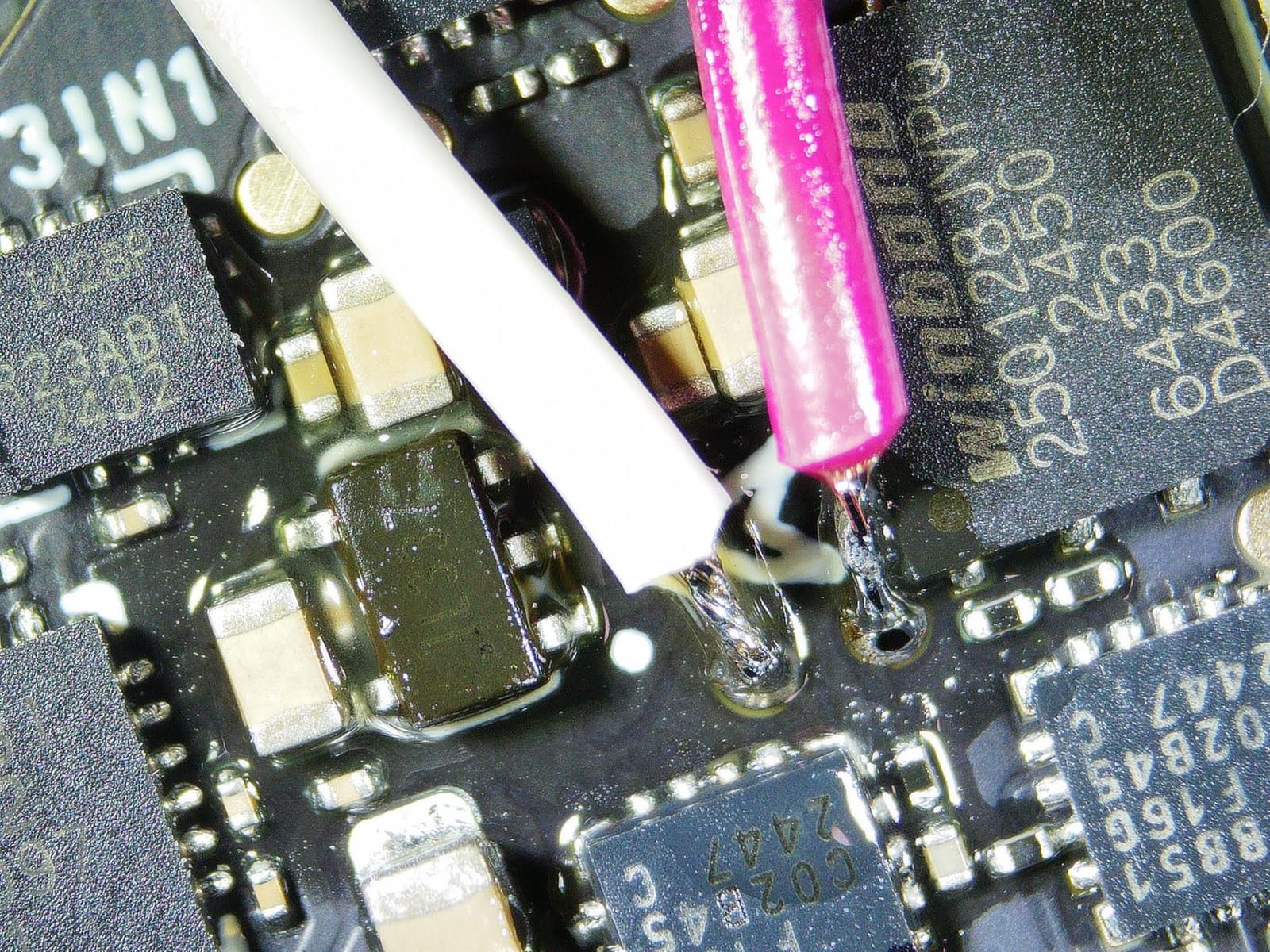
The soldering lens gives clean detail on 0402 and 0201 passives, and the depth of the image is enough to spot a wicking fault or a bridge between two pads. The 2160P feed also records well enough for a repair log or a client quote.
QFN and BGA inspection works at the lower end of the range with the light angled low. Above that, the software zoom softens edges, so I switch to the mechanical arm and focus rather than pushing magnification.
When to pick something else
Skip the lens changes if you mostly do one kind of work and value simplicity. A single-lens model with autofocus, like the TOMLOV TM4K-AF, will be faster in the hand.
Also skip it if you need true stereo depth. A flat screen tells you shape and size but makes judging an iron tip above a pad harder than a binocular head does.
3. Andonstar AD210 10.1 Inch LCD: The Big Screen Comfort Pick
Andonstar AD210 10.1 Inch LCD Digital Microscope for Soldering, Coin
10.1 inch Super IPS display
1cm to 26cm working distance
Three LED types
Stand up to 12.6 inches tall
32GB card included
Pros
- 10.1 inch Super IPS display with 178 degree viewing angle
- 10.2 inch working distance stand frames large objects
- 1cm to 26cm adjustment covers coins
- boards and slides
- Three LED illumination types with adjustable brightness
- Remote control for capture
- zoom and colour
Cons
- Maximum magnification of 260X is modest in this group
- Corded power with no built-in battery
The AD210 is the one I recommend to anyone whose eyes get tired by mid-afternoon. A 10.1 inch Super IPS panel is a genuinely different experience from a 4.3 inch or 5 inch screen, and the 178-degree viewing angle means you can shift position without losing the image.
The 1cm to 26cm working distance range is unusually wide for a single-lens design. At the close end you inspect a joint. Pull the stand up and the same scope frames a whole large coin or a full circuit board, which is a nicer way to survey a board before you dive into one corner.
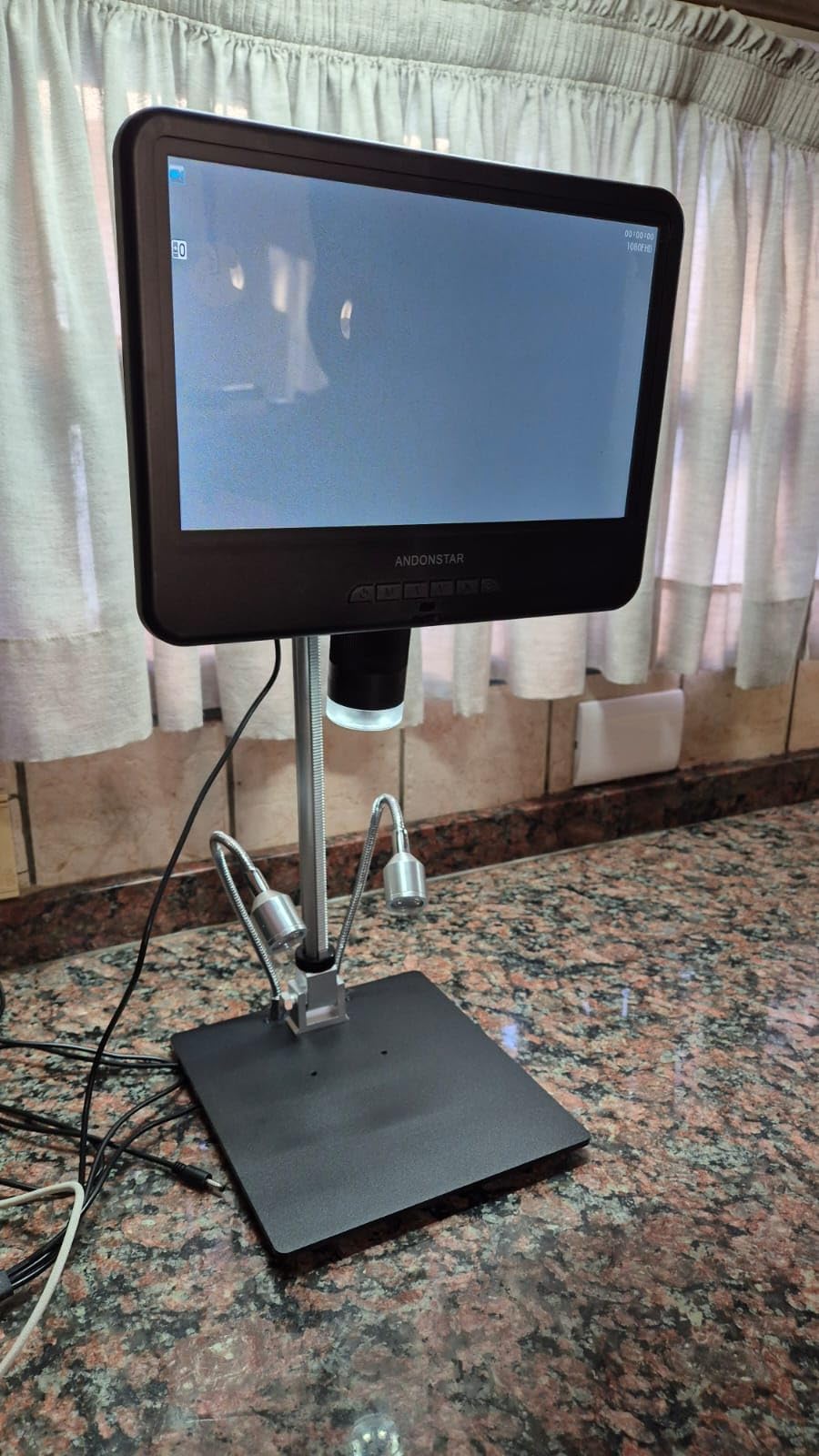
Lighting is where the three LED types earn their keep. Top light for flat inspection, side light to rake across a solder joint and throw a shadow that reveals a bump, and bottom light through the stage for slides. I use the side illumination more than I expected once a board has a glossy solder mask.
The remote control is understated but useful. Capture, digital zoom and colour changes happen without you touching the unit, so the image does not swim every time you reach for a hot iron. The 32GB card and reader are included, so nothing extra is needed to save work.
The honest limit is magnification. Maximum of 260X is the lowest ceiling here, and there is no optical zoom lens. On 0402 and 0201 parts you get enough, but on very fine pitch you will feel the ceiling and wish for a lens kit.
What component sizes it handles well
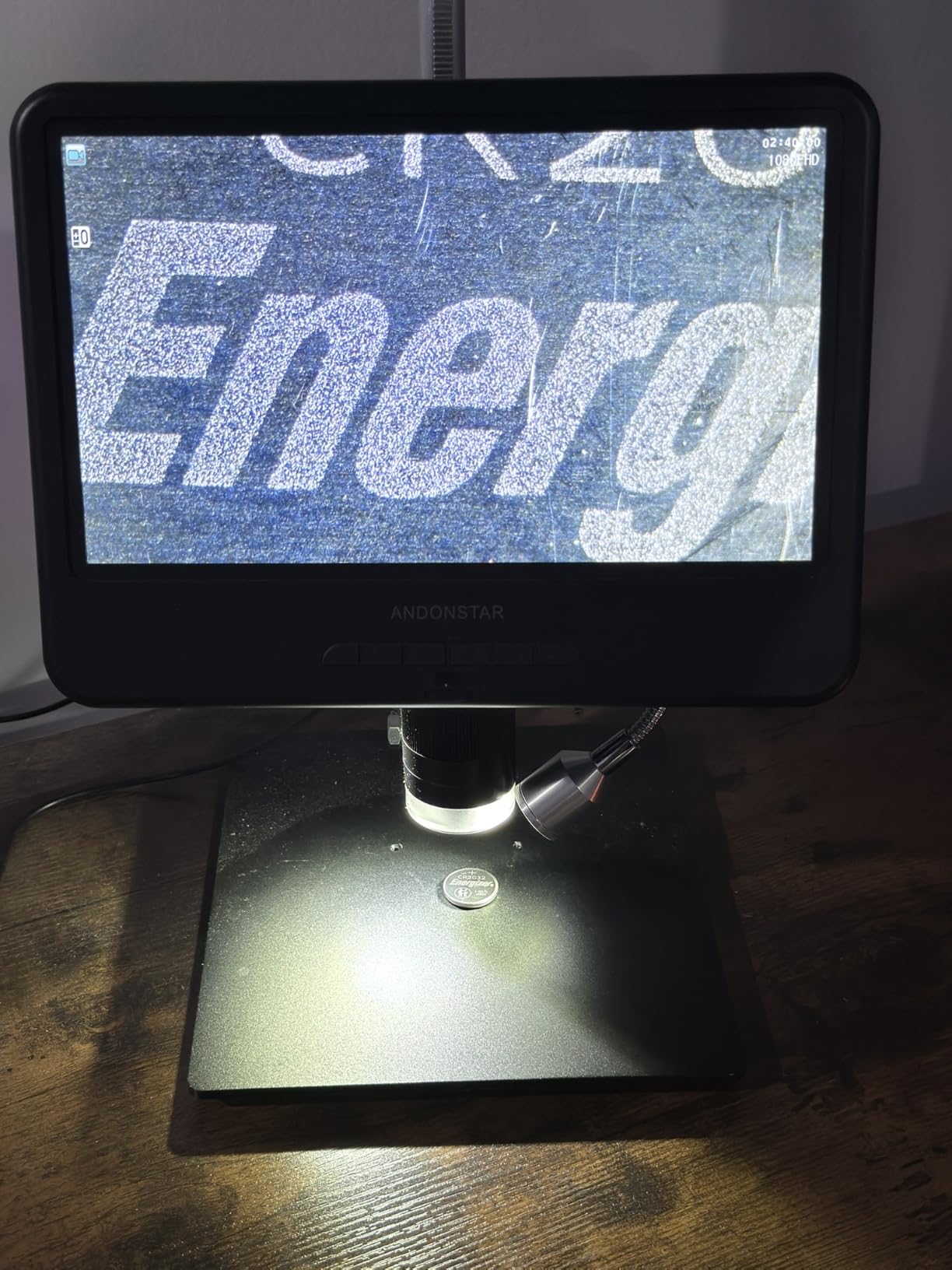
Through-hole joints, headers, connectors and 0805 and 0603 parts are comfortable, and the long working distance means a normal chisel tip fits underneath without a fight. Many hobbyists who never touch anything below 0805 never feel the need to upgrade, which matches what r/AskElectronics users say about this class of scope.
For 0402 work it is usable if the side lighting is angled well. Below 0201 the pixel density on a 1080P feed starts to show, and you should move up a class.
When to pick something else
Skip it for fine-pitch rework, QFN reworking or anything under 0402 as a primary job. The magnification ceiling is the reason, and no amount of screen real estate compensates.
Skip it if you work away from a wall outlet. This one is corded electric with no internal battery, unlike the Elikliv EM4K-AF.
4. Andonstar AD249S-M Plus 10.1 Inch: The Highest Rated Scope Here
Andonstar AD249S-M 3 Lens 2160P 10.1 Inch HDMI Digital Microscope 2000x
10.1 inch LCD with HDMI
Three lenses from 15X to 510X
2160P video
Metal pro boom arm
32GB card
Pros
- Highest average rating in this group at 4.6 across 451 ratings
- Three lenses cover 15-60X for soldering through 510X for slides
- HDMI 2160P output drives a 28 inch monitor for bench work
- Boom arm stand adjusts in every axis
- Measurement software plus photo and video capture
Cons
- Compact base leaves limited room for large circuit boards
- Vertical post can arrive out of plumb and need levelling
- Some plastic elements feel lighter than the metal boom
At 4.6 stars across 451 ratings this is the highest-rated scope in the group, and the reviews explain why. People describe it as exceptional value for a 10.1 inch screen with HDMI, three lenses and a metal boom arm in one box.
Compared with the AD246S-M, you get a larger screen and lens ranges that reach 510X on the slide lens, which is useful if you inspect small parts rather than only boards. The boom arm geometry is the same family, so if you liked the reach on the 7 inch model, this is the roomier version of it.
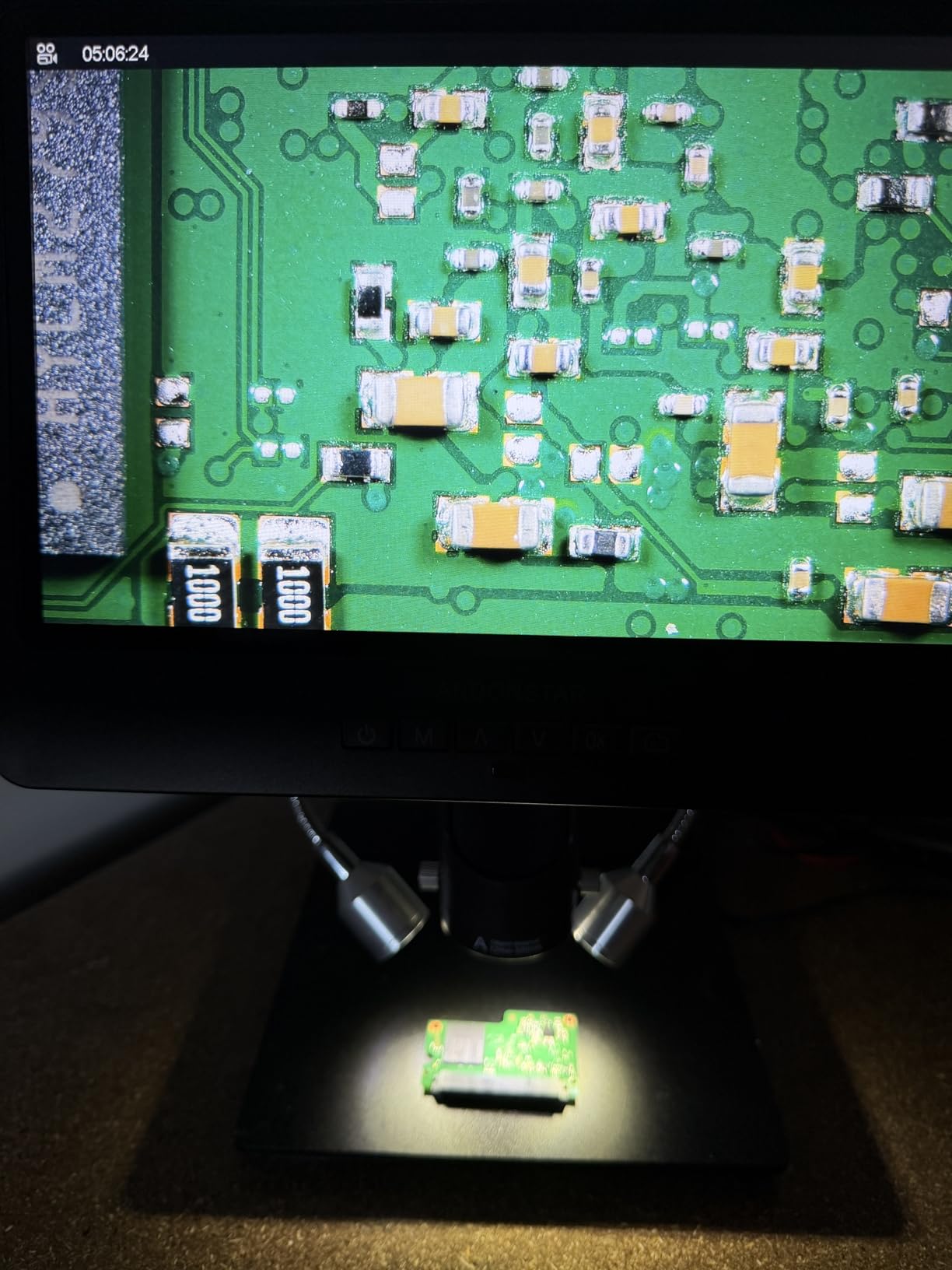
Owners like to use the HDMI output for teaching and bench work, running the 2160P feed to a 28 inch monitor. Eight LED brightness levels on the remote handle the glare problem that glossy green solder mask creates, and dimming the ring or the light rather than cranking it is what keeps a joint readable.
The criticisms cluster around the base. A few buyers mention that the vertical post arrived slightly out of plumb and needed levelling before the first job, and several mounted the base to a rigid surface after noticing the arm shift when knocked. That is a ten-minute fix that removes the problem permanently.
With a 10.1 inch screen on a compact base, the head is big, and the work area under it is small. On a large board I end up rotating the board rather than the scope.
What component sizes it handles well
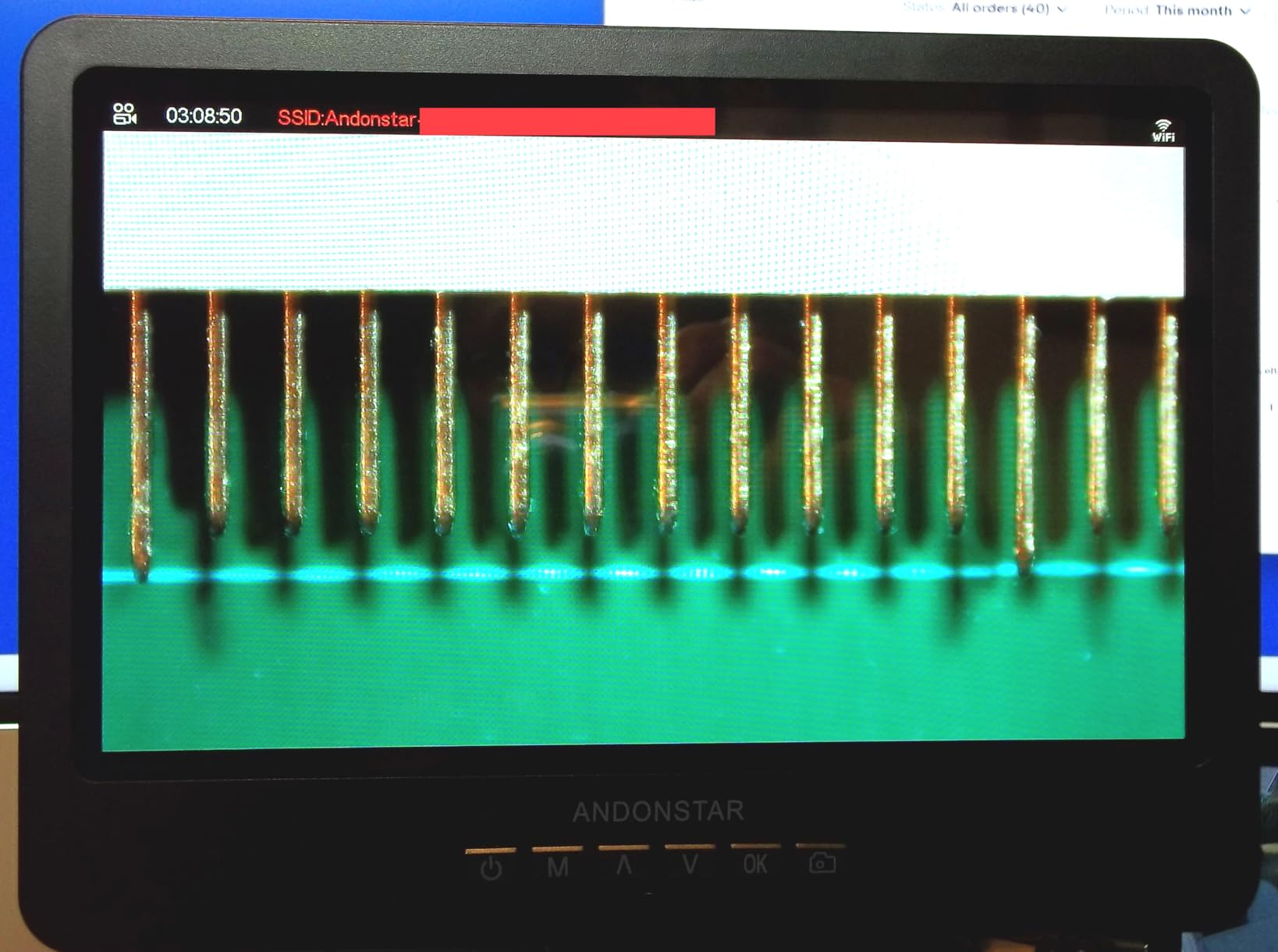
Lens L at 15X to 60X on screen is the working range for electronics, and it resolves 0402 and 0201 parts cleanly in my experience. It also holds up on QFN fine-pitch inspection with the lights angled low.
Lens A gives a full-object view for checking an entire board at once, which is the fastest way to spot a missing component or a torn pad before you start.
When to pick something else
Skip it if your work is consistently on large motherboards. The compact base is the limiting factor, and a flex arm like the TOMLOV DM602 Flex gives you a longer reach over a smaller footprint of base.
Skip it if you need video recorded while you watch through your own eyes. No screen scope does that, and a trinocular head is the only route.
5. TOMLOV TM4K-AF Flex Arm: Best Autofocus for Moving Hands
TOMLOV Autofocus 4K Digital Microscope, 8″ TM4K-AF Flex Arm for Soldering
TOF sensor autofocus
Preset focus points P1 and P2
4K video and 52MP stills
360 degree flex arm
8 inch IPS screen
Pros
- TOF autofocus locks on quickly and tracks moving subjects
- Preset focus points let you jump between two planes
- 4K UHD video and 52MP stills with 100 percent sRGB colour
- 360 degree articulating flex arm holds position and folds away
- Ring light plus two gooseneck lights for even joint lighting
Cons
- Menus
- recording and zoom are unavailable in PC mode
- External monitor output is 1080P rather than 4K
- Narrow field of view and a plastic-feeling head
Autofocus is the feature that changes how a session feels, and the TM4K-AF is the clearest example of that here. A TOF sensor measures distance and locks focus in about a second, so instead of rocking the stand back and forth every time your hand moves, you set the position and work.
The preset focus points P1 and P2 solve a specific real problem. A board has two planes of interest, the top of the components and the solder mask beneath, and being able to jump between them in a second means you are not hunting with the focus wheel while a hot iron cools in the holder.
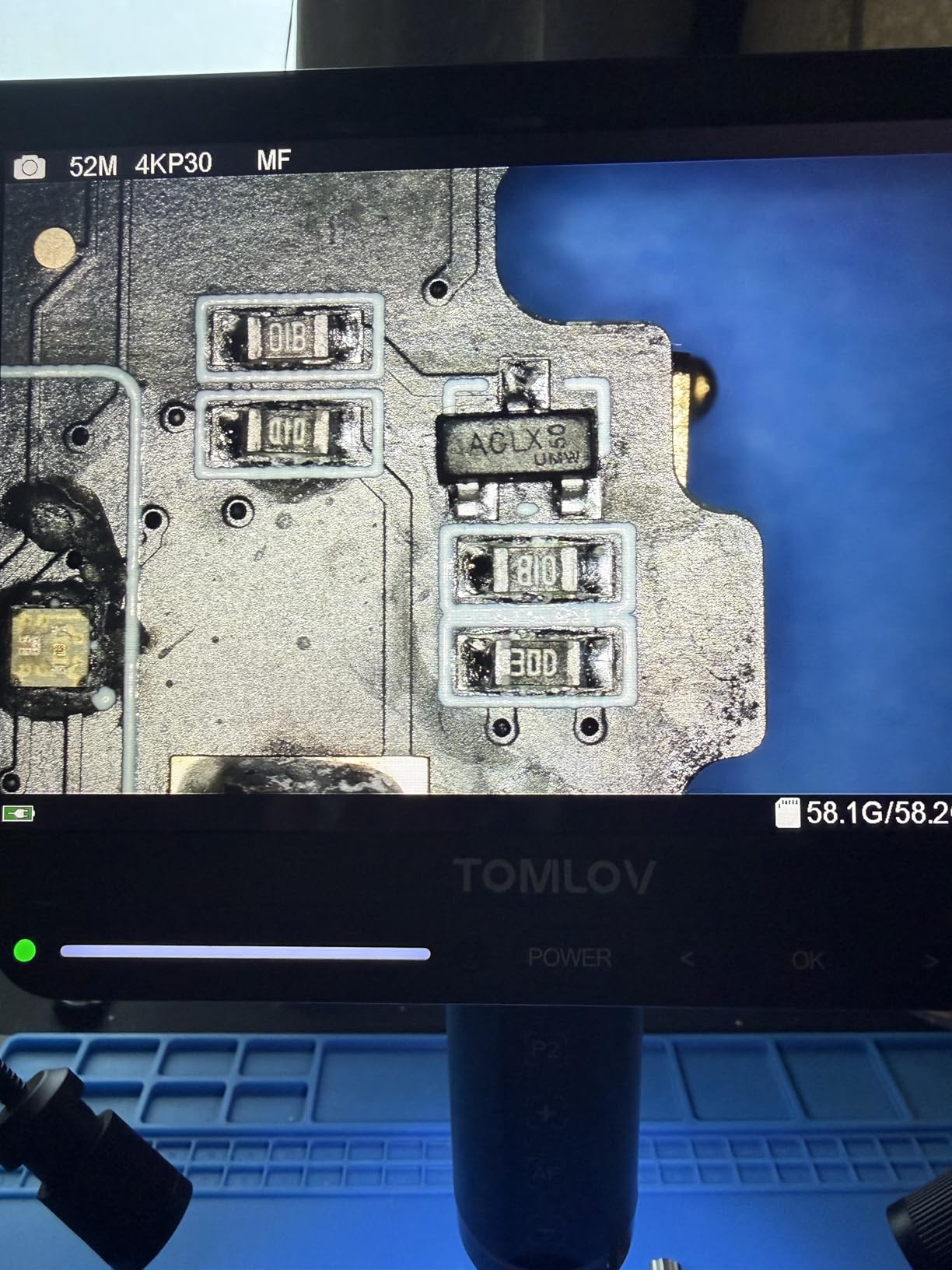
Image quality is a step up. 4K UHD video and 52MP stills on a 1280×800 IPS screen with 100 percent sRGB coverage means a green solder mask looks green and a dull joint looks dull. The 360-degree articulating arm folds out of the way when you need both hands for assembly and comes back to position without drifting.
At 4.2 stars across 362 ratings it carries the widest spread in the group, and the reason is worth knowing before you buy. In PC mode the menus, recording and zoom are unavailable, so the scope has to run standalone for anything beyond viewing. The external monitor output is 1080P even though the sensor records 4K, and the field of view is narrow.
Mount it on something rigid. The included table-edge clamp does not fit every bench, and clamping to a light desk introduces visible shake that undermines the whole point of autofocus.
What component sizes it handles well
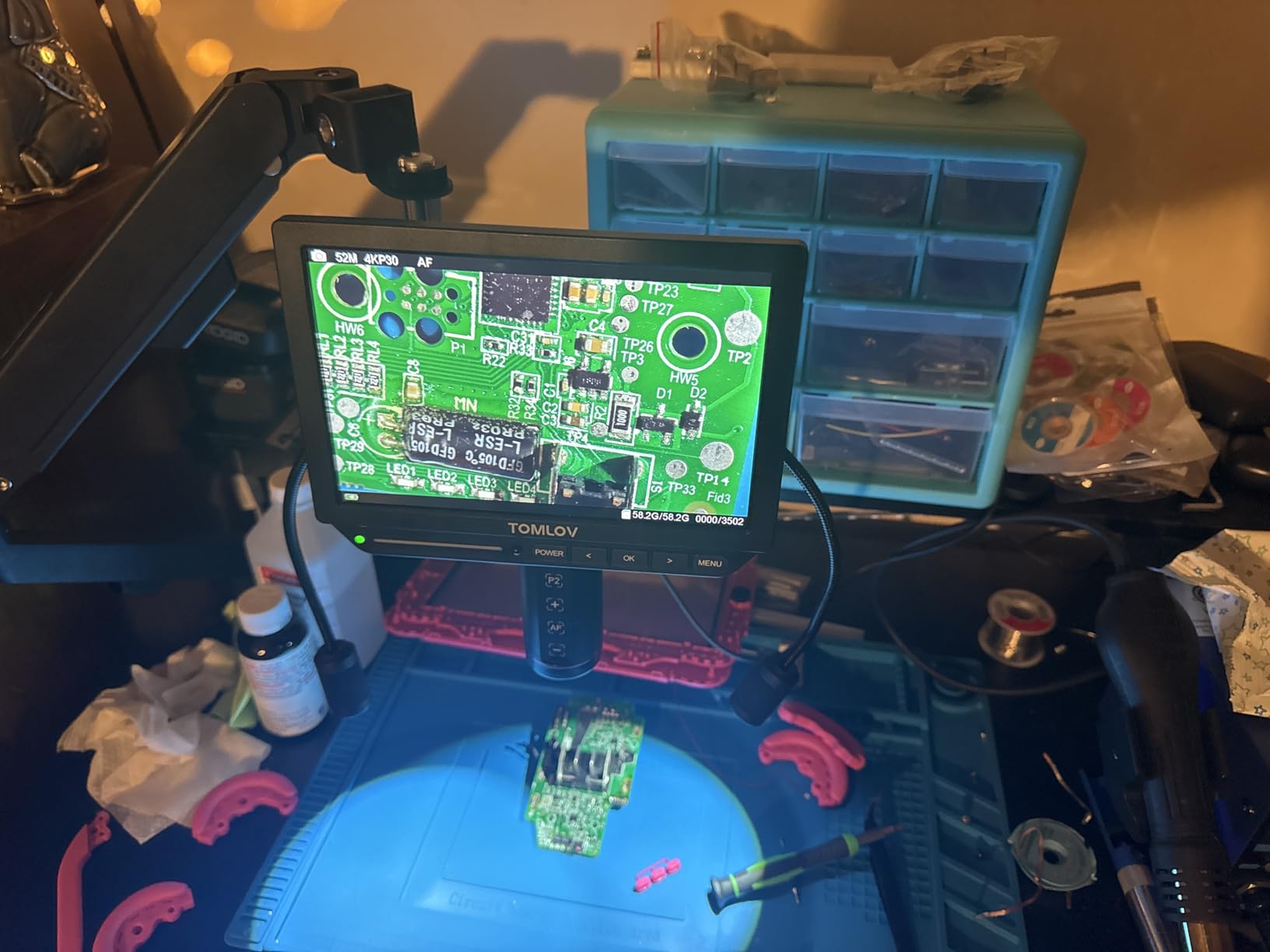
The resolution handles 0201 and 0402 work with real confidence, and 52MP stills are enough to document a fine-pitch joint for a repair log. The autofocus shine is on raised components, where a manual scope would need constant height changes.
Because the field of view is narrow, this is a spot inspector rather than a survey tool. You look at one area at a time, which suits inspection-driven rework more than board-level triage.
When to pick something else
Skip it if you need the scope to double as a laptop webcam or a full PC capture rig. Standalone-only operation is a real limitation, and it is the single biggest reason people return it.
Skip it if you need a 4K feed on a second monitor. The 1080P external output is the spec to know about before you plan the bench around it.
6. TOMLOV DM602 Flex 3 Lens: Best for a Small Bench
TOMLOV DM602 Flex 3 Lens HDMI Digital Soldering Microscope, Flexible Arm
Lens L 60-200X for micro soldering
144 LED ring light
Heat resistant soldering mat
10.1 inch IPS screen
Folding flex arm
Pros
- Three lenses including 60-200X dedicated to micro soldering
- 144 LED ring light with a front knob for even glare-free light
- Heat resistant silicone mat rated to 932 degrees with a scale ruler and part boxes
- Folding arm with 360 degree base rotation and 135 degree extension
- 10.1 inch IPS screen with 24MP photos and 2K video
Cons
- No physical master power switch
- Under-scope illuminator uses a separate 12V cable
- Head sits loosely in the arm mount
- Images shake if the arm is mounted to an unstable surface
The DM602 Flex is built around a folding arm, and on a compact bench that is the whole selling point. The base rotates 360 degrees, the arm extends 135 degrees horizontally and swings 180 degrees vertically, then folds flat when you are done. It stores against a wall instead of occupying a permanent footprint.
The lens set is the most purpose-built of the group. Lens L at 60-200X is labelled for micro soldering specifically, Lens A covers full coin views, and Lens D is the biological lens. Nobody buys this for slides, but the first two lenses do real work on a bench.
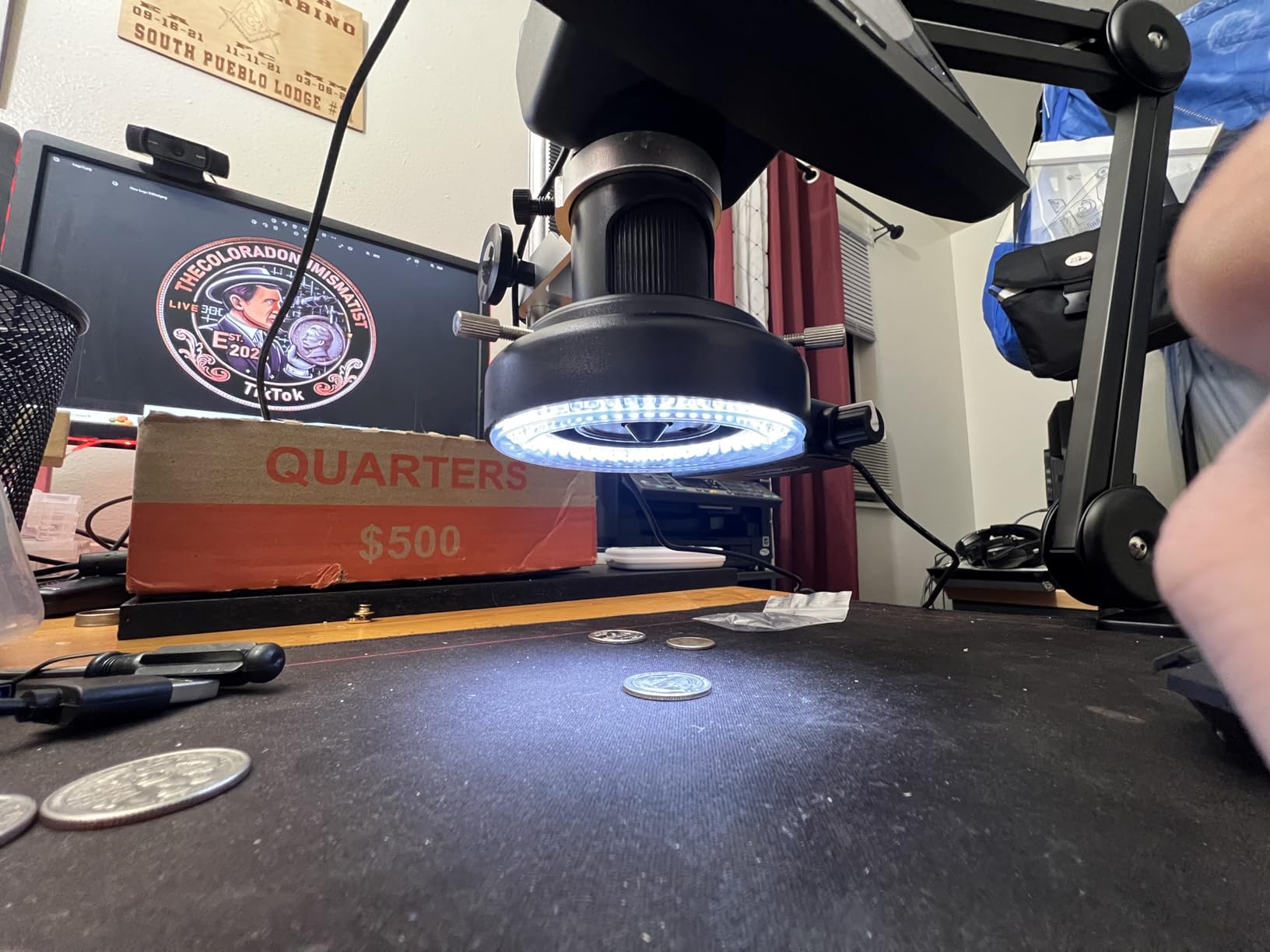
The 144-LED ring light with a front knob is unusually good. A ring throws light evenly from directly above with few shadows, and unlike a gooseneck you can dial intensity with a physical control rather than a menu. On matte green solder mask it is close to ideal, and on shiny parts the dual source plus a gooseneck handles the reflection.
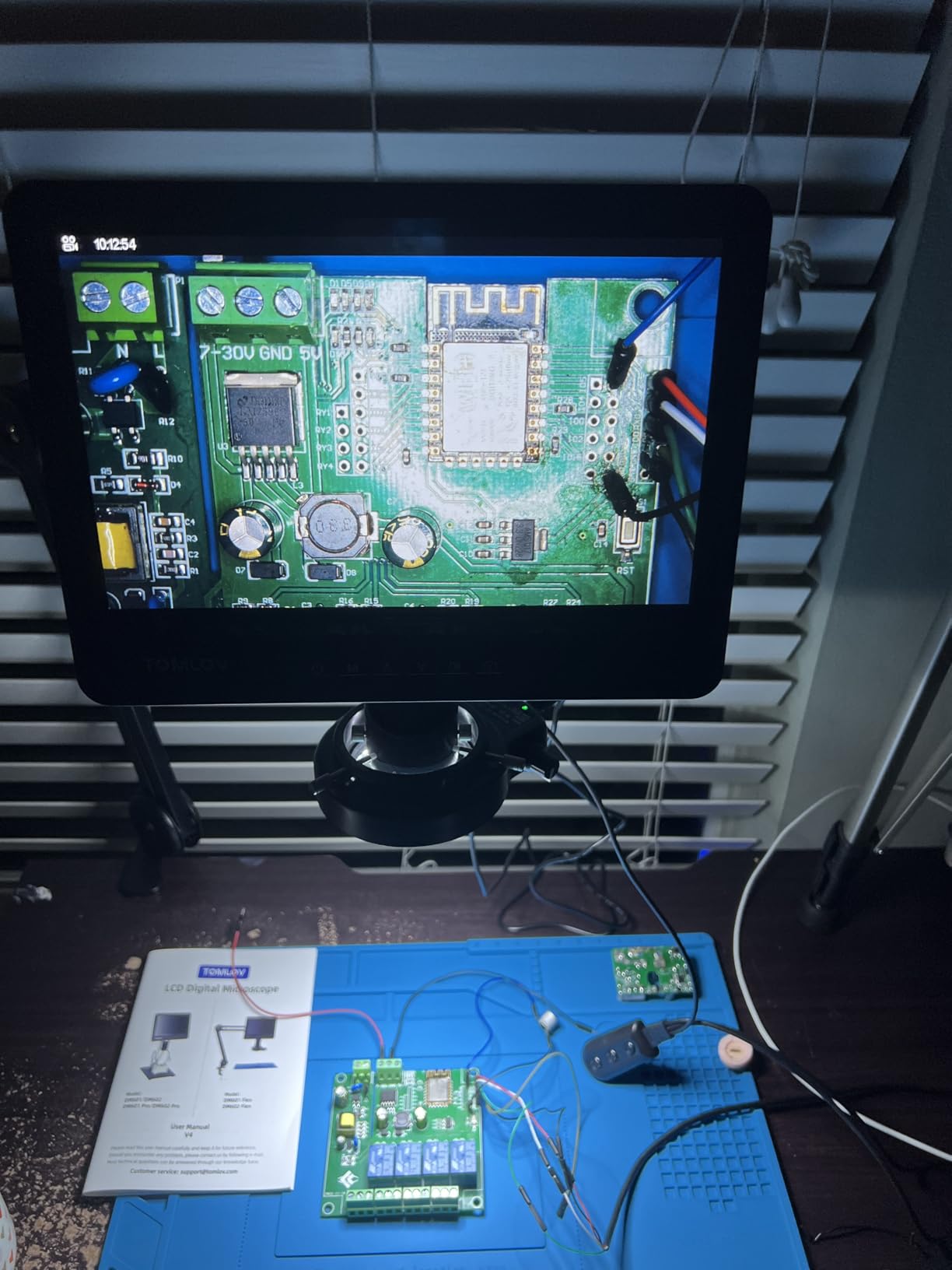
The included silicone mat is rated to 932 degrees and comes with a printed scale ruler and part boxes, which sounds like a small thing until you are organising 0402 parts in front of a 10.1 inch screen. The 10.1 inch IPS panel, 24MP stills and 2K video are a good match for it.
The complaints are design details rather than failures. There is no hard power switch, the under-scope illuminator runs on its own 12V cable, and the head feels slightly loose in the mount. Images shake if the arm is bolted to a light desk, so use a proper edge clamp.
What component sizes it handles well
This is the one I would trust on 0201 and 01005 parts. High magnification plus even ring lighting plus a stable arm is the combination that makes the smallest packages solderable, and the scale ruler on the mat helps you judge a joint diameter.
The bright ring also helps with cable shielding and heat-shrink inspection, where shadows from low ambient light usually hide the detail.
When to pick something else
Skip it if you need autofocus. Everything here is manual focus, and on an uneven board you will adjust height by feel more often than you would like.
Skip it if your bench is already large and a heavier pillar stand suits you. The folding arm is a benefit in a tight space and a compromise in a wide one.
7. Aikokkl 5 Inch LCD With C-Clamp: Best for Tiny Benches and Shared Spaces
Aikokkl 5″ LCD Digital Soldering Microscope for PCB Repair with C-Clamp
C-clamp mounting
5 inch IPS display
Manual focus with silver wheel
Up to 1000X digital
Plug and play PC camera mode
Pros
- C-clamp mounting keeps both hands free for soldering
- Plug and play PC view with no drivers or third party software
- 5 inch IPS screen reduces neck and eye strain in long sessions
- Multi-angle goose-neck stand fits tight workspaces
- Lightweight metal build
Cons
- Manual focus only
- with sharpness from arm distance and the focus wheel
- Up to 1000X is digital and depends on lens-to-object distance
- Memory card is not included for saving photos and video
- Built for micro detail rather than whole-object views
The idea here is simple and I like it: clamp the scope to the edge of the desk instead of dedicating a weighted base to it. On a small bench, or in a shared maker space where you pack up after each session, that saves more space than any other design choice in this roundup.
Because the clamp grips the edge, nothing sits between your hands. Both wrists stay free, which is exactly what you want when you are working a board with tweezers in one hand and an iron in the other.
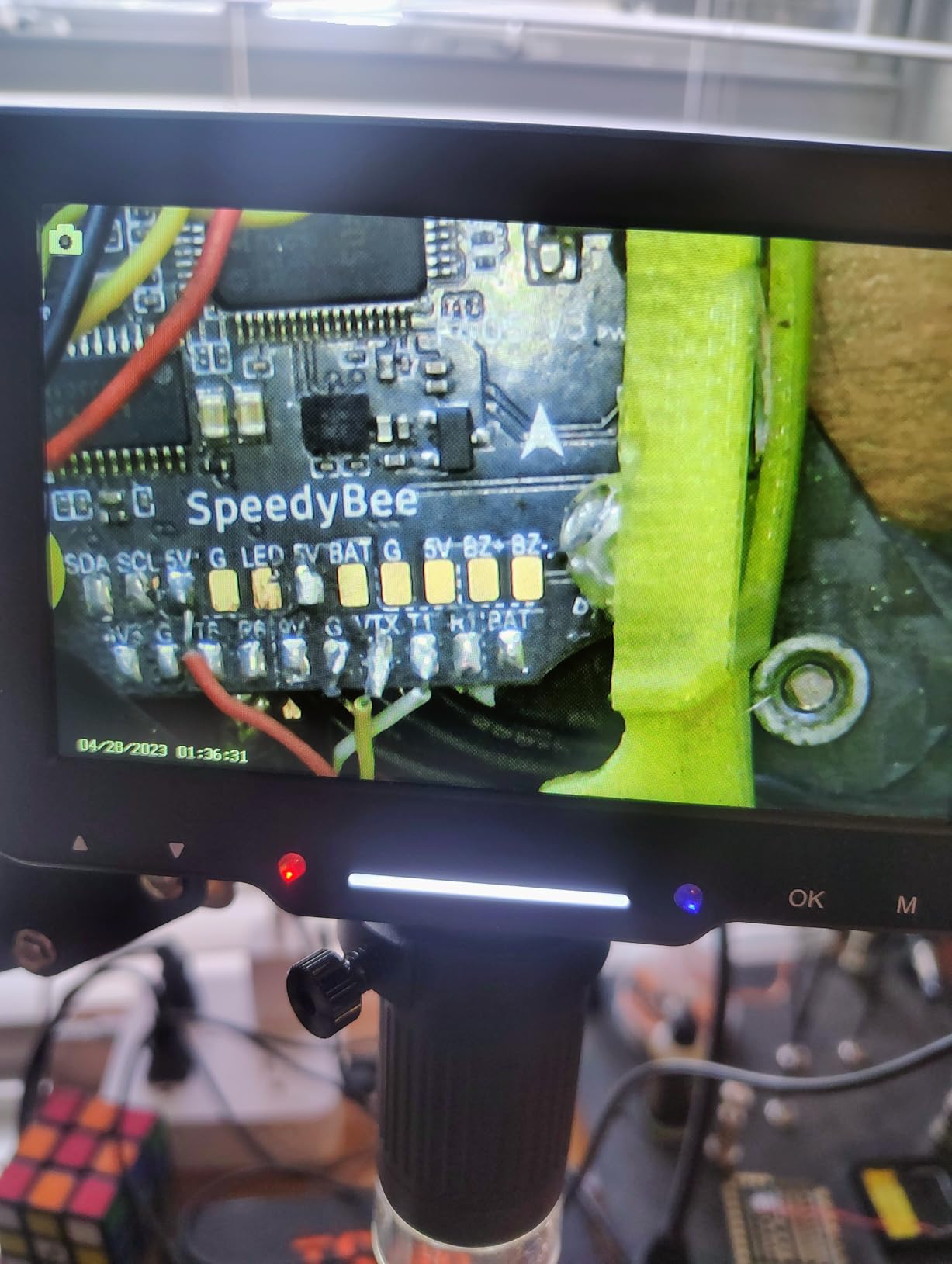
Focus is manual: you move the goose-neck to set the distance, then rotate the silver focus wheel for a sharp image. That is a two-step process per change, and on a board with tall and short components it means constant adjustment. Budget for it if your work has varied heights.
The PC camera mode is nicer than it needs to be. Plug it in and the Windows Camera app or Mac Photo Booth shows the feed, with no driver install and no third-party software, which means you can drop it into an existing capture workflow in seconds.
Two things to know before buying. A microSD card is not included, and you need one to save 1080P video and photos, so add that to the cost. And the 1000X figure is digital, reached by changing lens-to-object distance rather than by optics.
What component sizes it handles well
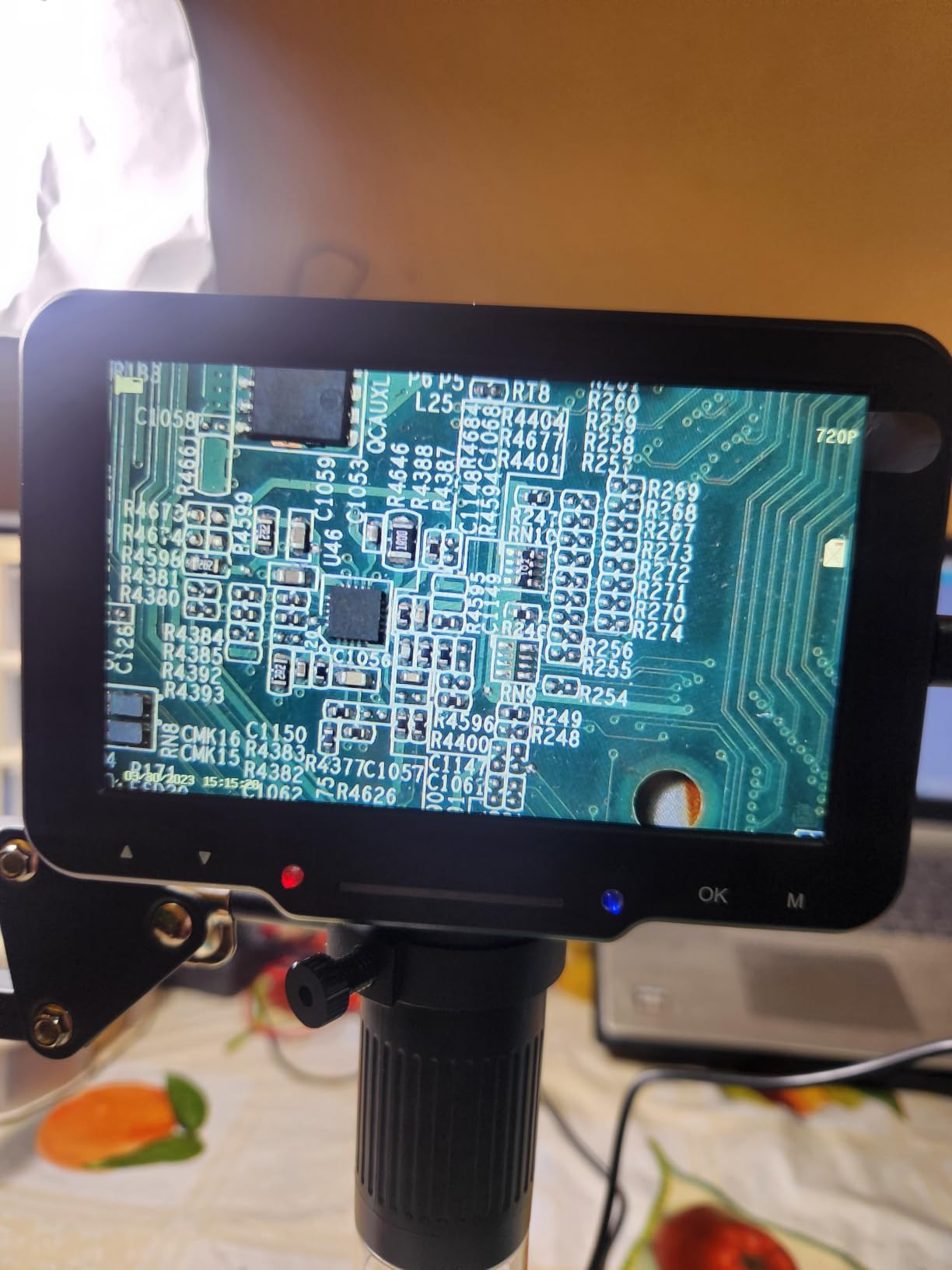
It does well on solder joint inspection, bridges, cold joint checks and general PCB work, which is what it is built for. 0402 parts are within reach, and the 5 inch IPS panel is more usable for extended work than the 4.3 inch screens at this end of the market.
It is not a whole-object scope. Anything requiring a full board or a large component in one frame is outside what this head is meant to do.
When to pick something else
Skip it if you have a dedicated bench. A weighted pillar or boom stand is steadier under a hot iron than a clamp on a desk edge, and the goose-neck is more flexible than a fixed post.
Skip it if you photograph your work regularly. Without an included card and with capture only to removable storage, it is more of an inspection tool than a documentation tool.
8. Elikliv EM4K-AF Autofocus 4K: Best for Portable and Coin Work
Elikliv Autofocus 4K Digital Microscope EM4K-AF, 8″ Soldering Microscopes
AI autofocus with TOF sensor
4K UHD video and 52MP images
8 inch IPS display
10 inch stand extending 6.3 inches
Built in rechargeable battery
Pros
- AI autofocus with a TOF sensor refocuses in about 2 seconds
- 4K UHD video and 52MP stills on a 1280x800 IPS screen
- 2000X with HDMI and USB output for a larger view
- Built in rechargeable battery for inspection away from an outlet
- Freeze and split screen modes for locking and comparing images
- Smart controller and 16GB card included
Cons
- Autofocus is less reliable on very uneven or reflective surfaces
- Fixed metal post stand is less adaptable than a flex arm
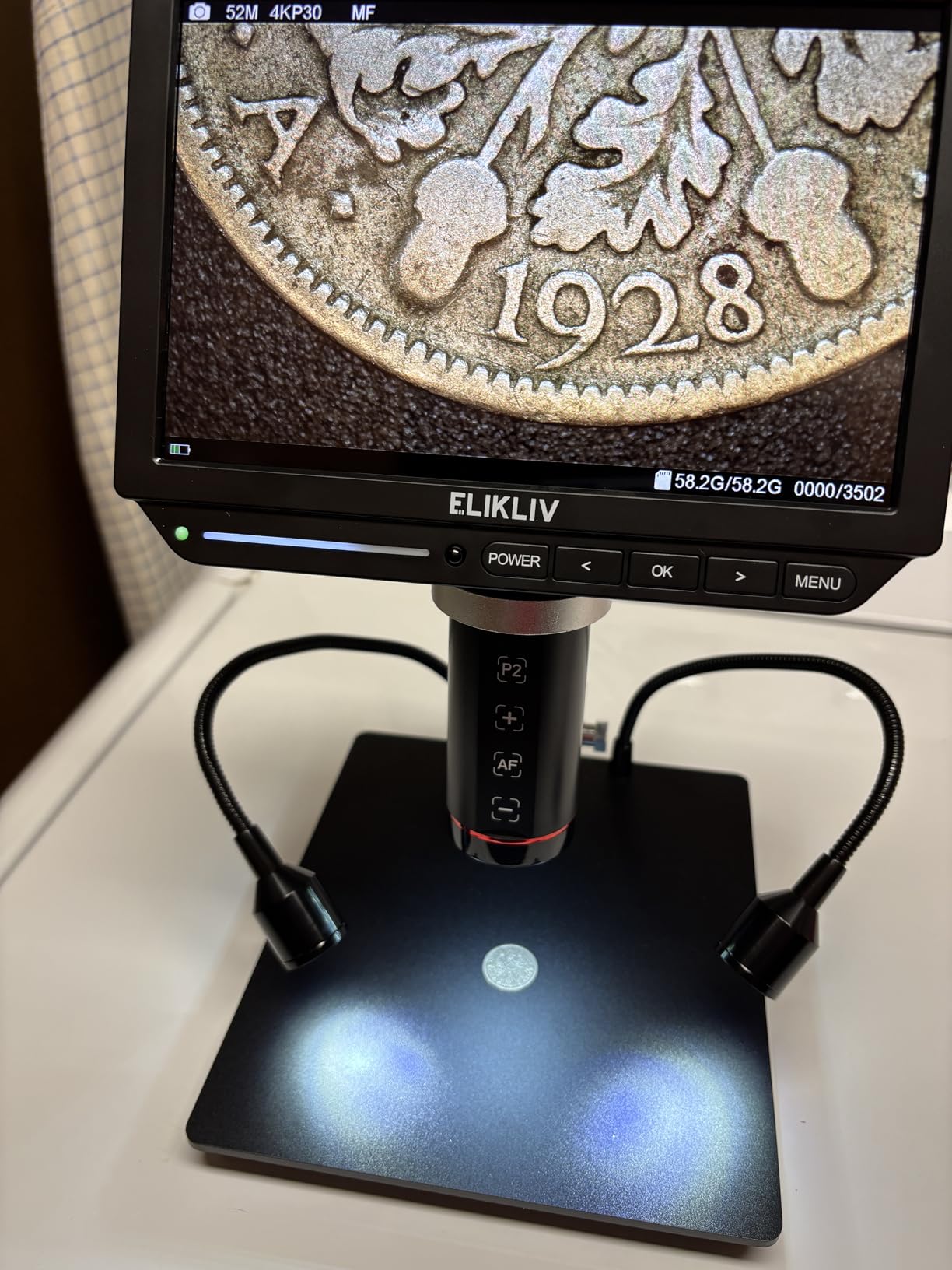
The EM4K-AF is the pick for a bench that is not always a bench. The built-in rechargeable battery means you can take it to a customer, a classroom or a parts market and still have a screen, and the 8 inch IPS panel is a good middle size between a 5 inch and a 10 inch display.
Autofocus here works on the same TOF principle as the TOMLOV, refocused in roughly two seconds and with AI that evaluates image clarity. Across 157 ratings at 4.4, that speed and the image quality are what buyers single out, and it doubles as a decent watchmaking and coin inspection scope.
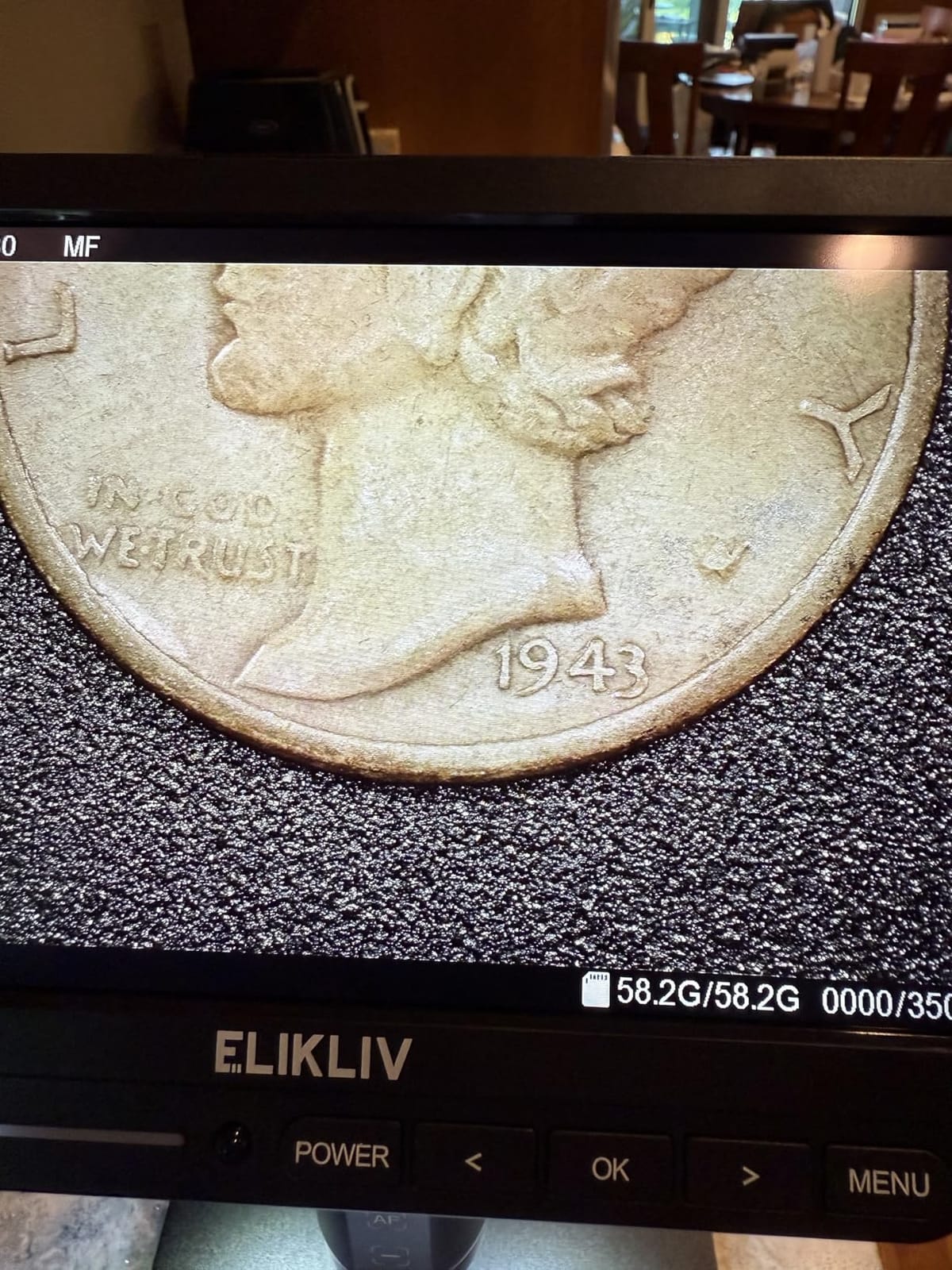
Freeze and split screen are quietly useful. Freeze locks an image so you can compare a joint before and after a rework attempt without losing your place, and split screen puts two samples next to each other, which is a fast way to show someone what a cold joint looks like beside a good one.
The 10 inch stand with a broad base extends 6.3 inches, which is tall enough to frame a whole coin. The 52MP stills at 9600×5400 are genuinely high resolution for documentation, and the controller lets you capture and zoom without touching the screen.
Two limits. Autofocus is less reliable on very uneven or reflective surfaces, where a shiny component top confuses the sensor, and a manual override is occasionally needed. And the fixed metal post is less adaptable than a flex arm in a cramped bench layout.
What component sizes it handles well
4K video and 52MP stills handle 0402 and 0201 inspection well, and the wider field of a coin grading setup is a bonus for anyone who does both kinds of work. Split screen is a good teaching tool on a maker-space bench.
Its portability makes it the better choice for field service work, where a battery and a carry case beat a heavier stand that stays at home.
When to pick something else
Skip it if your bench has no room problem, because the fixed post gives up reach that a flex arm provides. Long reach across a large board is the thing a post stand cannot do.
Skip it if you work on very shiny or badly uneven surfaces, where you will fight the autofocus instead of benefiting from it.
9. Swift S41-20 Binocular Stereo Microscope: True Depth on a Boom Arm
Swift S41-20 Professional Dissecting Binocular Stereo Microscope, WF10x WF20x Eyepieces, 10X 20X Magnification, 1X Objective, LED Lighting, Boom-Arm Stand
True stereo with depth perception
WF10X and WF20X eyepieces
12 inch swinging boom arm
Two gooseneck LED lights
About 9 inches working distance
Pros
- True stereo viewing with depth perception that a screen cannot reproduce
- Interchangeable WF10X and WF20X eyepieces with adjustable interpupillary distance
- Two flexible goose-neck LED lights give bright targeted light with few shadows
- 12 inch swinging boom arm covers a large work envelope
- Cast optical head and base with heavy duty locking rings
- About 9 inches of working distance with a flat distortion-free field
Cons
- WF10X eyepieces are too strong for some soldering
- so 5X pairs are often added separately
- Eyepiece changes need a retaining screw loosened with a screwdriver
- No brightness adjustment on the LED illuminators
- Fixed 10X and 20X with no zoom objective
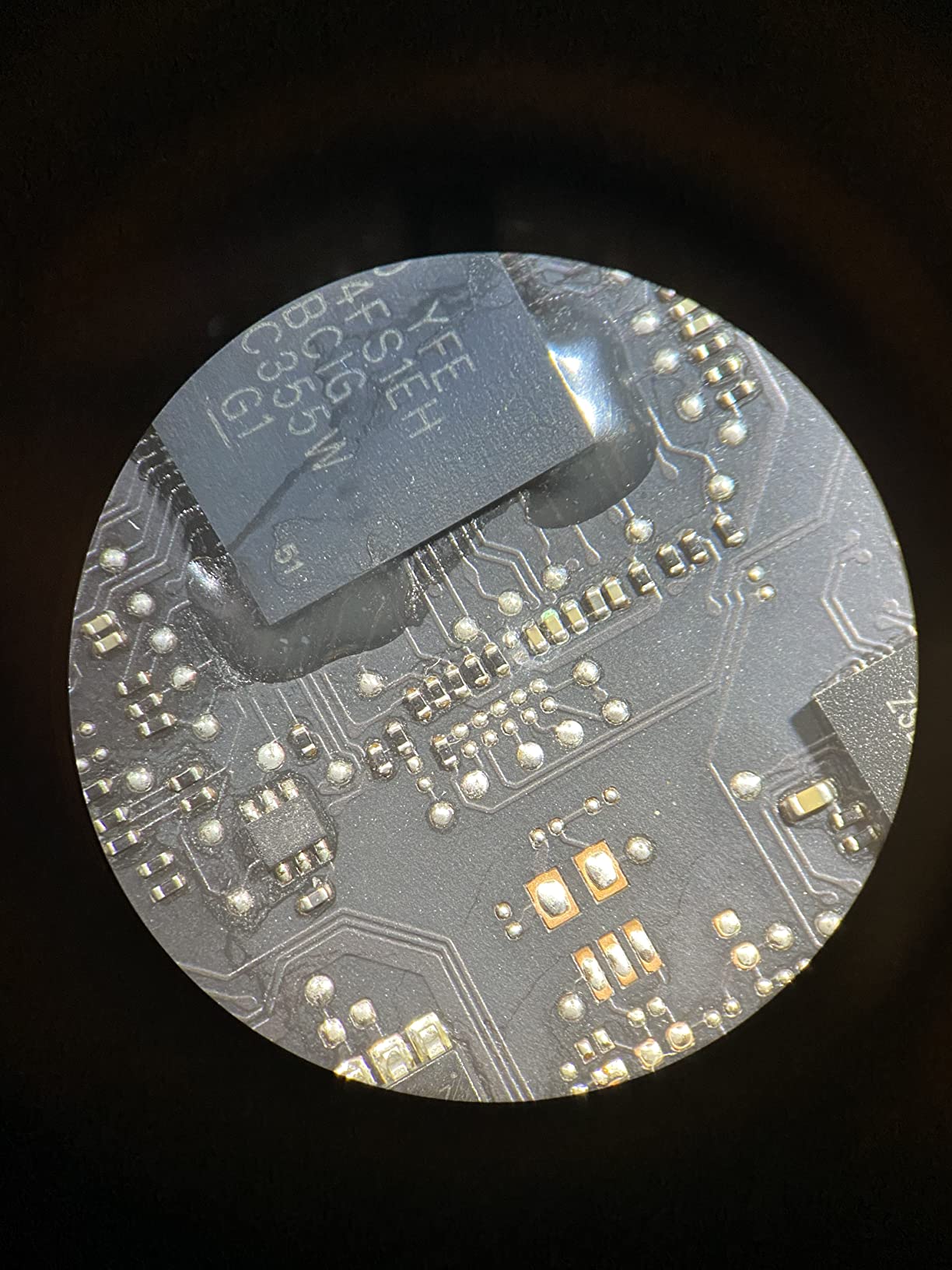
This is the pick when you want your eyes inside the work. A binocular stereo scope gives you a real three-dimensional view with depth perception, and that is the single thing no LCD scope can reproduce. Judging how far an iron tip sits above a pad, or whether a fillet has wicked into a joint, is far easier when you can see depth.
Multiple r/soldering users say the same thing about optical scopes: the 3D view makes iron height and depth much easier to judge. On a QFN or a dense connector that difference is the difference between a clean job and a scraped pad.
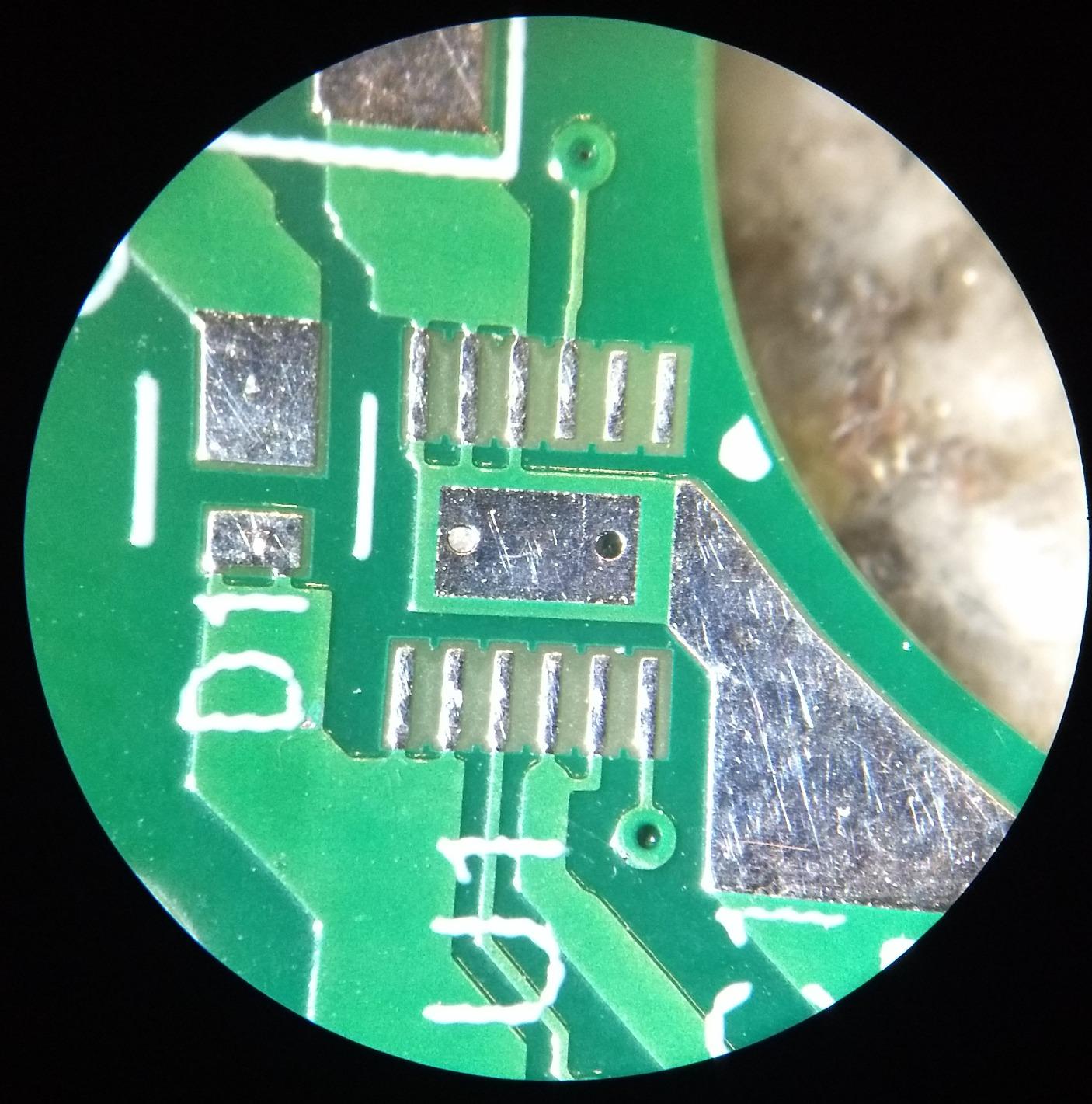
The boom arm is 12 inches and swings across a large area, so it reaches a laptop logic board or a big connector without shuffling the base. About 9 inches of working clearance means a normal iron, tweezers and a flux pen all fit underneath, which is more room than most digital scopes give you.
Lighting comes from two flexible goose-neck LEDs mounted on a metal base, and the output is bright and targeted with few shadows. That is exactly right for a three-dimensional subject, because a ring light flattens the very depth cues you bought an optical scope for.
The recurring gripe is the eyepieces. WF10X and WF20X are included, and owners commonly add a pair of 5X eyepieces separately because 10X is too strong for fine soldering on some joints. Changing eyepieces also means loosening a retaining screw. There is no brightness adjustment and no zoom objective, only the fixed 10X and 20X steps.
What component sizes it handles well
Because the magnification is fixed at 10X and 20X, this suits 0805 and 0603 work and larger joints comfortably. 0402 is workable at 10X, and a pair of 5X eyepieces makes the finest jobs far less stressful.
The roughly 9 inches of working distance is the real strength. Nothing else in this list gives you that much room to get a hot iron and fine tweezers into the field with a proper hand position.
When to pick something else
Skip it if you need a screen. The included 45-degree head has no camera, and adding one means a third-party USB camera mounted through an adapter.
Skip it if magnification range matters. A trinocular with a 0.7X to 4.5X zoom objective covers from whole-object down to fine pitch on one head, which a fixed 10X and 20X cannot.
10. Leanking 7 Inch MK7: A First Scope for Kids and Casual Inspection
Digital Microscope for Adults Kids 7inch Screen Coin Magnifier Microscopes for Error Coins PCB, Bugs, STEM Learning, Soldering Electronics Microscopes Camera
7 inch anti-glare display
1800mAh battery giving 2.5-3.5 hours
Dual top and bottom LEDs
32GB card included
Maximum 25X
Pros
- 7 inch anti-glare display needs no phone and no eyepiece
- 1800mAh battery gives 2.5-3.5 hours of cord-free use
- Top and bottom LED lights cut glare on coins and deep PCB grooves
- 32GB card included so photos save directly
- Works out of the box for kids with no prep required
Cons
- Maximum magnification of only 25X
- far below the rest of this list
- No HDMI or PC output and no capture to a computer
- Macro viewer only
- not intended for biological specimens
I include this one because it answers a question a lot of parents and teachers ask, not because I would solder with it. A 7 inch anti-glare display, a battery and dual lighting make it a genuinely pleasant first scope for a child, a classroom or a coin collection.
At 252 ratings and 4.2 stars, the pattern is clear. People like it as an entry-level, portable inspection unit. The battery gives roughly 2.5 to 3.5 hours of cord-free use, and the 32GB card is included, so photos save straight to the scope with no phone or cloud step in between.
Here is the line I would draw. A maximum magnification of 25X is well below every other scope here, and at that level you cannot resolve a fine solder joint. It is a coarse inspection tool, and a USB microscope for the same money would not be better.
What component sizes it handles well
It handles solder joint checks at a general level, PCB trace inspection, watch gears, jewellery hallmarks and coin wear. These are inspection jobs where you want to see that something is there and roughly what shape it is.
For any package below 0805, this is the wrong instrument. There is no honest way to make 25X resolve a 0402 joint.
When to pick something else
Skip it for any soldering that involves reworking. If the failure is invisible at 25X, you will not see the bridge you just created, which is the whole problem a microscope solves.
Skip it if you want to move work to a computer, because there is no HDMI or PC output and no capture to a computer at all. Our kids microscope guide covers this class of unit in more detail.
11. Elikliv EDM4 4.3 Inch LCD: The Most Proven Entry Scope
Elikliv Microscope, LCD Digital Coin Microscope 1000x, Coin Magnifier with 8 Adjustable LED Lights, PC View Compatible with Windows/MacBook, EDM4, 4.3-Inch
4.3 inch 720P LCD
8 adjustable LED lights
PC view for Windows and MacBook
Up to 3 hours of battery
Height adjustable stand
Pros
- 4.3 inch 720P LCD gives a clear real-time image and cuts eye and neck strain
- 8 adjustable LED lights illuminate well in low light
- PC view for Windows and MacBook on a larger monitor
- Height adjustable stand dials in camera-to-object distance
- Built in rechargeable battery gives up to 3 hours of use
Cons
- The 1000X claim is not reached in practice at normal working distances
- Memory card for capture is not included and must be added
- Handheld form factor is not a comfortable eyepiece for long stereo sessions
- 720P sensor softens when the image is heavily magnified
The EDM4 is the most proven scope in this roundup by a wide margin, and 10851 ratings averaging 4.5 is not a number you see by accident. That matters when you are buying a tool you expect to keep for years.
Its four strengths are simple: a 4.3 inch 720P LCD, eight adjustable LED lights, PC view for Windows and MacBook, and a height-adjustable stand that lets you dial in camera-to-object distance for different magnifications. The rechargeable battery runs up to three hours, so it can leave the bench.

The eight LED lights are the reason it holds up on a dark board. Two or three aimed from a low angle will find a cold joint or a lifted pad that overhead light alone simply hides, and the PC view lets you put the image on a large monitor when you want to show someone else.
Where it falls short is the headline number. Reviewers are consistent that the 1000X figure is not reached at normal working distances, and that is the honest truth about almost every digital scope in this list. Magnification is a function of how close you hold the head, and once pixels start to smear, more magnification stops being useful.
Two practical notes. The memory card for photo and video capture is not included, so add one before you plan to record. And the 720P sensor is the resolution ceiling, so heavily magnified images look softer than a 4K sensor would.

What component sizes it handles well
Through-hole joints, connectors, headers and 0805 and 0603 parts are all comfortable. Circuit board inspection, watch repair and coin collecting are the use cases its owners mention most often, and the adjustable lighting handles most of them well.
It is a good scope for confirming that a repair worked. When you want to see a 0201 joint in detail as you form it, you will want more resolution and a larger screen.
When to pick something else
Skip it for fine-pitch rework. The combination of a small screen and a 720P sensor is the limit, not the lighting or the stand.
Skip it if you work long sessions under a scope. A handheld form factor held over a board is tiring, and a fixed-arm or boom-stand model frees your neck entirely.
12. ZTEEERS Trinocular Stereo Zoom 3.5X-90X: The Shop Grade Optical Pick
ZTEEERS Professional Trinocular Stereo Zoom Microscope, 3.5X-90X Magnification,WF10X Eyepieces, 0.7X-4.5X Zoom,0.5X & 2.0X Auxiliary Lens, Double-Arm Boom Stand, 56S LED Ring Light,Two adapters
3.5X-90X with 0.5X and 2X lenses
Trinocular head with camera adapters
18lb steel base with boom arm
56S LED ring light with dimmer
Per-eye 6 diopter adjustment
Pros
- Rock solid low-vibration build with a heavy steel base
- 3.5X-90X range with 0.5X and 2X auxiliary lenses included
- Trinocular head allows simultaneous viewing and camera capture
- 56S LED ring light with a dimmer for shadow-free light
- Per-eye plus or minus 6 diopter adjustment
- Two camera adapters included
Cons
- Instructions are poor and many owners learned setup from videos
- Very heavy and bulky at an 18lb base
- Boom is longer than listed and will not fit a normal desk
- Extended arms can tip the unit unless the base is secured
- Small review base and little brand documentation
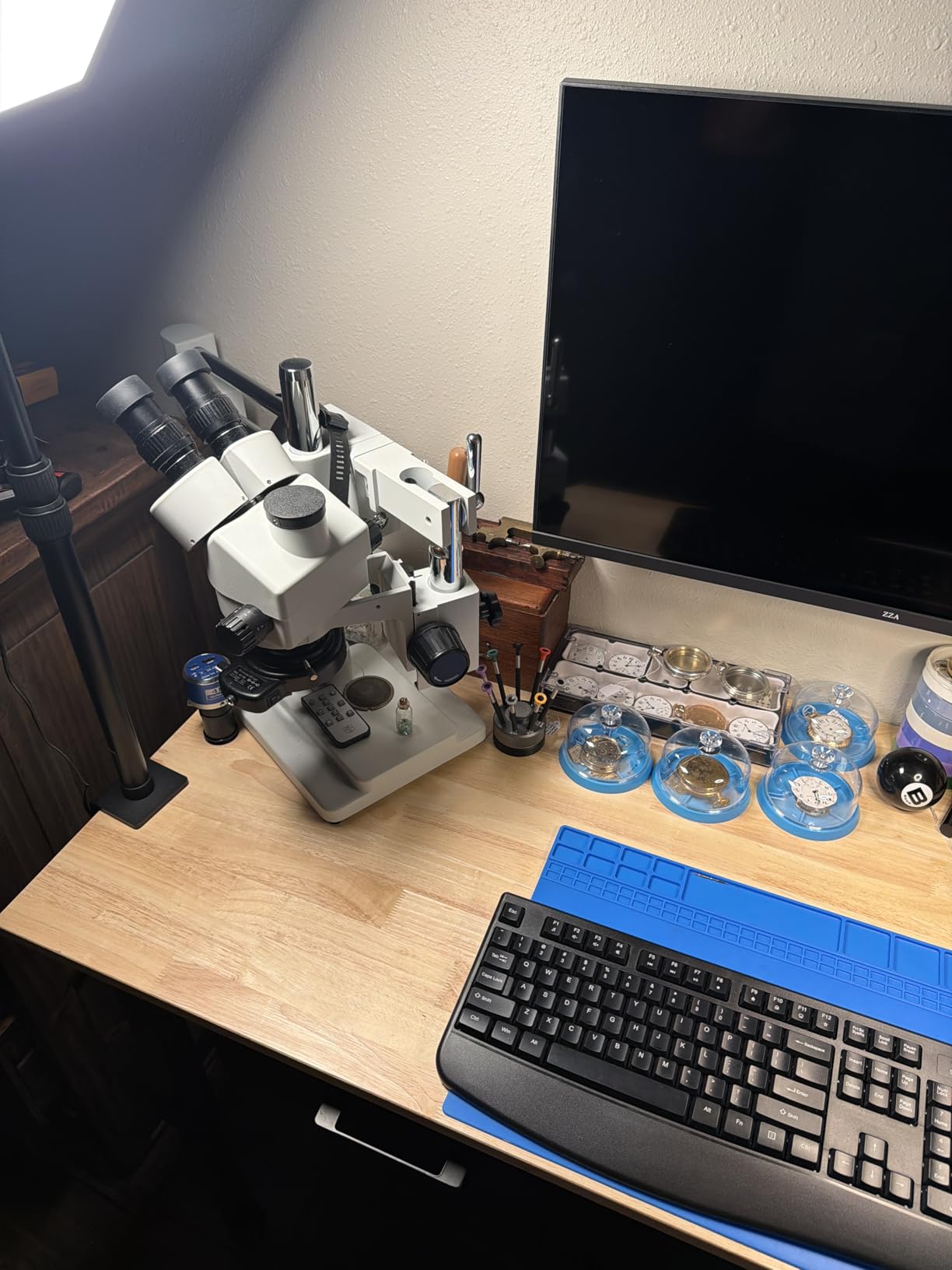
This is the only trinocular head in the roundup, and it is the one to buy if you need to record video of a joint while watching it through both eyes. The third port takes a camera or an electronic eyepiece, two adapters are included, and the view through the eyepieces stays live while you record.
Buyers commonly report treating it as a lower-cost alternative to the well-known AmScope SM-4NTP and finding the optics plus the included ring light and lenses comparable at a much lower total cost. That is the honest version of the value claim, and it holds up in reviews.
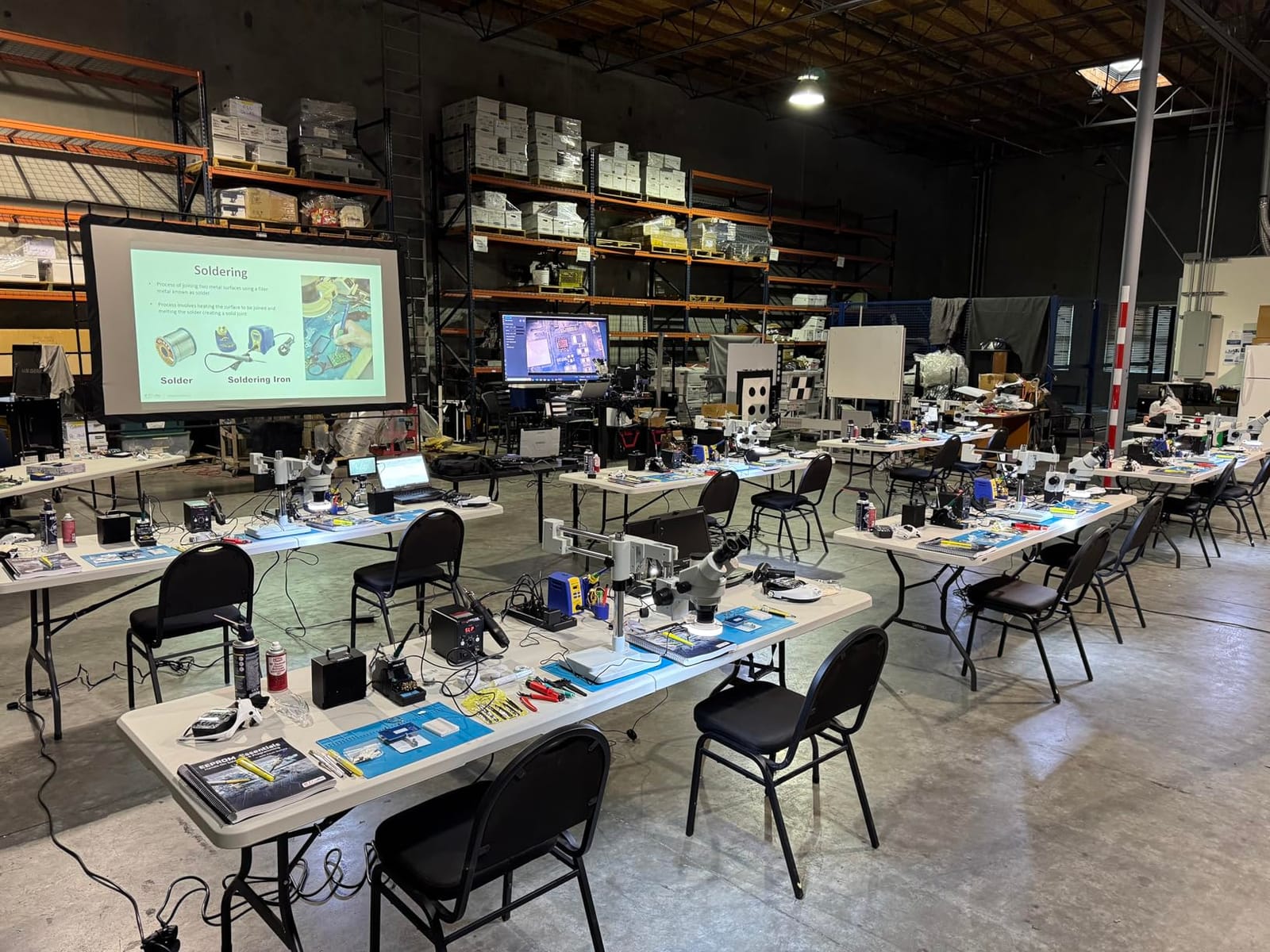
Optically it is the most capable scope here. The 0.7X to 4.5X continuous zoom objective gives 3.5X to 90X, and with the 0.5X and 2X auxiliary lenses you can go wide to frame a whole board or narrow to a single pad. WF10X super widefield eyepieces, 48-75mm interpupillary adjustment and plus or minus 6 diopter per eye let you set the head up for your own eyes.
The build is genuinely industrial. A solid steel base weighing 18lb on a ball-bearing double-arm boom means the view stays still while you work, and the 56S LED ring light with a dimmer switch gives even illumination you can tune down when a glossy surface throws a reflection back at you.
The objections are practical, not optical. Owners report poor instructions and working out assembly from online videos, real weight and bulk, and a boom closer to 30 inches than the listed dimensions suggest, which will not fit a normal desk. With the arms extended, securing the base matters, because a long boom can tip.
What component sizes it handles well
The zoom range is what makes this the strongest option for mixed work. At the low end you survey a whole board, at the middle you work 0402 and 0201 parts, and at the top you inspect a QFN fine-pitch pad or a BGA array. The 0.5X lens adds the room you need to get an iron and tweezers underneath, and PCB rework is a use reviewers name specifically.
Having a dimmable ring light and stereo vision together is the combination that makes fine pitch genuinely comfortable, because the light can be angled while the depth cues stay intact.
When to pick something else
Skip it if your work is occasional. With 37 ratings, little brand documentation and a build this heavy, it is a bench commitment rather than a casual purchase, and a first digital scope is a much lower-stakes way to find out whether you enjoy this work.
Skip it if your desk is small. Buyers report the assembled boom exceeding the listed size, and a scope you cannot position over the work is a scope you will not use. Check the footprint before you commit.
Digital vs Stereo vs Trinocular: Which Scope Type Do You Need?
There are three families, and they differ less in magnification than in how your hands and eyes work together. Understanding which one you are buying prevents the most common disappointment, which is a scope that magnifies well but does not fit the way you work.
Digital LCD scopes put the image on a screen. You look at a flat, two-dimensional picture, and your head stays up instead of bent over eyepieces. That is why most of this roundup is digital: a screen is more comfortable for long sessions, it can be HDMI-fed to a large monitor at eye level, and it records video with one button. What you give up is depth perception, and judging iron height over a pad is harder without it.
Stereo binocular scopes put the image into paired eyepieces and give you a true 3D view. Depth is the whole point, and experienced users consistently rate optical scopes higher for real rework on fine-pitch parts. You also get more working distance and a parfocal zoom head on the better models, in exchange for a neck-down posture and no built-in screen.
Trinocular scopes are stereo heads with a third port for a camera. You watch through both eyes while a camera records, which is the only way to capture video of a joint from your own point of view. A hidden cost catches people: the camera is usually sold separately, so budget for it before you assume the purchase is complete.
For most hobbyists the decision is simple. If you solder occasionally, or you want a screen for documentation, choose digital. If you do fine-pitch work regularly and want your hands to move naturally, choose stereo. If you record your work for clients or teaching, choose trinocular.
How to Choose a Soldering Microscope: Working Distance, Usable Magnification and Lighting
Magnification is the number on the box, and it is the least useful number on the box. Almost every scope here advertises between 1000X and 2000X, and almost none of them deliver useful detail at those figures, because past a certain point the image is being enlarged digitally and pixels start to smear. What matters is usable magnification: the range where the image is still sharp and still shows real detail.
For soldering, the useful optical range is roughly 10X to 45X. Below 10X you are surveying a board. Between 15X and 45X you are working joints. Past that, you are usually better off changing the light or the working height than pushing magnification further. Several reviews in this roundup make exactly that point about their own scope, and it is the single most useful thing to know before you buy.
Working distance is the gap between the objective lens and the workpiece, and it decides whether your tools physically fit. A soldering iron tip, a pair of tweezers and a flux pen all need clearance under the head. Entry scopes often give you 2 to 3 inches, which forces you to work around the iron. The Andonstar AD210 goes from 1cm to 26cm, and the ZTEEERS offers roughly 20cm under the head, which is enough to work with a normal hand position. A 4 inch clearance is the practical floor for comfortable soldering.
Field of view is how much board you can see at working magnification, and it often matters more than raw magnification. A scope with a narrow field of view is a spot inspector, which is fine for rework and useless for surveying a board. The AD210 and the Elikliv EM4K-AF both give you a wide frame at low magnification, so you can look at the whole board and then zoom into one corner.
Lighting decides whether you can see the defect you are looking for. A ring light throws even light from directly above and is excellent on matte solder mask, but it flattens shadows and reflects badly off shiny components. Gooseneck lights let you angle the light so a bump casts a shadow, which is how a cold joint or a lifted pad becomes visible. Dimming control matters as much as brightness, and scopes with brightness levels let you tune for glossy surfaces instead of turning everything up and washing out the image. Where you can, light from two angles.
The stand decides how steady the view is. A pillar stand is compact and stable but has a fixed footprint, so a large board may not fit under it. A flex arm folds away and reaches around obstacles, which suits a cramped bench. A boom arm swings the head over a wide area and is the best choice for big workpieces, but it needs a heavy base, because a light base with a long arm will shift when you touch it.
Matching the scope to your parts: start with the smallest package you regularly handle and work backwards.
0805 and 0603 parts, through-hole joints, headers and connectors: any scope here works, and a 4.3 inch screen is enough.
0402 passives and fine-pitch connectors: aim for 20X to 45X of usable magnification, a stable arm, and side lighting.
0201 passives: 30X to 45X usable, bright even lighting, and preferably a rigid stand, because the parts are small and shadow hides them.
01005 parts, QFN fine pitch, and BGA reballing: 45X and above, strong ring and gooseneck lighting, and ideally a stereo or trinocular head for depth on a crowded board.
One more thing worth checking before you commit: whether the scope can save what you see. If you document repairs, record before-and-after joint shots or show a client what you fixed, a memory card, photo and video capture and an HDMI output matter more than another 500X of claimed magnification.
How to Build a Complete Microscope Soldering Station
A scope on its own is half a station. These are the additions that turned a pile of gear into a bench I can work on for hours, in the order I would add them.
1. Get the light right first. Ring and gooseneck LEDs are included with most of these scopes, but a scope whose lighting you cannot angle will limit everything else. Aim one light low across the board so shadows reveal defects.
2. Mount the scope rigidly. A weighted pillar base, a properly torqued boom base or a bench edge clamp on a solid desk. Shake ruins fine work more than any other factor, and it is free to fix.
3. Add an anti-static mat. A silicone mat with a printed scale ruler keeps parts from rolling away and gives you a known size reference when judging a joint. The DM602 Flex includes one rated to 932 degrees.
4. Add helping hands. A third hand or PCB holder steadies the board so both of yours are free. This matters more with a pillar stand than with a boom arm, because a pillar scope occupies the space your hand wants.
5. Deal with flux smoke. A small fan or an extraction arm pointed at the joint keeps smoke away from your face and off the screen, where it settles and washes out the image you are trying to read.
6. Pair it with a temperature-controlled iron. Our soldering iron guide covers the iron side. The scope and the iron have to agree: a scope that magnifies you to 40X will also magnify a mistake in your temperature profile.
7. Set the screen at eye level. This is the cheapest comfort improvement available. If your scope has HDMI output, run it to a monitor placed at eye height, and you trade a longer neck for a better working posture. Bench ergonomics are covered in more depth in our general microscope guide.
Frequently Asked Questions
What is the best type of microscope for soldering?
A digital LCD scope with an adjustable stand is the best fit for most hobbyists because it keeps your neck in a neutral position and can be HDMI-fed to a large monitor. A stereo binocular scope is better if you want true depth perception to judge iron height on fine-pitch work. A trinocular scope is only worth it if you need to record video while watching through both eyes.
What magnification is good for soldering?
For most solder joints, usable magnification of 10X to 45X is the useful range. Below 10X you are surveying the board, and between 15X and 45X you are working joints. Advertised figures of 1000X or 2000X are digital enlargement, and past roughly 45X the image softens rather than improving.
What are the best digital microscopes for soldering?
The strongest digital options in our testing are the TOMLOV DM9 for its 7 inch screen and dual gooseneck lighting, the Andonstar AD249S-M Plus for its 10.1 inch screen with HDMI output and three lenses, and the TOMLOV DM602 Flex for its folding arm and bright 144 LED ring light. Each covers 0402 and 0201 work, with different stands for different bench sizes.
How much working distance do I need for soldering?
You need room for a soldering iron tip, tweezers and a flux pen to fit under the head at the same time. Around 4 inches of clearance is a practical minimum, and entry scopes often fall short at 2 to 3 inches, which forces you to work around the iron. Scopes with adjustable stands, such as the Andonstar AD210 or the ZTEEERS trinocular, give you far more room.
What are the downsides of using a stereomicroscope?
The main downsides are posture and flexibility. You look down into the eyepieces for the whole session, which causes neck strain over a full day, and there is no screen, so you cannot record what you see or show it to someone else. Eyepiece magnification is also fixed unless you buy a zoom objective, and capture requires adding a camera separately.
Do I need a microscope to solder small components?
For through-hole joints and parts at 0805 or larger, a 10X loupe or an LED loupe ring is usually enough. Below 0805, and especially at 0402 and 0201, you need real magnification because the failure happens where you cannot see it. A lifted pad or a solder bridge is invisible until you magnify, which is exactly when you need to see it.
Conclusion: The Best Microscopes for Soldering Small Components in 2026
The TOMLOV DM9 is the best microscope for soldering small components for most people, and it wins on proven reliability rather than a headline specification. Thousands of ratings, a 7 inch screen, dual gooseneck lighting and a solid metal stand cover 0402 and 0201 work without any fuss.
Choose the Andonstar AD249S-M Plus if you want a bigger screen and three lenses, and the Andonstar AD210 if eye comfort over long sessions matters most. Go for the TOMLOV DM602 Flex if your bench is small, the TOMLOV TM4K-AF if you want autofocus, and the Aikokkl C-clamp model if bench space is the real constraint.
Move to the Swift S41-20 when you want true stereo depth, and to the ZTEEERS trinocular when you need to record a joint while you work through both eyes. Whatever you choose, buy for working distance and usable magnification rather than the advertised number, and check the component sizes you actually handle. That is the decision that matters.