
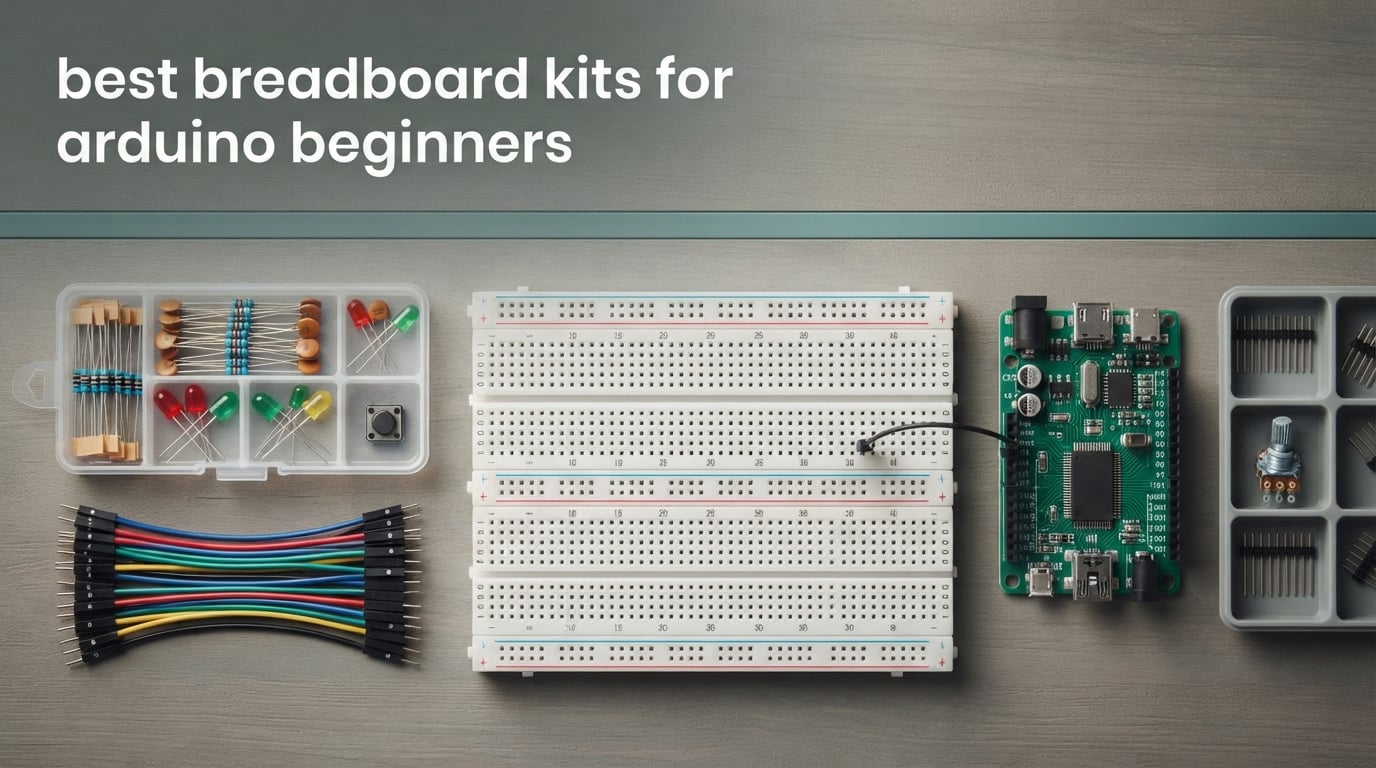
If you want the short version, the REXQualis 830 tie-point electronics component kit is the best breadboard kit for Arduino beginners overall, the ELEGOO 235-item fun kit is the strongest entry-level pick, and the BOJACK 480-piece component kit has the largest component count. All three include a solderless breadboard, a power supply module and jumper wires so you can build real circuits on day one.
The breadboard is the reason most beginners can learn electronics without a soldering iron. Push a resistor into a hole, run a jumper wire to another row, and the metal clips underneath join them. Pull the wire out, change the circuit, try again. No solder, no heat, no mistakes that cost you a part.
What confuses people is that listings use breadboard kit, component kit and starter kit almost interchangeably. They are not the same thing. A breadboard-first kit gives you the board, the wires and the power module. A full starter kit adds a microcontroller. Several of the picks below are component boxes with no microcontroller inside, so read the specs before you buy. If you are still mapping out other beginner purchases, our metal detector guide for beginners covers the same buying logic we apply here.
For our 2026 roundup we dug through ten of the highest-rated breadboard kits on the market, checking tie-point counts, contact materials, jumper wire specs and what is actually inside the box. What follows is the full breakdown, the tie-point sizing advice that the spec sheets never explain, and an honest note on who each kit is not for.
Table of Contents
Top 3 Picks: Best Breadboard Kits for Arduino Beginners at a Glance (October 2026)

REXQualis 830-Point Fun Kit
- More than 400 components
- 830 tie-point breadboard
- Power module with USB cable
- Individually labeled packaging

ELEGOO 235-Item Fun Kit
- 235 parts for experiments
- 400 tie-point breadboard
- 3.3V and 5V power module
- Resistors labeled on packaging

BOJACK 480-Piece Component Kit
- 480 pieces across 37 values
- 830 tie-point breadboard
- Power module and USB cable
- Transparent compartmented box
Three kits cover most beginner situations. The REXQualis box has a very wide component spread and an 830-point board. The ELEGOO bundle is the most compact way to get a working 400-point bench. The BOJACK kit is the one to pick if you want the most parts in a single organized case.
Best Breadboard Kits for Arduino Beginners in 2026
| Product | Specifications | Action |
|---|---|---|
| REXQualis 830-Point Fun Kit |
|
Check Latest Price |
| ELEGOO 235-Item Fun Kit |
|
Check Latest Price |
| BOJACK 480-Piece Component Kit |
|
Check Latest Price |
 BOJACK 4-Board Breadboard Set BOJACK 4-Board Breadboard Set |
|
Check Latest Price |
 Aypzuke Breadboard and Jumper Set Aypzuke Breadboard and Jumper Set |
|
Check Latest Price |
 ELEGOO Upgraded 830-Point Fun Kit ELEGOO Upgraded 830-Point Fun Kit |
|
Check Latest Price |
 HUAREW Breadboard and Power Kit HUAREW Breadboard and Power Kit |
|
Check Latest Price |
 ELEGOO 4-Board Solderless Set ELEGOO 4-Board Solderless Set |
|
Check Latest Price |
 Miuzei Component Kit with Breadboard Miuzei Component Kit with Breadboard |
|
Check Latest Price |
 minidodoca 840-Piece Jumper Set minidodoca 840-Piece Jumper Set |
|
Check Latest Price |
Two things matter most when scanning this list. First, breadboard size: 830 tie points gives you room for an IC and a handful of support parts, while 400 tie points suits a single LED circuit. Second, whether a controller board is included, because most of these are component kits and expect you to own the board already.
1. REXQualis 830-Point Fun Kit – Best Breadboard Kit Overall
REXQualis Electronics Component Fun Kit w/Power Supply Module, Jumper Wire, 830 tie-Points Breadboard, Precision Potentiometer,Resistor Compatible with Arduino, Raspberry Pi, STM32
830 tie-point breadboard
400+ components
Power module with USB cable
No controller
Pros
- Very wide component spread for a breadboard-first kit
- Components individually packaged and labeled
- 830-point board fits ICs and multi-stage circuits
- Power module with USB cable is hard to find elsewhere
Cons
- Controller board not included
- Large part count makes repacking the box tedious
This is the kit I keep coming back to. The 830 tie-point board is the size that matches how most beginners actually work, because it holds a DIP IC, a handful of resistors and a sensor without forcing you to trim anything. The 400-point boards in smaller kits fill up after one small project.
The component count is listed as more than 400 pieces across resistors, LEDs, transistors and integrated circuits, and every part is bagged and labeled before it goes in the box. That labeling matters more than the raw count, because a kit with 400 unlabeled resistors teaches you nothing. The bundled breadboard power supply with a USB cable is the part I would otherwise have to hunt down separately.
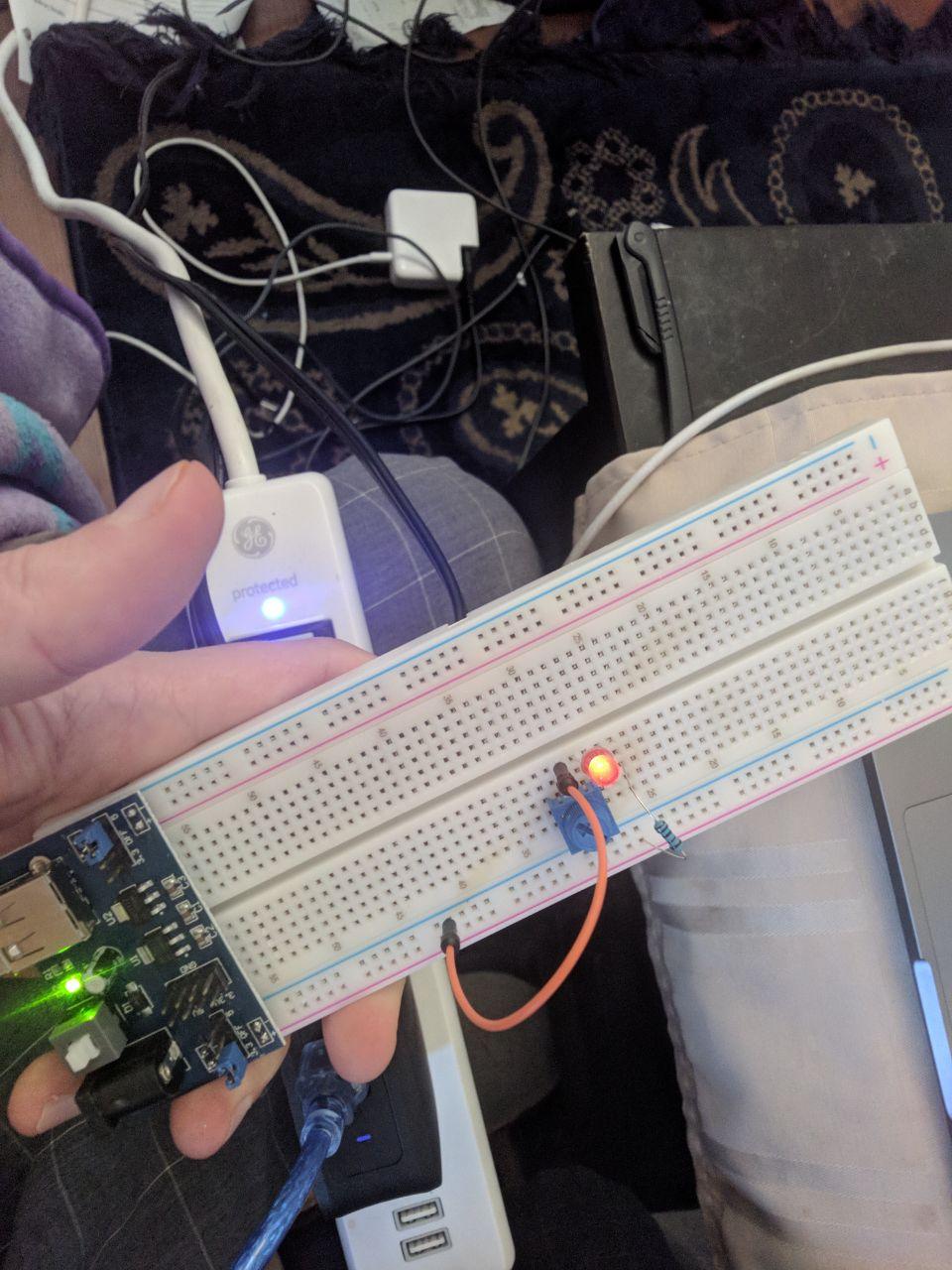
Tutorials and datasheets are downloaded from the manufacturer’s site rather than printed in the box. That is a real drawback if you like a paper manual in your hand, and it is the same complaint that shows up across reviews of this kit. Plan ten minutes with a laptop before your first build.
The weight of 7.4 ounces and the 7.87 x 5.11 x 1.81 inch footprint make it easy to carry to a class or a club.
It holds 4.6 out of 5 across more than 2,300 reviews, with 74 percent five-star ratings. The repeated caveat in reviews is the same one we hit: no microcontroller is in the box, so plan to add an UNO or a Nano.
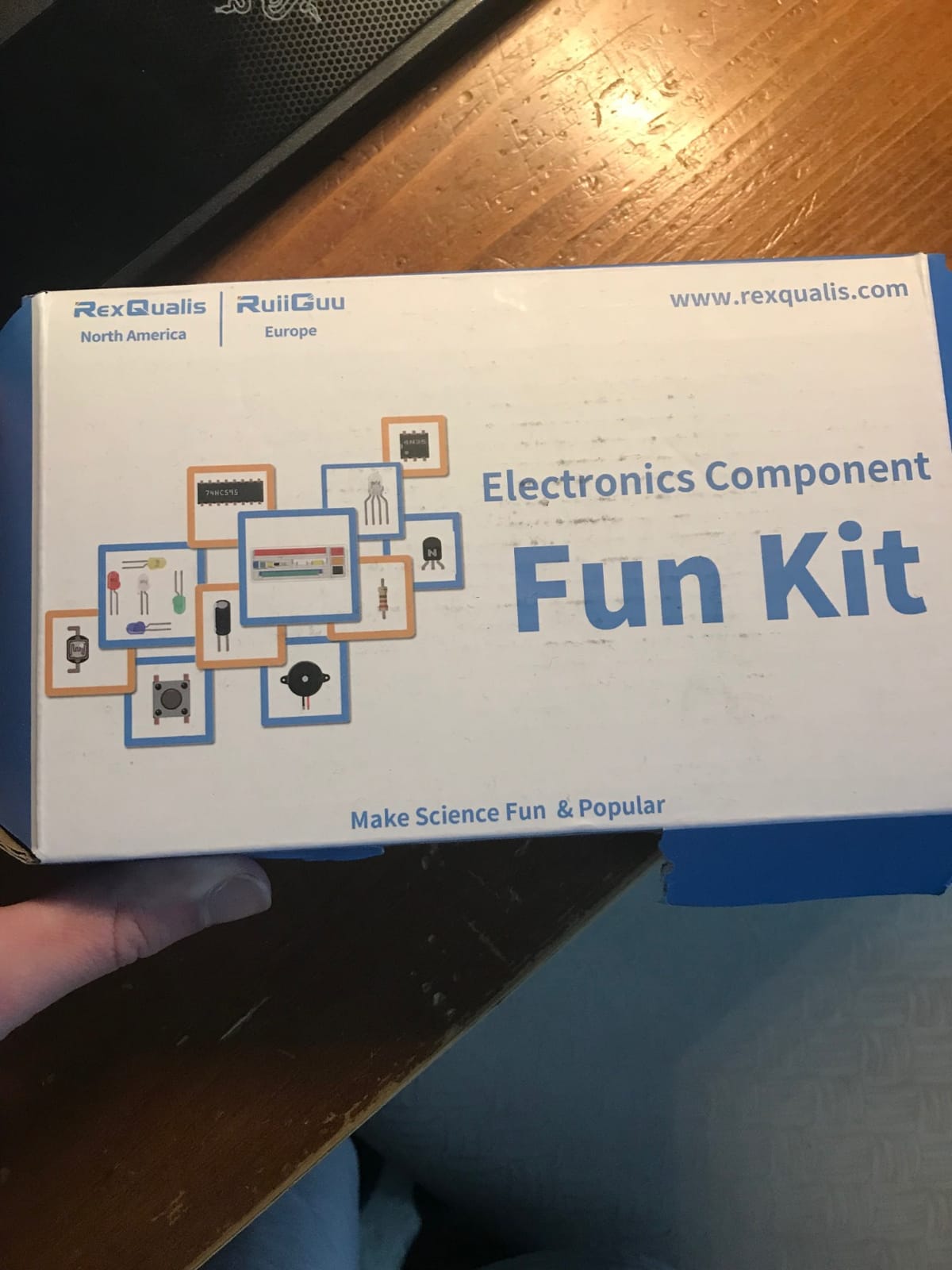
What you get out of the box
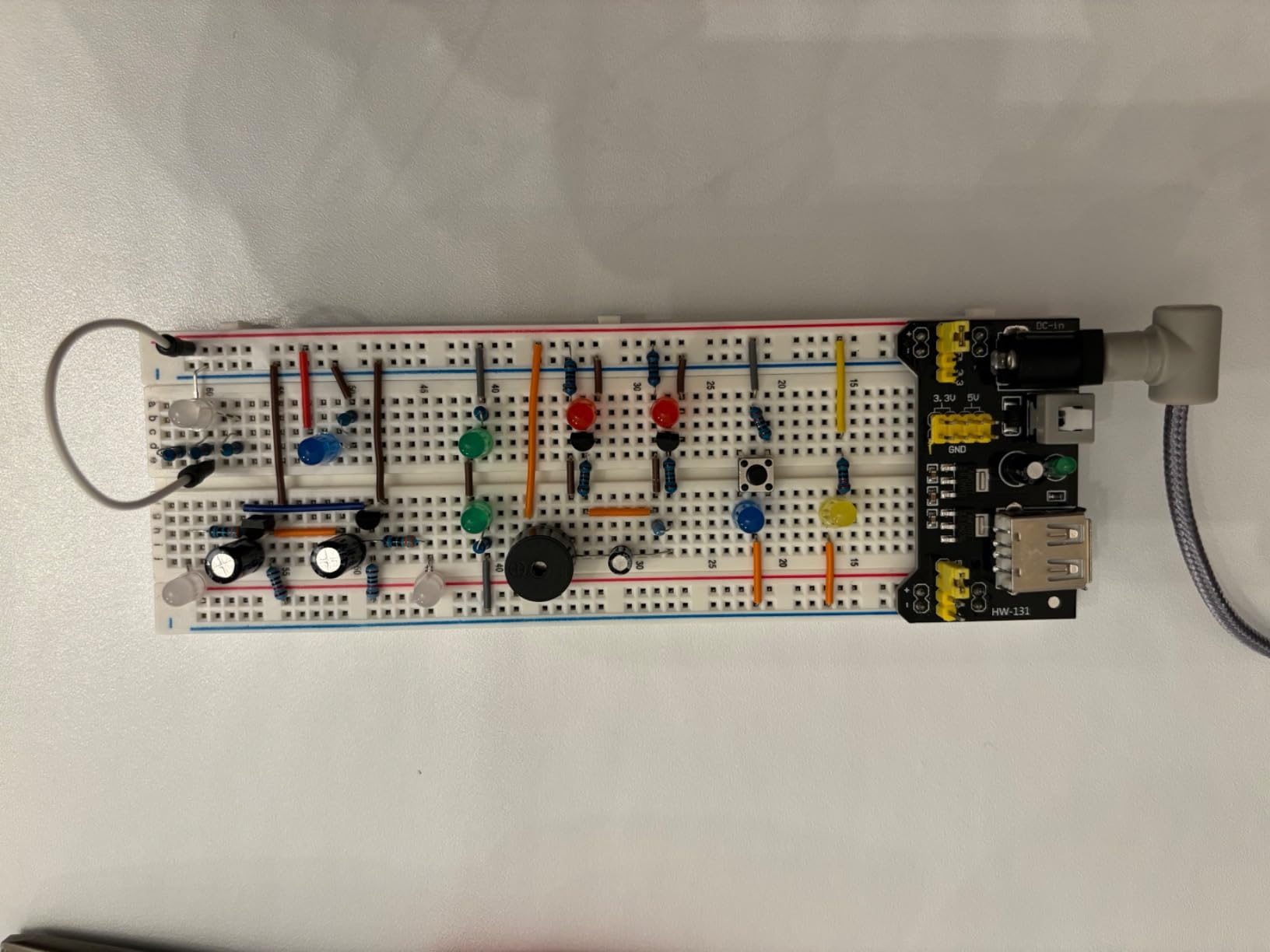
You get a working prototyping bench rather than a parts pile. The 830-point board, the power module and the USB cable mean you can light an LED, read a potentiometer and drive a transistor without buying anything else first.
That makes it the strongest choice if you already own a board, or if you are buying the kit alongside a microcontroller as a gift set.
Who should skip it
Skip it if you want a single box that gets you from unboxing to uploading code tonight, since the controller is missing. Repacking 400 labeled parts back into the case is also a genuine annoyance if you are tidy by habit and dislike loose parts.
Our verdict: a very complete breadboard-first kit, and the one we would build a first workbench around.
2. ELEGOO 235-Item Fun Kit – Top Rated Breadboard Kit
ELEGOO Electronic Fun Kit Bundle with Breadboard, 235 Items for Arduino
400 tie-point breadboard
235 parts
Power module with 3.3V and 5V rails
No controller
Pros
- Grippy 400-point breadboard that holds component leads
- Resistors labeled on the packaging
- Power module with selectable 3.3V and 5V rails
- Compact 5.7 x 3.54 x 1.57 inch footprint
Cons
- Printed documentation limited to component names
- Controller board and programming cable not included
- Adhesive pad limits horizontal expansion
The ELEGOO Fun Kit is the most compact credible way into solderless prototyping, and at 4.6 out of 5 across more than 1,600 reviews it also holds a top rating in this group. The 400-point board feels solid, and reviewers consistently single out how firmly it grips component leads compared with generic boards in the same class.
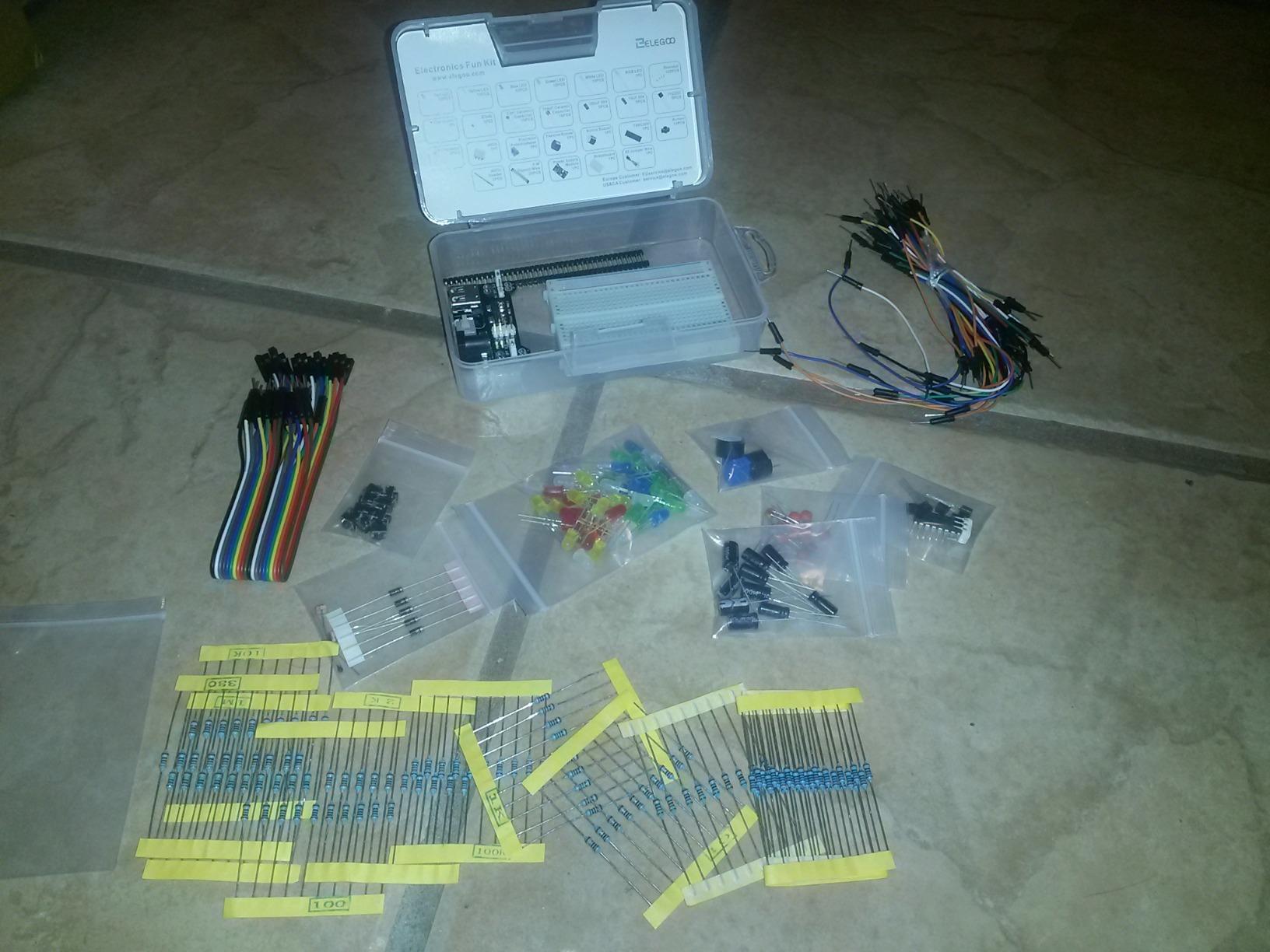
Inside you will find a 400 tie-point solderless breadboard, a power module, jumper wires and a spread of LEDs, resistors, capacitors, diodes, transistors, buttons and buzzers. The 74HC595 shift register, the 4N35 optocoupler and the PN2222 transistors are the interesting ones, because they let you build projects that are not just blinking lights.
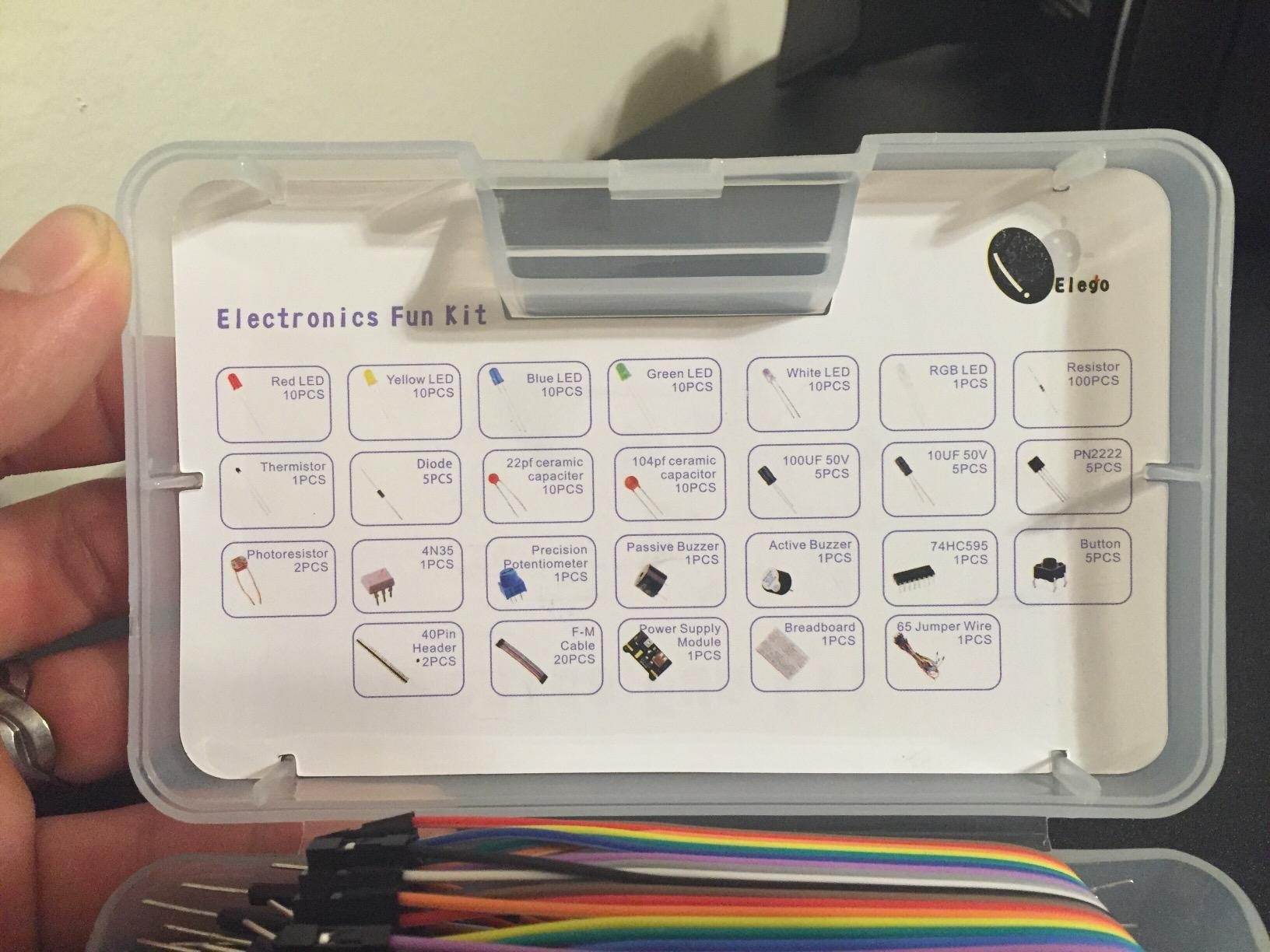
The power module takes a 6.5-9 V DC input and offers switchable 3.3 V or 5 V rails, and the manufacturer is explicit that you should not exceed 9 V. That warning matters, because pushing more volts through the module than it is rated for is a common way to end up with a board that no longer responds.
Two things to know before you buy. The printed documentation is essentially a list of component names, so you will be downloading the real manual anyway. And the breadboard has a pre-applied adhesive pad, which keeps it from sliding but also stops you sliding two boards together to make a wider surface.
Where the 400-point size works
A 400-point board handles an LED, a resistor, a button and a couple of jumpers with room to spare. It is also the size that fits comfortably beside an UNO on a small desk, which is the situation most beginners are actually in.
Buy this if your first five projects are simple digital and analog circuits rather than multi-chip designs.
Where it runs out of room
Once you add a shift register, a display and a sensor at the same time, 400 points turns into a game of hole Tetris. The adhesive pad also blocks the side-by-side splicing that would let you grow out of the size without buying a new board.
Our verdict: a strong pick on value, and a safe first kit for a complete beginner.
3. BOJACK 480-Piece Component Kit – Best Breadboard Kit for Component Variety
BOJACK 37 Values 480 Pcs Electronics Component Fun Kit with Power Supply Module, Jumper Wire,Precision Potentiometer,830 tie-Points Breadboard Compatible with STM32,Raspberry Pi,Arduino
480 pieces across 37 values
830 tie-point breadboard
Power module and USB cable
No controller
Pros
- 37 distinct component values in one case
- Each part classified and labeled in a transparent box
- Power module and USB data cable included
- Works with Arduino and Raspberry Pi boards
Cons
- Datasheets and documentation not shipped in the box
- Component count can exceed what a beginner actually uses
This is the kit where the organization earns its keep. Components are classified, packaged and slotted into a transparent box with clear labels, so when a tutorial calls for a particular resistor value you can find it in seconds instead of tipping 480 parts onto a table. Reviewers call out the packaging as often as they call out the contents.
The 830 tie-point breadboard is paired with a power module and a USB data cable, and the whole package plugs together without any soldering. Compatibility is listed for Arduino, Raspberry Pi and STM32 boards, which makes it useful if your first board is not a UNO.
It holds 4.5 out of 5 across 852 reviews, with 72 percent five-star ratings. The one consistent complaint in the review data is documentation, and in practice this is a documentation-free kit, so the datasheets have to come from the manufacturer.
Be honest with yourself about the 37 values. Most beginners use a handful of them in the first year. The breadth suits a classroom where a group builds different circuits, and it can be a distraction for a solo learner who just wants a blinking LED.
Why the organization matters
A labeled compartment system is the difference between a component kit you use and one that sits on a shelf. Every value has a home, so the second and third time you build a circuit you do not lose twenty minutes sorting resistors first, which makes this kit a good fit for a shared bench or a homeschool setup with more than one learner.
What you still need to buy
A controller board is not included, so add one. You also need a USB cable for your board if it did not come with one. And keep the manufacturer’s tutorial page open in a browser, since nothing instructional is in the box.
Our verdict: the largest stated component count in this group, and the pick for anyone who wants to stop buying individual parts every month.
4. BOJACK 4-Board Breadboard Set – Best Breadboard Kit for Multi-Board Work
BOJACK 3 Values 130 Pcs Solderless Breadboard 4 Pcs 830 Tie Points & 400 Tie Points & 126 Pcs Flexible Breadboard Jumper Wires
Four solderless breadboards
Two 830-point and two 400-point
126 flexible jumpers
No components
Pros
- Four boards in both useful sizes
- Spliceable side extension clips
- Tin-plated phosphor bronze contacts
- Color-coded rails and terminal strips
Cons
- No components included
- So a separate component kit is required
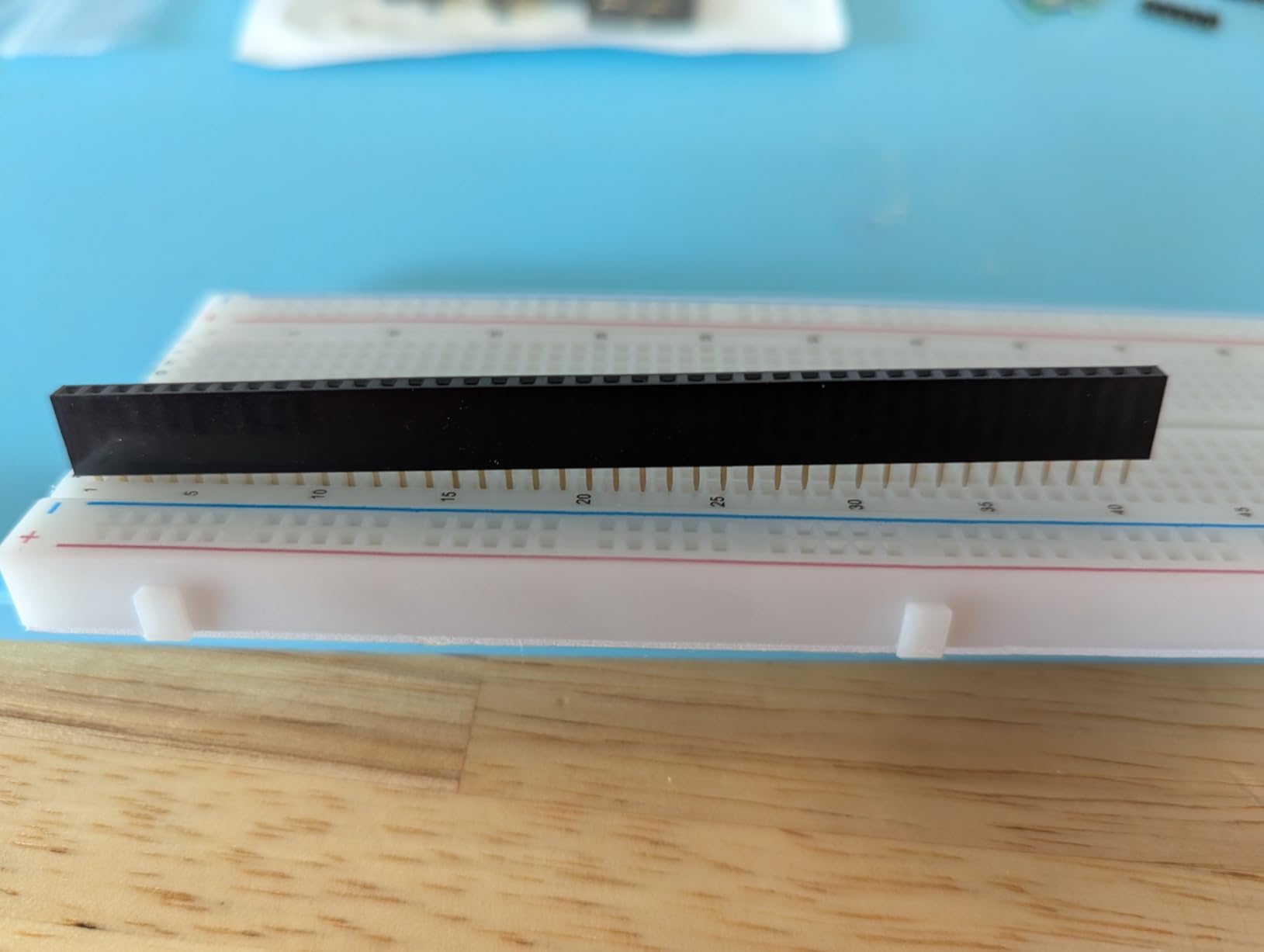
Most people picture one breadboard on a desk. This set gives you four, two 830-point and two 400-point, plus 126 flexible jumper wires. That changes how you work, because you can leave a circuit assembled on one board and start the next project on another instead of tearing everything down.
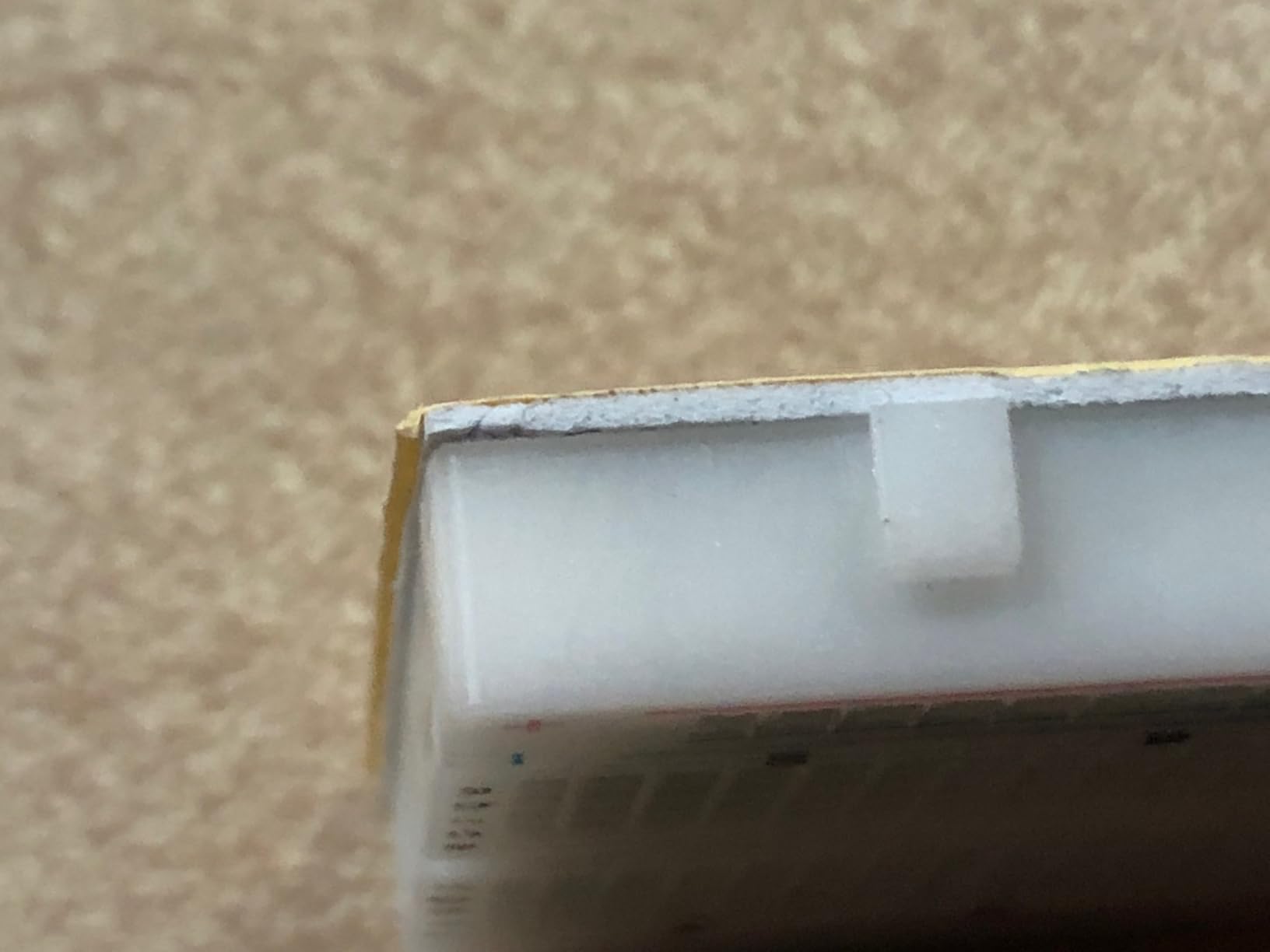
The panels are ABS plastic with tin-plated phosphor bronze contact sheets, a material spec worth checking on any board. The metal strips underneath the holes connect the top and bottom rows horizontally and split in the middle, with the remaining holes connected vertically.
It holds 4.5 out of 5 across 768 reviews, with 76 percent five-star ratings. The splicing feature comes up repeatedly as the reason people like it, since the boards can be joined into a wider surface as circuits grow.
The obvious limitation is that this is a hardware box, not a kit. There are no resistors, LEDs or power module here, so you need one of the component kits above before anything can light up.
Why four boards beats one
Parallel experiments, class benches and simultaneous debugging are where four boards pay off quickly. Two learners can work side by side, or you can compare two sensor circuits under identical conditions rather than rewiring between readings.
The 830-point boards are also simply more useful per board, so a pair of them covers most advanced builds.
Where it falls short
If you are buying your very first electronics setup, this is the wrong shape of purchase. You will have four empty boards and nothing to put in them, and you will still need a separate component kit before a single circuit can run.
Our verdict: the right board pack for a classroom bench, or for a learner who already has components and wants more workspace.
5. Aypzuke Breadboard and Jumper Set – Best Breadboard Kit for Jumper Coverage
Breadboard Jumper Wire Kit:2X830&400 Breadboards,130 Flexible+280 Jumpers,1 Tweezer for Arduino Raspberry Pi
Two 830-point and two 400-point boards
280 U-shaped jumpers
130 flexible jumpers
Tweezer included
Pros
- Higher average rating than the rest of the group
- 280 U-shaped jumpers across 14 lengths
- 130 flexible jumpers for tight layouts
- Solid spring contacts that grip pins
Cons
- Tie points are stiff for thicker header pins
- Jumpers migrate between box compartments
This is the most highly rated kit in our group at 4.7 out of 5, with 80 percent five-star ratings across 207 reviews. What earns that rating is the wire selection. You get 280 pre-shaped U-shaped male-to-male jumpers in 14 lengths, plus 2 sets of 65 flexible jumpers, and the boards are ABS with phosphor bronze tinned contacts.
U-shaped jumpers are the reason layouts look professional. The wire arches over the board and lands in two adjacent points, so your circuit reads like a diagram instead of a nest of loose wire. Reviewers specifically mention that the U-shape keeps breadboard layouts tidy.
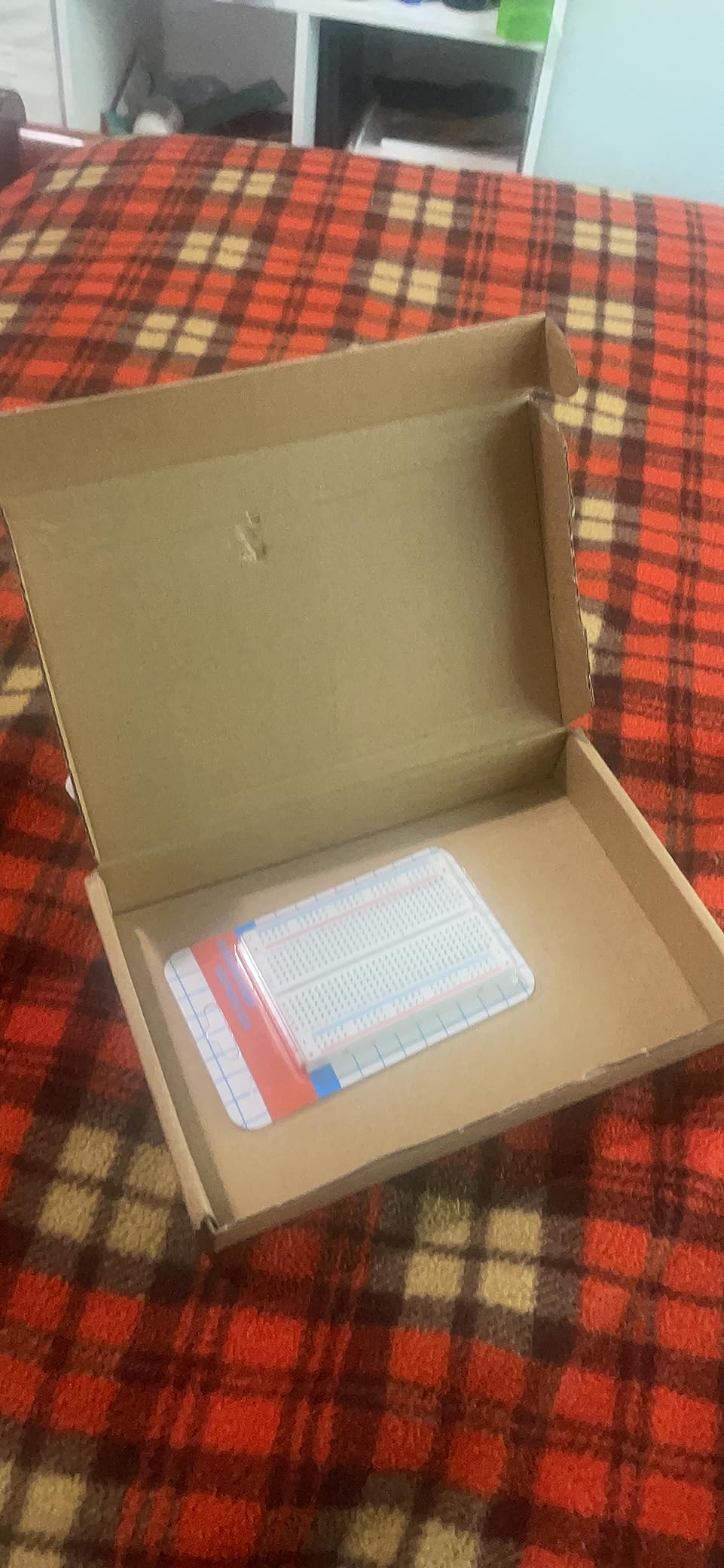
Two boards at each size means you can run a comparison or hand one to a friend. The included tweezer is a small touch that matters more than it sounds, because pulling a jumper out with your fingers is how beginners bend pins and damage contacts.
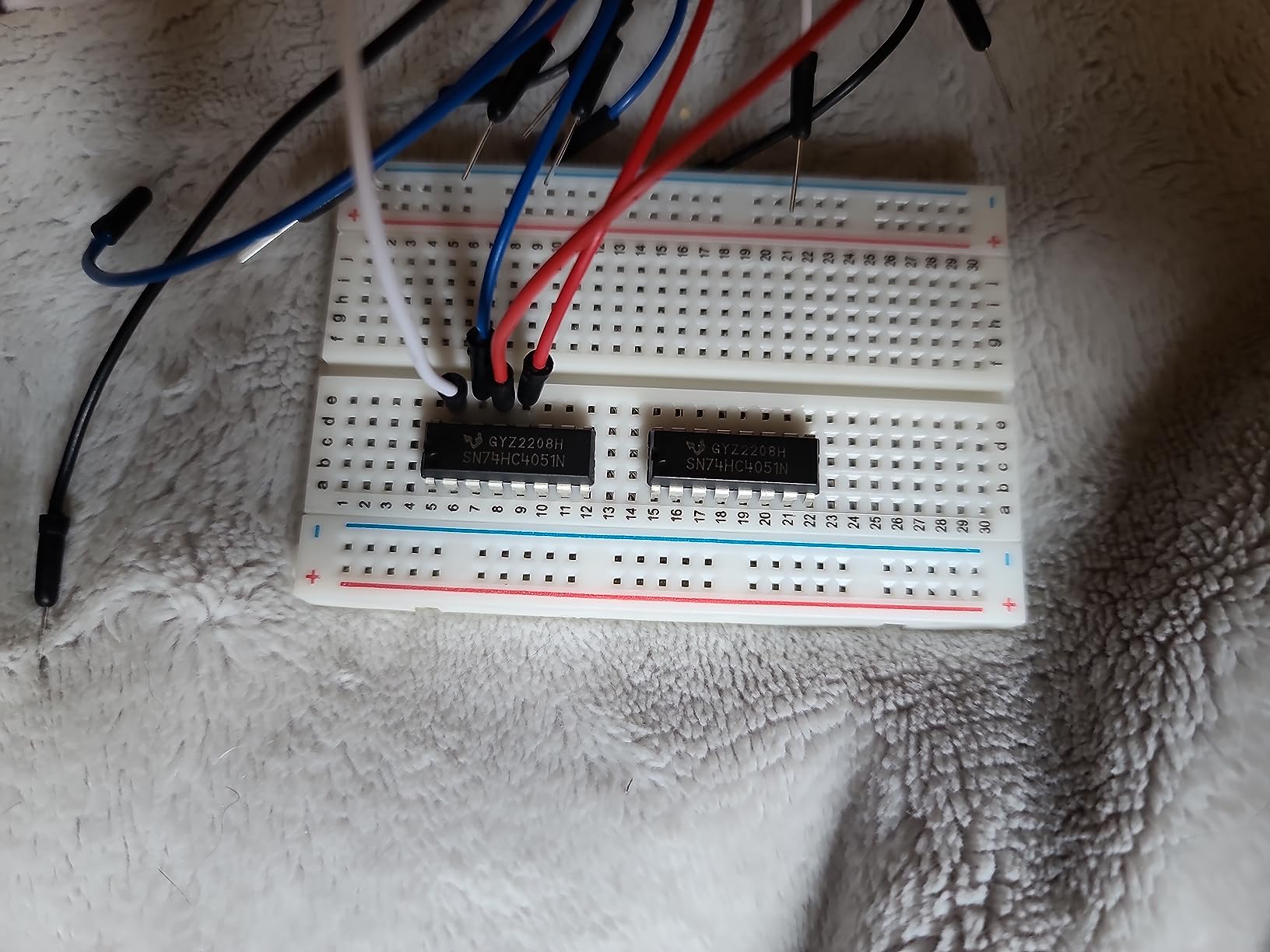
The caveat that comes up most often is tightness. The tie points are stiff enough that thicker leads, including some Arduino header pins, may need slight widening before they seat properly. Straight, clean pins help more here than almost anything else.
What the jumper selection changes
Fourteen lengths from 2 mm to 125 mm cover everything from a link between adjacent pins to a run from your board to the far end of a breadboard. Flexible wires handle the awkward diagonal runs that rigid jumpers cannot.
Wire choice is the most underrated part of a breadboard kit, and this one leads the group on it.
Where you will notice the gaps
There are no resistors, LEDs, transistors or power module in the box, so it pairs naturally with one of the component kits rather than replacing one. Reviewers also note that jumpers migrate between compartments in the box, which is cosmetic but irritating.
Our verdict: a strong board-and-wire package, and the one to buy if your previous kit kept running out of jumper lengths.
6. ELEGOO Upgraded 830-Point Fun Kit – Best Breadboard Kit for Larger Circuits
ELEGOO Upgraded Electronics Fun Kit w/Power Supply Compatible with Arduino
830 tie-point breadboard
300+ parts
Selectable 3.3V and 5V rails
No controller
Pros
- Larger 830-point board than the compact ELEGOO kit
- 300+ parts with a power module
- Same component education focus on shift registers and optocouplers
- Switchable rails speed up rewiring
Cons
- No printed project tutorial
- Controller board and programming cable not included
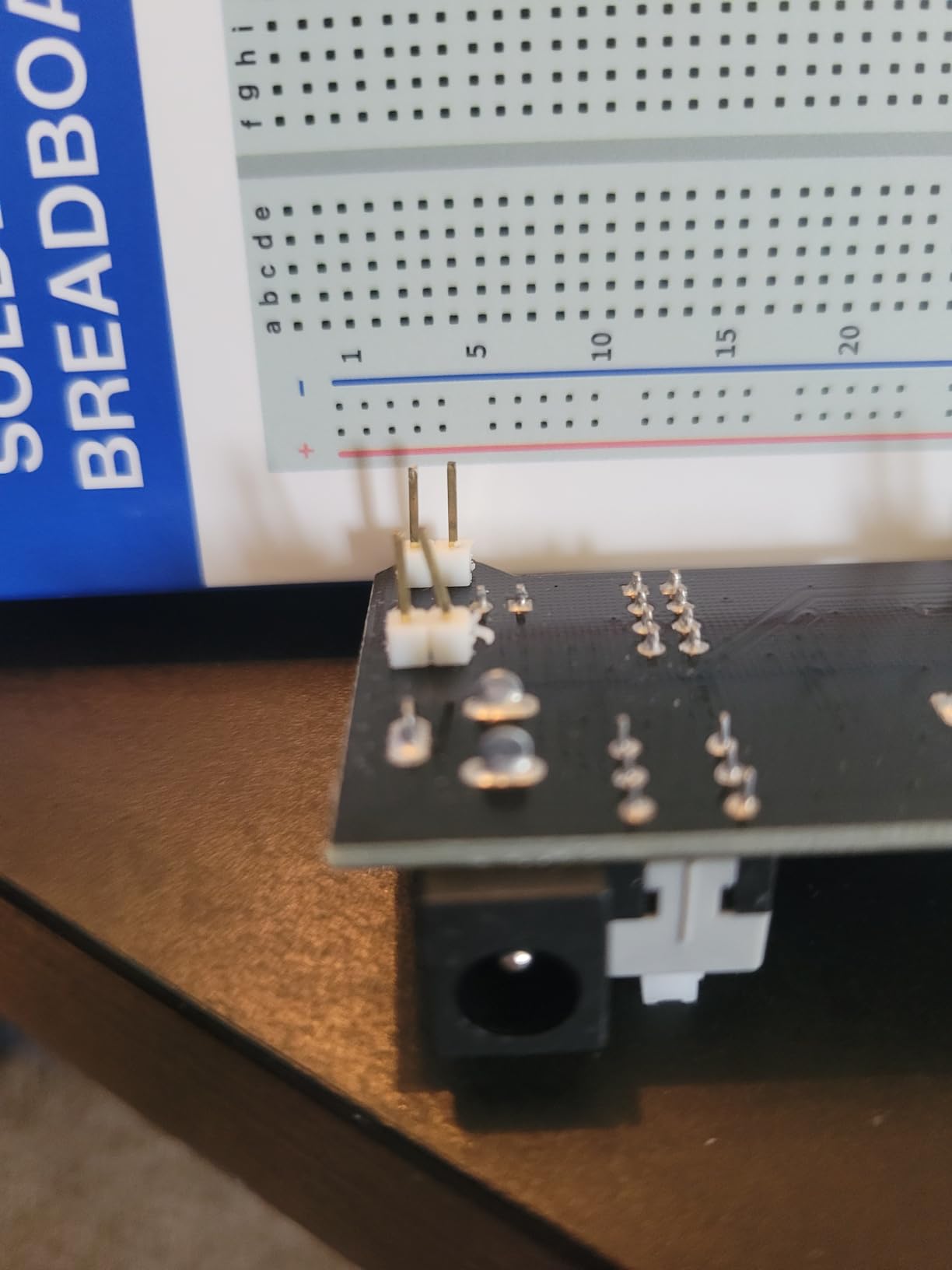
Think of this as the ELEGOO 235-item kit with a bigger board. The component selection is very similar, but the breadboard moves from 400 tie points to 830, and that single change is what makes the difference once your circuits grow past a single LED.
You get more than 300 parts including rigid and solderless jumper wires, a potentiometer, LEDs, resistors, transistors, buttons and buzzers. The educational parts carry over too, with the 74HC595 for expanding outputs, the 4N35 for signal isolation and PN2222 transistors for switching compatible loads. The power module takes a 6.5-9 V DC input and offers switchable 3.3 V or 5 V rails.
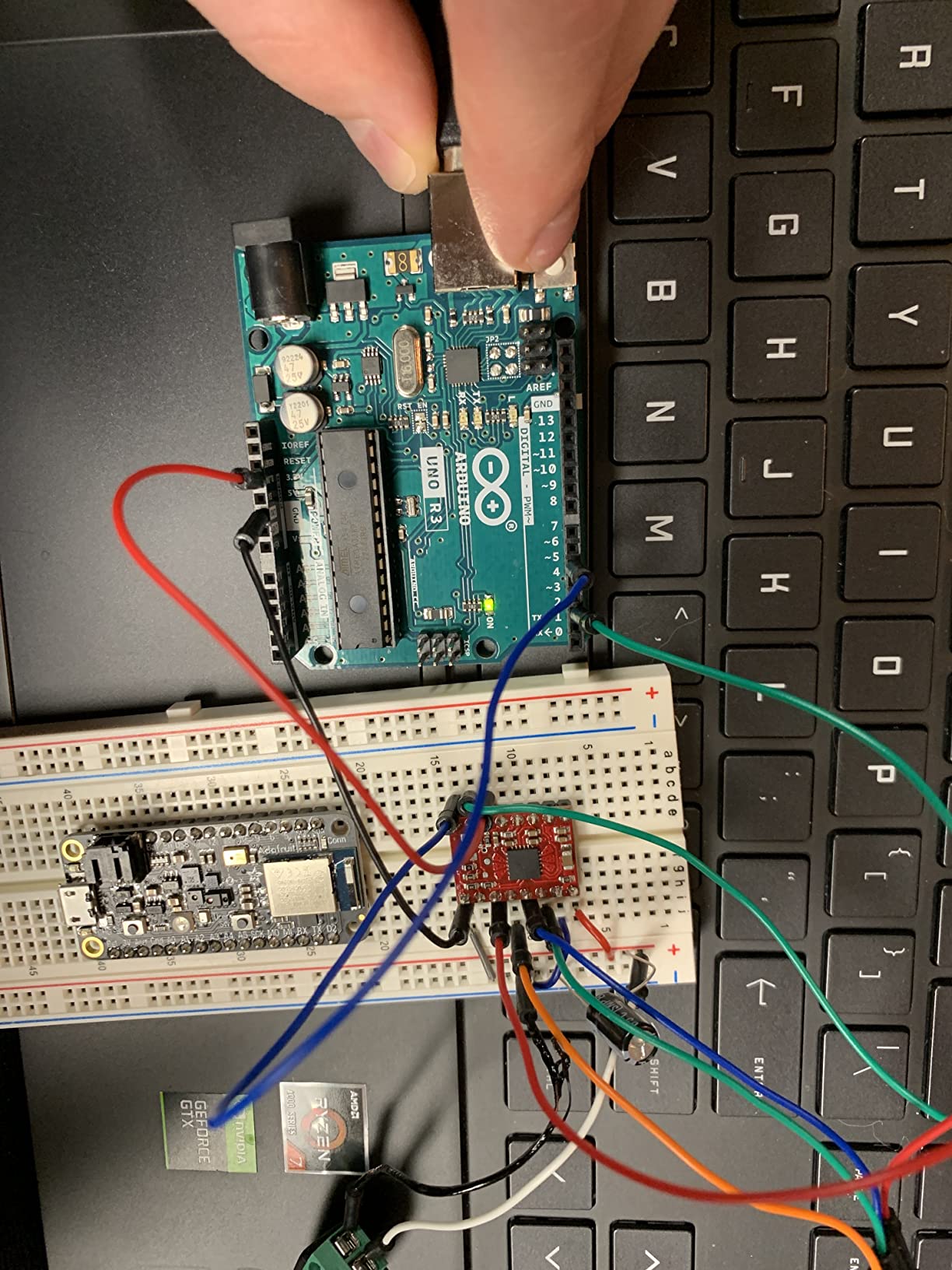
It sits at 4.5 out of 5 across 414 reviews, with 74 percent five-star ratings. Reviewers favour the larger board directly, describing it as having more room for ICs and multi-stage circuits than the compact version. The 10.2 ounce weight and 7.3 x 3.5 x 1.7 inch size are modest.
When 830 points pays off
Any circuit with an integrated circuit on it needs the space. A shift register demo or an optocoupler isolation circuit will fill a 400-point board and leave you pulling wires back out.
The extra room means you build once instead of rebuilding the same circuit twice, which is where beginners waste hours.
When to choose the smaller kit instead
If your first project is a blinking LED, this kit contains parts you will not touch for a year. The compact ELEGOO bundle covers the same introductory circuits in a smaller box.
Our verdict: a strong buy if you already know you will move past single-component circuits within a few weeks.
7. HUAREW Breadboard and Power Kit – Best Breadboard Kit for Battery Setups
HUAREW Breadboard Kit with Power Supply Module, Jumper Wires,Battery Clip,830 & 400 tie-Points Breadboard
830 and 400 tie-point boards
6.5-12V DC or USB input
Switchable 3.3V and 5V output
Under 700 mA
Pros
- Accepts 6.5-12V DC or USB input
- Battery clip included for portable builds
- Both 830 and 400 tie-point boards
- Four jumper wire lengths at 12 to 25 cm
Cons
- No resistors LEDs or other discrete components
- Micro-USB power input rather than USB-C
You get an 830 tie-point board, a 400 tie-point board, a power supply module and a battery clip. The module accepts 6.5-12 V DC or a USB supply and switches between 3.3 V and 5 V output, and the four jumper wire lengths listed at 12 cm, 16 cm, 20 cm and 25 cm cover standard row spacing on both boards.
This set is built around one idea: powering a project away from a wall. Its 6.5-12 V DC input range is wider than the 6.5-9 V modules on the other kits in this group, and it is what makes the battery clip practical rather than decorative.
It holds 4.4 out of 5 across 273 reviews, with 70 percent five-star ratings. Buyers treat it as a no-frills board-and-power package and point to the switchable output and the battery clip as the reasons to pick it.
Maximum output current is listed under 700 mA, so it will not drive anything power-hungry. Keep that in mind before you plan a motor or a servo on the same rail.
Why the battery clip matters
Robot builds, sensor nodes and anything that has to move away from your desk all need a supply that is not a wall adapter. The clip lets you power the rails from a pack without a soldering iron or a regulator circuit, and combined with both board sizes it makes a portable prototyping setup.
Why it is not a first kit
Inside the box there is no resistor, LED, transistor or module, so nothing will blink until you add a component kit. The micro-USB power input is also dated next to USB-C on newer kits, so plan to bring your own cable.
Our verdict: a useful companion pack for portable builds, and a poor stand-alone first purchase.
8. ELEGOO 4-Board Solderless Set – Best Breadboard Kit for Classrooms
ELEGOO 4PC Solderless Breadboard Kit, 830 & 400 Tie Points Prototype Board
Two 830-point and two 400-point boards
2460 tie points total
2.54 mm socket pitch
Spring contacts
Pros
- 2460 tie points across four boards for parallel work
- High-contrast numbering on a bright white board
- Power rails run the full length without a center break
- Terminals properly aligned with the holes
Cons
- Pre-attached adhesive backing limits side-by-side use
- Some reviewers question contact metal thickness
- Bent or wide leads are hard to seat
Two 830-point boards and two 400-point boards give you 2460 tie points in total, which is enough for several learners working on similar circuits without sharing a board.
Reviewers identify board alignment as a common failure point on cheaper models, and it is where this set is careful. The socket pitch is the standard 2.54 mm, the row and column legends are printed in high contrast on a bright white board, and the terminals line up with the holes.
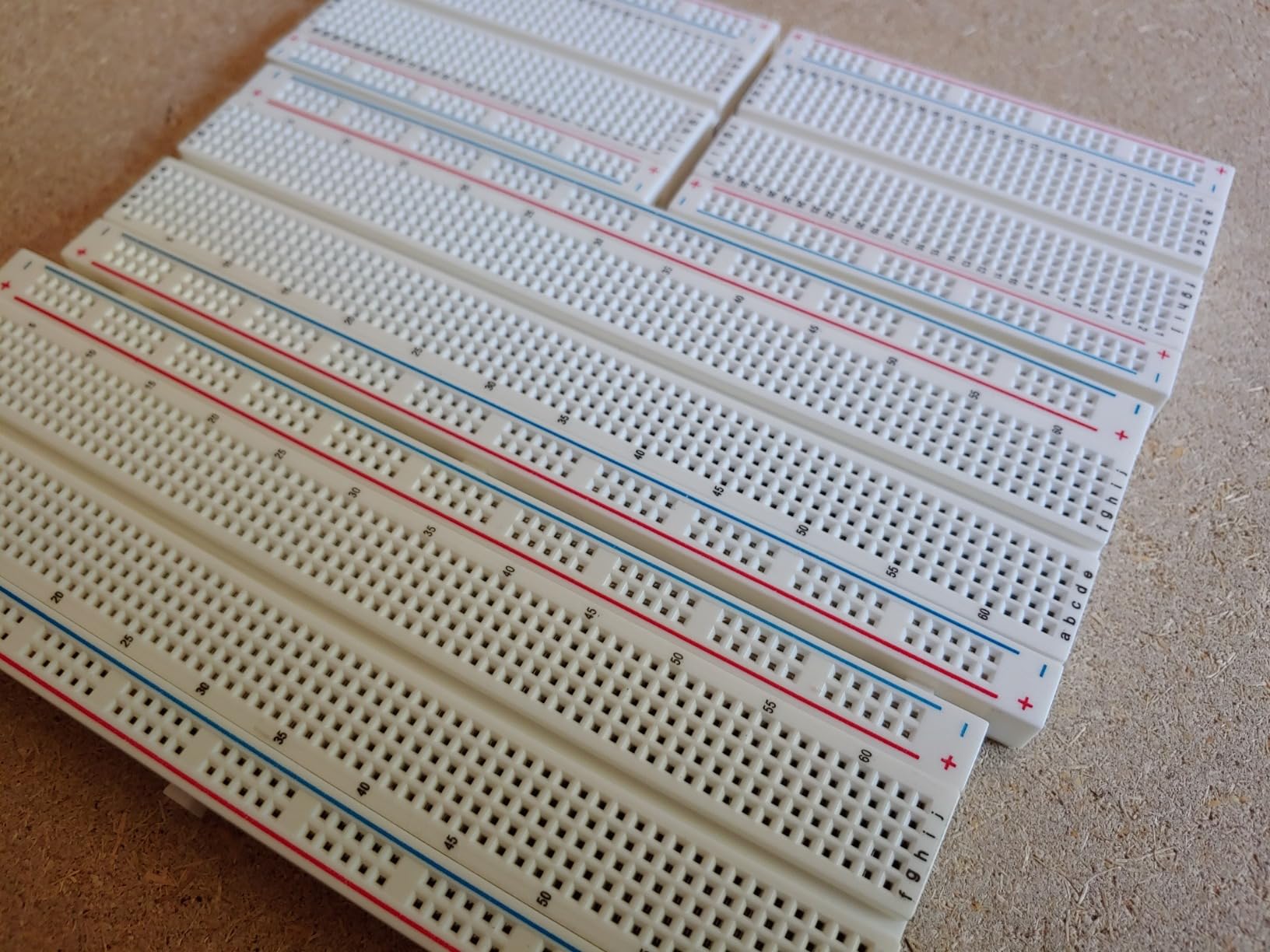
Contact quality comes from double-leaf spring contacts that accept 21-26 AWG leads. Power rails on the longer boards run the entire length without a center break, so you can feed one end and use the far end without hunting for the second half of the rail.
It holds 4.6 out of 5 across 256 reviews, with 80 percent five-star ratings. Buyers mention building circuits within minutes, which matters when a whole group is waiting on the same lesson.
What makes it classroom-friendly
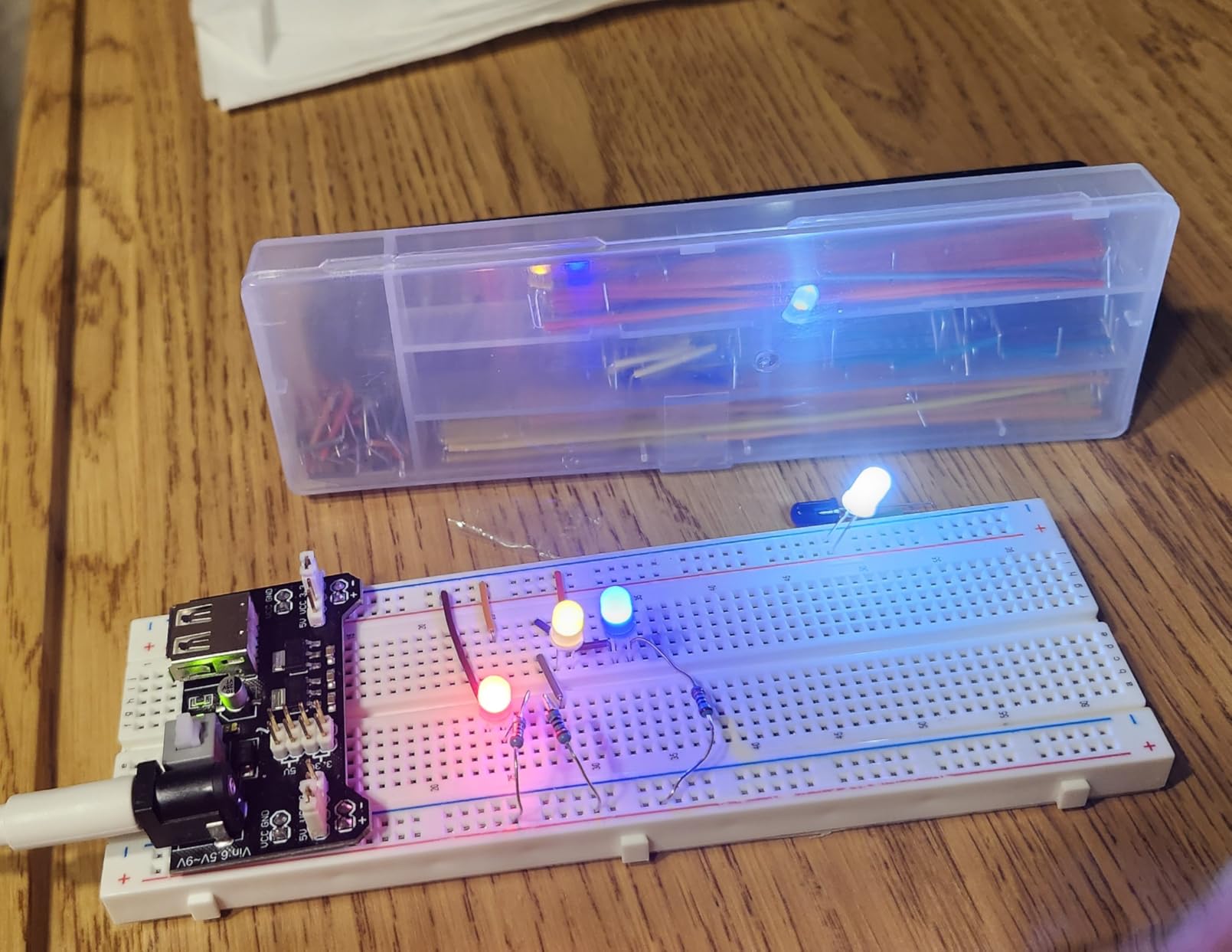
The bright board with dark numbering is readable from across a table, which matters when instructions are written as row and column references. Peel-off adhesive backing lets you secure a board to a work surface, and side extension clips join boards into wider layouts.
The join step has a catch: clip the boards together before you peel the liners off.
Where the quality concerns sit
A small share of reviewers describe the boards as cheap imitations and wish for heavier contact metal, which can show up as intermittent connections under repeated plugging. The pre-applied adhesive is also a problem if you wanted to place two boards flush against each other.
Our verdict: a strong board pack for a school bench or a lab.
9. Miuzei Component Kit with Breadboard – Best Breadboard Kit as a Gift
Miuzei Electronics Component Kit with Breadboard Compatible with Arduino
More than 400 components
Labeled individual packaging
Breadboard and USB power cable
No controller
Pros
- Sensible assortment size for a beginner
- Every part individually packaged and labeled
- Includes a breadboard and USB power cable
- Presented well enough to give as a gift
Cons
- Controller not included
- Tutorials and datasheets are download only
This is the kit to buy when the person learning is not you. Miuzei packages more than 400 sensors and components, with LEDs, resistors, buttons, capacitors, transistors, diodes and integrated circuits individually wrapped and labeled in a sturdy box. Nothing loose, nothing rattling.
The component count reflects a more beginner-appropriate assortment than a 480-piece box, where a large share of the values goes untouched. Experienced hobbyists note that the real barrier for a younger learner is often the adult helping them, so a kit that looks organized and obvious is worth real money.
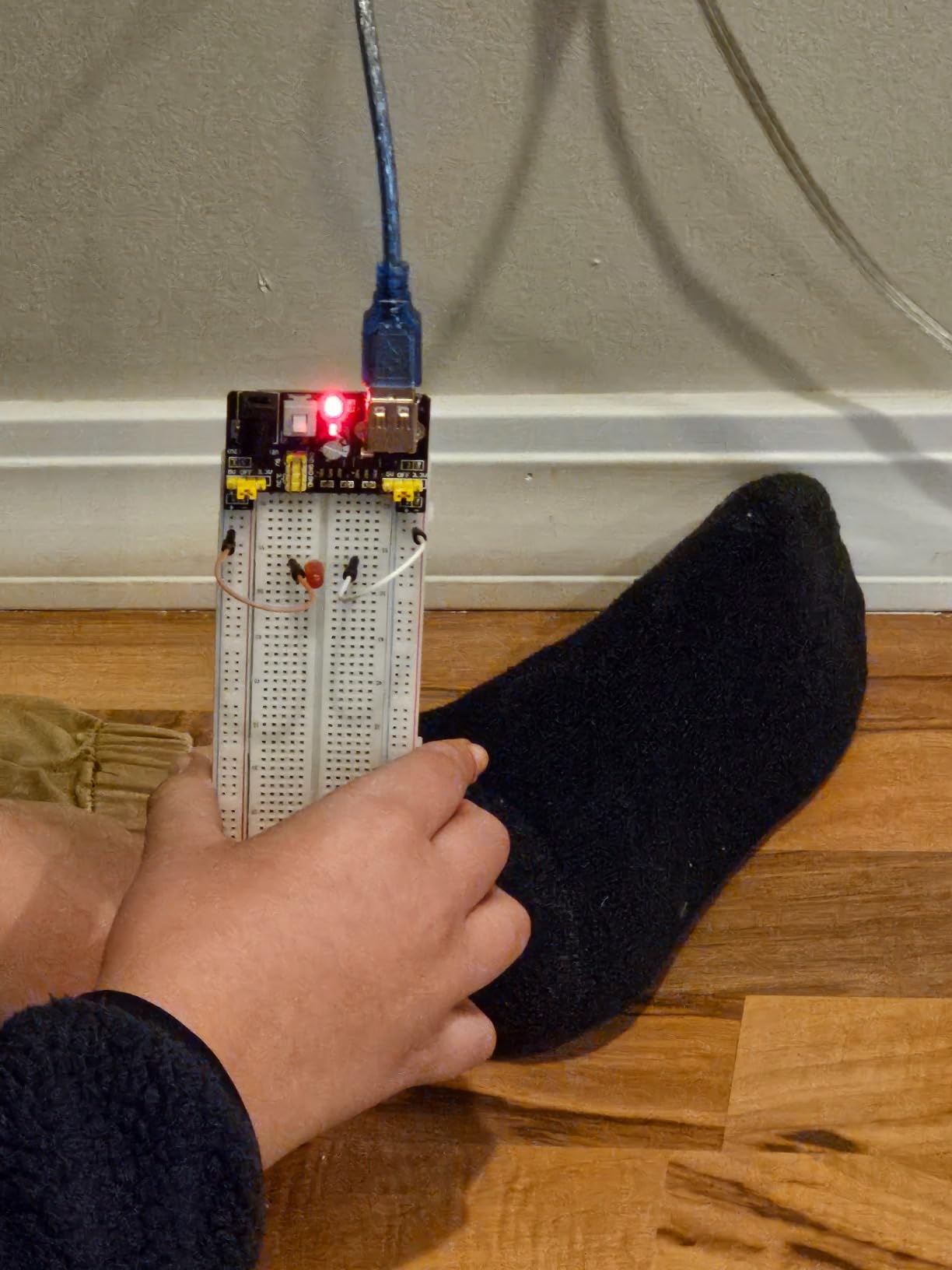
It holds 4.5 out of 5 across 212 reviews, with 73 percent five-star ratings. The breadboard and USB power cable are included, which are the two accessories that otherwise get forgotten when someone assembles a first kit. Tutorials and datasheets are downloads rather than printed material, which is fine for a self-motivated learner but means an absolute beginner needs internet access and someone to show them where the files are.
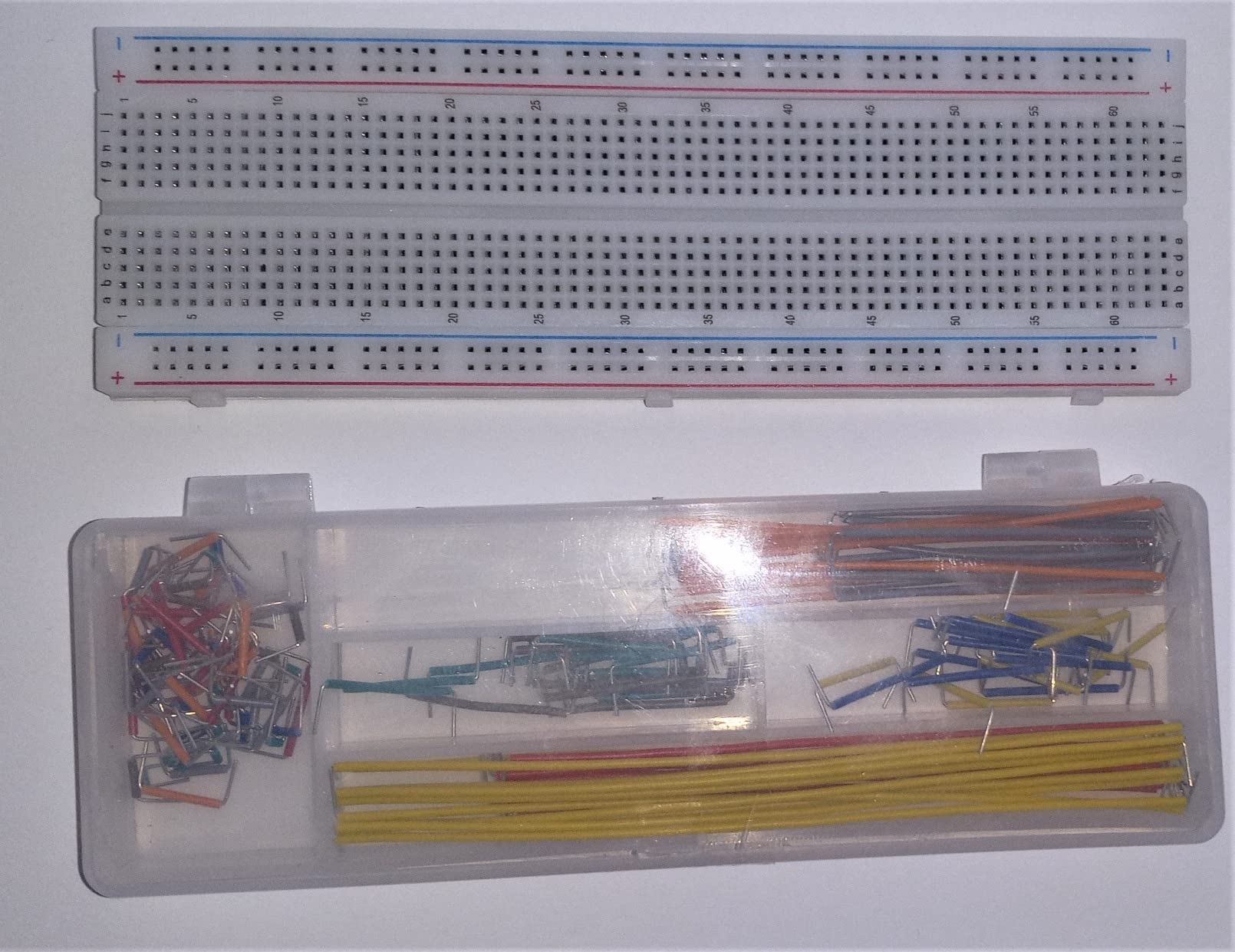
Why it works as a present
It arrives looking like a kit rather than a bag of parts, so a teenager can open it and start without sorting resistors by eye. The labeled packaging survives being opened and closed, and a sturdy case keeps the contents on a shelf rather than scattered.
It is also the one to choose when you want a gift that does not include a specific Arduino board, since it pairs with whatever they already have.
Where it falls short
A controller board is not included, so the gift is not self-contained unless you add one. And with the tutorials download-only, an absolute beginner needs internet access and someone to show them where the files are.
Our verdict: a well-presented component kit, and a strong gift for a beginner who already owns a board.
10. minidodoca 840-Piece Jumper Wire Set – Best Breadboard Kit Add-On for Wire Variety
840Pcs Breadboard Jumper Wire kit for Arduino, 14 Vaules, 2 mm/0.08″-125 mm/4.92″ Minidodoca U-Shape Magnetic Jumper Wires Assortment kit & 4Pcs 34cm/13.4 inch Length Alligator Clip Test Leads
840 pre-stripped jumpers
14 lengths from 2 mm to 125 mm
4 alligator clip leads
Storage box
Pros
- Every jumper is pre-stripped so no cutting is needed
- Color coding maps one color to one length
- Alligator clip leads simplify hooking up a supply
- Portable storage box for the small parts
Cons
- Wire gauge is thinner than typical breadboard jumpers
- Soft leads can break during insertion
- No breadboard included
Almost every beginner eventually runs out of the right jumper length, and this set exists to solve that. You get 840 pre-stripped U-shaped male-to-male jumpers, 60 pieces in each of 14 lengths running from 2 mm to 125 mm, all mapped to a color so the same color always means the same length.
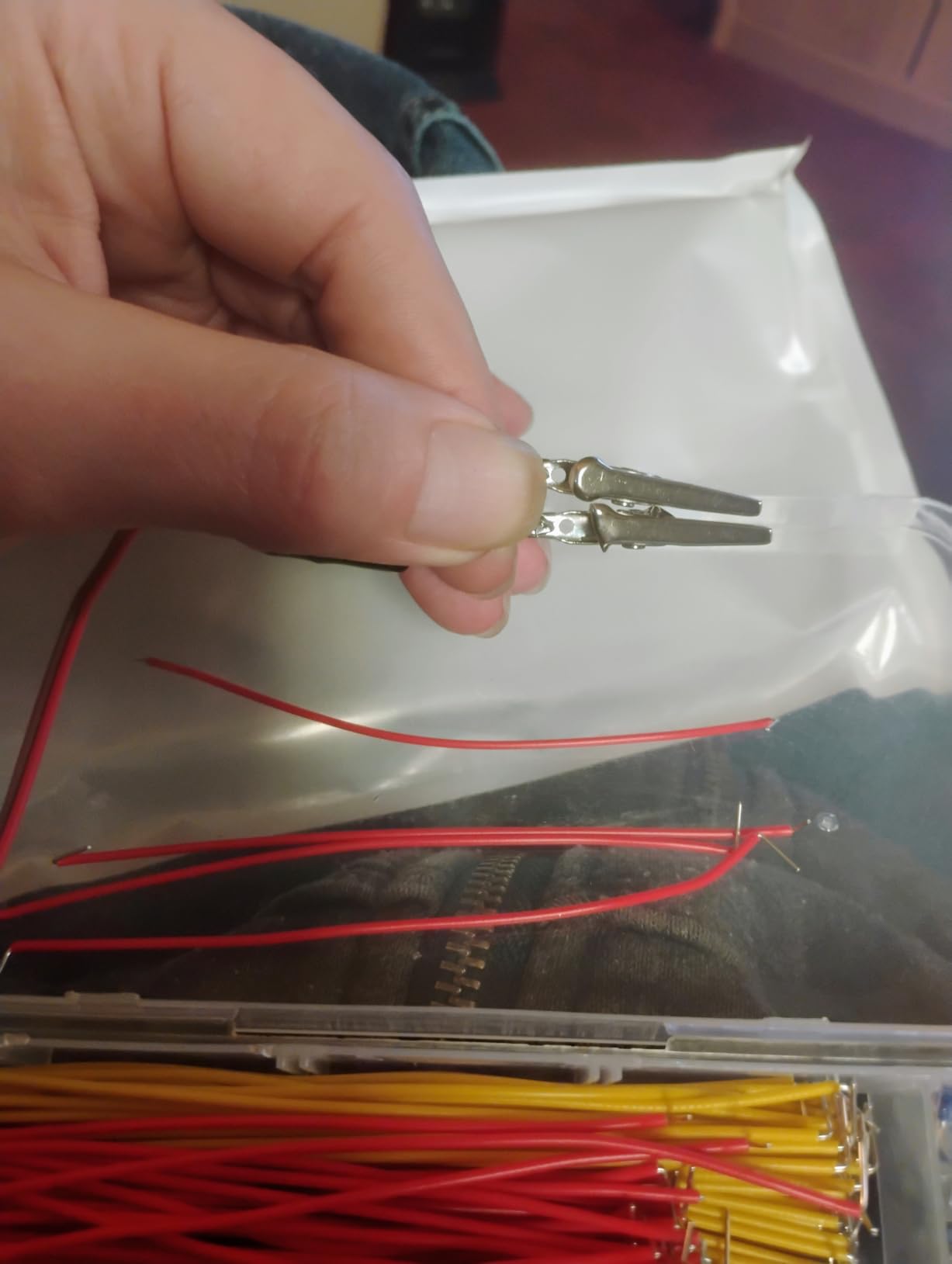
The four 34 cm alligator clip test leads are the part we did not expect to use and now rely on. Clipping a battery or a bench supply straight onto a board saves you from building a temporary connector circuit every time you power a project up.
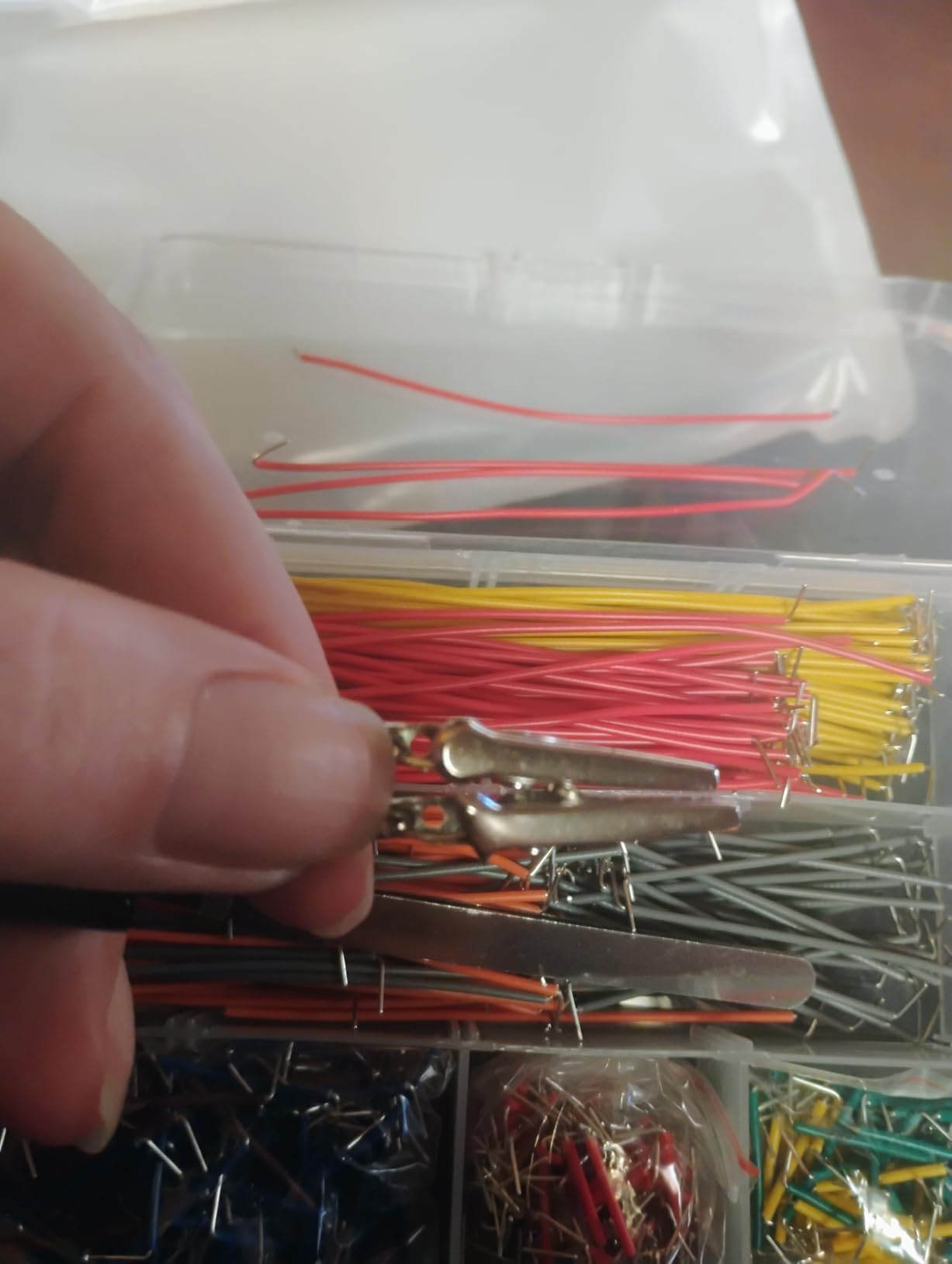
It holds 4.4 out of 5 across 194 reviews, with 77 percent five-star ratings. The consistent praise is for length variety, the alligator leads, and never having to cut and strip a wire again.
The complaint worth taking seriously is wire thickness. The gauge here is thinner than standard breadboard jumpers, so the leads bend and occasionally break during insertion, particularly in the shorter lengths where the wire carries the most leverage.
When wire quantity beats wire quality
If you are teaching a group, or you like to keep a spare set of every length, the sheer count means you will never run out. Color coding also makes it possible to hand a beginner a set and tell them that two same-colored jumpers are the same length, which removes a whole category of confusion.
The pre-stripped ends are genuinely time-saving for anyone who does not own cutters or strippers.
When it is the wrong purchase
There is no breadboard in the box, so it does not function as a kit on its own. Combined with the thinner wire, it works best as an add-on for someone who already has a board and wants a second, wider range of lengths.
Our verdict: a useful expansion buy rather than a starting kit, and a convenient way to clip a supply straight onto a board.
How to Choose a Breadboard Kit Without Guessing
Breadboard size: 400 vs 830 vs mini tie points
A tie point is one hole, and every hole is internally connected to others. The three sizes you will meet most often are the mini board at around 170 points, the compact 400-point board, and the full-size 830-point board. The mini fits beside an Arduino Nano, the 400-point board suits single small circuits, and the 830-point board is the size most Arduino UNO projects eventually need.
Choose 400 points if you are starting with LEDs, buttons, a potentiometer and a light sensor, and your desk is small. Choose 830 points if you plan to use integrated circuits, shift registers or anything with more than one functional block on it at once. Choose a mini board only if your board is a Nano or a Pro Micro, because a mini under an UNO wastes half your desk.
One extra thing to check: power rails on the larger boards are often split in the middle, while some full-size boards run continuously. Before you wire anything, run a jumper across the whole rail and confirm it works.
Breadboard kit vs full Arduino starter kit
Every kit on this list is a breadboard kit or component kit, not a full starter kit. None of them include a microcontroller board, so you either already own one or you need to buy one. Full starter kits bundle an UNO R3 with sensors, a board and often a project book.
Which is better depends on whether you already have a board. If you do, a breadboard kit gives you more components and better parts for the same spend. If you do not, a starter kit is fewer purchases, and the sensors in it get you to a working project faster.
Experienced builders repeat the same point about starter kits: the more parts you have, the less often you stop to buy something mid-project. That reasoning applies just as well to a component kit once you own a board.
If you are still deciding whether to buy a controller first, our beginner pressure cooker guide uses the same build-versus-buy framework we apply to hardware kits here.
Jumper wires, power modules and rail labelling
Look for a generous spread of jumper wires in assorted lengths, and check whether they arrive pre-stripped. U-shaped male-to-male jumpers that sit flush against the board make a layout readable, and color coding by length speeds you up when you rebuild a circuit tomorrow.
A power supply module is the accessory most beginners do not realize they need. One with switchable 3.3 V and 5 V rails lets you test a circuit at both logic levels without rewiring, and models that accept USB or a DC barrel jack are more flexible. Check the input rating, and stay under the stated maximum.
Finally, look for labeled rails. Red and blue markings on the power rails and printed row and column numbers reduce wiring errors more than any other single feature.
Board compatibility: UNO R3, Nano and Mega
The UNO R3, Nano and Mega are all 5V parts, so electrically a breadboard kit works with any of them. The physical question is footprint. An UNO R3 needs a full-size 830-point board beside it, a Nano fits comfortably next to a 400-point board, and a Mega 2560 with its many pins really does want the 830-point size or a board plus an expansion shield.
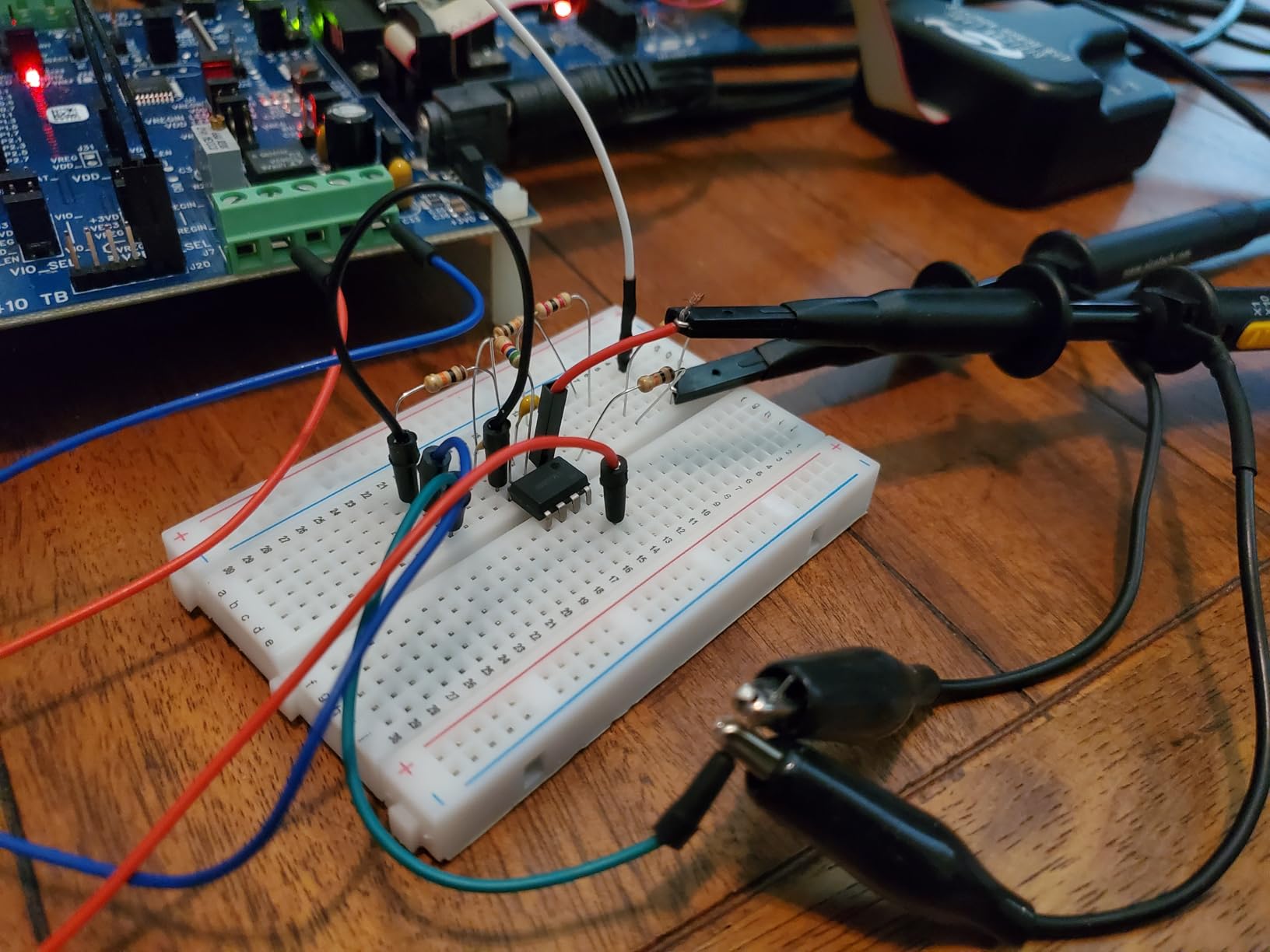
One warning worth repeating from the reviews: many clone boards use a CH340 USB-serial chip, and on Windows and macOS that needs a driver installed before the computer will talk to it. The board looks dead until the driver is in place. If a tutorial assumes the board appears immediately, install the driver before you start, not after you panic.
When to leave the breadboard for perfboard or a PCB
Stay on a breadboard for as long as you can. The point of a solderless board is that a wrong wire costs you thirty seconds and nothing else, and that is exactly why beginners should stay there while they are learning. Experienced hobbyists are consistent on this, and they are right.
Move to solderless perfboard when your circuit has more than about thirty connections, or when you need the parts to stay put when you pick the project up. Move to a custom PCB when you need the circuit to be small, reliable, or built more than once, or when you want to power it from something other than USB.
The jump is a natural progression, and you do not have to rush it. Most first Arduino projects never leave the breadboard at all.
Your First Five Breadboard Projects
Work through these in order and each one introduces a single new idea. The first three need almost nothing beyond the components in the kits above, and the last two are where the power module starts earning its place.
Blink an LED. One resistor, one LED, two jumpers. The goal is to prove the toolchain works: board connected, driver installed, code uploaded.
Traffic light sequence. Three LEDs in a row, each with its own resistor, driven from separate pins. You learn about outputs and timing.
Button input. Add a button with a pull-down resistor. The circuit now reads something, and you learn about inputs and debouncing.
Potentiometer control. Wire the three terminals of a potentiometer and map its output to an analog input, then watch a value change as you turn it.
Light sensor response. Feed a light-dependent resistor into the analog input and change LED brightness based on the reading. This is the first project that feels like a real product.
Each one is achievable with a 400-point board, though projects four and five get crowded quickly, which is the natural moment to move up to 830 tie points.
Breadboard Care, Common Failure Modes and Driver Fixes
Breadboards fail in predictable ways, and every symptom has a cause you can check in under a minute. These are the issues that come up again and again in troubleshooting threads.
Rail has no power. The rails are usually split in the middle. Bridge the two halves with a jumper, and confirm the power module is set to the right voltage before blaming the board.
A connection reads as open. Push the lead in again with a firm straight press. Bent or oversized pins make poor contact, and straightening the lead usually fixes it permanently.
Board not showing up on your computer. Install the USB-serial driver for the board’s chip, unplug and replug, then select the correct port in the Arduino IDE.
Contacts feel loose after months. Internal springs fatigue. That is normal wear, and it is the signal to move a finished project onto perfboard rather than a reason to keep fighting it.
Nothing happens when you touch the circuit. Unplug power first. A jumper that bridges the two halves of a rail while powered is the fastest way to destroy a board.
One rule covers most of these: never change wiring while the circuit is powered. Disconnect first, rearrange, then reconnect. Experienced builders repeat that advice constantly, and every one of them learned it the hard way.
As for reuse, a solderless breadboard is designed to be reused indefinitely. Pull the jumpers out when a project is done, return the components to their labeled compartments, and the board keeps working. The exception is a board with oxidized or damaged contacts, which is the point to buy a new one.
If you want to broaden your first-year shopping list, our beginner microphone kit roundup follows the same format we use here, spec by spec, with an honest disqualifier for every pick. For a gift that is not electronics at all, our cross stitch kit guide applies the same beginner-first testing standard.
Frequently Asked Questions
What is the best breadboard kit for beginners?
The REXQualis 830 tie-point component kit is our top pick for beginners because the full-size board fits beside an Arduino UNO and the box holds more than 400 labeled parts plus a power supply module. The ELEGOO 235-item fun kit is the strongest entry-level option, and the BOJACK 480-piece kit has the largest component count.
What is the difference between a 400 and 830 point breadboard?
A 400-point board has 400 internal connections and suits single small circuits such as an LED, a button or a sensor. An 830-point board has more than twice the space, fits an integrated circuit alongside support parts, and is the size most Arduino UNO projects eventually need. Both use the same 2.54 mm hole spacing.
Do I need a breadboard to learn Arduino?
You can connect an LED directly to a board pin without one, but a breadboard is what removes soldering from the process and lets you rebuild a circuit in seconds when something is wrong. It is also where you learn to read a schematic and to wire a circuit correctly, which are the skills that transfer to everything later.
Is a breadboard kit cheaper than a starter kit?
Usually yes, because a breadboard kit contains no microcontroller. A component kit gives you more parts for the same spend, but you must already own an Arduino board. If you do not own one, a full starter kit is fewer separate purchases and gets you to a working sensor project sooner.
Why is my Arduino board not showing up on my computer?
Most clone boards use a CH340 USB-serial chip that needs a driver installed before the computer recognizes it. Download the driver for your chip and operating system, install it, unplug and replug the board, then select the correct port in the Arduino IDE. Until the driver is installed the board looks completely dead.
Can I reuse a solderless breadboard?
Yes. A solderless breadboard is built to be reused indefinitely, as long as you pull the jumpers out and return the components to their labeled compartments between projects. Replace it only when the internal spring contacts feel loose or a contact stops gripping a pin, which is normal wear after heavy use.
The Best Breadboard Kits for Arduino Beginners, Final Verdict
For most people, the best breadboard kits for Arduino beginners come down to one choice: the REXQualis 830 tie-point kit if you want the most complete bench, or the ELEGOO 235-item fun kit if you want the smallest box and the fewest unused parts. Both pair with any 5V Arduino board, and both hand you a power module so nothing needs soldering.
Add the BOJACK 480-piece kit instead if you want a single organized case of labeled parts, and the ELEGOO 4-board set if a classroom or more than one learner shares the bench. Pick a board with a USB-C connector, and check whether yours uses a CH340 chip so you are not surprised on day one. Whatever you pick, stay on the breadboard until your circuit stops fitting, then move to perfboard. As we noted in our 2026 roundup, the winners all share the same principle: buy the parts you will use, not the parts that merely sound impressive.