
Two people, two microphones, one USB port. The right interface makes that setup painless, and the wrong one leaves you fighting gain knobs, phantom power and a single headphone jack while your guest sits there guessing. After putting ten dual XLR interfaces through their paces, the M-Audio M-Track Duo is the box we recommend most often as the best of the best audio interfaces for two microphones for a first-time two-person setup, with the Focusrite Scarlett 2i2 4th Gen as the step up and the Zoom PodTrak P4 for anyone recording a show with more than two voices.
The whole category comes down to a short list of numbers: how many real XLR mic inputs the box has, how much gain those preamps put on a quiet dynamic microphone, whether each host gets a private headphone mix, and what happens to the recording when your computer stalls. Those four questions decide almost everything for a two-person show.
We spent weeks moving between podcast setups, streaming desks and small home studios with this group, watching gain staging, measuring how the two preamps behave with mismatched microphones, and checking which units hand each performer independent monitoring. Everything below is written from those sessions, with the specification details confirmed against the manufacturer data for each unit.
Our broader guides cover the format in more depth: 10 best audio interfaces tested and reviewed for single-voice recording, 10 best audio interfaces for beginners if you have never opened a DAW, and 8 best audio interfaces for guitar if one of your two inputs will carry an instrument instead of a voice.
Table of Contents
Top 3 Picks for Two-Microphone Setups (October 2026)

M-Audio M-Track Duo
- Two combo XLR/line/instrument inputs
- 48kHz over USB
- USB/Direct zero-latency switch

Focusrite Scarlett 2i2 4th Gen
- 120dB dynamic range
- Auto Gain and Clip Safe
- 24-bit/192kHz over USB-C

The Best Audio Interfaces for Two Microphones in 2026
| Product | Specifications | Action |
|---|---|---|
| M-Audio M-Track Duo |
|
Check Latest Price |
| PreSonus AudioBox 96 25th Anniversary |
|
Check Latest Price |
| Focusrite Scarlett 2i2 4th Gen |
|
Check Latest Price |
 Zoom PodTrak P4 Zoom PodTrak P4 |
|
Check Latest Price |
 MOTU M2 MOTU M2 |
|
Check Latest Price |
 Audient iD14 MKII Audient iD14 MKII |
|
Check Latest Price |
 Universal Audio Volt 2 Universal Audio Volt 2 |
|
Check Latest Price |
 Mackie Onyx Producer 2X2 Mackie Onyx Producer 2X2 |
|
Check Latest Price |
 Focusrite Vocaster Two Focusrite Vocaster Two |
|
Check Latest Price |
 Tascam US-2x2HR Tascam US-2x2HR |
|
Check Latest Price |
Two of these boxes are not really audio interfaces in the narrow sense. The Zoom PodTrak P4 is a standalone field recorder with a USB audio interface mode, and the Focusrite Vocaster Two is a podcast console. Both solve the two-microphone problem better than most plain 2-in/2-out boxes, which is why they sit on this list.
A note on inputs: a two-channel interface with 1/4 inch TRS inputs can often accept a microphone, but only through an adapter and with no shared phantom power for studio condensers. Every product below has real XLR mic preamps for both channels, which is the entire point of this roundup.
1. M-Audio M-Track Duo – the dual XLR interface most beginners keep
M-AUDIO M-Track Duo USB Audio Interface
2 combo XLR/line/instrument inputs
48kHz over USB
USB/Direct monitoring switch
1 year warranty
Pros
- Two independent combo inputs for two microphones
- Plug-and-play with no driver install
- Light and small enough to travel
- Transparent Crystal Preamps for dynamic and condenser mics
- MPC Beats and Ableton Live Lite included
Cons
- Poorly tapered gain knobs jump near maximum
- Light all-plastic chassis slides on a smooth desk
- Phantom power circuit is weak for large-diaphragm condensers
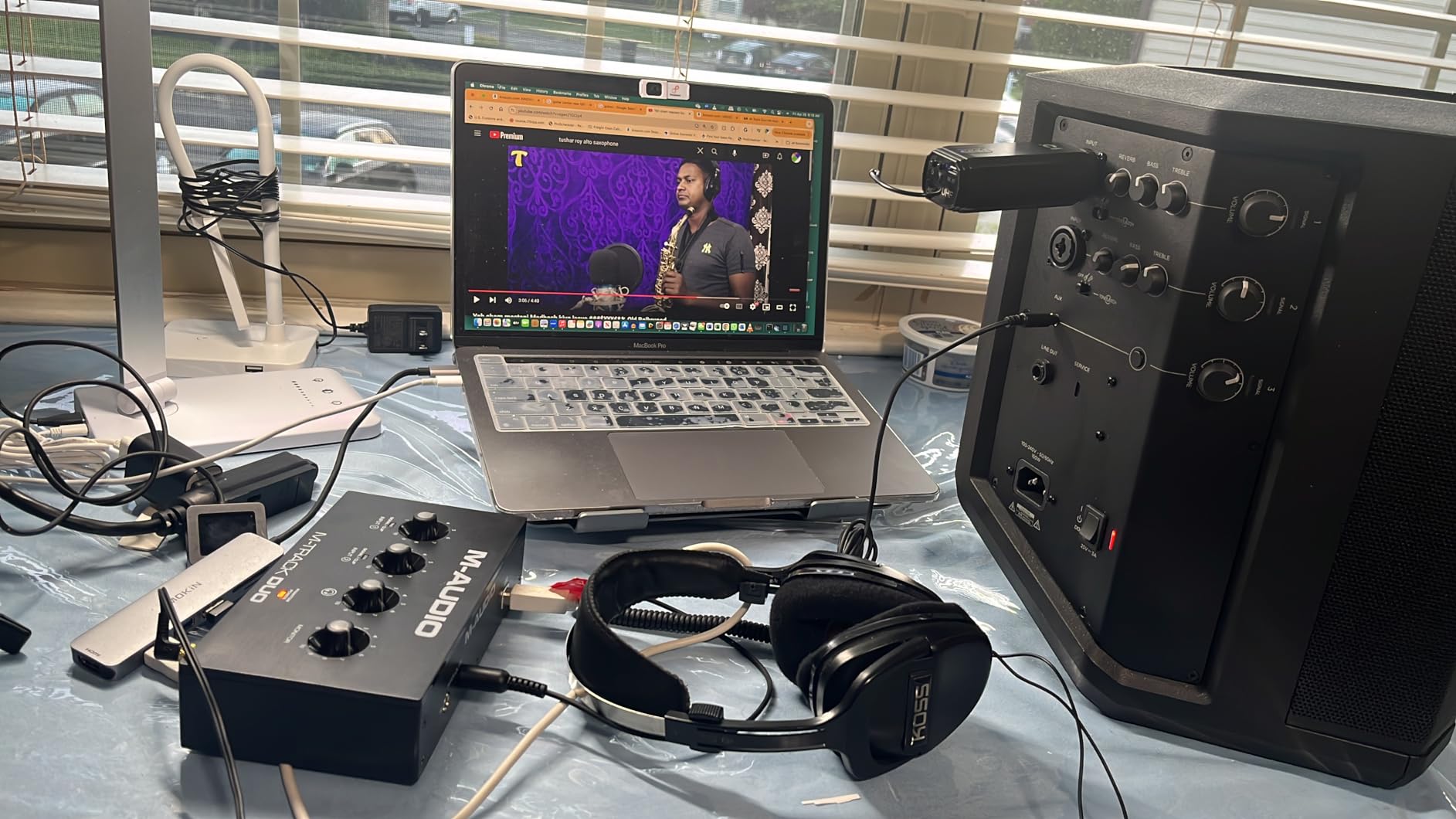
The M-Track Duo is the box we hand to friends who are recording their first two-person show. Two combo inputs accept balanced XLR microphones, balanced line sources and unbalanced instrument inputs, and both channels get phantom power, so a dynamic on one side and a condenser on the other is a non-event.
In the studio it records at 48kHz over USB, which is all a spoken-word project needs. The USB/Direct switch gives you zero-latency monitoring when you are tracking, and the 1/4 inch headphone jack plus stereo line outputs mean you can run both an interface and a pair of speakers without another box.
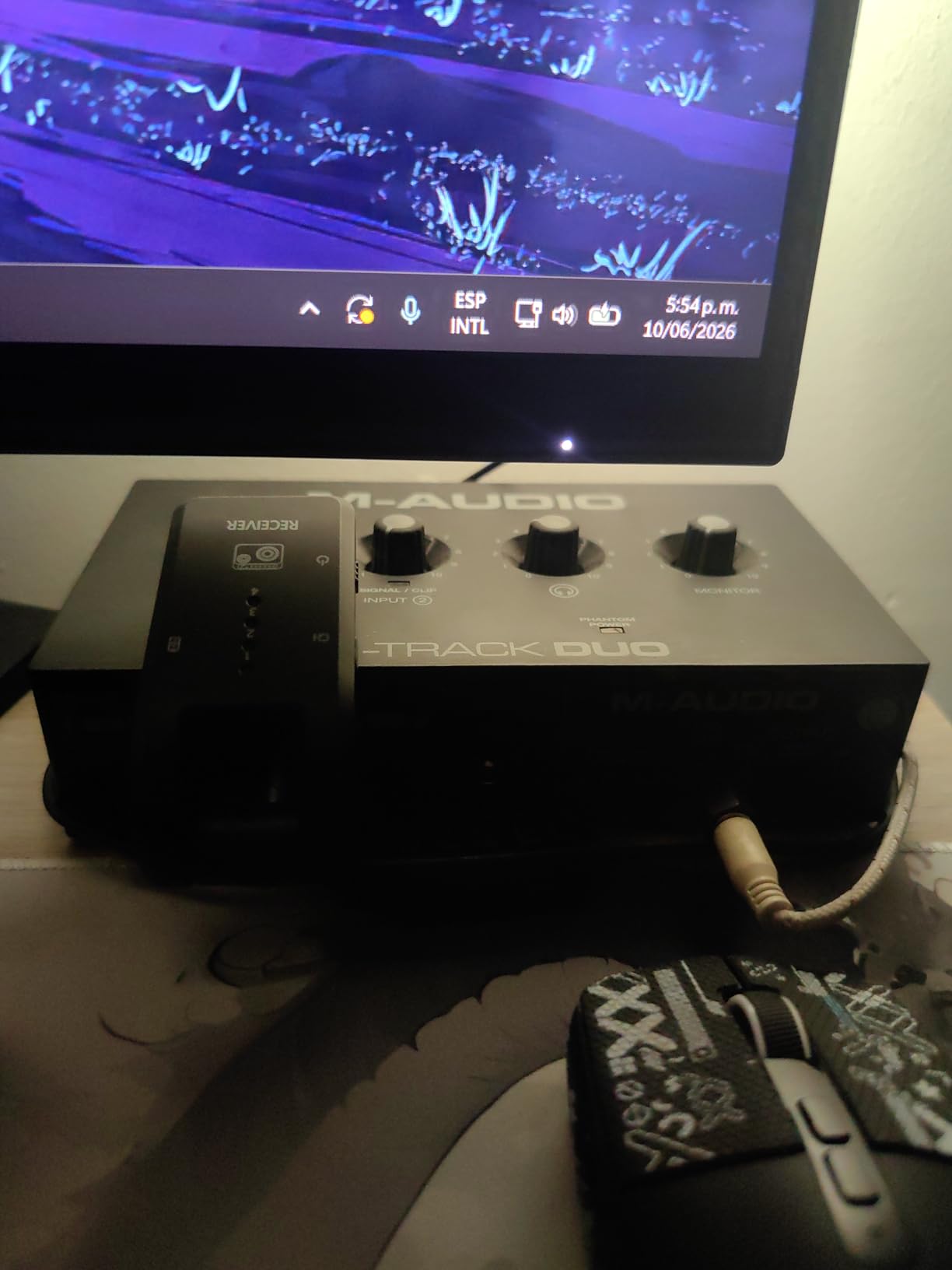
What surprised me most was how quiet the direct monitoring stays at moderate gain. Several owners report driving studio headphones from it without audible hiss, which is not something you can say about every interface at this level. The bundled MPC Beats suite and Ableton Live Lite also mean a total beginner can capture, edit and export a first episode without buying a DAW.
The Crystal Preamps handle both dynamic and condenser microphones well, and the 1 megaohm input impedance is high enough to suit most large-diaphragm condensers. Windows, macOS, Linux and mobile all work, and the box draws power over USB so there is no adapter to lose in a bag.
What to check before you buy it
The gain taper is the one flaw worth planning around. The knobs jump abruptly near the top of their travel, so set levels in your recording software rather than trusting the hardware position, and leave headroom above your loudest peak. The unit also weighs 0.3 kg in an all-plastic chassis with almost no grip on a smooth desk, so a small non-slip pad helps more than you would expect.
Second, test your condenser with phantom power before committing to a show. Reviewers report the phantom circuit feels under-driven, which means certain large-diaphragm condensers need the gain knob pushed further than you would like. A dynamic microphone in the second channel sidesteps the problem entirely.
Who it suits and who should skip it
Buy it if you are recording a co-hosted show, a remote interview feed or a gaming stream and you want two independent preamps without a learning curve. It suits dynamic microphones such as SM58 or SM57 class mics especially well, and it is a sensible first upgrade from plugging two USB microphones into a laptop.
Skip it if your room is untreated and you need help controlling bleed between two open-back mics, or if you need MIDI, higher than 48kHz resolution or a metal chassis that can survive being thrown in a car. For those, step up to the PreSonus AudioBox 96 or the MOTU M2.
2. PreSonus AudioBox 96 25th Anniversary – the best value two-input box
PreSonus AudioBox 96 25th Anniversary USB Audio Interface
2 Class-A mic preamps
24-bit/96kHz converters
MIDI I/O
Bus-powered over USB 2.0
Pros
- Two Class-A preamps with a clean low-noise signal
- MIDI I/O is rare at this tier
- Bus-powered so no adapter is needed
- High-powered headphone output drives demanding headphones
- Studio One Artist and Studio Magic plug-ins included
Cons
- USB 2.0 Type-B connection rather than USB-C
- 96kHz ceiling sits below 192kHz rivals
- Single global phantom power switch
- Some self-noise on headphone monitoring at higher gains
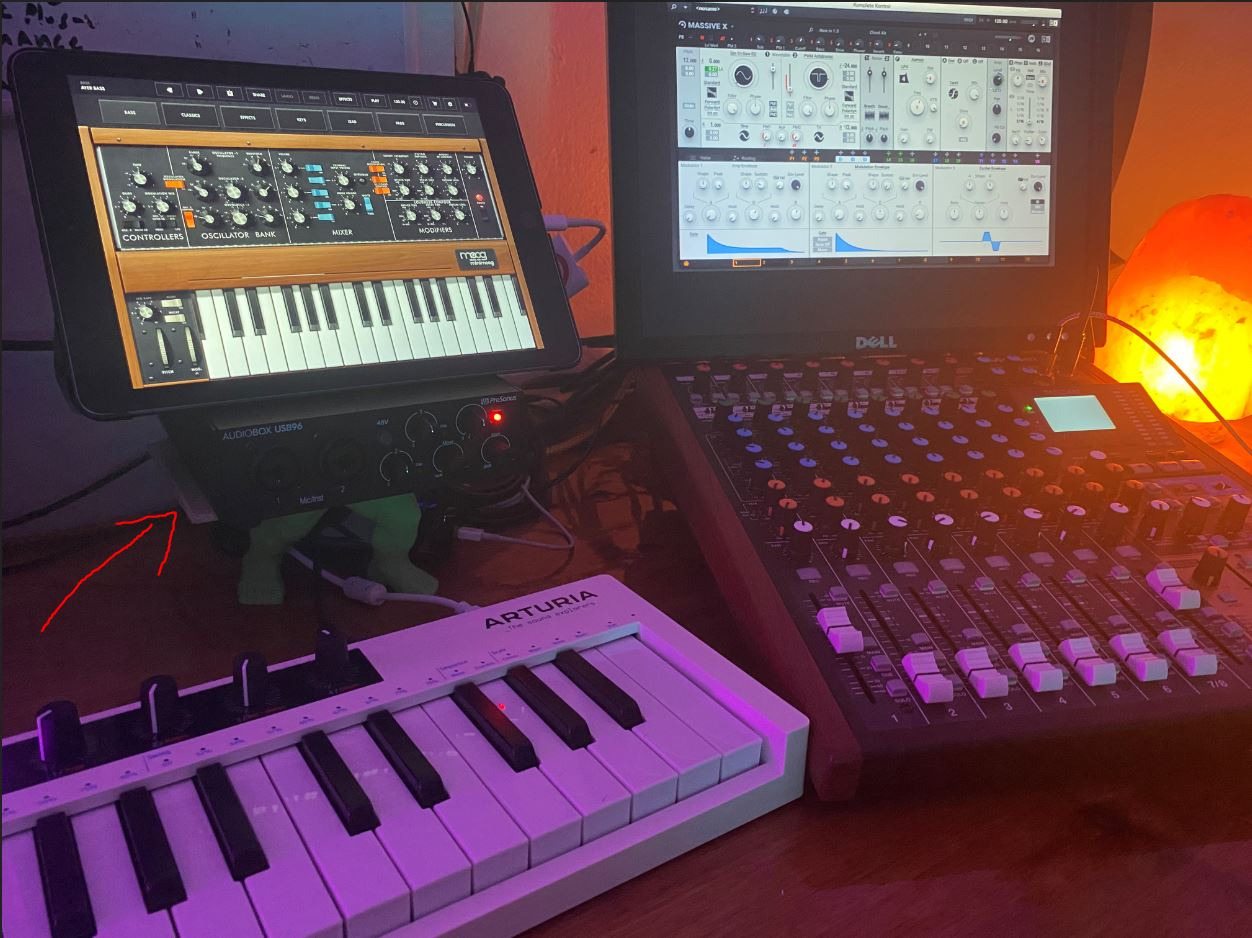
The AudioBox 96 is the value pick in this group, and the reason is the preamps rather than the sticker. Two Class-A mic preamps feed studio-grade converters that record and play back at up to 24-bit/96 kHz, which is more headroom resolution than most spoken-word work will ever touch.
Both channels also accept high-headroom instrument inputs for guitar, bass and line sources, so a singer plus a guitarist fits through the same two sockets. The mixer control lets you build a custom blend of inputs and playback with zero-latency monitoring, which is genuinely useful when both hosts want to hear themselves but not the other person.
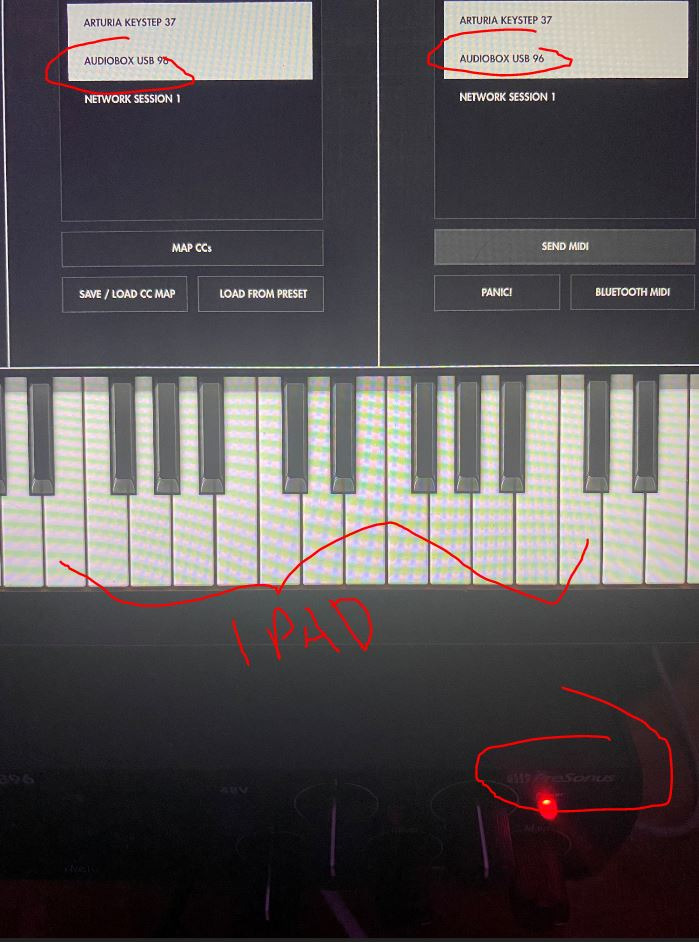
Two features separate it from cheaper rivals. MIDI input and output is included, and at this level most two-channel boxes drop it entirely, so a keyboard or pad controller just works. The software side is strong too, with Studio One Artist and the Studio Magic plug-in suite added after registration.
Because it runs on USB bus power, it works with a laptop that has no spare ports and no power adapter. Owners using it as a mobile rig report that it doubles as a headphone DAC for checking mixes on the move.
What to check before you buy it
Connection type is the first thing. This is a USB 2.0 Type-B interface, not USB-C, so modern laptops without a full-size port need a Type-B cable or an adapter. If your only option is a single USB-C port, the MOTU M2 or the Focusrite Scarlett 2i2 is a cleaner fit.
Second, phantom power is a single global switch, so both microphones receive 48V whether they need it or not. That is fine for two condensers and awkward for a dynamic paired with a ribbon or a passive instrument source. The 96 kHz ceiling is also below what several rivals offer, which matters if you plan to record music rather than speech.
Who it suits and who should skip it
Buy it if you want two clean preamps, MIDI and a DAW without spending much. It is a good fit for a home studio that records vocals and guitar on the same two channels, and for anyone who wants a keyboard controller connected at the same time as a microphone.
Skip it if you need 192 kHz capture, USB-C, or a permanently quiet headphone stage at high gain. Podcasters who want per-host headphone control should look at the Audient iD14 MKII, which has two independent headphone outputs instead of one.
3. Focusrite Scarlett 2i2 4th Gen – the best rated converters with beginner automation
Focusrite Scarlett 2i2 4th Gen USB-C Audio Interface
2 mic preamps plus 2 Hi-Z inputs
120dB dynamic range
Auto Gain and Clip Safe
3 year warranty
Pros
- Converters with 120dB dynamic range
- Auto Gain and Clip Safe protect the take
- Air mode adds presence to flat vocals
- USB-C with a compact footprint
- Pro Tools Intro+
- Live Lite
- Cubase LE and Hitmaker included
Cons
- No MIDI I/O compared with similar rivals
- Bundled software is entry-level and outgrown quickly
- Bus power can struggle with hungry condenser mics
- Phantom power is a global switch
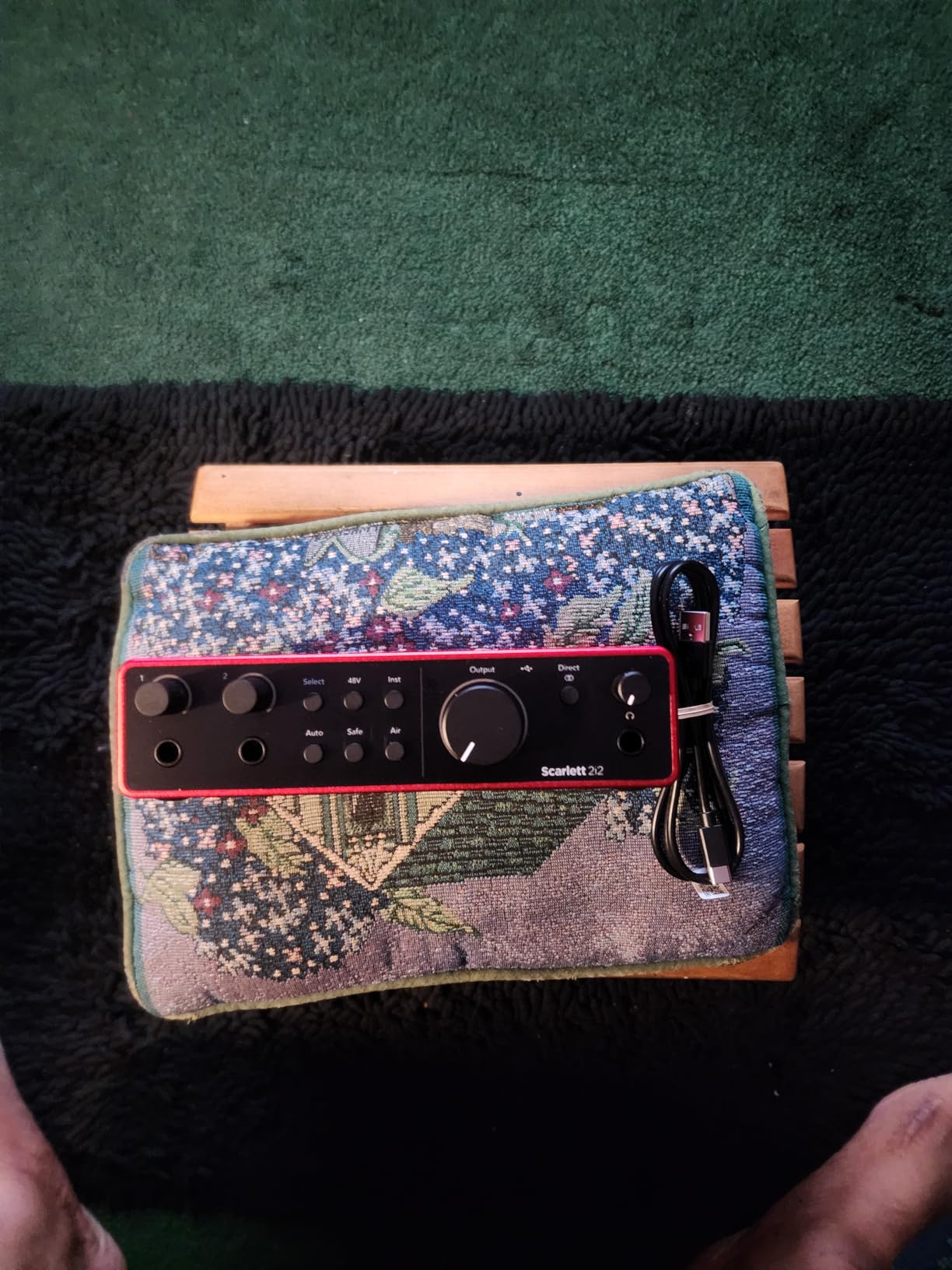
The Scarlett 2i2 4th Gen pairs one of the highest star ratings in this group with more than 2600 owner reviews, and it delivers 120dB of dynamic range from Focusrite’s flagship converter technology. That extra headroom is not a spec-sheet nicety. It is the reason a quiet condenser and a hot dynamic can both sit in the same session without one channel whispering next to the other.
Two mic preamps and two Hi-Z instrument inputs cover the common two-microphone case plus a guitar or bass, and the whole box runs 24-bit/192 kHz over USB-C. Recording at 24-bit and playing back at 48kHz is all a podcast requires.
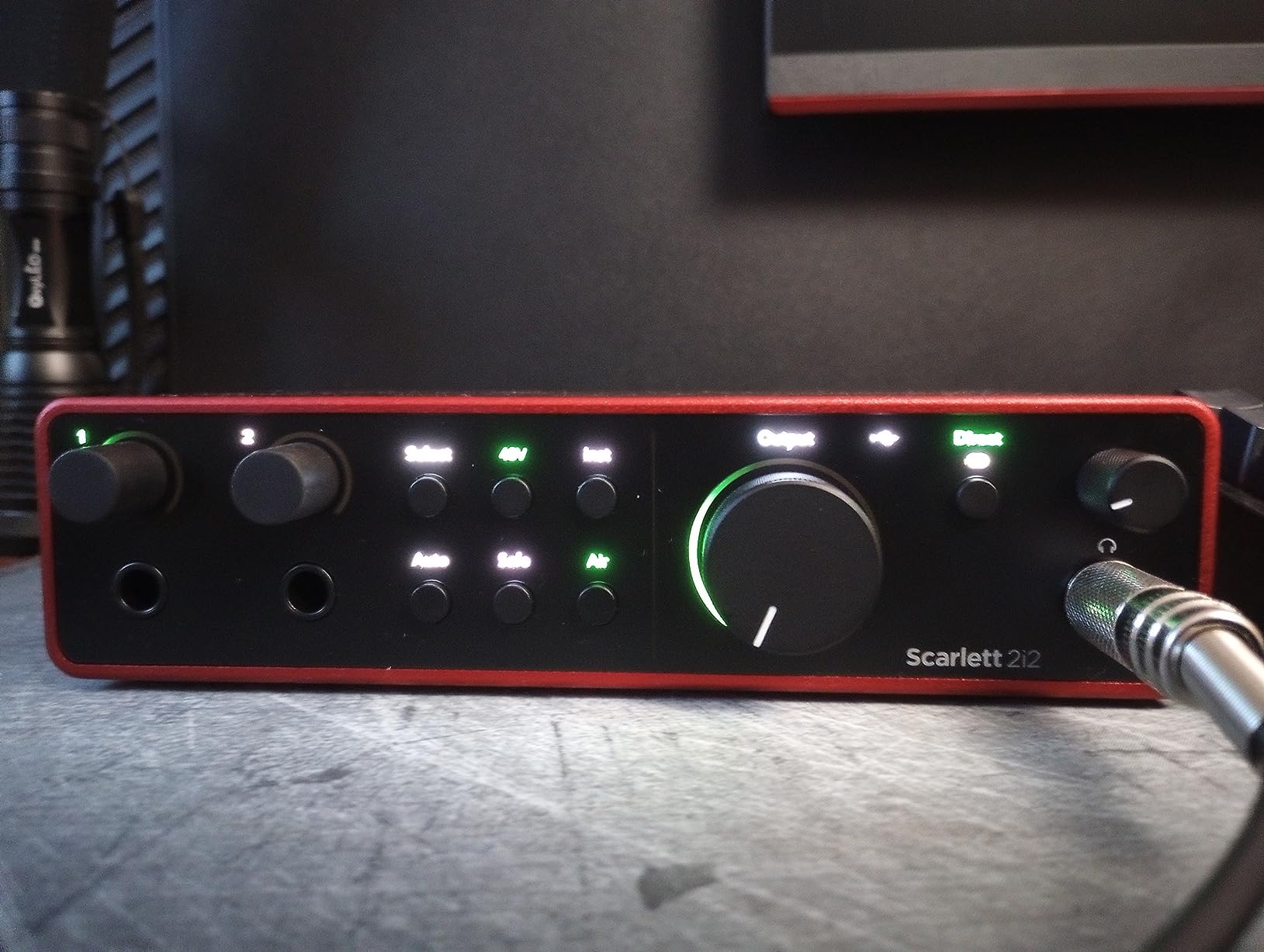
What makes it our pick for a first two-mic show is the automation. Auto Gain listens for about ten seconds and sets the level for you, Clip Safe stops a take from clipping if a host gets loud, and Air mode adds a lift of presence and harmonic drive that rescues a thin vocal without a compressor plugin. Owners regularly report that switching to this unit immediately cleaned up recordings made on an older interface.
The bundled software is more generous than the entry-level collections on cheaper boxes, with Pro Tools Intro, Ableton Live Lite, Cubase LE and the Hitmaker Expansion included. The three year warranty is also among the longest in this roundup.
What to check before you buy it
There is no MIDI input or output, which is odd when boxes like the PreSonus AudioBox 96 and the Universal Audio Volt 2 include it at the same level. If you control your session from a hardware keyboard, that matters.
Also plan your power. It is bus-powered, and some laptop ports do not deliver enough current for large-diaphragm condensers, so a powered USB hub removes a whole class of troubleshooting. Phantom power is a single global control, so plan for both channels to take 48V.
Who it suits and who should skip it
Buy it if you want the cleanest recorded signal available at this level and you would rather not think about gain staging. It handles a matched pair of dynamic mics, a condenser plus a dynamic, or vocals plus an acoustic instrument, and the automation makes a two-host show forgiving.
Skip it if your priority is a live, hands-on podcast console with sound pads and a hardware mix-minus. Choose the Zoom PodTrak P4 for that, or the Focusrite Vocaster Two if you also want Bluetooth phone guests.
4. Zoom PodTrak P4 – the best interface for a two-person podcast
Zoom PodTrak P4 Podcast Recorder with 4 XLR Mic Inputs, 4 Headphone Outputs, Phone & USB Input for Remote Interviews, Sound Pads, 2-In/2-Out USB Audio Interface, Battery Powered
4 XLR inputs with phantom power
4 headphone outputs
About 70dB of gain
Multitrack WAV recording
Pros
- Four XLR inputs and four separately monitored headphone outputs
- Each participant lands on a separate track
- Automatic mix-minus handles phone call-ins
- About 70dB of gain suits SM58-class microphones
- Four sound pads record to their own track
- Battery powered at 130g for location work
Cons
- Records 16-bit/44.1kHz only
- No built-in EQ or compressor
- Short AA battery life and a backlight that dims
- In USB mode the computer does not receive the audio
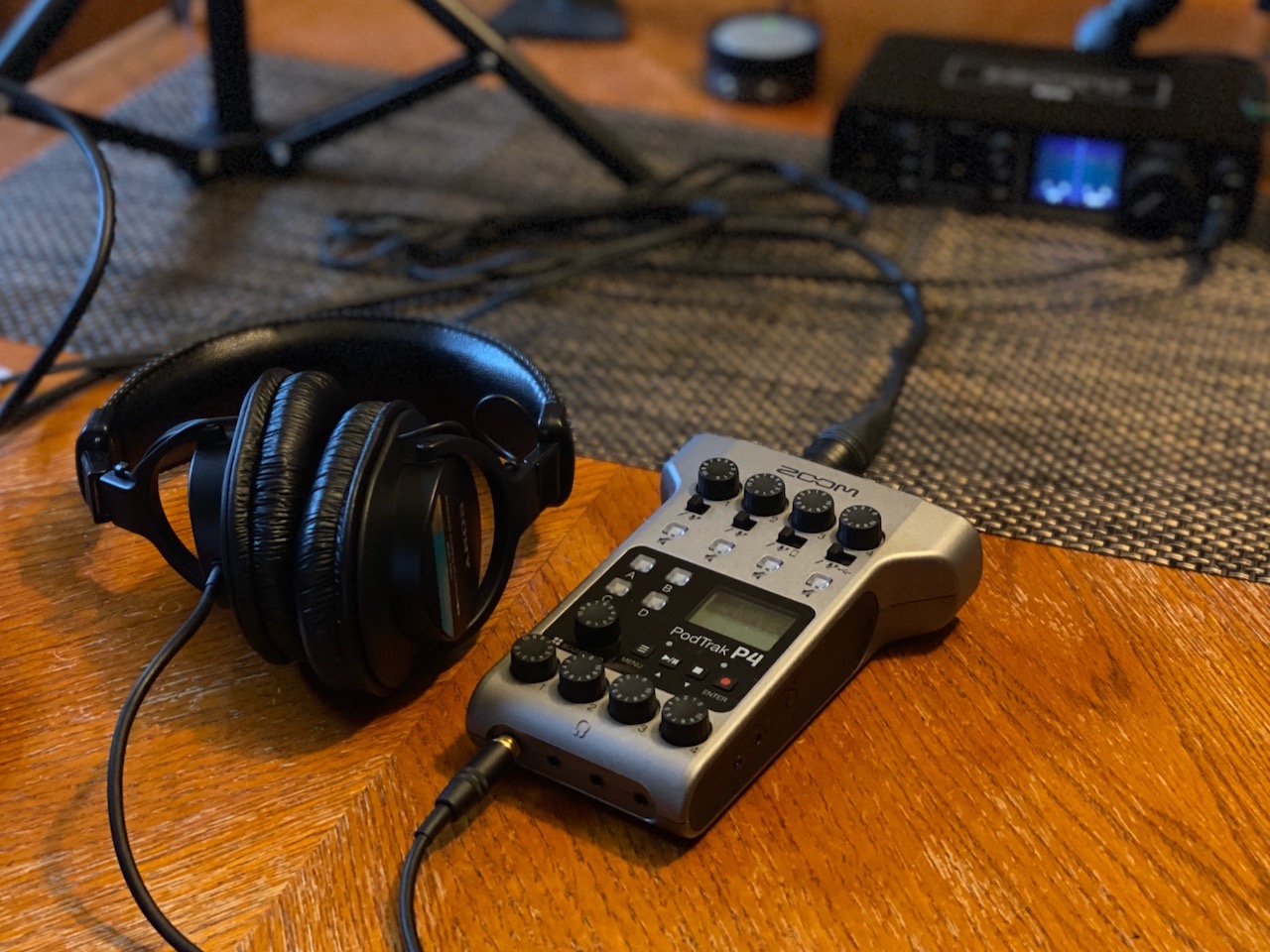
The PodTrak P4 carries one of the highest star ratings in this group and is the least like a conventional interface. Four XLR mic inputs with switchable phantom power mean you can grow from two hosts to a four-person roundtable without buying anything, and each of the four headphone outputs has its own volume control.
That headphone detail is what separates it. On a two-channel interface, the second host either shares one jack with a splitter or listens to a mix that includes their own voice. Here every participant gets a private feed, and the Show Mix concept means a guest can hear you without hearing themselves.
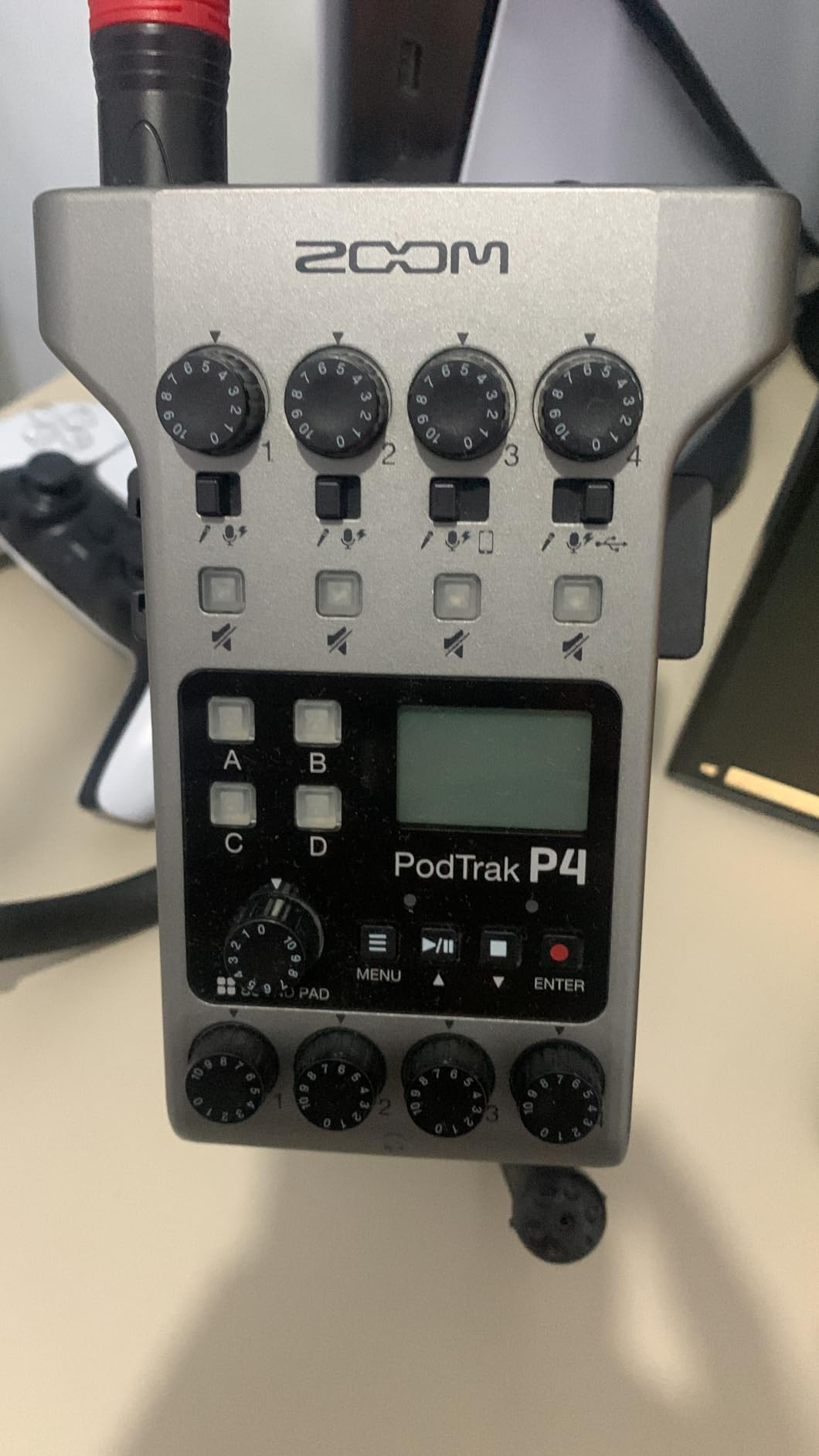
Recording happens as multitrack WAV, with every input plus all four sound pads written to separate tracks, so no level riding is needed before you cut the episode. The automatic mix-minus for TRRS phone guests is a genuine time saver on a remote interview, and the four programmable pads capture intro music and effects on their own track.
With roughly 70dB of preamp gain, SM58 and Rode class dynamics record cleanly without an inline booster such as a Cloudlifter. The box weighs 130g, runs about 3.5 hours on two AA batteries, and the layout is so intuitive that most operators never open the manual.
What to check before you buy it
Resolution is the hard limit. It records 16-bit/44.1 kHz and nothing higher, so this is not the interface for 24-bit mastering work or archival quality. Processing is limited to a low-cut filter and a limiter, with no EQ or compression built in, which means your vocal chain happens in software afterwards.
Practical notes matter too. The screen backlight turns off on battery power, which makes level reading awkward in a dark room, and in USB interface mode the computer does not receive the Zoom audio, so files are recorded to SD and imported. The two USB-C ports are identical, so check the label before plugging in power.
Who it suits and who should skip it
Buy it if you record two or more people in one room, run a remote call-in show, or want to capture intro music and stingers without a second device. It removes the need for a small mixer, a second interface and a portable recorder in one package.
Skip it if you need high-resolution capture, plug-in processing on the way in, or a workflow where the computer must receive the live mix directly. The Focusrite Scarlett 2i2 handles the high-resolution case, and the M-Audio M-Track Duo covers the simplest two-mic budget setup.
5. MOTU M2 – the best compact two-channel interface
MOTU M2 USB-C Audio Interface
2 preamps with 2-in/2-out routing
24-bit/192kHz
Hardware monitoring
USB-C bus power
Pros
- Two clean preamps with flexible 2-in/2-out routing
- 24-bit/192kHz in a very small enclosure
- True hardware monitoring for low-latency tracking
- Bundled 6GB or more of loops and samples
- Bus-powered over USB-C with no adapter
Cons
- Only a small pair of LEDs for level indication
- Monitoring mix cannot be balanced with a hardware control
- No MIDI I/O compared with similar rivals
- Compact metal chassis has no rubber feet
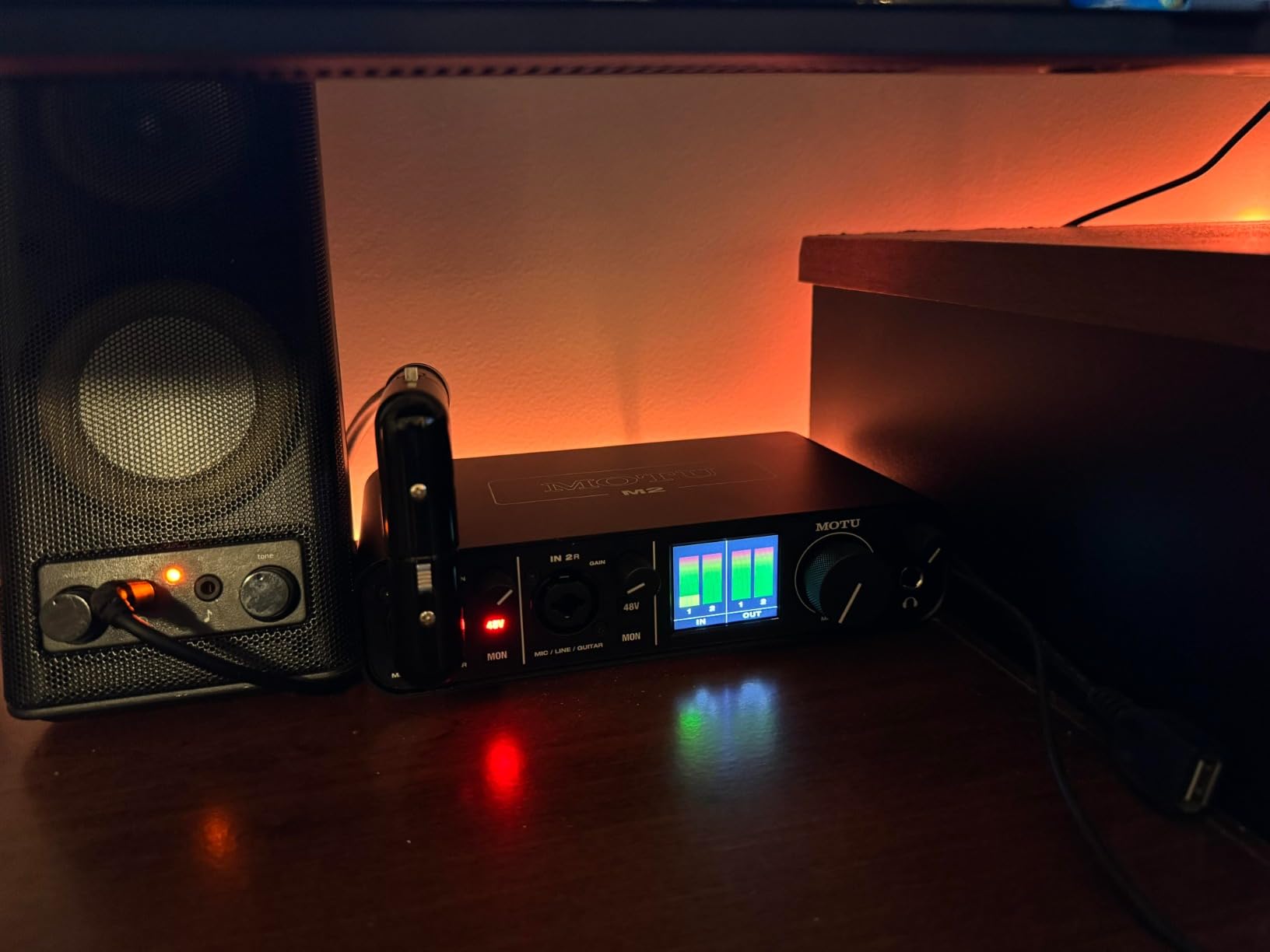
The MOTU M2 packs 24-bit/192 kHz operation into an enclosure weighing 612g, which is rare in a two-channel box. Two preamps and a 2-in/2-out configuration cover two microphones or one microphone plus an instrument without any configuration change.
Hardware monitoring gives you a low-latency path for tracking, and the 2 year warranty sits above the one year offered by most of the budget units here. The bundled content is unusually generous, with 6GB or more of loops, instruments and samples for macOS, Windows and iOS.
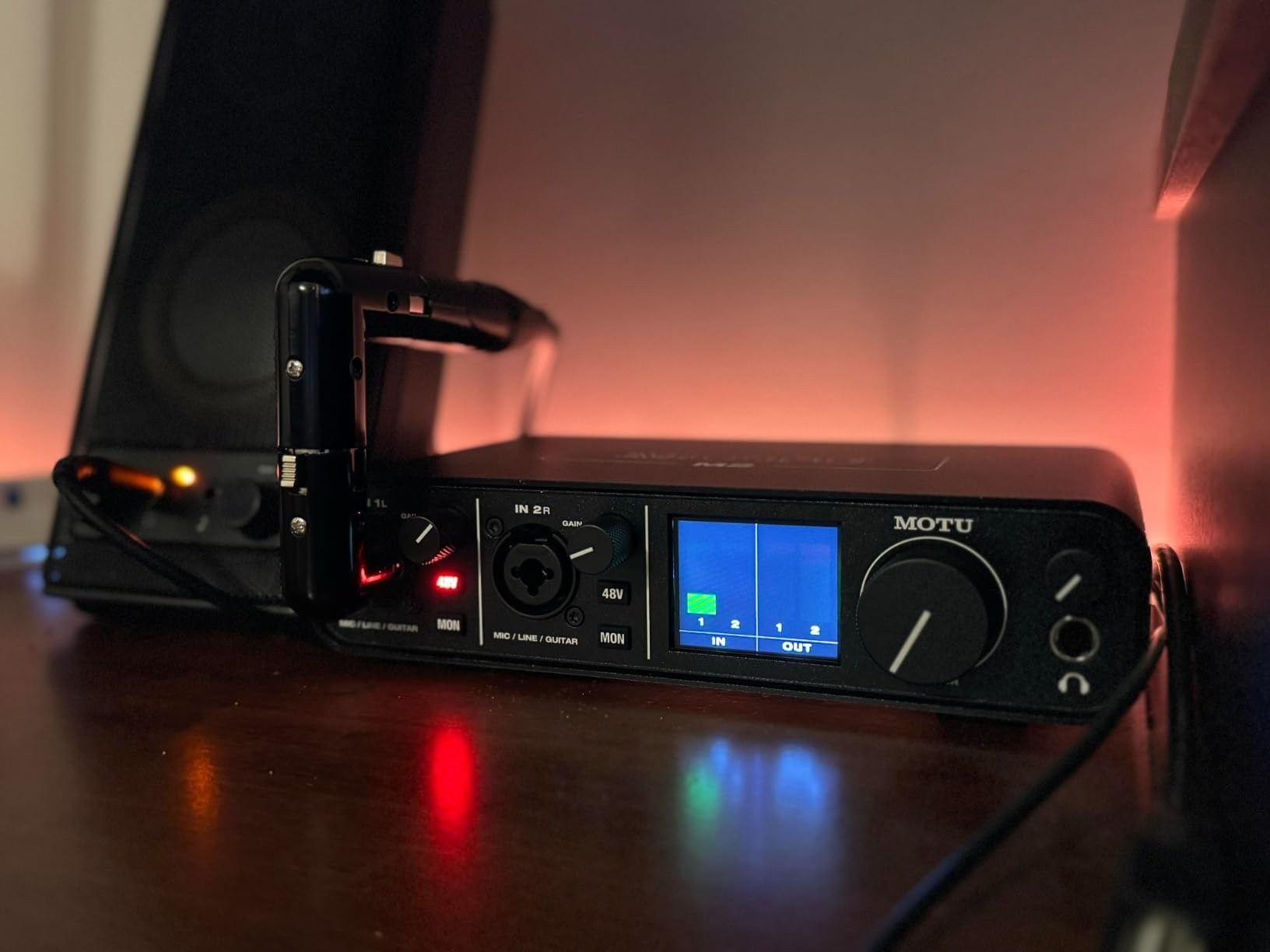
Owners consistently describe the converters as sounding considerably better than the tier would suggest, and the 192 kHz ceiling is a genuine step above most of the entry-level competition. Several reviewers note that the small footprint leaves plenty of desk space for two mic stands and pop filters, which matters more in a home setup than it sounds.
That same minimalism is the trade-off. There is no MIDI, so a controller needs its own connection, and the level indication is a small pair of LEDs that tells you very little while you set gain. Budget for a few minutes with your DAW meters before the first take.
What to check before you buy it
Gain staging is the main workflow change. Without a hardware mix control, you cannot blend direct input against computer playback with a knob, so monitoring for a two-host show usually happens in software. That is fine on a laptop, less fine if you record live into a host DAW.
Also check the desk surface. The compact metal chassis has no rubber feet and can drift when front cables are moved, which is a small annoyance that a dab of non-slip tape solves. If you need a per-host headphone feed, this box only offers one headphone output.
Who it suits and who should skip it
Buy it if you record a two-host show and want high-resolution capture from a small, sturdy box that runs off a single USB-C cable. It is a strong fit for a beat maker who wants two mics and a pad controller in the same session, and for anyone moving a setup between rooms.
Skip it if you need MIDI, independent headphone outputs for two hosts, or hardware mixing without opening software. The Audient iD14 MKII gives you two headphone outputs and a real monitor mix; the Mackie Onyx Producer 2X2 gives you MIDI at a lower tier.
6. Audient iD14 MKII – the best preamp quality per channel
Audient Audio Interface iD14 MKII, 2 Class-A Microphone Preamps (High Performance USB Audio Interface, USB-C Connector, Monitor Mix and Monitor Panning Function, 2 Headphone Outputs), Black
2 Class-A console preamps
2 headphone outputs
ADAT expands to 10 channels
24-bit/96kHz
Pros
- Preamps derived from the ASP8024 HE console sound transparent and detailed
- All-metal housing feels far more robust than plastic rivals
- Two independent headphone outputs for host and guest
- Monitor mix plus per-channel pan
- ADAT input expands the system for bigger sessions
Cons
- Bus power may be short for demanding condensers
- 24-bit/96kHz ceiling below most current rivals
- One large knob controls headphone level
- No bundled DAW beyond a trial
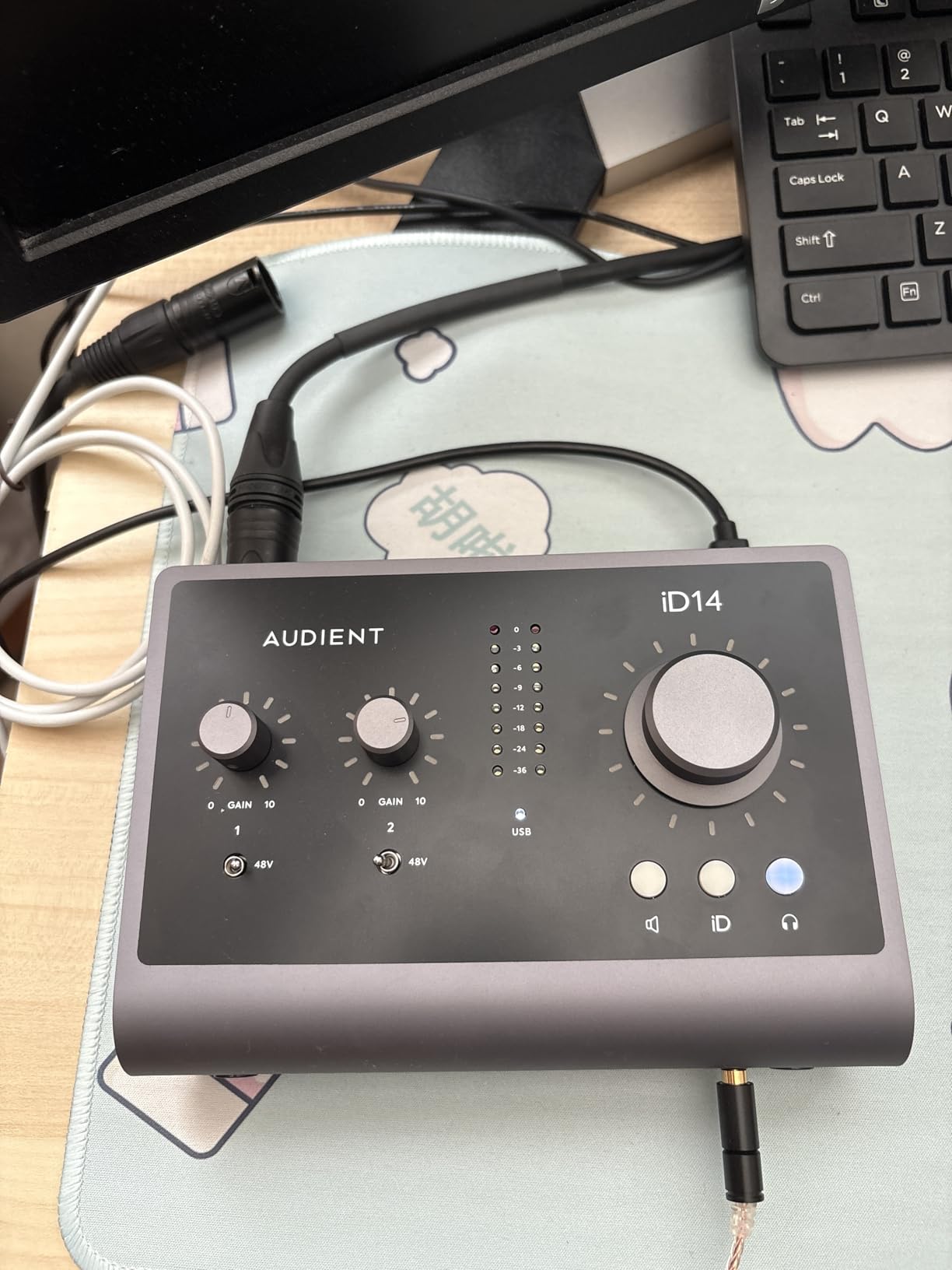
The iD14 MKII is where preamp quality becomes the deciding factor rather than a spec line. The two Class-A microphone preamps come from Audient’s ASP8024 HE console, and reviewers repeatedly point to a noise floor and transparency that compare well against units costing more.
Two independent headphone outputs mean a host and a guest can each monitor without a splitter, which is exactly the configuration a two-person podcast needs. The monitor mix and monitor panning functions then decide what each person hears, so a guest can be sent a mix without their own voice in it.
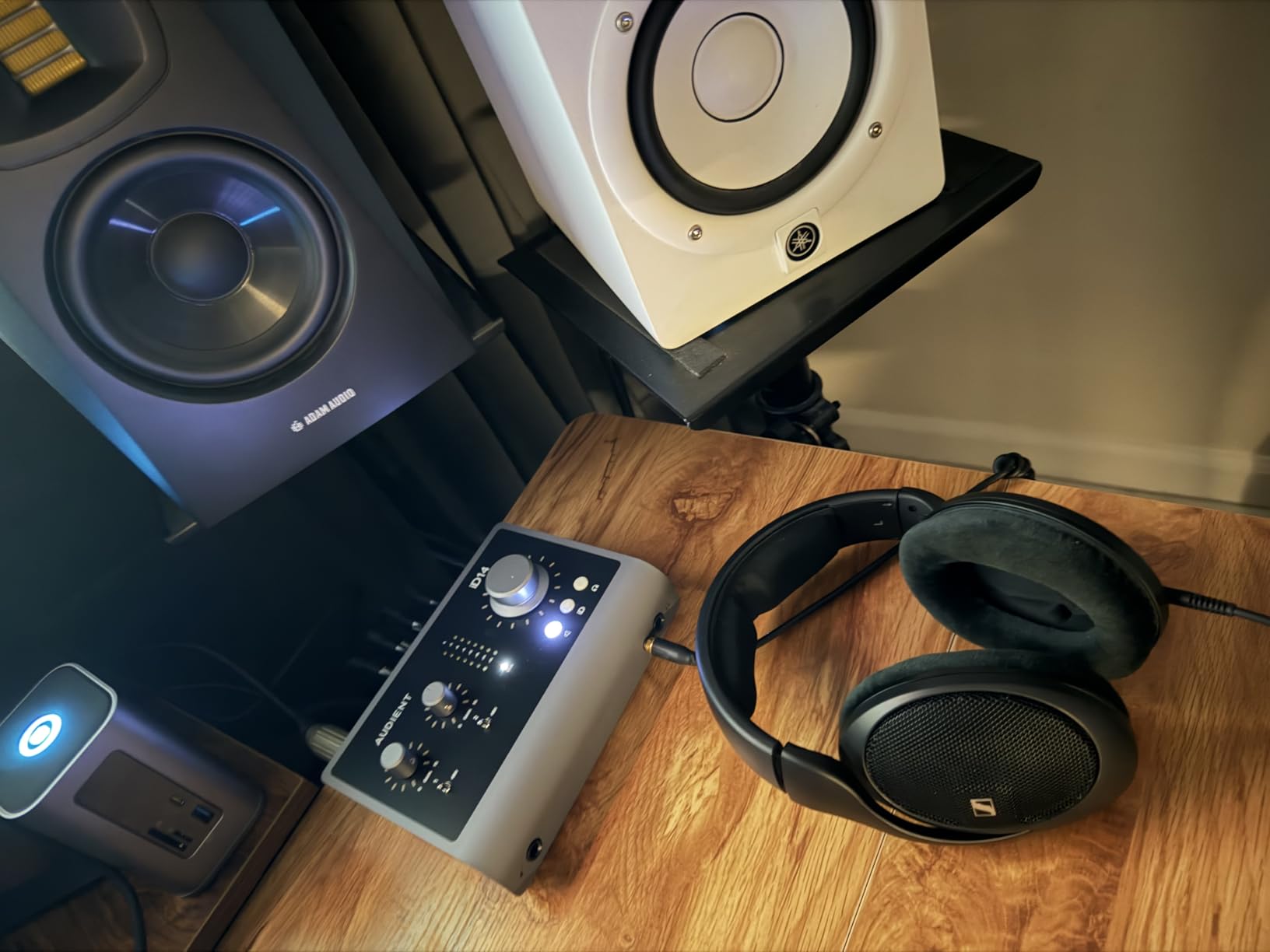
The all-metal desktop housing is the first thing you notice when it arrives. It weighs 907g and stays put, which is a small quality of life difference from a plastic box that slides every time a cable is moved. The jitter-free ADAT optical input is the other: it expands the interface to 10 channels if your setup eventually outgrows two microphones.
USB-C gives a single-cable setup, and the three year warranty matches the Focusrite for length. Compatibility covers Mac, PC and iOS, which makes it one of the easier boxes to move between a desk and a tablet.
What to check before you buy it
Maximum resolution is 24-bit/96 kHz, below the 192 kHz on the MOTU M2, the Focusrite Scarlett 2i2 and the Universal Audio Volt 2. If you record music for release rather than speech, that ceiling will eventually matter.
Bus power is the other watch point. Power-hungry condenser microphones can pull more than a laptop port comfortably delivers, so a powered hub is a sensible addition. And a single large volume knob controls headphone level rather than giving each of the two outputs its own adjustment.
Who it suits and who should skip it
Buy it if recording quality is the priority, you want a metal chassis that lasts, and you plan to add channels later through ADAT. The Class-A preamps also make it forgiving when two different microphones have to share the same session.
Skip it if you are a first-time recorder who wants a bundled DAW and a steep learning curve is unwelcome. The Focusrite Vocaster Two is far more guided, and the M-Audio M-Track Duo needs almost no setup at all.
7. Universal Audio Volt 2 – the best-sounding option for vocals
Universal Audio Volt 2 USB Audio Interface
2x2 USB-C with two preamps
610 tube emulation
24-bit/192kHz
MIDI and LUNA included
Pros
- Vintage mode emulates the classic UA 610 tube preamp
- 24-bit/192kHz converters with very low noise
- MIDI I/O most rivals at this level omit
- LUNA Recording System and UAD plug-ins bundled
- Bus-powered and small enough to travel
Cons
- Gain is modest for quiet dynamics such as SM57
- Only two LEDs indicate input level
- Direct monitoring and playback cannot be hardware balanced
- LUNA must be registered before it launches reliably
- iOS use needs the external power supply
The Volt 2 is built around emulation of Universal Audio’s classic 610 tube preamp, and that is the feature that keeps it in rotation for vocal work. Two inputs mean two microphones can be recorded at once for interviews, podcasts and stacked harmony vocals, and the 24-bit/192 kHz converters add very low noise underneath.
Vintage mode adds harmonic and dynamic character to a signal path that would otherwise be flat and clinical. Owners regularly describe it as the best-sounding interface in its class, and several compare it favourably against a Scarlett they owned previously, including the absence of electrical interference under PC load.
The software situation is unusually good. The LUNA Recording System DAW and UAD plug-ins are included, so nothing extra has to be bought before a first session, and MIDI input and output is present where several similarly priced two-channel boxes omit it. The box is bus-powered and weighs 650g.
Support covers macOS, Windows, iPad and iPhone, though the iOS route requires the external power supply and a Lightning to USB camera adapter. Treat mobile as a considered option rather than an afterthought.
The 24-bit/192 kHz converters are the other reason this box keeps showing up in project studios. They are quiet enough that a whispering condenser and a close-miked dynamic sit together without either channel dominating, which is the same headroom argument that matters for two microphones on an interview.
What to check before you buy it
Gain is the honest limitation. Several owners find the preamp gain a little low for quiet dynamic microphones such as SM57s without an inline booster, and the two status LEDs make precise gain staging harder than it should be. Plan an extra few dB of headroom from the start.
There is also no hardware control to balance direct monitoring against computer playback, so the monitoring mix has to live in software. And if you plan to use LUNA, register and launch it before you need it, because some users hit configuration steps before it starts reliably.
Who it suits and who should skip it
Buy it if you record vocals where character matters, want a full DAW and plug-in bundle in the box, and need MIDI for a controller. The tube emulation does the kind of thing an EQ boost cannot, without a hardware outboard.
Skip it if your microphones are extremely quiet dynamics, if you need two independent headphone outputs, or if hardware monitoring balance is essential. The Audient iD14 MKII covers the dual headphone case, and the Focusrite Scarlett 2i2 4th Gen covers high-resolution with automation.
8. Mackie Onyx Producer 2X2 – the best budget box with MIDI
Mackie Audio Interface, Onyx Producer 2X2 USB Audio Interface with MIDI (Onyx Producer 2-2)
2 Onyx preamps with 48V
24-bit/192kHz with MIDI
Bus-powered over USB 2.0
Combo XLR/TRS inputs
Pros
- Two Onyx preamps handle two condenser microphones at once
- Combo inputs take mic line and instrument sources
- MIDI included at a tier where rivals drop it
- 24-bit/192kHz with a metal chassis
- Zero-latency direct monitoring plus separate monitor outputs
Cons
- USB 2.0 Type-B rather than USB-C
- Bundled plug-ins are older-generation and not upgradeable
- Onyx software updates have slowed and driver installs can be awkward
- MIDI adds nothing for keyboard-only control
The Onyx Producer 2-2 is an ageing design that still earns its place, mostly because it packs two boutique-style Onyx mic preamps with 48V phantom power, MIDI I/O and a metal chassis into a budget tier where most competitors cut one of those three.
The XLR/TRS combo inputs accept microphone, line and Hi-Z instrument sources without adapters, so a two-microphone setup and a guitar session both fit through the same two sockets. Recording runs at 24-bit/192 kHz, which is unusual at this level.
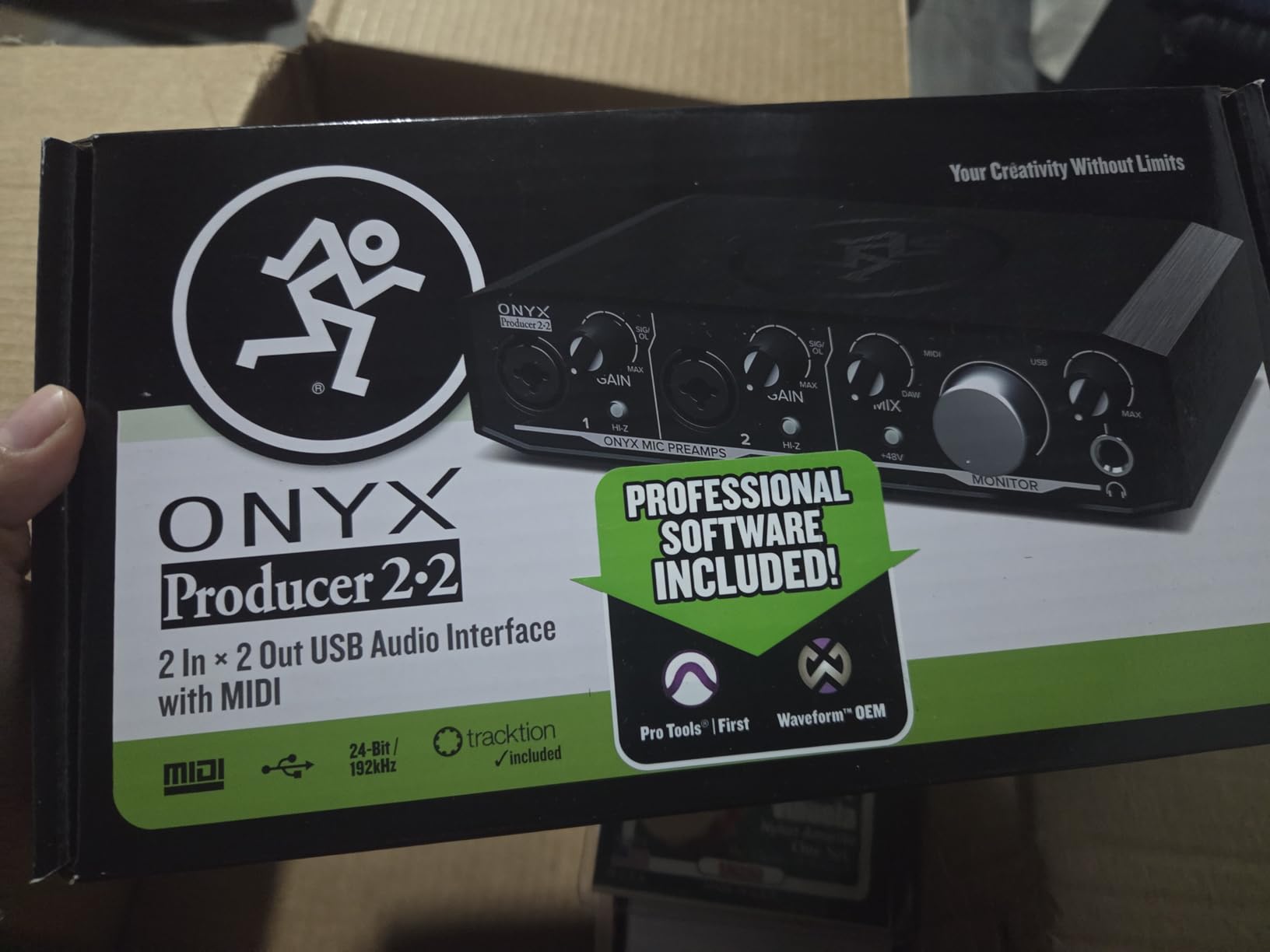
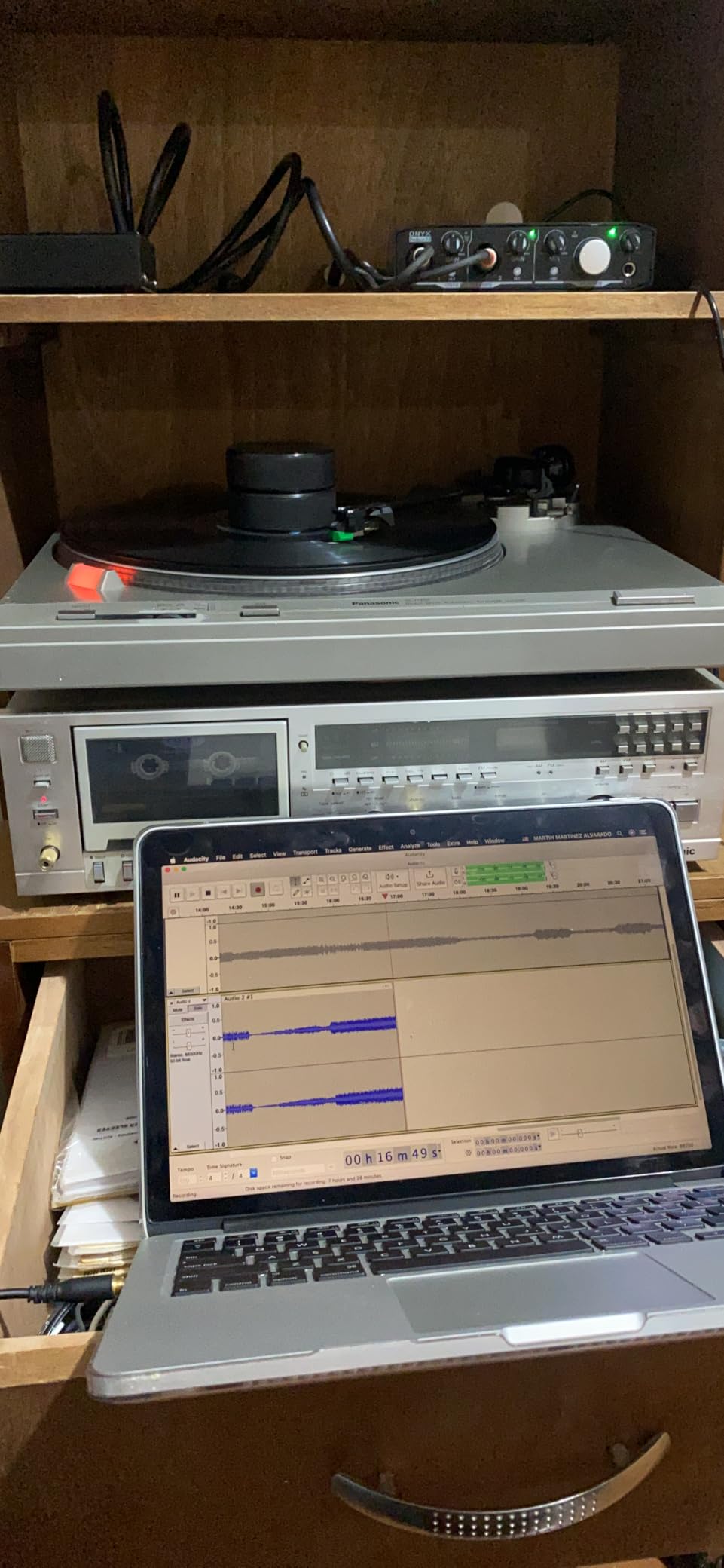
Zero-latency direct monitoring of the analog inputs is a real benefit for two hosts who need to hear themselves without software delay. Dedicated studio monitor outputs plus a separate headphone output also means you can drive speakers and headphones at the same time, which several interface designs at this tier do not allow.
The Musician Collection of 23 plug-ins and instruments is bundled, and the unit is bus-powered over USB 2.0 so no power adapter is needed. Owners consistently describe it as dependable, often as a backup or mobile interface rather than the centre of a studio.
What to check before you buy it
Software support is the thing to verify. Onyx updates have become less frequent, and some users report difficulty installing current drivers on a new machine. If you are starting fresh, check that the driver installs cleanly on your operating system before you commit to it.
The bundled plug-ins are older-generation instruments that cannot be upgraded, so treat them as a bonus rather than a reason. The USB 2.0 Type-B connection also means carrying a cable if your machine is USB-C only.
Who it suits and who should skip it
Buy it if you want MIDI alongside two microphone preamps and value a metal chassis over the newest software support. It works well as a second interface for a live room, a rehearsal space or a classroom.
Skip it if your setup depends on current driver releases, or if you plan to rely on the bundled instruments long term. The PreSonus AudioBox 96 offers similar Class-A preamp thinking with a bus-powered design and a more current software bundle.
9. Focusrite Vocaster Two – the best interface for first-time podcasters
Focusrite Vocaster Two
Host and Guest XLR inputs
Over 70dB of gain
Auto Gain and Enhance
Bluetooth and TRRS guest input
Pros
- Inputs labelled Host and Guest with no manual needed
- Over 70dB of gain avoids an inline booster
- Auto Gain and Enhance make levels near automatic
- Two headphone outputs with a Show Mix
- Bluetooth and TRRS capture remote guests
- Camera output feeds clean audio to video
Cons
- 24-bit/24kHz resolution ceiling is low
- High-pass filter appears permanently applied
- Enhance presets need trimming in software
- No built-in sound pads
- PC companion software has no recording function
The Vocaster Two is not a music interface with a podcast label. It is designed around the exact problem in this roundup, and the design shows it in the details. Two XLR mic inputs are labelled Host and Guest, so there is no ambiguity about which cable goes where, and both channels get over 70dB of gain.
That gain figure is the practical headline. Quiet dynamic microphones record cleanly without an inline booster, which removes a real cost from a first podcast purchase. Auto Gain listens for about ten seconds and sets the level, while Enhance offers four podcaster-approved voice presets for a faster start.
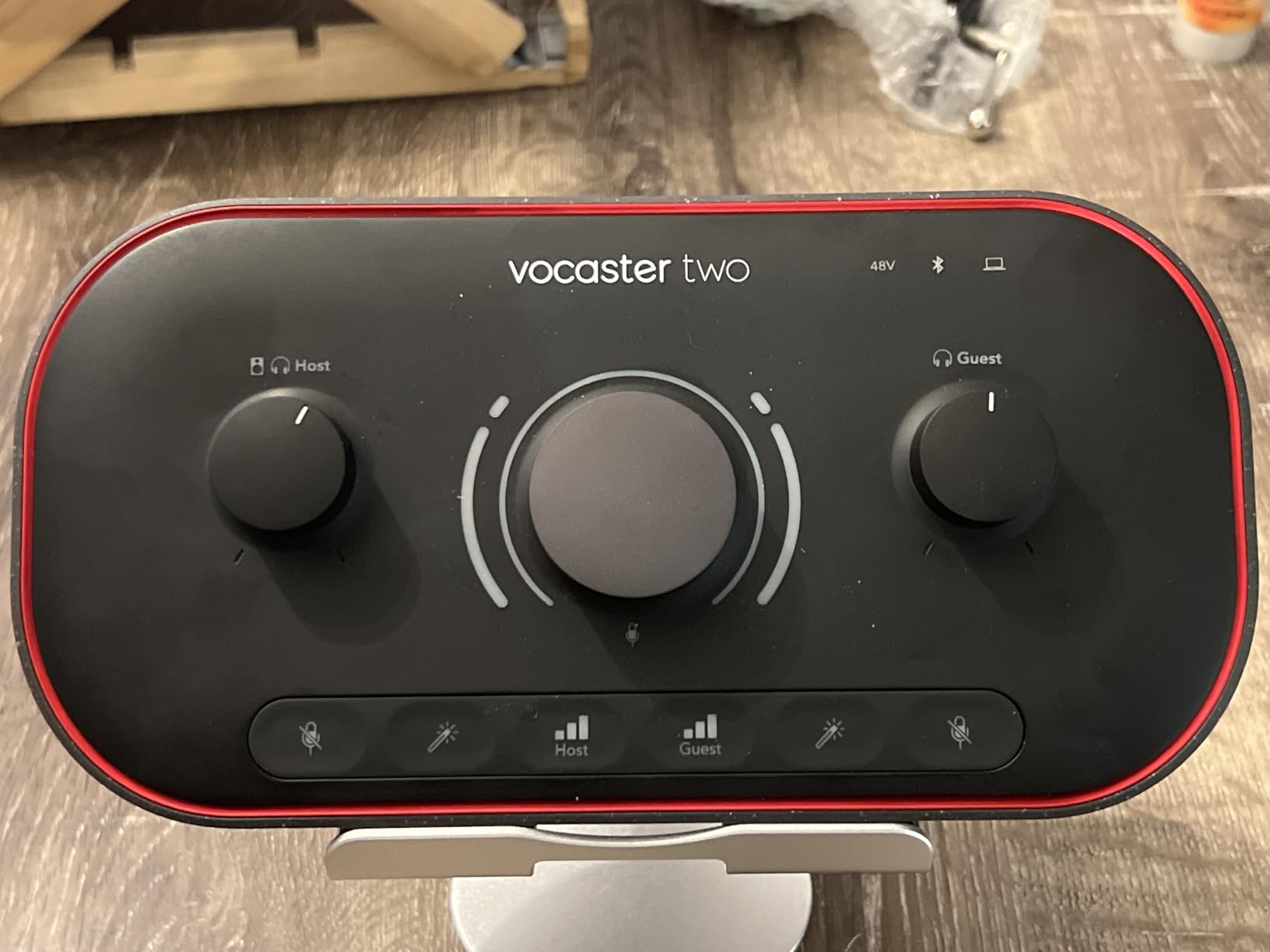
Two headphone outputs with a Show Mix feed let each presenter monitor independently, and dedicated mute buttons on each channel give you instant control over a live stream. The Bluetooth and TRRS connections capture a phone-call guest with no second device, and the camera output sends clean audio straight to a video camera.
It is also among the most portable options here. USB-C bus power means it can run from a phone or tablet, and the three year warranty matches the Scarlett.
What to check before you buy it
Maximum resolution is 24-bit/24 kHz, which is lower than most current competitors and rules it out for music production. More important for voice work, a high-pass filter appears to be applied permanently and cannot be switched off, which pulls bass out of a warm vocal even with all processing disabled.
The Enhance presets are aggressive out of the box and still need trimming in software. There are no built-in sound pads, and the PC companion software has no recording function, so your DAW does the actual capture. Mute buttons are rubber-covered rather than solid mechanical switches, and the plastic surface collects fingerprints quickly.
Who it suits and who should skip it
Buy it if you are starting a two-person show with a remote guest on the phone, or you want to record straight to a camera. The labelled inputs, Auto Gain and per-channel mute make it the fastest route from unboxing to a finished first episode.
Skip it if you need a fuller low end in your voice, higher resolution, or sound pads for intro music. Several owners return it after comparing it with the Zoom PodTrak P4, which offers four inputs, more processing headroom and pads, at the cost of resolution.
10. Tascam US-2x2HR – the best low-latency two-input interface
Tascam US-2x2HR 2 Mic 2IN/2OUT High Resolution Versatile USB Audio Interface for Recording, Streaming, Podcasting, Songwriting
2 combo XLR with Ultra-HDDA preamps
Buffer down to 4 samples
24-bit/192kHz
Physical controls
Pros
- Two combo XLR preamps with 48V phantom power
- All-physical controls need no drivers on macOS or Linux
- 24-bit/192kHz with buffer sizes down to 4 samples
- Heavy metal chassis with a tilted readable control surface
- Monitor balance knob blends headphone and monitor levels
Cons
- Some boxes report a high-pitched whine with certain microphones
- Only a 90-day parts warranty with dealer-only service
- Bundled Cubase version is dated
- Modest headphone output for 250 ohm headphones
The US-2x2HR is the pick when latency is the priority. Two combo XLR inputs with Ultra-HDDA mic preamps and 48V phantom power handle two microphones, and the Tascam native driver offers buffer sizes selectable down to 4 samples on Windows, which is about as responsive as a USB interface gets.
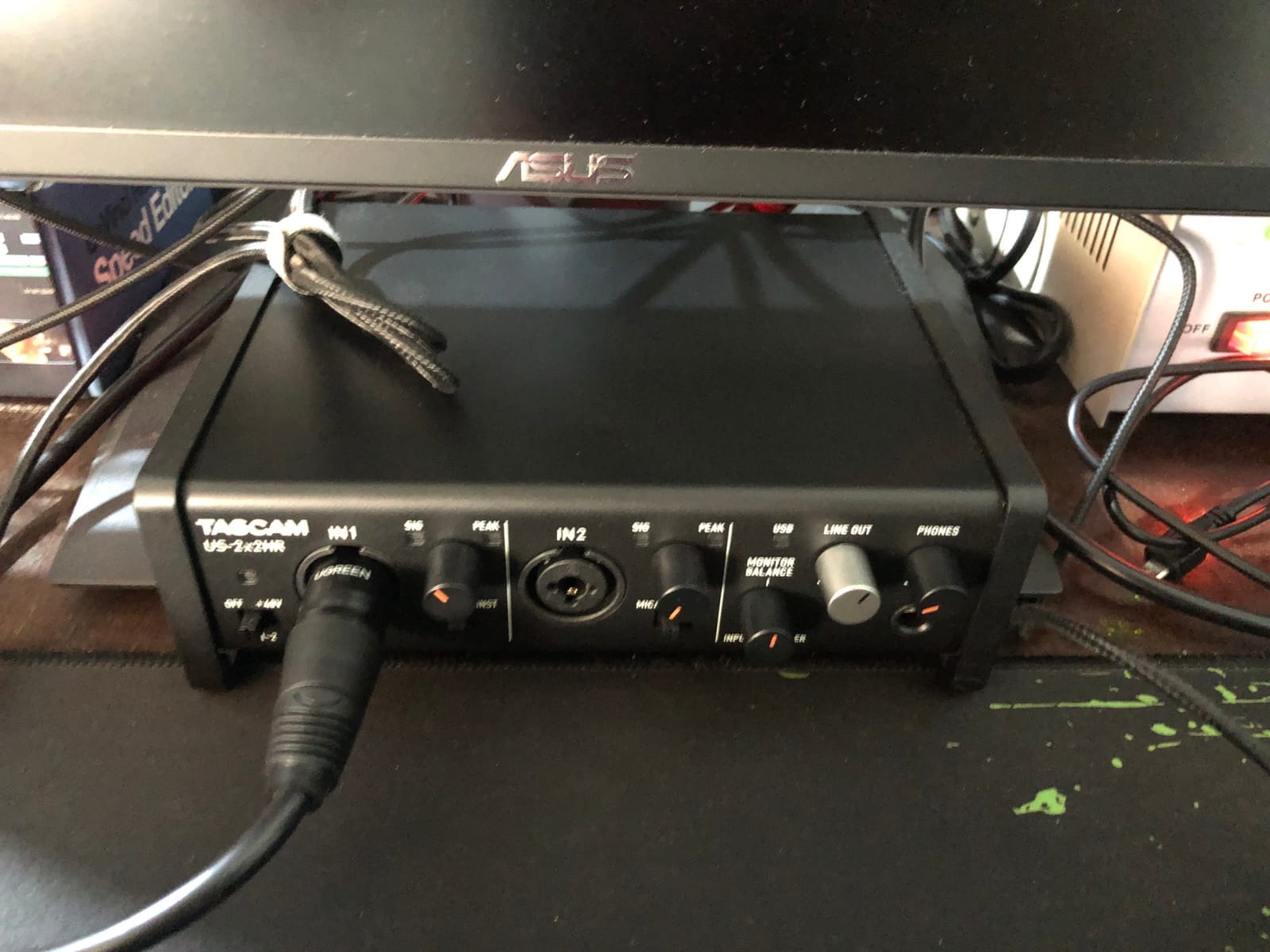
Every control is a physical knob or switch, so gain, monitor balance, line-out level and the mic, line and instrument mode on each channel are all adjusted on the surface. That means no driver hunting on macOS or Linux, and no menu diving while a guest waits.
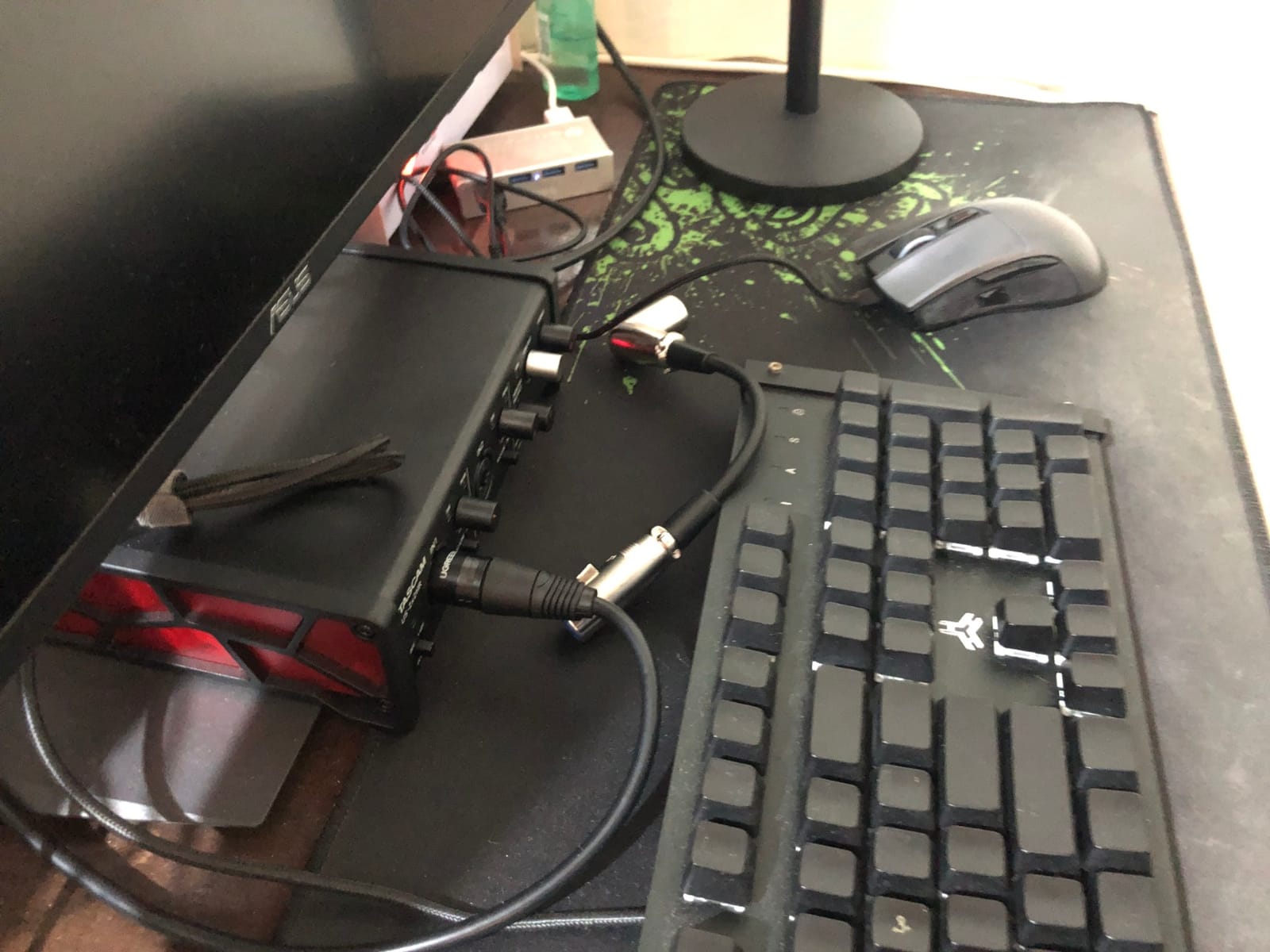
The chassis is heavy metal with a tilted base that angles the controls toward you, and the peak and signal LEDs give a clearer read on levels than the two-LED budget options elsewhere in this list. A MIDI interface is included, and there is a monitor balance knob for blending headphone and rear monitor levels.
Owners frequently report that it replaced a more expensive interface without a loss in sound quality. Several also use it as a headphone DAC, and drive high-impedance headphones such as 250 ohm models at moderate levels without complaint.
What to check before you buy it
Two things deserve a closer look. Some boxes have been reported to develop a high-pitched whine with certain microphone combinations, so test your specific mics if that matters to you. And Tascam warrants labour for ninety days with service limited to authorised dealers, which is the shortest support arrangement in this roundup.
The headphone output is modest rather than powerful, which is fine with typical studio headphones and tight with demanding high-impedance models. The bundled Cubase version is dated relative to current releases, so treat it as a trial.
Who it suits and who should skip it
Buy it if you are a musician or producer working with two microphones and want instant, physical control with minimal monitoring delay. It is a strong fit for tracking vocals and guitar at once, and for anyone who dislikes software dependency.
Skip it if you want long warranty coverage, a current bundled DAW, or two independent headphone outputs for a two-host show. The Focusrite Vocaster Two or the Zoom PodTrak P4 cover the podcast case better, and both carry longer warranties.
How to Choose an Audio Interface for Two Microphones
Count real XLR inputs, not total inputs
Two microphone inputs means two XLR mic preamps with their own gain controls and phantom power. Many cheap boxes advertise two inputs but only one is a true XLR mic input, with the second being a 1/4 inch line or instrument socket. That setup can work with an adapter, but it will not power a condenser microphone properly and it often shares one gain control. Check the spec sheet for two XLR or XLR/TRS combo sockets before you buy.
Work out how much gain you need
Preamp gain decides which microphones you can use without extra boxes. Dynamic microphones such as SM58 and SM57 class models are quiet and want roughly 55 to 60dB of gain plus an inline booster to reach a healthy level. Condensers like an NT1 or a large-diaphragm LDC are far more sensitive and are comfortable in the 30 to 40dB range.
Pairing a quiet dynamic with a hot condenser is exactly where the differences show. The Zoom PodTrak P4 offers about 70dB and the Focusrite Vocaster Two over 70dB, both enough for the demanding case. The Universal Audio Volt 2 is described by owners as needing help for the quiet end, and the M-Audio M-Track Duo has a weak phantom circuit for large-diaphragm condensers. Match the gain range to your least sensitive microphone, not your most sensitive one.
Decide whether each host needs a private mix
A single headphone output means your guest either shares a jack with a splitter or hears a mix containing their own voice. That feedback is the fastest way to ruin a first recording. Two independent headphone outputs solve it, and three products here provide them: the Zoom PodTrak P4 with four, the Audient iD14 MKII with two, and the Focusrite Vocaster Two with two plus a Show Mix feed.
Everything else in this roundup relies on software routing or a monitor blend, which works but asks you to open your DAW before the show starts.
Use the 3:1 rule and avoid phase cancellation
The 3 to 1 rule for microphones means the distance between your two microphones should be three times the distance from each microphone to the sound source. If a speaker sits 1 metre from each mic, the mics should be 3 metres apart. The reason is bleed. When the two mics are close together, each one hears the other’s direct signal as well as the original, and the slightly different arrival times cause phase cancellation that hollows out the voice and makes it sound further away and thinner.
You can check for it quickly. Record the same source on both channels, then flip one track in your software. If the sound becomes noticeably fuller and louder with the flip, the mics were fighting each other and you need to move them. If it thins out, they were already in phase. This test is worth running before every new microphone pair, because it costs a minute and it catches the most common two-microphone mistake.
Positioning matters as much as spacing. Aim both microphones at the same spot, roughly a fist from each mouth, and place pop filters in front of both. If your two hosts cannot sit that far apart, a single microphone between them is often the better recording, and a good condenser in stereo or a boundary mic will beat two mics in a tight room.
Understand sample rate, bit depth and latency
Sample rate is how many times per second the converter takes a snapshot of the audio, and bit depth is how many bits describe each snapshot. Together they set the ceiling of your recording, and for speech 24-bit/48 kHz is more than sufficient. Several products here reach 24-bit/192 kHz, which matters more for music than for voice, while two units cap resolution lower: the Focusrite Vocaster Two at 24-bit/24 kHz and the Zoom PodTrak P4 at 16-bit/44.1 kHz.
Latency is the delay between speaking and hearing yourself. Software monitoring through a DAW adds a buffer delay, and the fix is direct or hardware monitoring, which routes the signal inside the interface instead of through the computer. Every product here offers some form of it. The M-Audio M-Track Duo has a USB/Direct switch, the Focusrite Scarlett 2i2 4th Gen has a monitor blend, and the Tascam US-2x2HR goes further with selectable buffer sizes down to 4 samples.
Match the tier to the job
Entry tier covers a first co-hosted show, a stream or a mobile recorder, and the M-Audio M-Track Duo, PreSonus AudioBox 96 and Mackie Onyx Producer 2X2 sit there with two combo inputs and bundled software. Mid tier covers a two-host podcast with per-host monitoring, and the MOTU M2, Universal Audio Volt 2 and Focusrite Scarlett 2i2 4th Gen fit that step. Upper mid adds podcast-specific workflow, and the Zoom PodTrak P4 and Focusrite Vocaster Two trade raw resolution for multitrack, mix-minus and guest calling.
Our 12 best audio interfaces for recording guide goes deeper on the single-voice side, and 6 best USB audio interfaces for beginners covers the simplest plug-and-play cases if you are starting from nothing.
Check driver reliability and support
On Windows, driver quality is the single most common complaint in owner feedback across this category. Class-compliant interfaces need no extra install, while others rely on a vendor driver that has to be current for your version of the operating system. The Tascam US-2x2HR sidesteps this with all-physical controls, and the M-Audio M-Track Duo is described as driver-free. In contrast, the Mackie Onyx Producer 2X2 has slower software updates that some owners find awkward to install.
Warranty length is the other quiet differentiator. The Focusrite Scarlett 2i2 4th Gen, Focusrite Vocaster Two and Audient iD14 MKII each carry three years, the MOTU M2 gives two, the M-Audio M-Track Duo, PreSonus AudioBox 96, Universal Audio Volt 2 and Mackie Onyx Producer 2X2 give one, and the Tascam US-2x2HR warrants labour for ninety days with service through authorised dealers only.
Frequently Asked Questions
What is the best audio interface for connecting two mics?
The M-Audio M-Track Duo is the best all-round choice for two microphones, with two independent combo XLR inputs, phantom power on both channels and a USB/Direct switch for zero-latency monitoring. The Focusrite Scarlett 2i2 4th Gen is the better step up if you want higher resolution and automatic level control, and the Zoom PodTrak P4 wins when more than two people are recording in the same room.
What is a good audio interface with 2 inputs?
For the entry tier, the M-Audio M-Track Duo, PreSonus AudioBox 96 and Mackie Onyx Producer 2X2 all provide two real XLR or combo mic preamps with 48V phantom power. In the mid tier the MOTU M2 and Universal Audio Volt 2 add 24-bit/192 kHz operation, and the Audient iD14 MKII adds two independent headphone outputs plus ADAT expansion.
How do I connect 2 microphones to 1 input?
You cannot feed two microphones into one XLR socket without combining them. Use an interface with two mic preamps, or a small analog mixer with two mic channels feeding one output. A Y cable is not a solution, because it halves the impedance and degrades both signals, and plugging two mics into one channel causes phase cancellation that thins the recording.
What is the 3 to 1 rule for microphones?
The 3 to 1 rule states that the distance between two microphones should be three times the distance from each microphone to the sound source. If a speaker is 1 metre from each mic, place the mics 3 metres apart. This limits bleed between them, which is what causes the hollow, thin sound known as phase cancellation when two mics pick up the same source at slightly different times.
What is the best 2-channel audio interface for podcasting?
For a two-person show, the Focusrite Vocaster Two is the fastest route because its inputs are labelled Host and Guest, it offers over 70dB of gain with Auto Gain, and it accepts Bluetooth and TRRS phone guests. For more than two people, the Zoom PodTrak P4 records four XLR inputs to separate tracks with four headphone outputs and automatic mix-minus.
Do I need phantom power for two microphones?
Phantom power is the 48V sent down an XLR cable to power condenser microphones. Dynamic microphones do not need it, and sending 48V to a passive ribbon microphone can damage it. If you mix a condenser and a dynamic, check that the interface can switch phantom power per channel. The Zoom PodTrak P4 and Focusrite Vocaster Two can, while the PreSonus AudioBox 96, Focusrite Scarlett 2i2 and M-Audio M-Track Duo use a single global switch for both inputs.
Final Verdict on Two-Microphone Interfaces
Ten boxes, one conclusion. The best audio interfaces for two microphones depend less on raw specifications than on how many voices you are recording. For most people, the M-Audio M-Track Duo is the right first purchase, with two genuine combo inputs and monitoring that stays quiet. Move up to the Focusrite Scarlett 2i2 4th Gen when you want converters with real headroom and automatic level control, and choose the Zoom PodTrak P4 the moment a third voice joins the table.
Whatever you pick, run the 3:1 spacing test and the phase flip check before your first real session. Ten seconds of setup there saves a re-record later. For broader context on single-voice recording, our complete audio interface guide covers the rest of the market.