
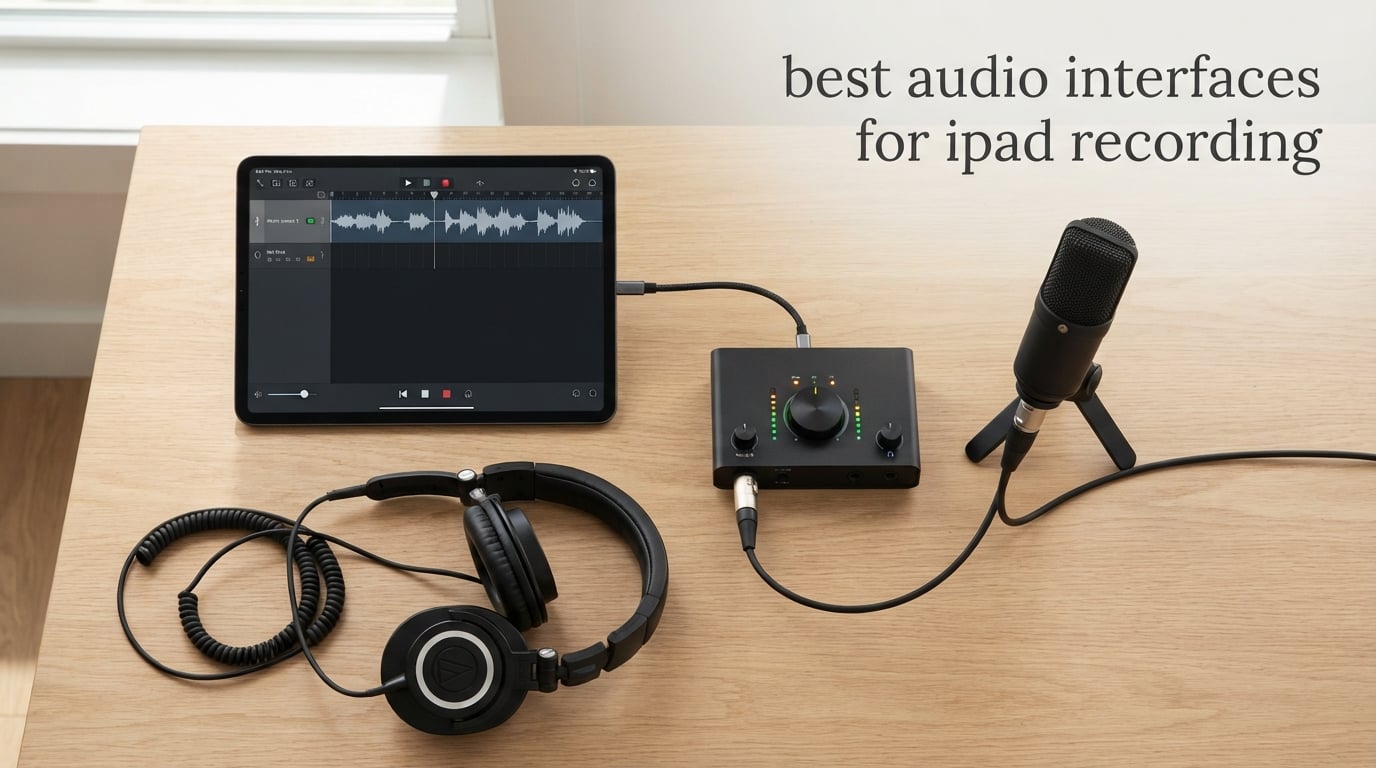
Yes, you can use an audio interface with an iPad. Any interface that is class-compliant, meaning iPadOS recognises it as a standard USB audio device, shows up in GarageBand, Logic Pro for iPad, Cubasis and every other iPad recording app with no drivers and no desktop software installed. The iPad’s built-in mics and headphone jack cannot take an XLR condenser mic, a Hi-Z guitar input or 48V phantom power, so an interface is the only route to real microphone and instrument levels on the tablet.
That single fact reframes the whole category. People on r/synthesizers and the Gearspace iPad buyers guide generally agree that almost any modern desktop interface will work, and that the deciding factors are power, input count and monitoring rather than brand name. Out of everything we looked at, only the vintage dock-based iPad docks fail today, and they are long discontinued.
We compared ten interfaces that are all driver-free on iPadOS, covering everything from a pocket clip-on dongle for guitar ideas to a four-in/four-out box with loopback and MIDI for podcasting. Every pick in this guide runs the same test: does it enumerate in iPadOS, does it stay connected through a full session on bus power, and does it monitor well enough to track with. For a wider look at the category, our general guides to audio interfaces overall and audio interfaces for beginners cover the desktop side of the market.
Table of Contents
Top 3 Picks: Audio Interfaces for iPad Recording in 2026
Three picks cover most people. The Focusrite Scarlett Solo 4th Gen is the all-rounder, the IK Multimedia iRig HD 2 is the cheapest serious way to track a guitar, and the MOTU M2 is the smallest step up to two real preamps with MIDI-class reliability.

Focusrite Scarlett Solo 4th Gen
- 120dB dynamic range
- 24-bit/192kHz
- XLR preamp plus Hi-Z input
- Auto Gain and Clip Safe

IK Multimedia iRig HD 2
- 1/4-inch Hi-Z input
- 24-bit/96kHz
- FX and Thru Amp Out
- USB-C and Lightning cables in box

Best Audio Interfaces for iPad Recording in October
Every interface below is class-compliant and needs no driver on iPadOS. The columns that matter most on a tablet are the input count, whether phantom power is there for condenser mics, and whether direct monitoring is handled in hardware so you can hear yourself without the round-trip delay.
| Product | Specifications | Action |
|---|---|---|
| Focusrite Scarlett Solo 4th Gen |
|
Check Latest Price |
| IK Multimedia iRig HD 2 |
|
Check Latest Price |
| MOTU M2 |
|
Check Latest Price |
 MOTU M4 MOTU M4 |
|
Check Latest Price |
 Shure MVX2U Gen 2 Shure MVX2U Gen 2 |
|
Check Latest Price |
 Universal Audio Volt 1 Universal Audio Volt 1 |
|
Check Latest Price |
 Rode AI-Micro Rode AI-Micro |
|
Check Latest Price |
 JOYO MOMIX CAB JOYO MOMIX CAB |
|
Check Latest Price |
 IK Multimedia iRig Pro I/O IK Multimedia iRig Pro I/O |
|
Check Latest Price |
 IK Multimedia iRig Pre HD IK Multimedia iRig Pre HD |
|
Check Latest Price |
1. Focusrite Scarlett Solo 4th Gen: The Best All-Round Pick for iPad Recording
Focusrite Scarlett Solo 4th Gen USB-C Audio Interface
120dB dynamic range
24-bit/192kHz conversion
1 XLR mic preamp plus 1 Hi-Z input
Pros
- 120dB dynamic range from Focusrite flagship converters
- Works with dynamic mics like the SM58
- Auto Gain and Clip Safe remove gain guesswork
- Includes Pro Tools Intro+ and Ableton Live Lite
Cons
- Only one mic preamp so no stereo or two-person recording
- Windows driver quirks can lower gain with dynamic mics
- Ships with a USB-A to USB-C cable rather than USB-C to USB-C
The Scarlett Solo 4th Gen is the interface I end up recommending to people who just want an iPad to sound like a studio. It enumerates immediately over USB-C, lists Mac OS, Windows OS and iOS as supported operating systems, and does it all from a box roughly the size of a deck of cards.
Owners consistently describe the preamps as clean and warm for both vocals and instruments, and the headphone amp as effectively delay-free for tracking. The 24-bit/192kHz conversion and 120dB dynamic range come from the same converter family Focusrite uses in its flagship boxes, which is more headroom than most iPad sessions need.
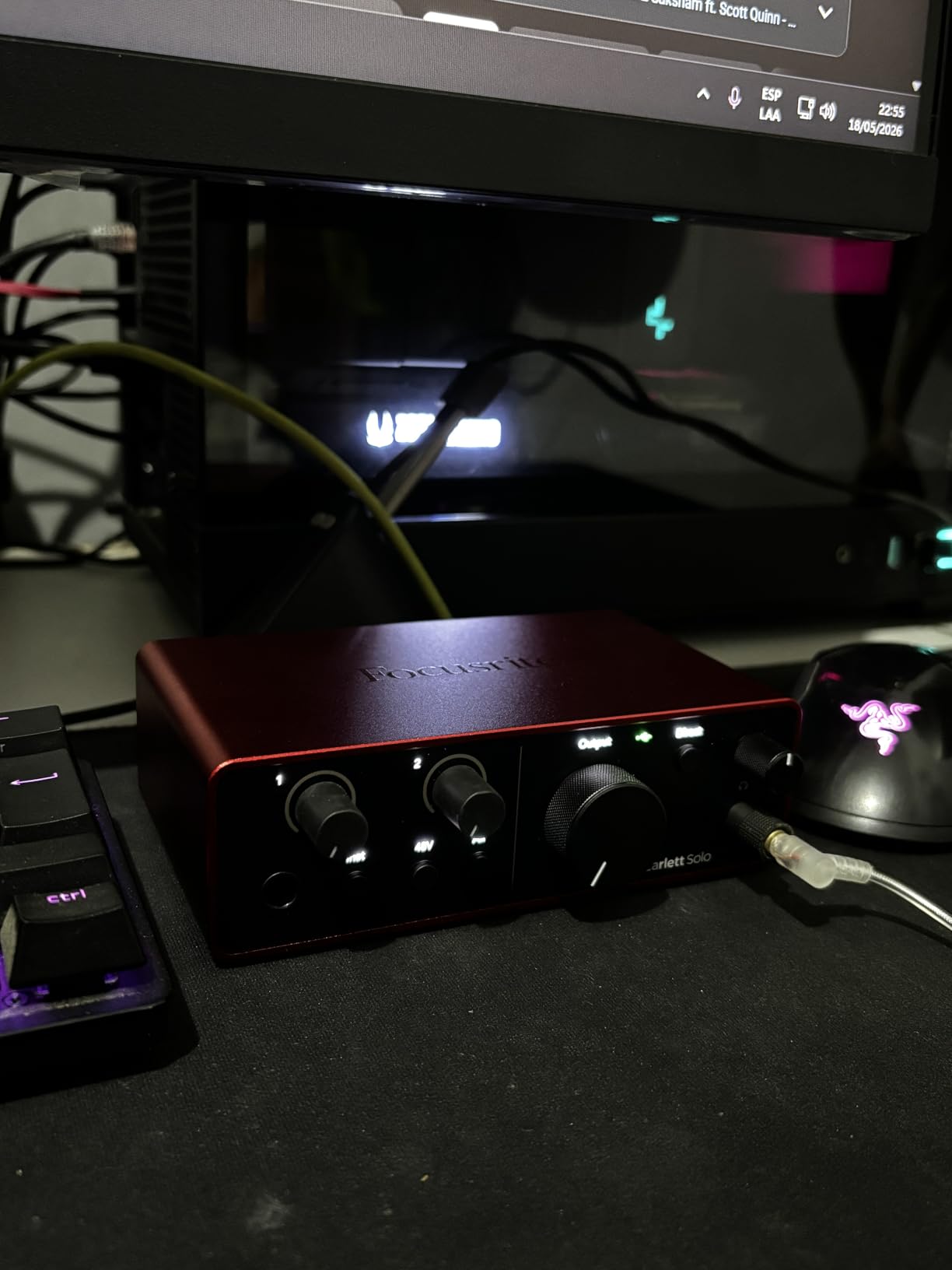
Auto Gain and Clip Safe are the two features I would not want to lose. Auto Gain sets the level for you and Clip Safe catches the peaks you miss, which on a tablet where you cannot see a hardware meter is genuinely useful rather than a gimmick.
Air mode is the other one that comes up constantly in reviews. It adds presence and harmonic drive so a vocal sits forward in a mix, and the bundled software is unusually generous for a two-input box: Pro Tools Intro+, Ableton Live Lite, Cubase LE and Hitmaker Expansion all ship in the carton.
Check the port and cable before you buy
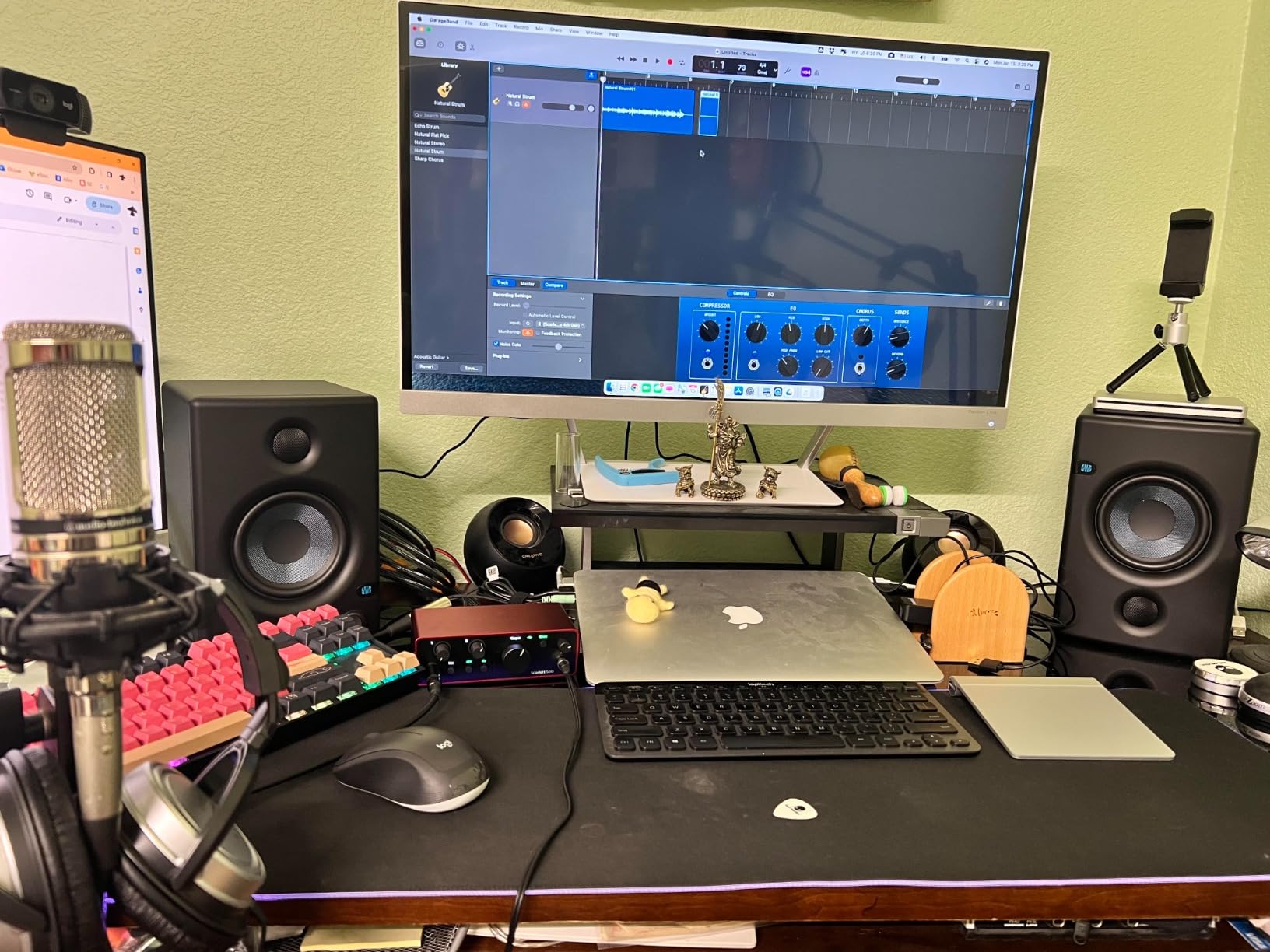
It includes a USB-A to USB-C cable, so on a USB-C iPad you may want a USB-C to USB-C cable instead, and on a Lightning iPad you need Apple’s Lightning to USB 3 Camera Adapter. The included component list is short: the interface and one cable.
Know when one input is not enough
One mic preamp means solo vocal, one guitar, or a mic plus a Hi-Z instrument through the second jack, but never two singers or a stereo source at once. Reviewers report that the Focusrite Control drivers on Windows can reduce gain with dynamic mics like the SM58, which is another reason most iPad users will never meet that issue.
2. IK Multimedia iRig HD 2: Best Value for Guitar Tracking on iPad
IK Multimedia iRig HD 2 guitar audio interface for iPhone, iPad, Mac, iOS and PC with USB-C, Lightning and USB cables and 24-bit, 96 kHz music recording
1/4-inch Hi-Z input
24-bit/96kHz conversion
Switchable FX and Thru Amp Out
Pros
- Cables for USB-C and Lightning included in the box
- 96 kHz sampling for clean tracking
- FX and Thru blend amp sim with direct signal
- Pocket-sized at 8 ounces
- Unlocks AmpliTube content on iOS
Cons
- No XLR mic input at all
- Further amp and effects packs cost extra
- Weak micro-USB connector can go intermittent
If the plan is guitar into an iPad and nothing else, the iRig HD 2 is the most direct answer, and it has 3878 ratings behind it. It is designed around a single 1/4-inch Hi-Z instrument-level input with an adjustable input gain preamp, and it ships with USB-C, Lightning and USB cables.
That means it plugs into an iPad Pro, an older Lightning iPad and a laptop from the same box, which removes the adapter guesswork entirely. Guitarists describe monitoring as dependable and low-latency for practice and tracking, and the 96 kHz conversion is the highest sample rate the box offers.
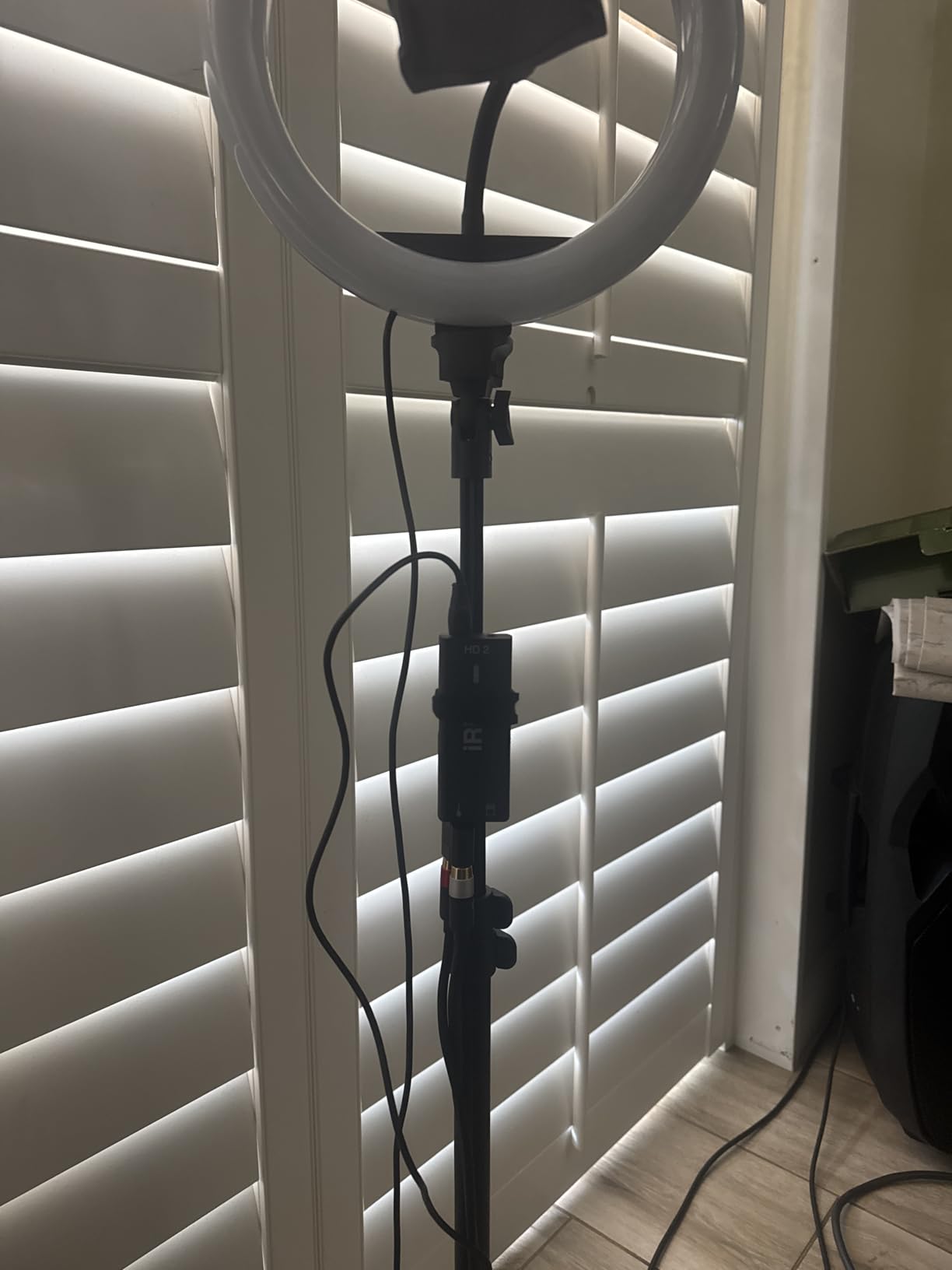
The Amp Out jack is more interesting than it sounds. The FX and Thru switch lets you blend processed and direct signal without re-balancing levels, which solves the classic amp-sim problem where the software sound fights with the raw guitar underneath it.
At 8 ounces and less than four inches long, it also disappears into a gig bag. That matters for iPad recording specifically, where the whole point is that the rig is smaller than a laptop.
Check whether you need a mic input
This is a guitar interface, not a microphone interface. There is no XLR jack and no phantom power, so if a vocal is part of the plan, look at the Shure MVX2U Gen 2 or the iRig Pre HD instead.
Factor in the extra software cost
The free AmpliTube bundle unlocks content on iOS and Mac or PC, but broader amp and cab packs are a separate purchase. Owners also flag the micro-USB connector as the part most likely to fail with frequent unplugging, so treat the cable as consumable and use a proper USB-C cable if the tablet has one.
3. MOTU M2: Best Small Step Up to Two Real Preamps
MOTU M2 USB-C Audio Interface
2-in/2-out USB-C
24-bit/192kHz operation
Hardware monitoring for low-latency tracking
Pros
- Two clean preamps in a compact body
- 24-bit/192kHz converters
- Hardware monitoring for low-latency tracking
- Class-compliant USB-C across iOS Mac and Windows
- 6+GB of bundled software
Cons
- No MIDI connectivity
- Stops at two inputs so no band or stereo tracking
- Takes more desk space than a dongle
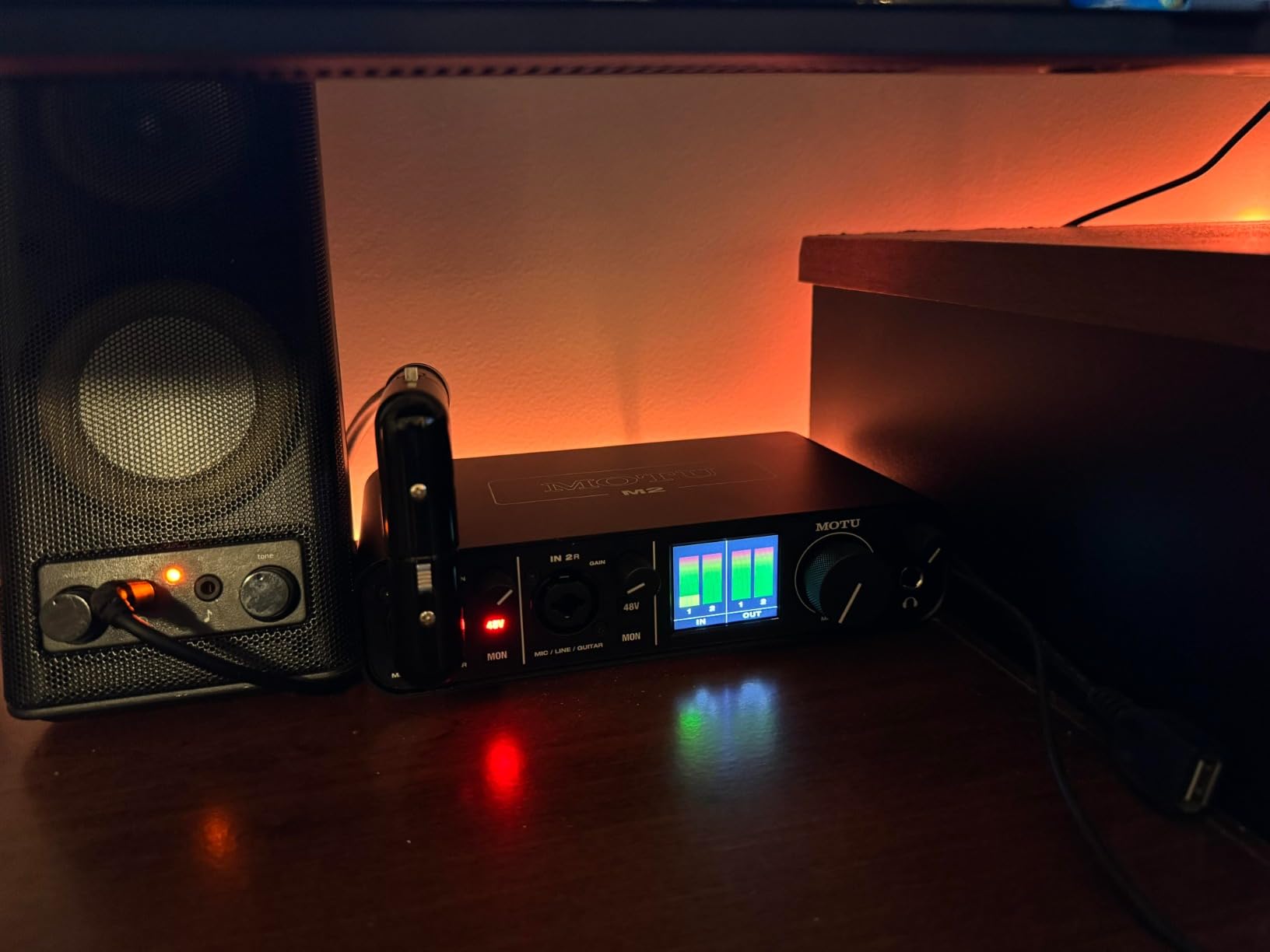
The MOTU M2 is the smallest box in this guide that behaves like a proper desktop interface rather than an adapter. It is a 2-in/2-out USB-C design with two preamps, 24-bit/192kHz operation and hardware monitoring, and it draws power from the tablet.
Two inputs is the number that unlocks real work on iPad. A singer and a guitarist can be tracked at once, a podcast host and guest each get a mic, or you can capture a stereo pair. Everything below two inputs is a compromise for most sessions.
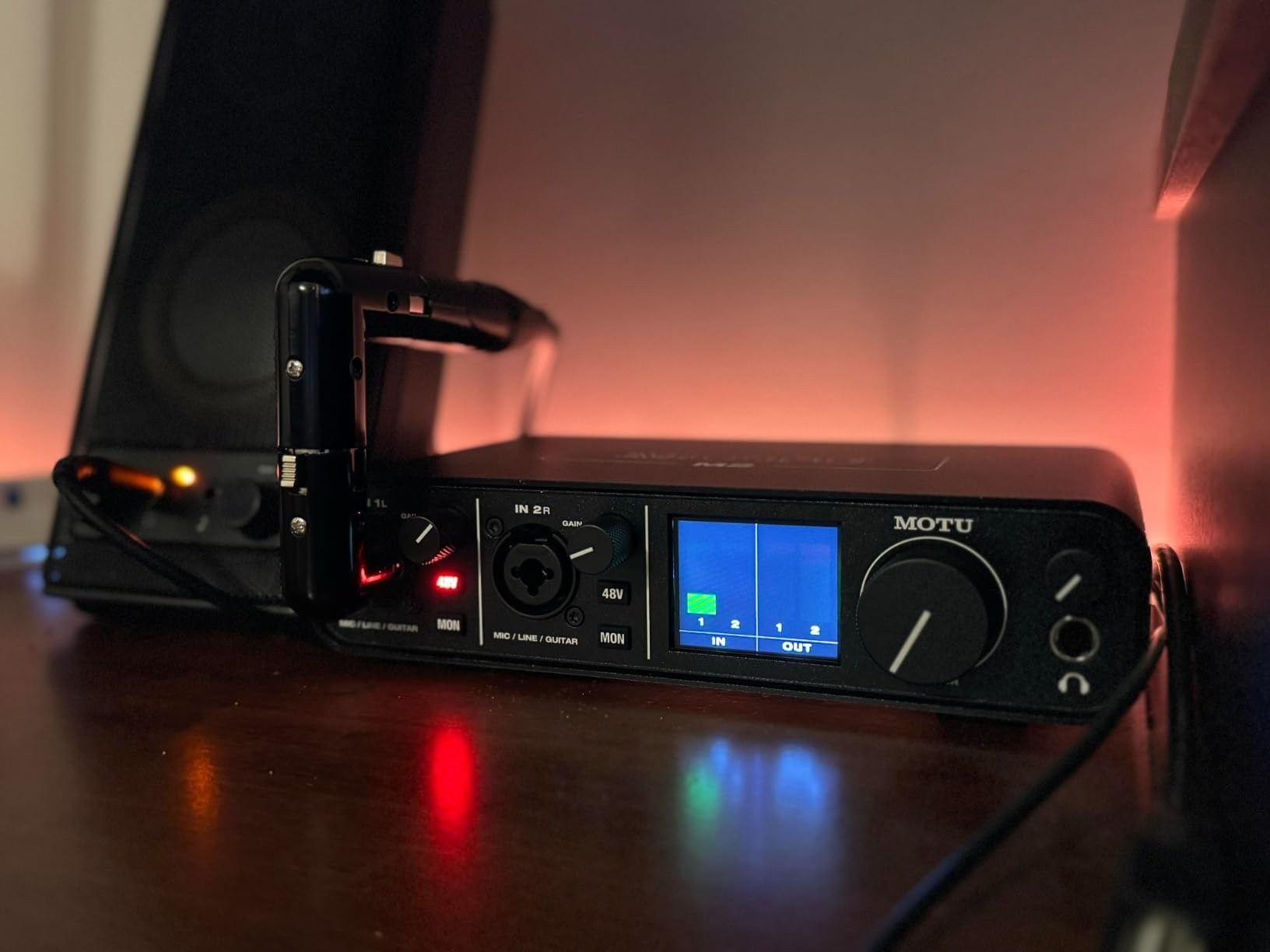
Hardware monitoring is what separates it from a bare converter. The signal reaches your headphones through the interface rather than making a round trip through the app, which is the difference between tracking a performance and fighting it.
MOTU also bundles more than 6GB of recording software content covering macOS, Windows and iOS, and reviewers rate the preamps as clean and low noise. It carries a two-year warranty.
Confirm your session fits in two inputs
Owners are clear that the M2 stops at stereo or single-channel sources, with no bus or multi-channel recording like the larger M4 provides. If drums or a band are coming, the extra inputs on the M4 save a re-cabling session later.
Check the MIDI question
There is no MIDI on this box. Players who want a controller or a hardware synth to appear in Cubasis or GarageBand should look at the MOTU M4 or the iRig Pro I/O, both of which carry DIN MIDI in and out.
4. MOTU M4: Best for Podcasting and Loopback Streaming on iPad
Motu M4 4×4 USB-C Audio Interface
4-in/4-out USB-C
Loopback for streaming and podcast
MIDI in and out plus LCD screen
Pros
- Four inputs and four outputs for multi-channel tracking
- Two MOTU preamps with clean low-noise capture
- Loopback for streaming and podcast workflows
- MIDI in and out for controllers and keyboards
- 24-bit/192kHz with low-latency hardware monitoring
Cons
- Larger and heavier than two-channel desktop interfaces
- Only two of the four inputs have preamps
- Extra inputs are line level
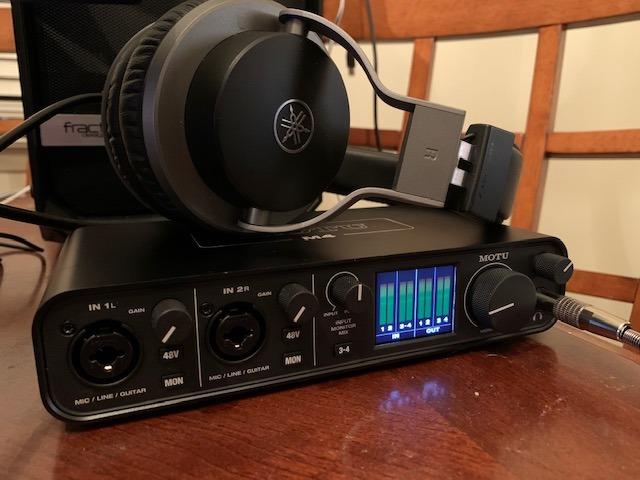
The M4 is the upgrade path for anyone whose iPad work has outgrown two channels. It is 4-in/4-out over USB-C with two microphone preamps, 24-bit/192kHz operation, hardware monitoring, MIDI in and out, and a loopback feature built for streaming and podcast capture.
Loopback is the underrated part. It lets you send program audio back into the recording, so a podcast or a livestream can be captured on the tablet while a track plays underneath, without a second device or a mixer.
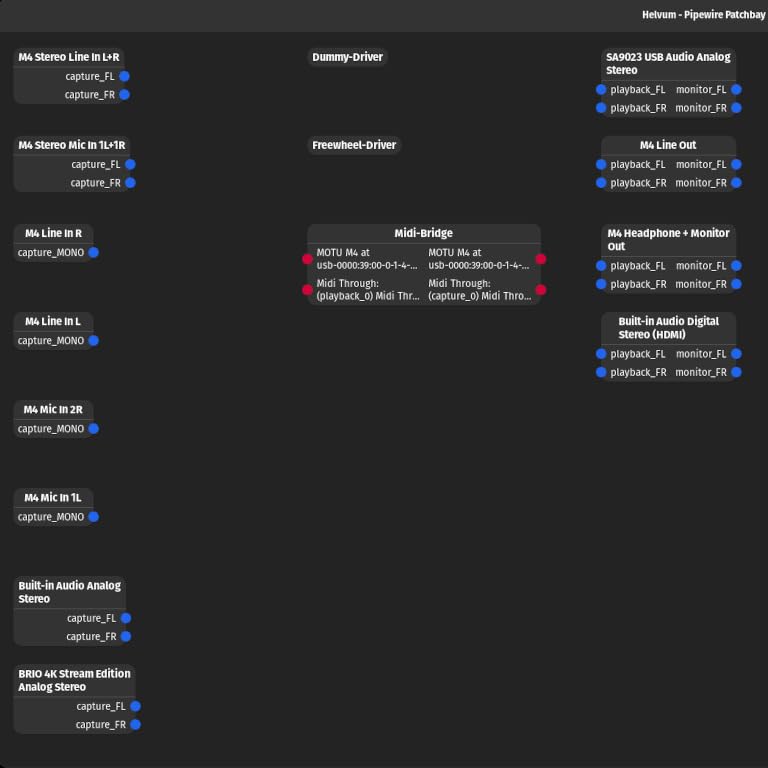
The LCD screen is small but practical. You can change monitoring settings without opening a menu, which on iPad matters more than it would on a desktop, because the alternative is unlocking the tablet, finding the right screen and switching apps mid-take.
Reviewers also flag the honest limitation clearly: only two inputs have preamps, so a multi-mic podcast with three or four people still needs outboard gain control. The remaining inputs are line level.
Weigh size against channel count
At four inches deep and sixteen ounces, it is noticeably bulkier than the two-channel boxes. That is a fair trade for loopback and MIDI, but a solo voice-over or one-mic podcast has no use for the extra channels.
Plan your gain for a two-person show
Two preamps means exactly two people at a time. Adding a third host or an instrument in the same session means either a second interface or an external preamp feeding the line-level inputs.
5. Shure MVX2U Gen 2: Best for Travel Podcasting with Any XLR Mic
Shure MVX2U Gen 2 XLR-to-USB-C Audio Interface
XLR to USB-C
Up to +60 dB of gain
48V phantom power over USB
Pros
- Turns any XLR mic including an SM7B into a USB mic
- 100 g and small enough for a shirt pocket
- 48V phantom power with no external power brick
- Onboard denoiser EQ compression and pop stopper
- Plug-and-play with no drivers
Cons
- Settings need the MOTIV app which some hosts find restrictive
- Newer MOTIV versions have dropped Windows 10 support
- Max gain is short for very quiet mics like the RE20
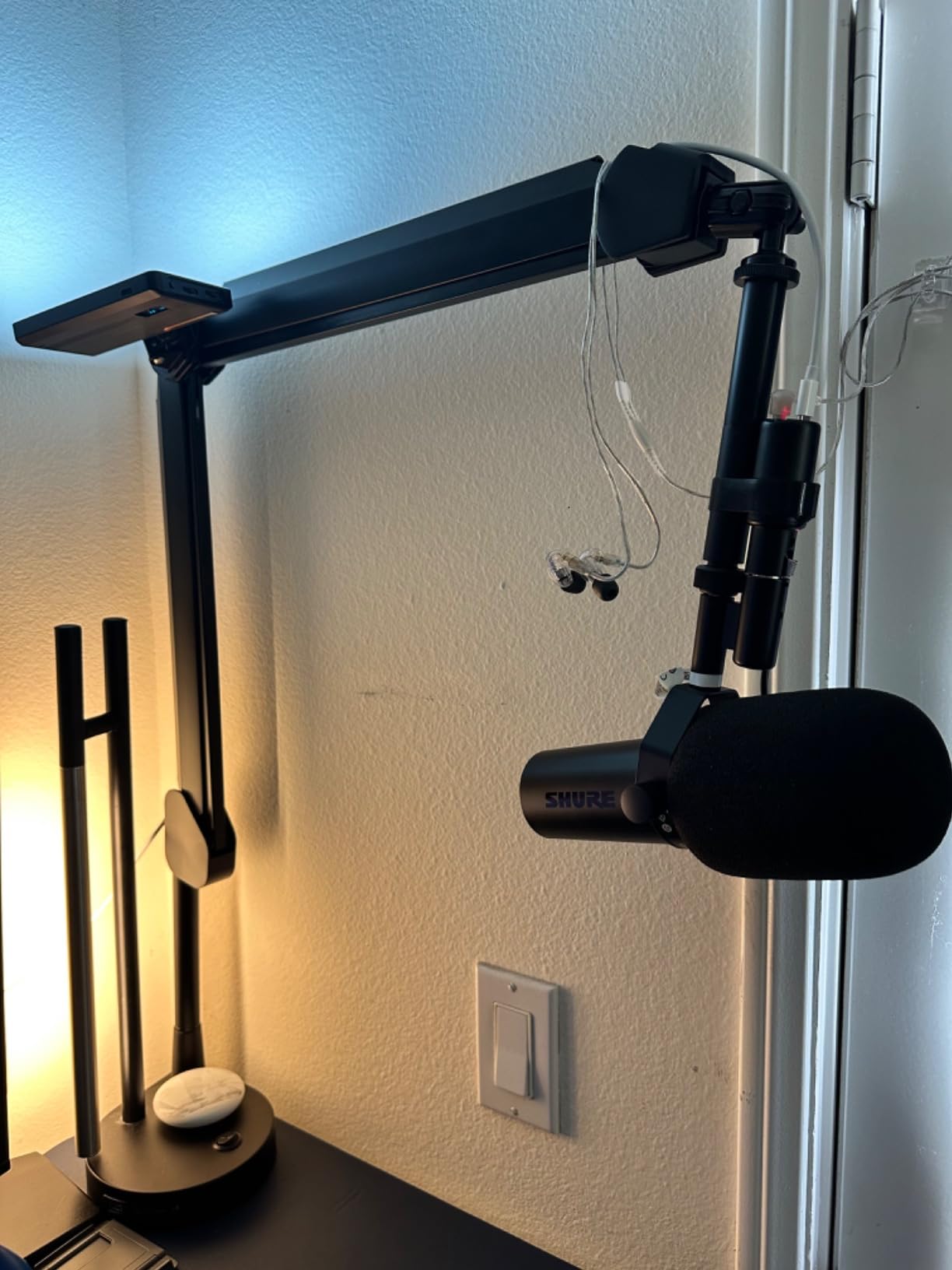
The MVX2U Gen 2 does one thing: it takes an XLR microphone and turns it into a USB microphone. That single purpose is exactly why it works so well on iPad. It is MFi-certified, lists Android, Windows, iOS and macOS as supported operating systems, and needs no drivers.
For podcasters this is the pick. The built-in preamp delivers up to +60 dB of gain and 48V phantom power comes over USB, so a condenser mic needs no power supply and no Cloudlifter-style booster.
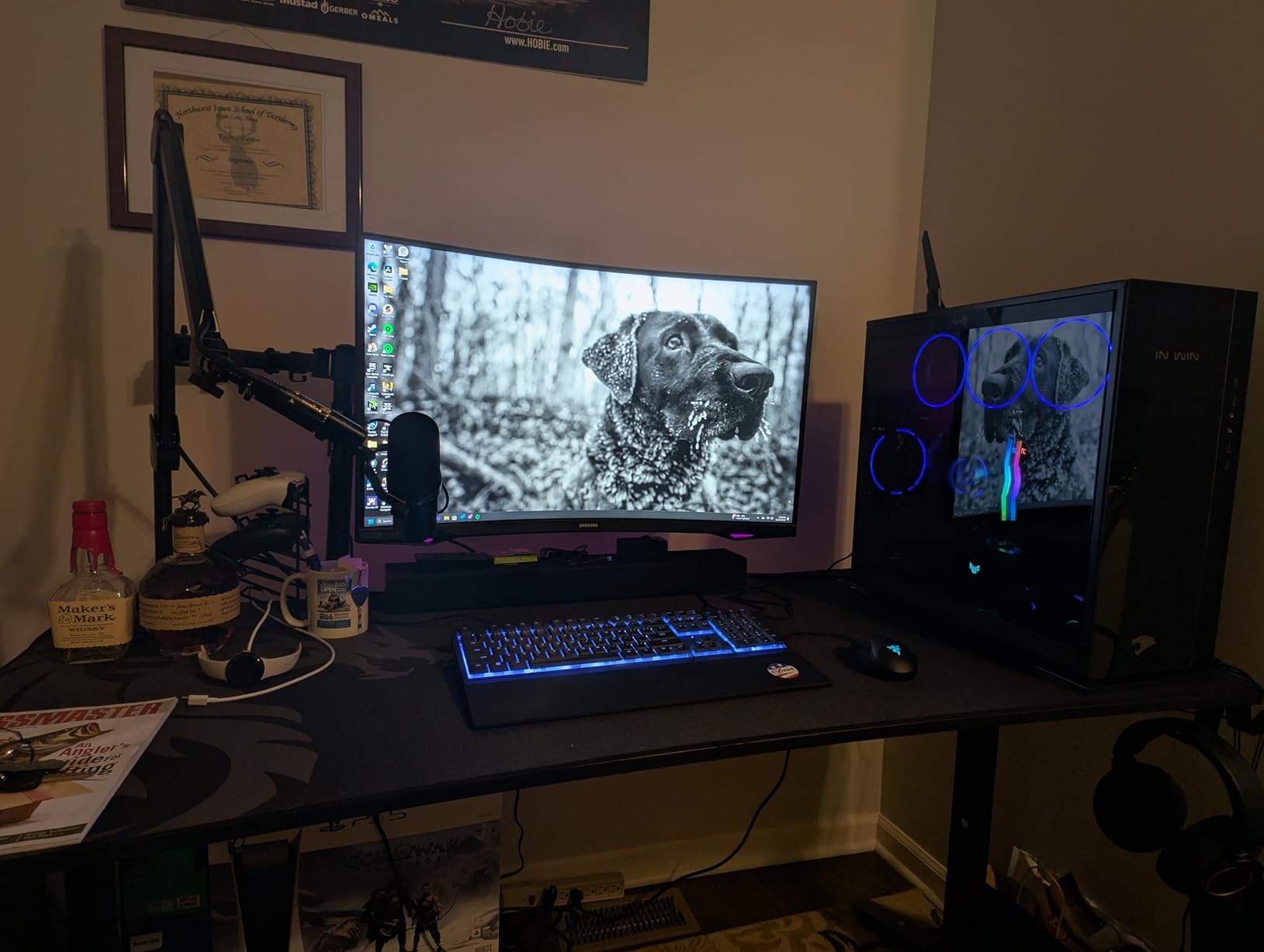
The onboard DSP is what removes a rack of gear. Auto Level Mode adjusts gain in real time, the real-time denoiser and digital pop filter handle a untreated room, and there are Dark, Natural and Bright tone options to shape the result before it even reaches the app.
Zero-latency headphone monitoring and 24-bit/192kHz operation round it out, and at 100 grams it fits on a boom pole or in a pocket. Long-term owners on the Shure MVX2U thread describe it as the interface they stop thinking about because it just works.
Read this before buying for a very quiet dynamic mic
Some reviewers find the maximum gain still short for extremely quiet dynamics such as the RE20. If your mic is known for needing a lot of clean gain, budget for an inline booster or step up to an interface with a noisier-free preamp headroom.
Install the MOTIV app before your first session
Adjusting gain and tone requires MOTIV software, and on a machine without it installed some users find the controls blocked. It also does not support USB Audio Class 2.0 hosts such as PS5 or Xbox, which is irrelevant on iPad but worth knowing.
6. Universal Audio Volt 1: Best for Vintage Preamp Tone on iPad
Universal Audio Volt 1 USB Audio Interface
UA 610 preamp emulation
24-bit/192kHz converters
Two mic preamps plus instrument and MIDI
Pros
- Vintage mode gives the character of UA 610 preamps
- 24-bit/192kHz conversion
- Includes LUNA DAW and UAD plug-ins
- Two mic preamps plus instrument and MIDI in one box
- Works with Mac Windows iPad and iPhone
Cons
- iPad and iPhone use needs the external power supply plus a Camera Adapter
- Bundled software must be installed and licensed first
- Heavier at 544 g for a mobile rig
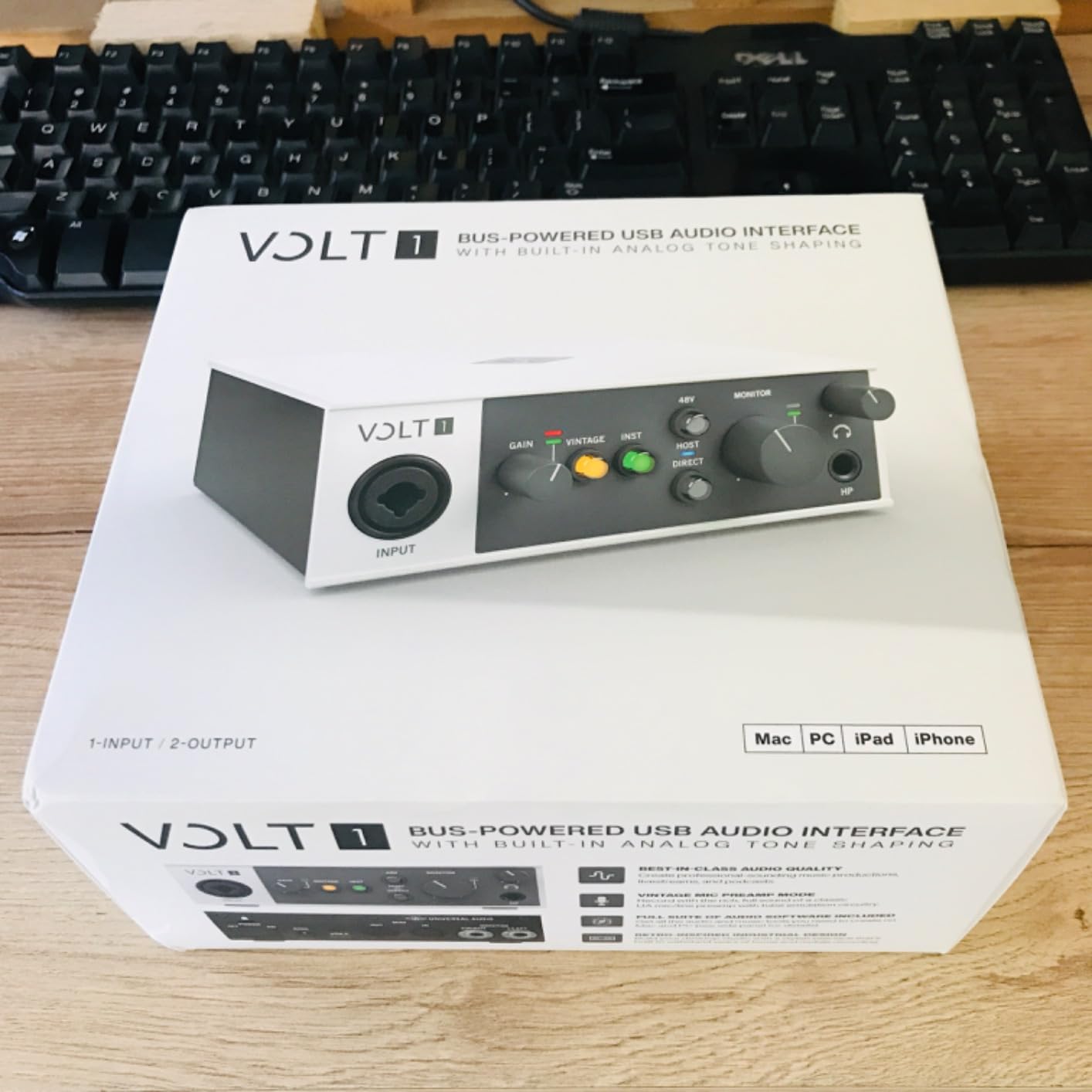
The Volt 1 is here for tone. It runs Universal Audio’s 610 preamp emulation, with a Vintage mode that pushes the signal harder and warmer, and it is the only pick in this guide that ships with a full desktop DAW and the company’s UAD plug-ins.
Under the hood it is a two-mic-preamp box with instrument and MIDI connectivity and 24-bit/192kHz converters. That makes it a fuller unit than the two-input dongles, and the extra preamp is useful for tracking a guitar and a vocal at the same time.
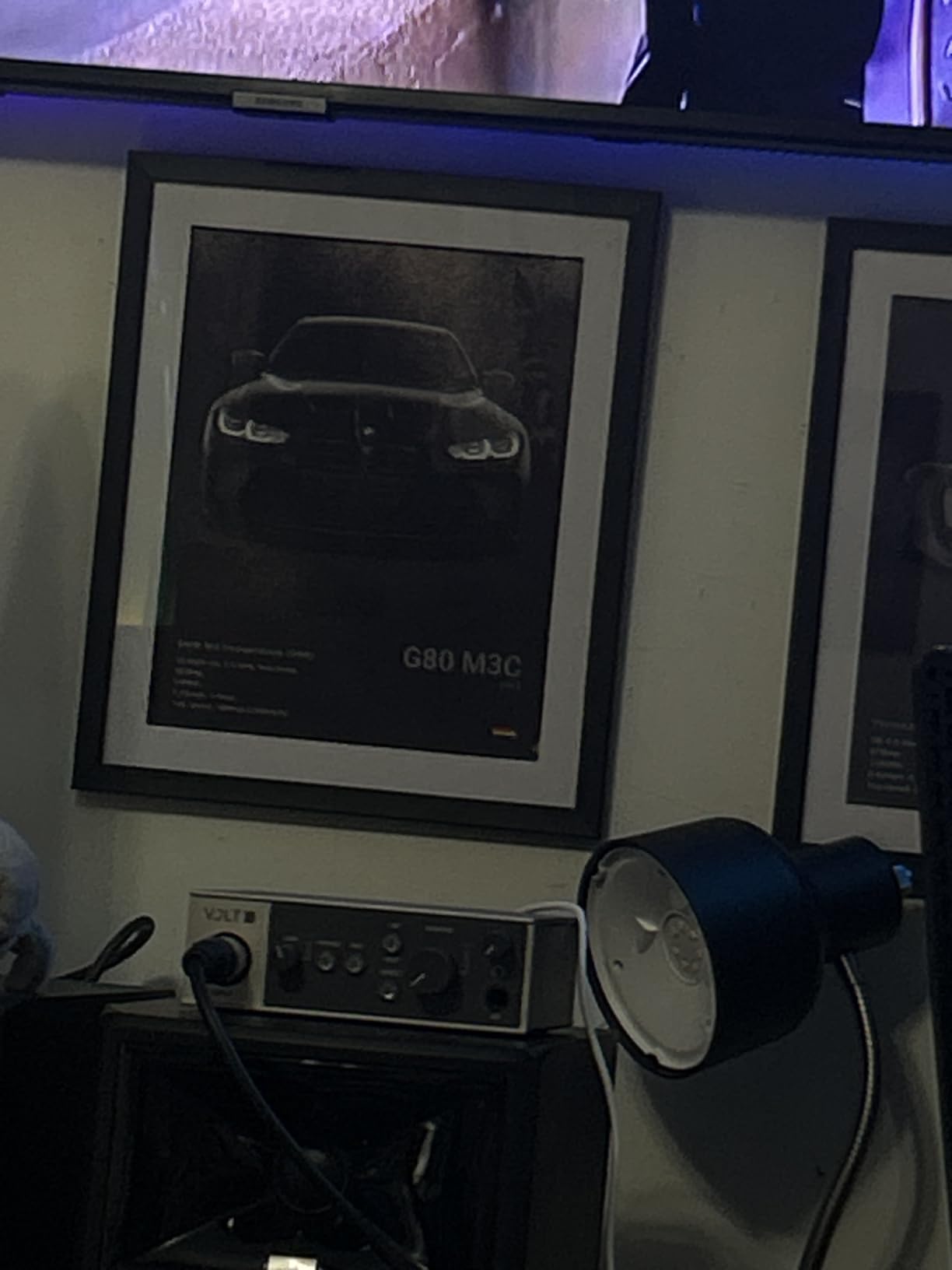
Owners consistently describe it as a step up in sound from barebones interfaces, and the practical appeal on iPad is that you can record a scratch vocal on the tablet and mix it later on a laptop with the same software.
Be aware it is a 544-gram desktop box, not a travel device. It supports iPad and iPhone running iOS 14 or later, but the mobile path needs more planning than the other picks here.
Plan the power and adapter chain carefully
This is the one interface in the roundup that is fiddly on a tablet. Mobile use requires the external Volt power supply and, except on USB-C iPads, an Apple Lightning to USB 3 Camera Adapter. Check which iPad you own before this one.
Budget time for the software setup
LUNA and the UAD plug-ins need installing and licensing on a computer before the creative workflow clicks. If you want to record and never open the software on the go, the extra setup is overhead you do not need.
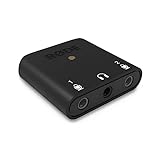
7. Rode AI-Micro: Best Tiny Setup for Mobile Recording
Rode AI-Micro USB Audio Interface,Black
13 g ultra-compact body
Auto-sensing TRS and TRRS inputs
Zero-latency headphone monitoring
Pros
- Only 13 g so it disappears in a bag
- Auto-sensing inputs take virtually any 3.5mm mic
- High-power headphone output for zero-latency monitoring
- USB-A USB-C and Lightning cables all supplied
- Works with the RODE app suite
Cons
- No pass-through charging so a hub or splitter is needed to record and charge
- Direct monitoring is mono
- Noisy when driving monitors instead of headphones
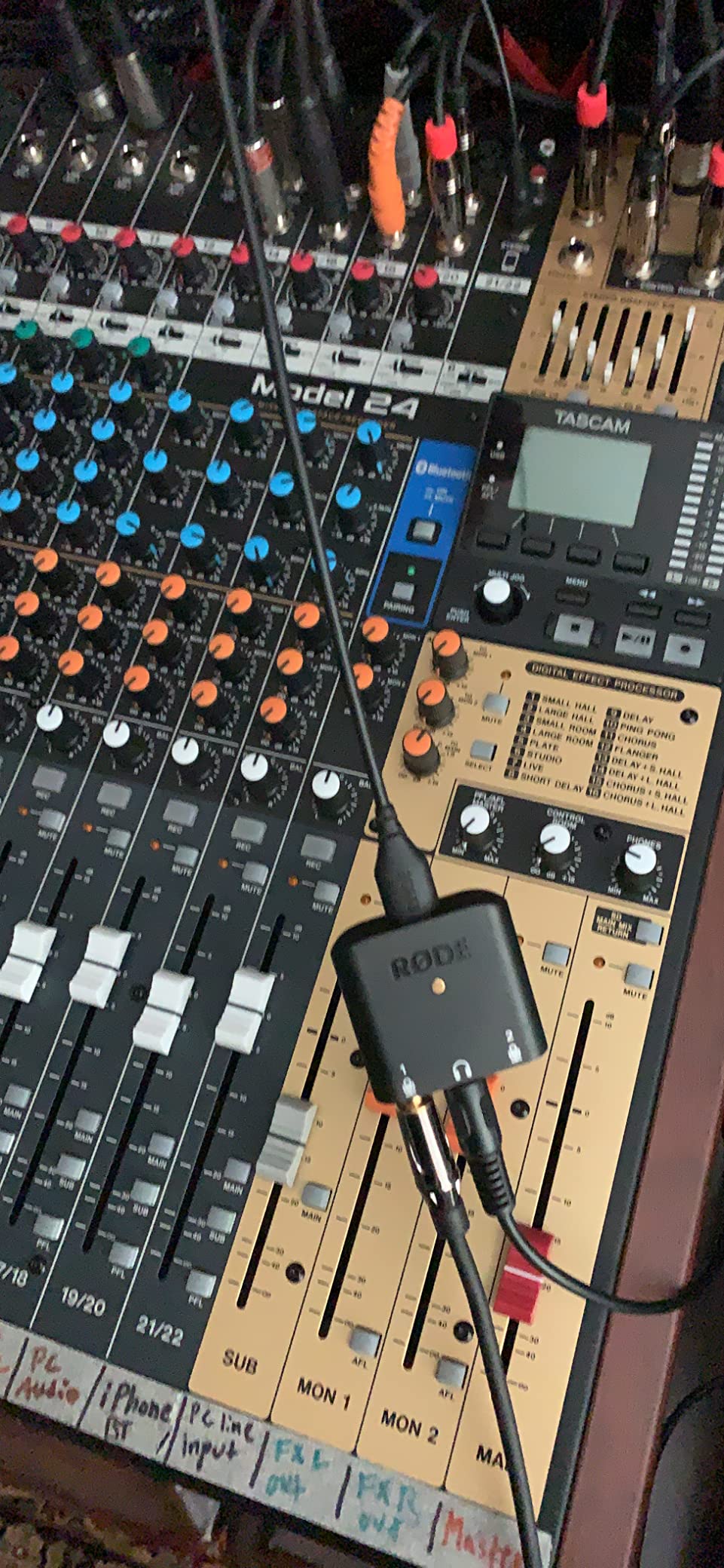
The AI-Micro is the smallest thing in this guide at 13 grams, and it is not a USB audio interface in the traditional sense. It is a dual-channel 3.5mm adapter with a high-power headphone output, aimed at pairing a quality small-diaphragm condenser, lavalier or wireless mic with a phone or tablet.
What makes it useful on iPad is the auto-sensing input. It accepts TRS or TRRS mics without configuration menus, and the three supplied cables cover USB-A, USB-C and Lightning, so a single device works across a tablet, a phone and a laptop.
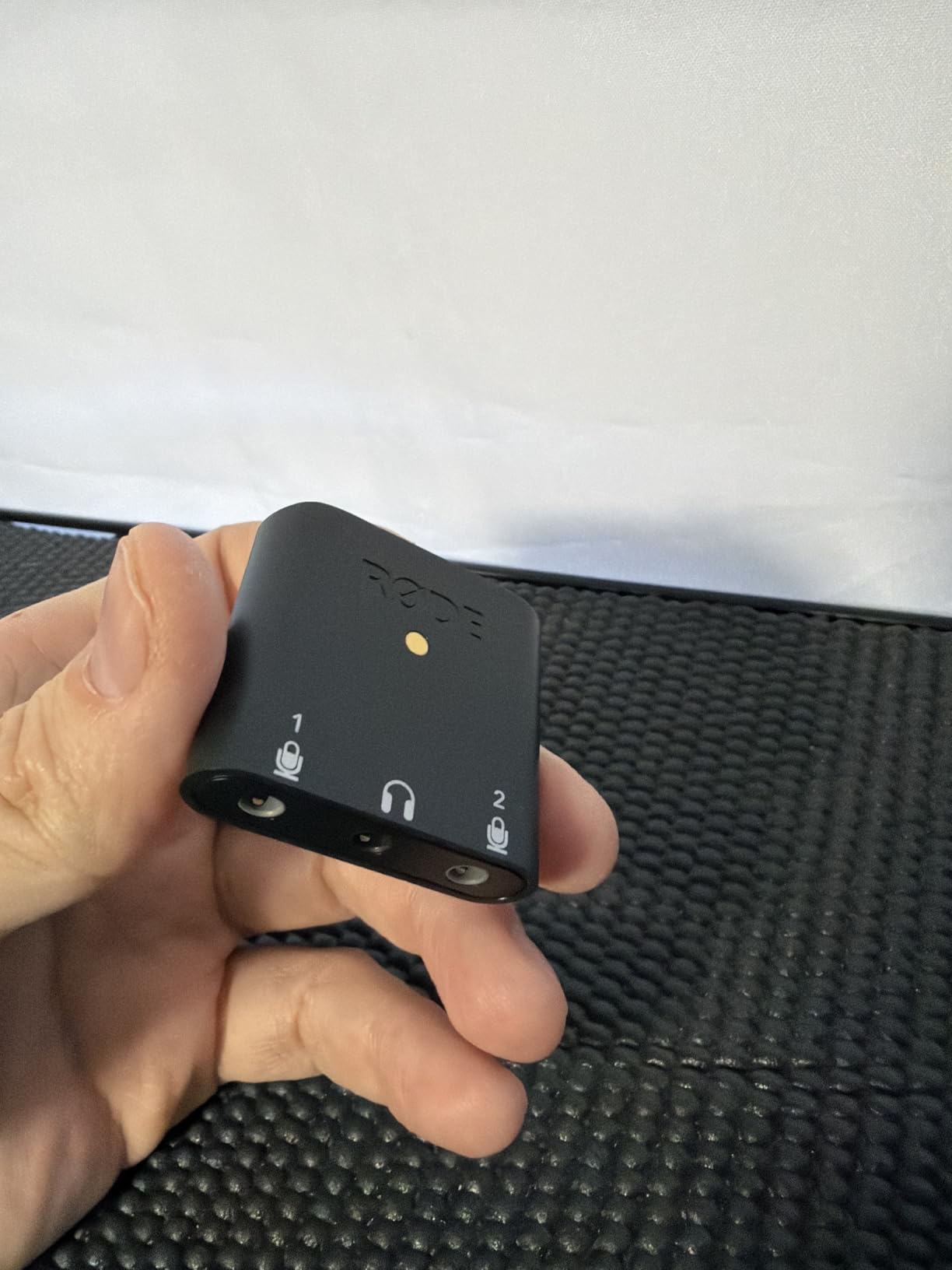
Monitoring is genuinely good for the size, with a high-power headphone output and zero-latency direct monitoring. Reviewers note a low noise floor and roughly 100dB of dynamic range in testing, which is far above what an iPad’s built-in mic delivers.
It also works with the RODE app suite, including RODE Central, Unify and Connect, for configuration and broadcast-quality recording. For voiceover, narration and social video on the go, it is hard to argue with.
Know the one real constraint: charging
There is no pass-through charging, so a long recording session means a splitter or a hub, or a battery pack. That is fine for a one-hour interview and a nuisance for a full day of narration.
Keep the monitors on headphones
Direct monitoring is mono, and the noise floor rises sharply when you plug monitors into the output instead of headphones. Some call apps on iOS also fail to recognise it as a headset, which matters for anyone taking client calls through the tablet.
8. JOYO MOMIX CAB: Budget Pick for Dry Guitar Captures
JOYO Guitar Audio Interface for Phone, Direct Monitoring with 6.35mm Input & 3.5mm Headphone Out, USB-C & Lightning Plug & Play, Portable Pocket Size (MOMIX CAB)
6.35mm guitar input
3.5mm headphone output
Zero-latency direct monitoring
Pros
- Very low cost for a complete mobile capture path
- True zero-latency direct monitoring of the dry signal
- No batteries no charging and no drivers
- Back clip for a pocket belt or guitar strap
- Signal light shows green or red on level
Cons
- Dry signal cannot be muted so amp sims are unusable
- No microphone input
- 48 kHz maximum sample rate
The MOMIX CAB is a twenty-gram clip with a 6.35mm guitar input and a 3.5mm headphone output, and it does the least sophisticated job in this guide. That is exactly its purpose: capturing a clean dry guitar take wherever you happen to be.
Direct monitoring passes the unprocessed signal straight to your headphones at effectively zero latency, with a signal indicator that glows green for a clean level and red when the input is too hot. It needs no batteries, no charging and no driver installation.
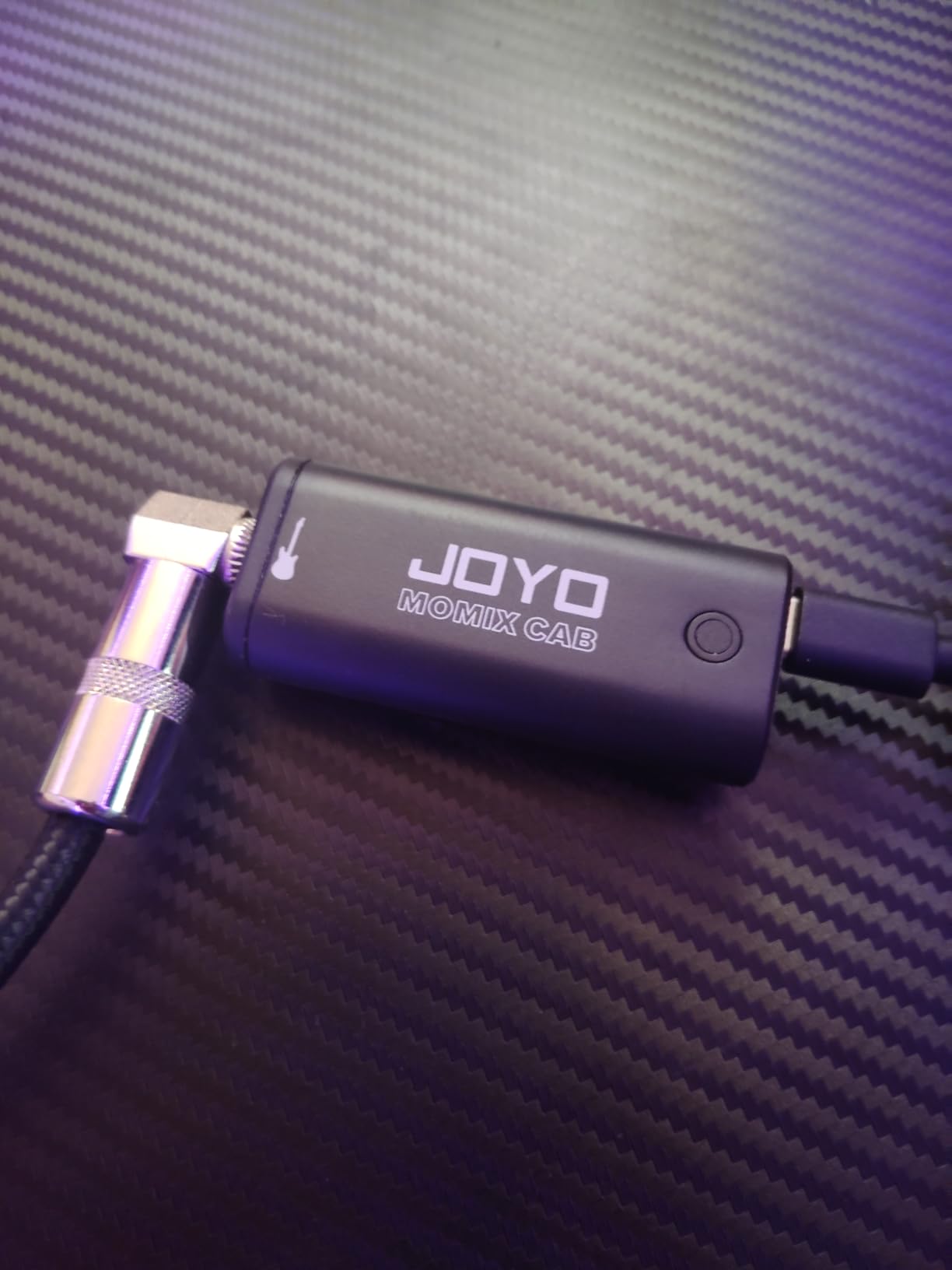
The back clip is a small design decision that matters in practice. It attaches to a pocket, a belt or a guitar strap, so you can record a rehearsal room or a practice space without a stand.
Users treat it as a capture tool for song ideas, dry takes, practice with backing tracks and social video, and reviewers consistently note that it does exactly that much and no more.
Do not expect to use amp simulations
The most reported limitation is that the dry signal cannot be muted, so real-time software amp models and effects are not usable through it. If your plan involves AmpliTube or any tone-shaping effect, choose a different box.
Use the supplied cable
Third-party USB-C cables may not work, and the included USB-C cable and Lightning adapter are part of what makes this device work across devices. The 48 kHz maximum sample rate is also a ceiling you cannot raise.
9. IK Multimedia iRig Pro I/O: Best for Recording MIDI and Mic Together on iPad
IK Multimedia iRig Pro I/O audio interface for iPhone, iPad, Mac, iOS and PC with USB-C, Lightning and USB cables, 24-bit, 96 kHz recording and guitar, bass and XLR mic inputs
XLR and Hi-Z combo input
48V phantom power
MIDI in and out at 24-bit/96kHz
Pros
- XLR input with 48V phantom power for a condenser mic
- Hi-Z instrument input covers guitar and bass in the same unit
- MIDI in and out for controllers and keyboards
- Direct headphone monitoring with no latency
- Lightning USB-C and USB-A cables included
Cons
- 3.5mm headphone jack reported unreliable on some units
- No on-device gain EQ or level indicators
- A compatible AC adapter is not included for long sessions
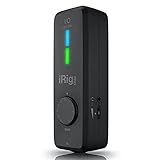
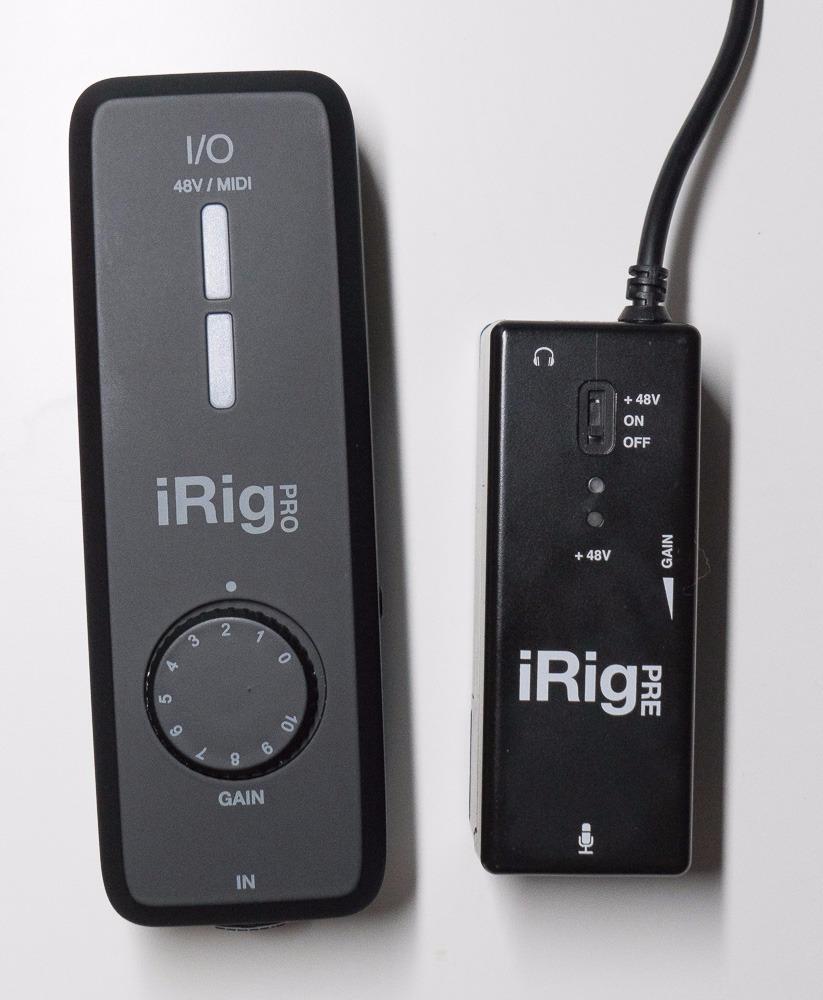
The iRig Pro I/O is the pick that solves a specific problem: getting a microphone, an instrument and a MIDI controller into an iPad at the same time. It has a single XLR/Hi-Z combo input with 48V phantom power, MIDI in and out, and 24-bit/96kHz conversion.
Because the combo jack takes a mic or an instrument through the same socket, you get two usable inputs in a very small footprint. That is unusual at this level and is why it still turns up in long-term mobile rigs.
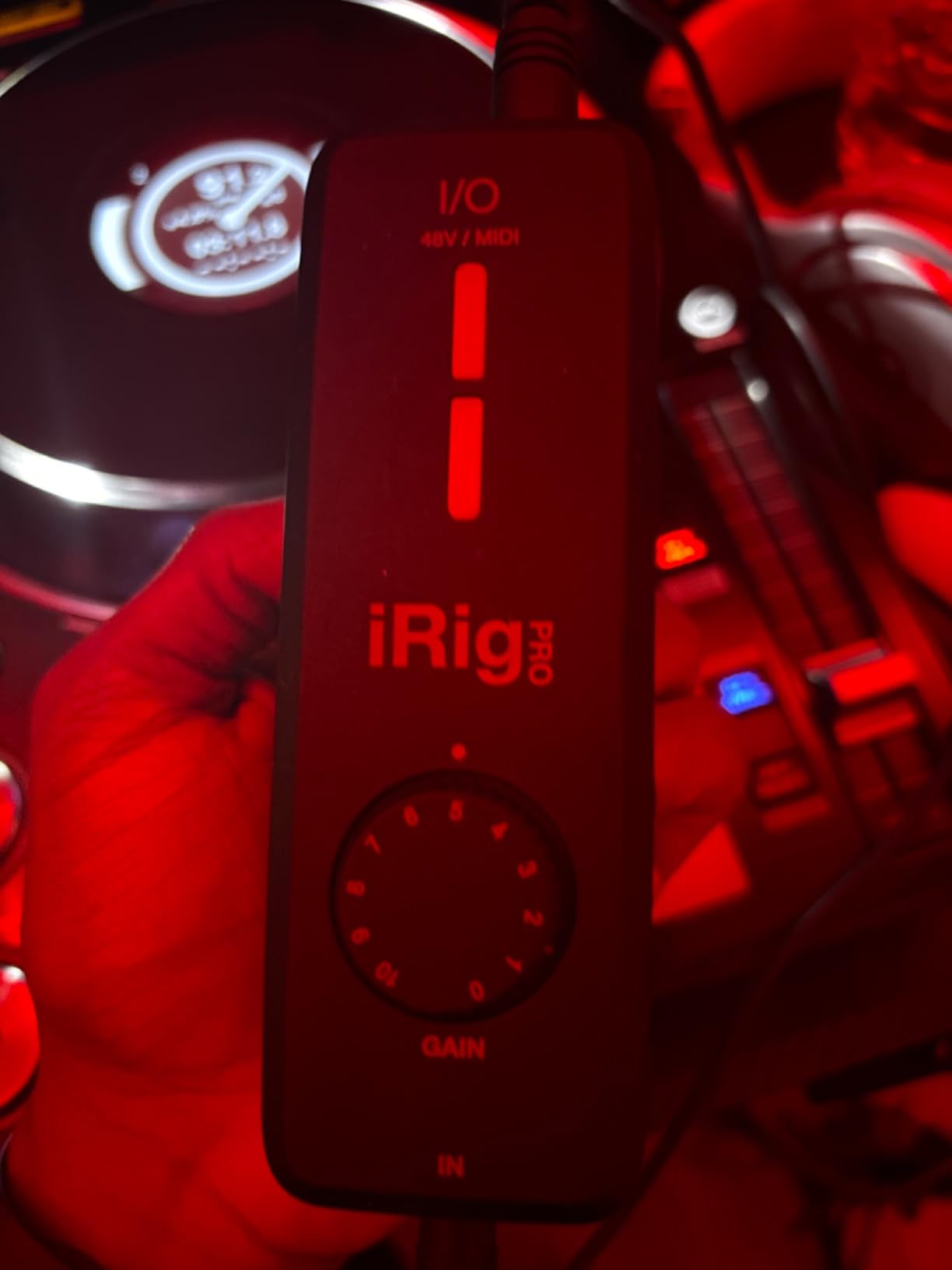
Direct headphone monitoring has no latency or echo, and all three cable types ship in the box, so a Lightning iPad, a USB-C iPad Pro and a laptop are covered from the carton. It is also listed as working with Clubhouse, Instagram and Zoom for quick voice and video capture.
Long-term owners describe units lasting five years or more, recording SM58 vocals, instruments and MIDI into an iPhone, iPad or laptop with clear, studio-like results.
Consider the headphone jack as a weak point
The 3.5mm headphone output is the component owners report failing on some units after extended use. It is the first thing to suspect if monitoring goes crackly, and it is a reason to keep a backup cable in the bag.
Bring your own power for long sessions
A compatible AC adapter is not included and may be needed for continuous use. There are also no on-device gain, EQ or battery indicators, so a tablet-based rig here means checking levels inside the app rather than on the hardware.
10. IK Multimedia iRig Pre HD: Best Single-Mic Box for iPad Voice Work
IK Multimedia iRig Pre HD Class-A XLR mic preamp and audio interface with +48V phantom power, 24-bit, 96 kHz sound quality, switchable direct monitoring, for iPhone, iPad, Android, Mac and PC
Class-A mic preamp
True 48V phantom power
24-bit/96kHz converters
Pros
- Class-A preamp with true 48V phantom power
- 24-bit/96kHz converters for podcast and broadcast work
- Switchable direct monitoring with no latency
- Only 6.88 ounces so it is genuinely portable
- Handles demanding mics such as an SM7B with minimal hiss
Cons
- 3.5mm monitoring output can be noisy on some Android devices
- Connection point and included cables wear with use
- Battery compartment adds bulk
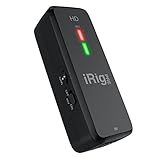
The iRig Pre HD does one job: a Class-A microphone preamp with true 48V phantom power, 24-bit/96kHz converters and switchable direct monitoring, feeding an iPhone, iPad, Android phone, Mac or PC. It weighs 6.88 ounces.
True phantom power is the detail worth checking. That means an XLR condenser mic runs straight from the tablet with no external supply, and users report it handles demanding dynamics such as an SM7B with minimal hiss at a modest price.
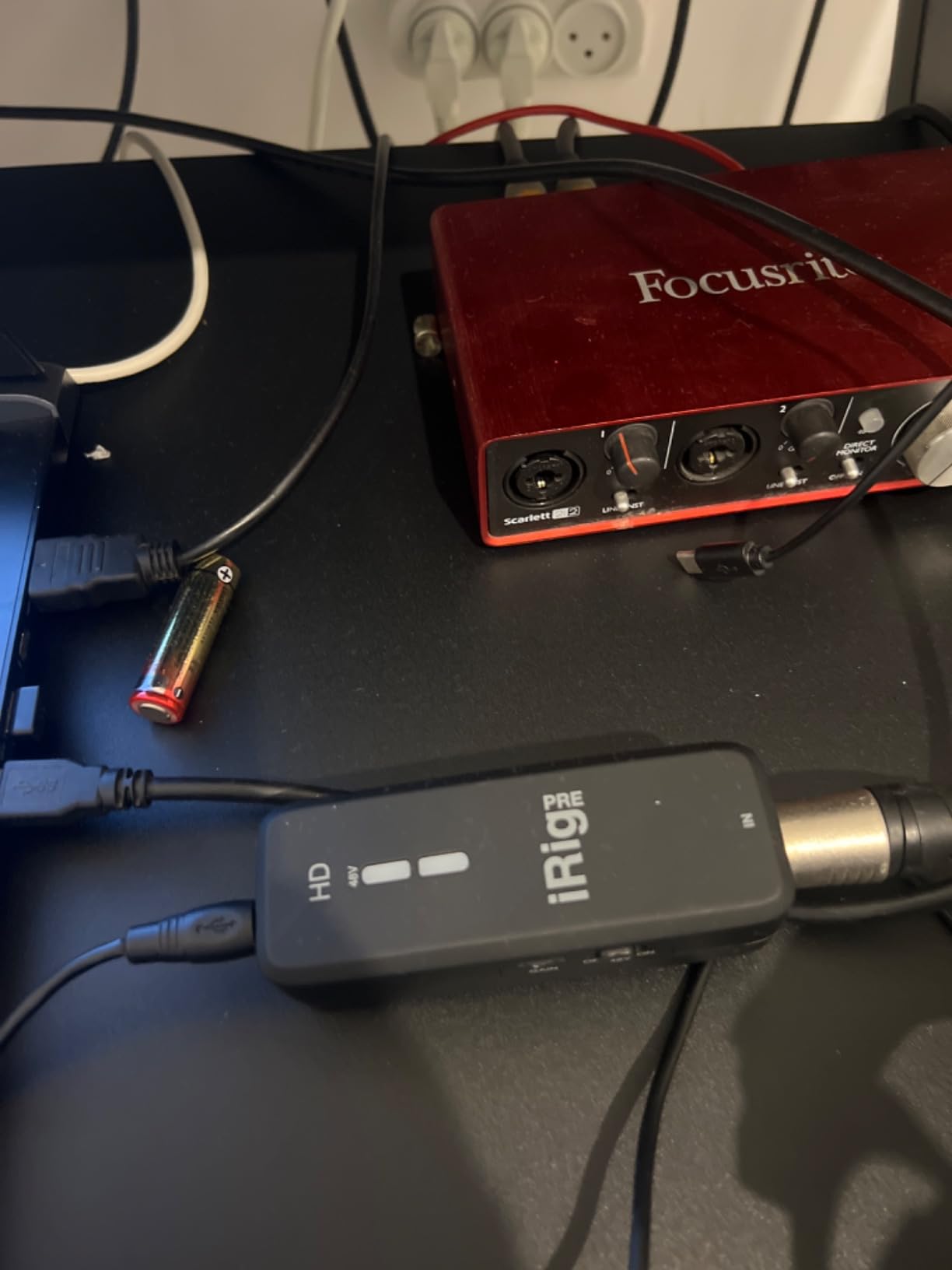
The included kit is unusually complete for a box this size: the preamp, Lightning, USB-A and USB-C cables, two AA batteries and a velcro mounting strip. The batteries give phantom power a fallback option on a tablet that cannot supply enough current.
It is widely recommended for portable XLR capture on phones and tablets, and it works with Clubhouse, Instagram and Zoom, which is how a lot of owners first encounter it.
Expect iOS to behave better than Android
The 3.5mm headphone monitoring output can be noisy and distorted on some Android devices, while iOS performs better. For a tablet-first rig this is close to a non-issue, but it matters if you plan to share the box.
Handle the connection with care
The connection point and included cables are vulnerable to misalignment and wear, and some owners have needed frequent unplugging to reset the unit. Treat the cable as the part to replace first, and stock a spare.
iPad Compatibility: USB-C, Lightning and What You Actually Need
Any USB-C iPad connects directly with a USB-C to USB-C cable. That covers iPad Pro models from 2018 onward, iPad Air 4 and later, and the 10th generation iPad, all of which ship with the modern USB-C port that also charges the tablet.
Older Lightning iPads need Apple’s Lightning to USB 3 Camera Adapter, and this is the single most common reason a new interface seems not to work. A basic Lightning to USB-C adapter will not carry USB data properly, which is exactly why forum users on r/ipadmusic recommend the Camera Adapter specifically rather than a charging adapter.
Two more connection details trip people up. Interfaces shipped with a USB-A to USB-C cable, like the Scarlett Solo 4th Gen, may need a USB-C to USB-C cable for the cleanest path on a USB-C iPad. And if the interface also needs charging while you record, you need a splitter or hub, because the AI-Micro among others has no pass-through charging.
USB-C-native picks in this guide that need no adapter on a modern iPad: the Focusrite Scarlett Solo 4th Gen, MOTU M2, MOTU M4, Shure MVX2U Gen 2, Rode AI-Micro, JOYO MOMIX CAB and the IK iRig Pro I/O. The IK iRig HD 2 and the IK iRig Pre HD both include a Lightning cable in the box, so older iPads are covered without an extra purchase. The Universal Audio Volt 1 is the exception that needs the most planning, since mobile use requires its external power supply and a Camera Adapter on non-USB-C iPads.
Power on iPad: Bus Power, Powered Hubs and Battery Drain
Most of the interfaces in this guide are bus-powered, meaning they draw everything from the tablet’s own port. That is what makes a one-cable iPad rig possible, and for a single-input or two-input interface it is usually fine.
The problem shows up with heavier multi-preamp boxes. iPads can cut power or show a warning mid-session when a bus-powered interface asks for more current than the port wants to give, and the session ends with a recording you cannot use. This is the most repeated complaint pattern in iPad recording forums, and it is the reason powered hubs come up so often in advice threads.
Our rule of thumb is simple. Single input dongles and the smaller two-channel boxes are fine on bus power for a normal session. If you are running two or more preamps, phantom power on several channels, or a long recording day, put a powered USB hub between the iPad and the interface. Users on the Loopy Pro forum report the same pattern with the Apogee Duet, which needs a USB-C hub alongside its supplied cable.
Monitor your battery during long sessions regardless. Screen brightness, the recording app and the interface together draw meaningfully more than idle screen time, so a tablet that normally lasts all day on screen will not do that while capturing two channels of audio with the display open.
Inputs, Phantom Power and Gain Staging
Match the input to the source. Hi-Z instrument inputs are for guitar and bass pickups, line inputs are for mixers and stereo sources, and XLR mic inputs with 48V phantom power are for microphones. A mic plugged into a line input sounds wrong and a guitar plugged into a mic input sounds wrong too, so check what each jack expects.
Count the inputs against the session, not against the spec sheet. One input covers a solo vocal or a single guitar. Two inputs cover a singer and a guitarist tracked together, a podcast host and guest, or a stereo pair. Four inputs is where drums, duets and small bands start to fit. Among the ten picks here, two have one real input, seven have two, and one has four.
Phantom power is not universal, and that trips people up when pairing a large-diaphragm condenser such as an SM7B with a dynamic-source interface. The Shure MVX2U Gen 2, the IK iRig Pro I/O, the IK iRig Pre HD and the Universal Audio Volt 1 all supply phantom power. The Rode AI-Micro and the JOYO MOMIX CAB do not accept microphones at all, and the iRig HD 2 is instrument-level only.
Gain staging on iPad is harder than on a desktop because you often cannot see a hardware meter. Interfaces with Auto Gain and Clip Safe, like the Scarlett Solo 4th Gen, and onboard DSP with Auto Level, like the Shure MVX2U Gen 2, take that guesswork out of the equation. For anything without help, record a short test and check the waveform before committing to a long take. Our guides to interfaces for guitar and USB interfaces for beginners cover gain staging in more detail.
Latency and Direct Monitoring on iPad
Latency is the round trip from input, through the app, back to your headphones. On a tablet that round trip is long enough to make live guitar tracking feel detached, and the fix is not a faster iPad. It is a direct monitoring path that bypasses the app.
Hardware monitoring routes the input signal straight from the interface to the headphone output. The MOTU M2 and MOTU M4 do this, the Shure MVX2U Gen 2 offers zero-latency headphone monitoring, the JOYO MOMIX CAB passes the unprocessed guitar straight through, and the IK iRig Pro I/O and the IK iRig Pre HD both have switchable direct monitoring. The Rode AI-Micro also monitors at zero latency through its high-power headphone output.
Lower your buffer size in the app for tracking and raise it for mixing. A small buffer feels responsive and eats CPU, a larger buffer is stable and adds delay. If your iPad struggles at the smallest settings, that is a reason to close background apps rather than to change interfaces, and our recording-focused interface guide covers buffer and gain trade-offs in depth.
App Compatibility: GarageBand, Logic Pro for iPad, Cubasis and More
Every class-compliant interface in this guide appears as an input in the iPad apps that matter. GarageBand and Logic Pro for iPad see them as standard audio inputs, and Cubasis and Wavebox treat them the same way. BandLab works for the songwriters who want a collaborative session without a full DAW, and AmpliTube covers amp-modelling practice, though it is most useful with an interface that has a real instrument input.
One app deserves its own note. WaveBox can capture system audio, and users on the Steinberg Forums report recording system audio with a desktop interface inside Cubasis on an iPad Pro and finding it works well. That is a genuine reason to buy a multi-channel interface such as the MOTU M4 even for a single-mic workflow, because loopback and multi-channel capture are hard to add later.
Two limits to keep in mind. A few iPad call apps such as Discord do not recognise the Rode AI-Micro as a headset, so check that before committing if you take calls through the tablet. And the Universal Audio Volt 1 bundles LUNA for Mac and Windows, so the iPad is a capture device for that rig rather than a full workstation.
Loopback and Podcast Recording on iPad
Loopback sends your playback audio back into the recording. That is what makes it possible to capture a podcast, an interview or a livestream mix on the tablet itself, with music or a video reference underneath, in one pass.
Among these picks, the MOTU M4 has loopback built in and is the natural choice for anyone recording shows on an iPad. The MOTU M2 covers a single-host show with two inputs, and the Shure MVX2U Gen 2 is the better option when the mic quality matters more than the routing, because its onboard denoiser and pop filter handle a room that has not been treated.
For a one-mic podcast, the iRig Pro I/O or the iRig Pre HD with an XLR mic into GarageBand is enough. Add the second channel and you can bring in a guest without changing the rig.
How to Choose an Audio Interface for iPad Recording in 5 Steps
Start with the port. USB-C iPads take a USB-C cable; Lightning iPads need the Apple Lightning to USB 3 Camera Adapter, and buying the wrong adapter is the most common wasted purchase in this category.
Then check the power path. Single-input dongles and most two-channel boxes run happily on bus power. Anything with several preamps, or a long recording day, is safer behind a powered USB hub.
Next, count inputs against the real session. Solo vocal or one guitar needs one. A duet or a host and guest needs two. Drums and small bands need four, which in this guide means the MOTU M4.
Then confirm the inputs you need exist. XLR with phantom power for a condenser mic, Hi-Z for a guitar, and MIDI DIN if a controller or hardware synth is in the plan. Not every interface has all three, and a bare 3.5mm dongle has none of them.
Finally, check monitoring. Hardware direct monitoring is what makes tracking possible rather than merely tolerable, and the classes differ widely: a headphone jack with no direct path is fine for podcasting and painful for guitar.
Common Mistakes That Break iPad Recording Rigs
Buying a desktop-only interface. If the product page does not mention iOS or iPadOS, or the manufacturer only ships a Windows and macOS driver, the interface will not enumerate on the tablet. Every pick in this guide is driver-free on iPadOS.
Using a charging adapter instead of a Camera Adapter. A Lightning to USB-C charging cable carries power and no data. The Apple Lightning to USB 3 Camera Adapter is the one that works, and it is the subject of a long-running thread on r/ipadmusic.
Assuming every interface has phantom power. Several of the smaller boxes here have no microphone input at all, and the ones that do have XLR vary on whether they supply 48V. Check before buying a condenser mic.
Running a multi-preamp interface on bus power with no hub. This is how a two-hour session ends at ninety minutes with a corrupt file. If the interface draws hard, put a powered hub in the chain.
Confusing a 3.5mm TRRS dongle with an audio interface. A dongle that takes a headset mic is not the same as a box that takes an XLR condenser or a guitar at instrument level. Know which one you are actually holding.
Frequently Asked Questions
Can I use an audio interface with an iPad?
Yes, as long as the interface is class-compliant, meaning it uses a standard USB audio class that iPadOS recognises without drivers. Connect it with a USB-C to USB-C cable on a USB-C iPad, or through an Apple Lightning to USB 3 Camera Adapter on older Lightning iPads, then choose the interface as the input inside your recording app.
Is there a USB-C audio interface for iPads?
Nearly all of them. The Focusrite Scarlett Solo 4th Gen, MOTU M2, MOTU M4, Shure MVX2U Gen 2, Rode AI-Micro, JOYO MOMIX CAB and IK iRig Pro I/O all connect to a modern USB-C iPad with a single USB-C cable and no adapter. The Universal Audio Volt 1 also works but needs its external power supply.
Do I need a powered USB hub for my iPad audio interface?
Usually not for a single-input dongle or a small two-channel box on a normal session. If you are running two or more preamps, phantom power on several channels, or recording for hours, a powered USB hub between the iPad and the interface prevents the tablet from cutting power or warning mid-session.
How many inputs do I need to record on an iPad?
One input covers a solo vocal or a single guitar. Two inputs let you track a singer and a guitarist together, or record a podcast host and a guest at the same time. Four inputs is where drums, duets and small bands start to fit, and among the picks in this guide the MOTU M4 is the four-channel option.
What is the best audio recording software for iPad?
GarageBand is free and the fastest start, Logic Pro for iPad is the full workstation, and Cubasis and Wavebox cover multitrack and loopback work. BandLab suits collaborative songwriting, and AmpliTube handles guitar practice with amp models. All of them read a class-compliant interface as a standard input, so the software choice does not restrict your hardware.
Conclusion: Which Audio Interface Should You Buy for iPad Recording?
For most people, the Focusrite Scarlett Solo 4th Gen is the answer to which of the best audio interfaces for iPad recording to buy. It is the most reviewed, it has the cleanest signal path of anything near this tier, and its single input is not a real limitation for a solo songwriter.
If guitar is the whole project, the IK Multimedia iRig HD 2 costs less and does the job, with cables for every device in the box. The moment you need two people at once, the MOTU M2 is the smallest honest upgrade, and when you need loopback and MIDI, the MOTU M4 is the one to buy.
For podcasting, the Shure MVX2U Gen 2 turns any XLR mic you already own into a USB mic with phantom power and onboard denoising. For a rig that must be tiny, the Rode AI-Micro is almost weightless, and the JOYO MOMIX CAB is the cheapest way to capture a dry guitar idea without a laptop in sight.
Whatever you choose, check the port, confirm the input count matches your actual session, and decide whether you need a powered hub before you order. Those three decisions account for nearly every iPad recording problem we ran into while putting this list together.